Rollen voor teams
Een goed gestructureerde werkruimte begint met duidelijk gedefinieerde rollen. Met rollen voor teams kun je bepalen wat elke persoon binnen een specifieke teamwerkruimte kan doen. Dit zorgt ervoor dat teamleden op een georganiseerde, veilige en efficiënte manier kunnen samenwerken.
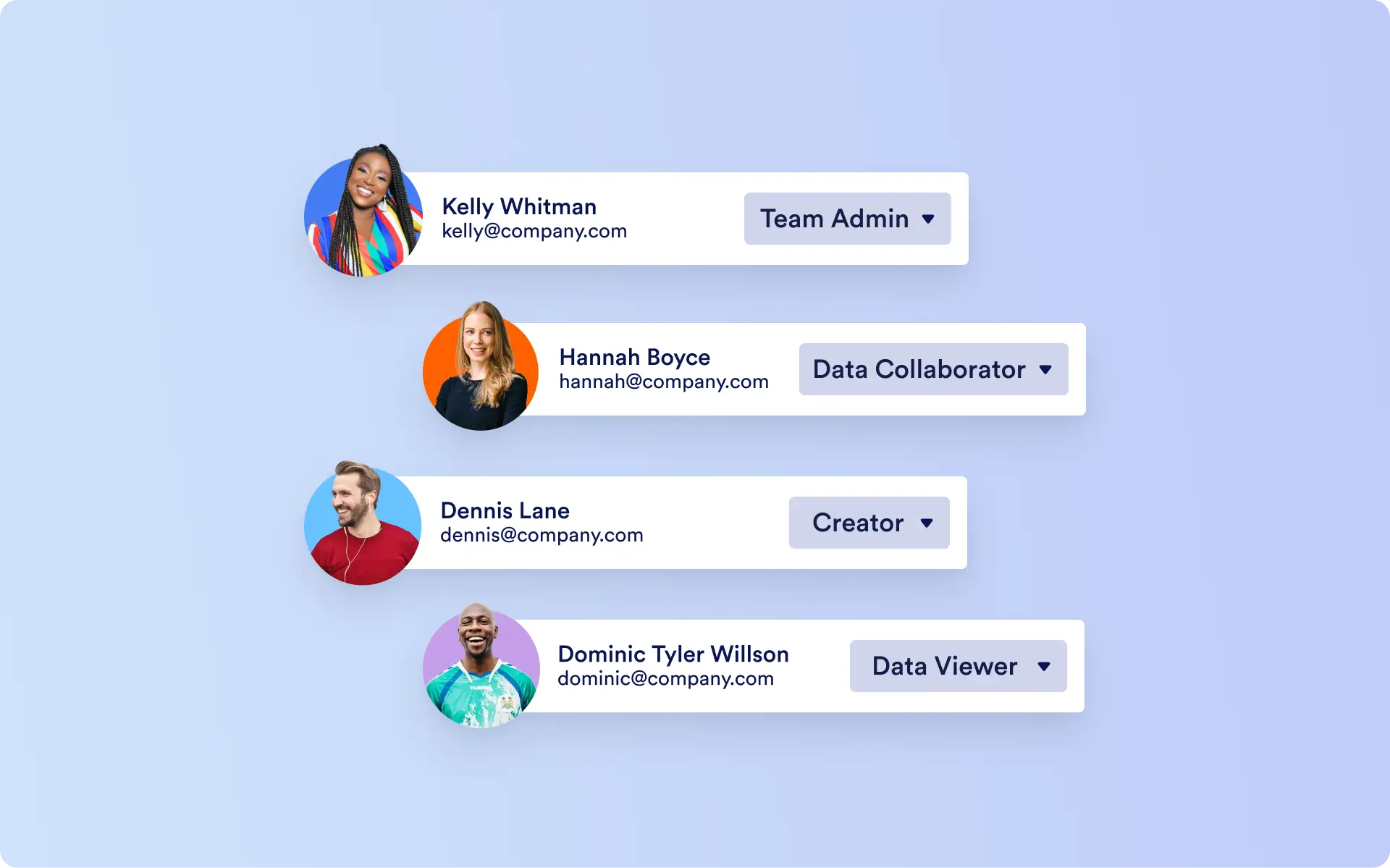
Empower teams to collaborate without chaos
Team roles only apply to the workspace a person belongs to. This means one user can be an Admin in one team, a Creator in another, and a Viewer in a third—giving organizations flexible control without restricting cross-team collaboration.
Teambeheerder
Team Admins hold the highest level of control within a team. They can:
- Manage team members and assign roles
- Configure team settings
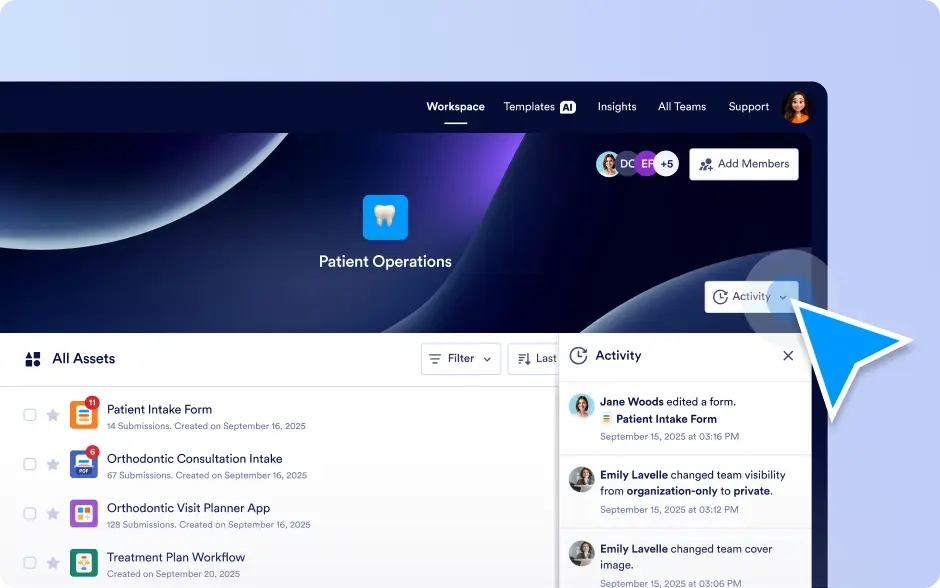
- Oversee and manage all assets
- Control every operational aspect of the workspace
They ensure that the team runs smoothly, securely, and efficiently.
Ontwerper
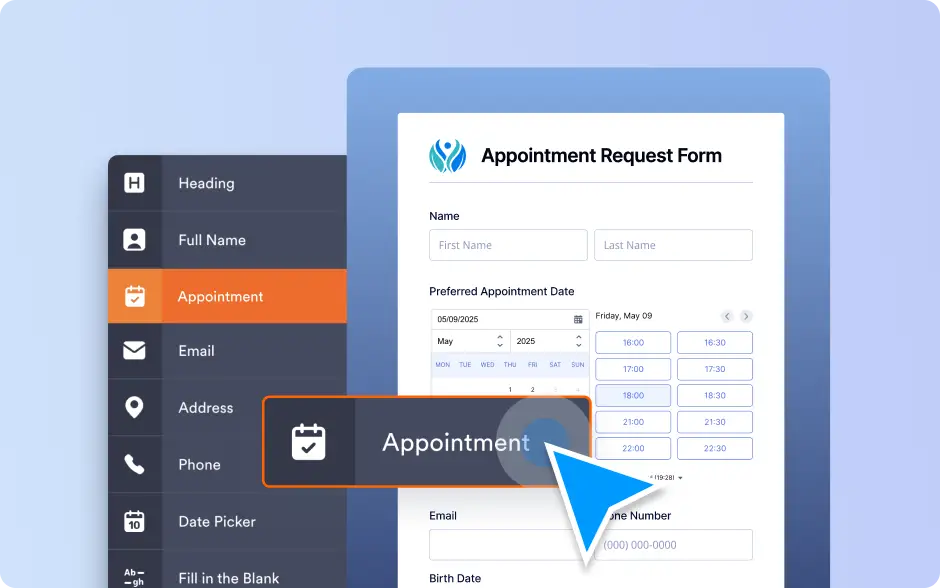
Creators manage the organization and composition of the team’s assets. They can:
- Create new assets
- Edit existing assets
Organize and maintain the structure of content
They bring order and coherence to the team’s content, without managing members or settings.
Data-collaborator
Data Collaborators focus on the data layer inside team assets. They can:
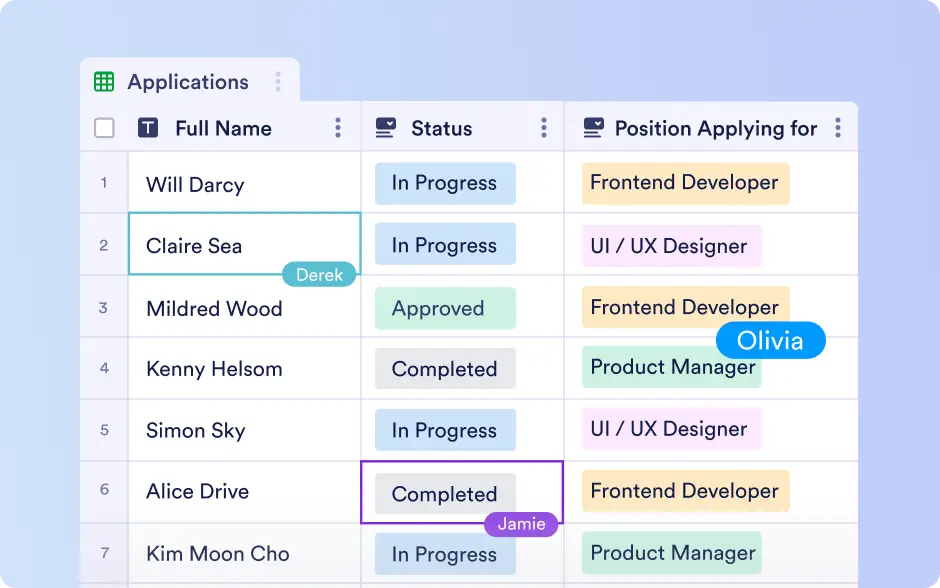
- View, add, and edit data
- Comment on information
Collaborate directly within data-rich content
They cannot modify asset structures or manage settings, keeping their work safely limited to the data itself.
Gegevensviewer
Data Viewers have read-only access across the workspace. They can:
- View assets
- View all associated data
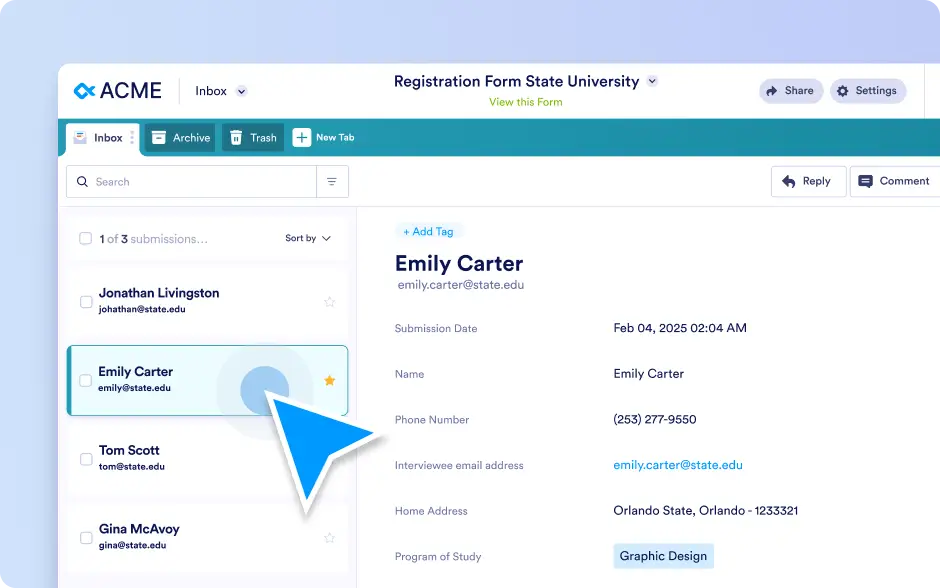
They cannot edit, restructure, or change configurations, ensuring clean and secure access to information.