Track the IP addresses of form users from the form submissions page. You can also add an IP address field to notification emails and generate IP address reports automatically.
Access IP addresses
See where your form submissions are coming from by keeping a record of the IP addresses of your form users.
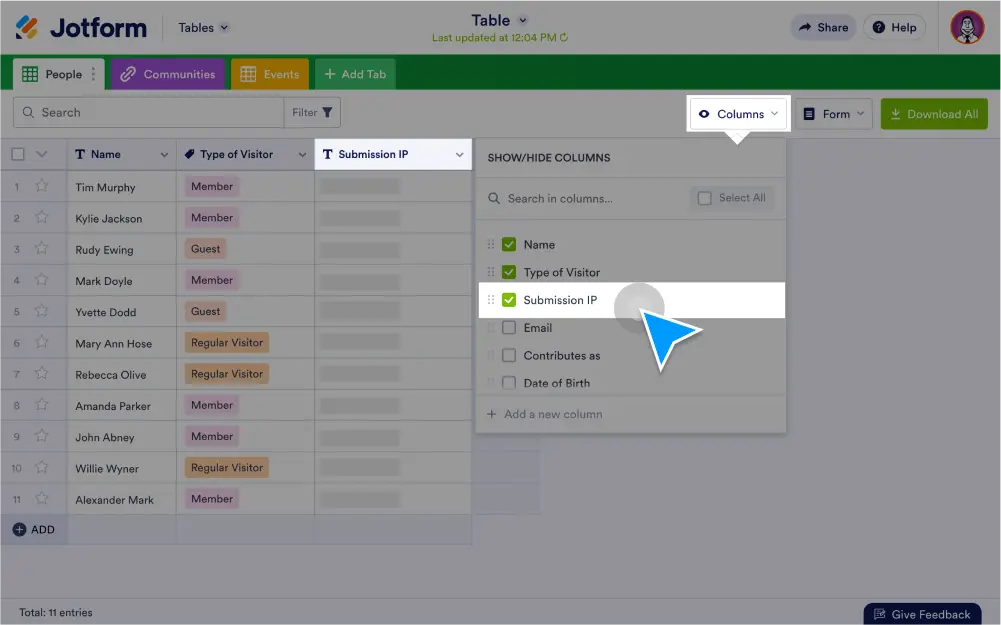
View IP addresses in Jotform Tables
Enable the IP address column on your form submissions page to see the origin IP address for every form submission.
Add IP addresses to notification emails
Include an IP address field on your notification emails, so you can instantly see IP addresses for every new submission you receive.
Generate IP address reports
Create detailed reports of submission IP addresses in a grid, HTML table listing, CSV, or Excel file.