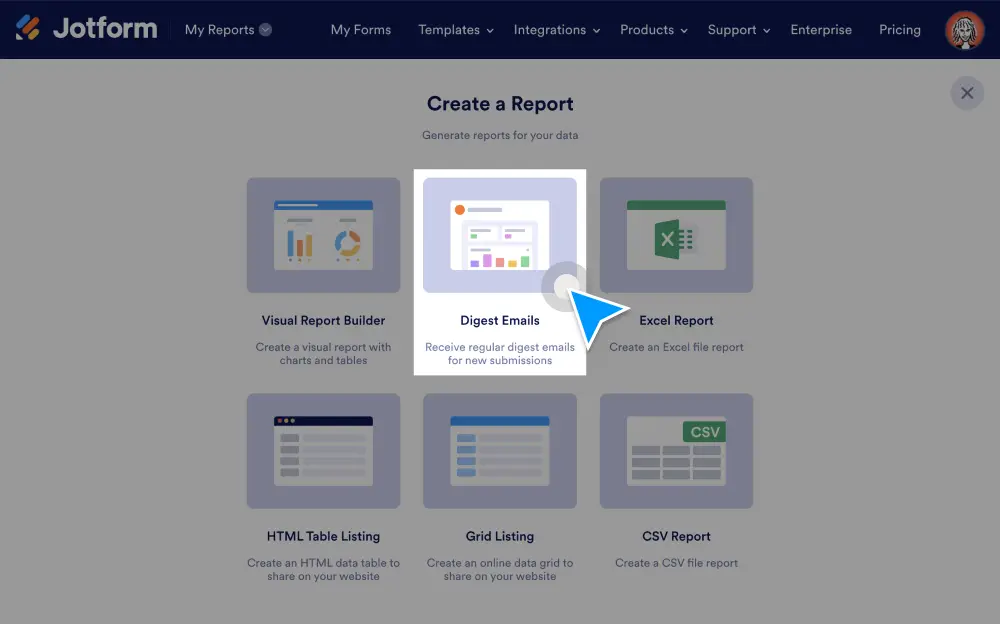
Cut down on form submission emails without losing insight into your form data! With our new Digest Emails feature, you can build custom recurring emails that fit perfectly into your workflow and give you helpful data about recent submissions. Choose the submission information you want to display, including charts and specific form field details.
Easily follow up on form submissions
There are three ways you can build and customize a digest email in Jotform. Access the digest emails feature via your My Forms homepage, the My Reports homepage, or the Form Builder.
Customize email settings
Change your email subject line and add recipients. You can edit this information at any time.
Schedule emails for preferred dates and times
You can set your emails to go out daily, weekly, or monthly, depending on how often you want to view submissions. Plus, schedule the exact date and time you want to receive emails!
Tailor your email content
Each digest email has a default layout that you can adjust to your needs. You can include the number of submissions, a chart displaying the answers to selected fields, submission details about those fields, and more.
Get an overview of submissions
Your digest email can display the number of new submissions in the previous period, as well as the total number of submissions the form has received since it was published.
Create custom charts for selected fields
Generate a maximum of three charts for your digest using any of the following form field types: single choice, multiple choice, dropdown, and yes/no questions.
Get submission details
View answers to selected questions during the previous submission period. You can display data for a maximum of five form fields, and you can always adjust which ones you want details on.