Online Forms with Signature
Turn any online form into a secure, signable document and collect electronic signatures in minutes with Jotform Sign.
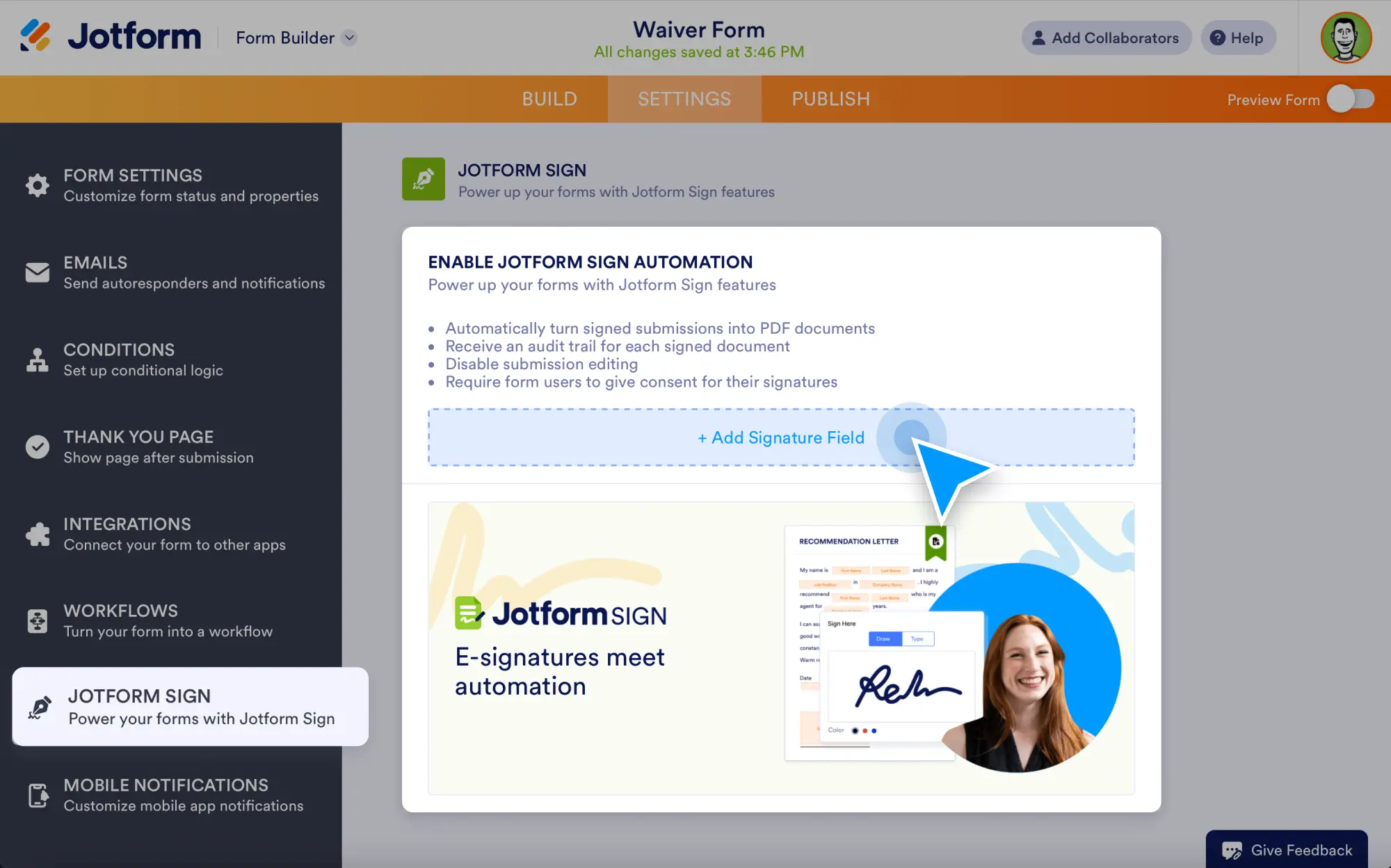
Build a form with Jotform’s drag-and-drop builder, add a signature field, and send it out to be signed from any device.
Easily Create Online Forms with Signature
Make every form a ready-to-sign document and move work forward faster.
Create signature forms with no coding
Add an e-signature field to any form and collect signatures from clients, employees, students, or customers. Customize signer roles, required fields, and signing order in a few clicks.
Build professional documents from form data
Turn form responses into polished contracts, waivers, applications, or consent forms. Utilize smart fields to automatically populate names, dates, addresses, and more.
Send signature requests instantly
Automatically email documents for signing as soon as a form is submitted or send them manually whenever you’re ready. Keep signers on track with reminders and real-time status updates.
Track and Manage Your Signature Forms
Stay organized from the first submission to the final signature.
Take quick action in Jotform Inbox
Review submissions, request signatures, follow up with signers, and download completed documents right from your Sign Inbox. You can also add comments and keep everything tied to the original form entry.
Store and view signed documents securely
All signed documents are saved automatically in your Jotform account. Search, filter, and access signed PDFs anytime and keep an audit trail for every signature.
Automate your workflows with signed form data
Once a document is signed, trigger the next step automatically, such as sending confirmation emails, updating a table, assigning tasks, or pushing data to your preferred apps.
Why use online forms with signature?
- Collect signatures online without printing or scanning
- Send signature-ready documents right after form submission
- Reduce back-and-forth with automatic fields and signer routing
- Track signing progress in real time
- Keep signed agreements stored securely with audit logs