PDF Editor to Fill In Forms
Automatically convert form submissions into polished, fillable PDFs. With Jotform PDF Editor, you can create a PDF editor to fill in forms that pull data straight from your online form and place it into your document exactly where you want it.
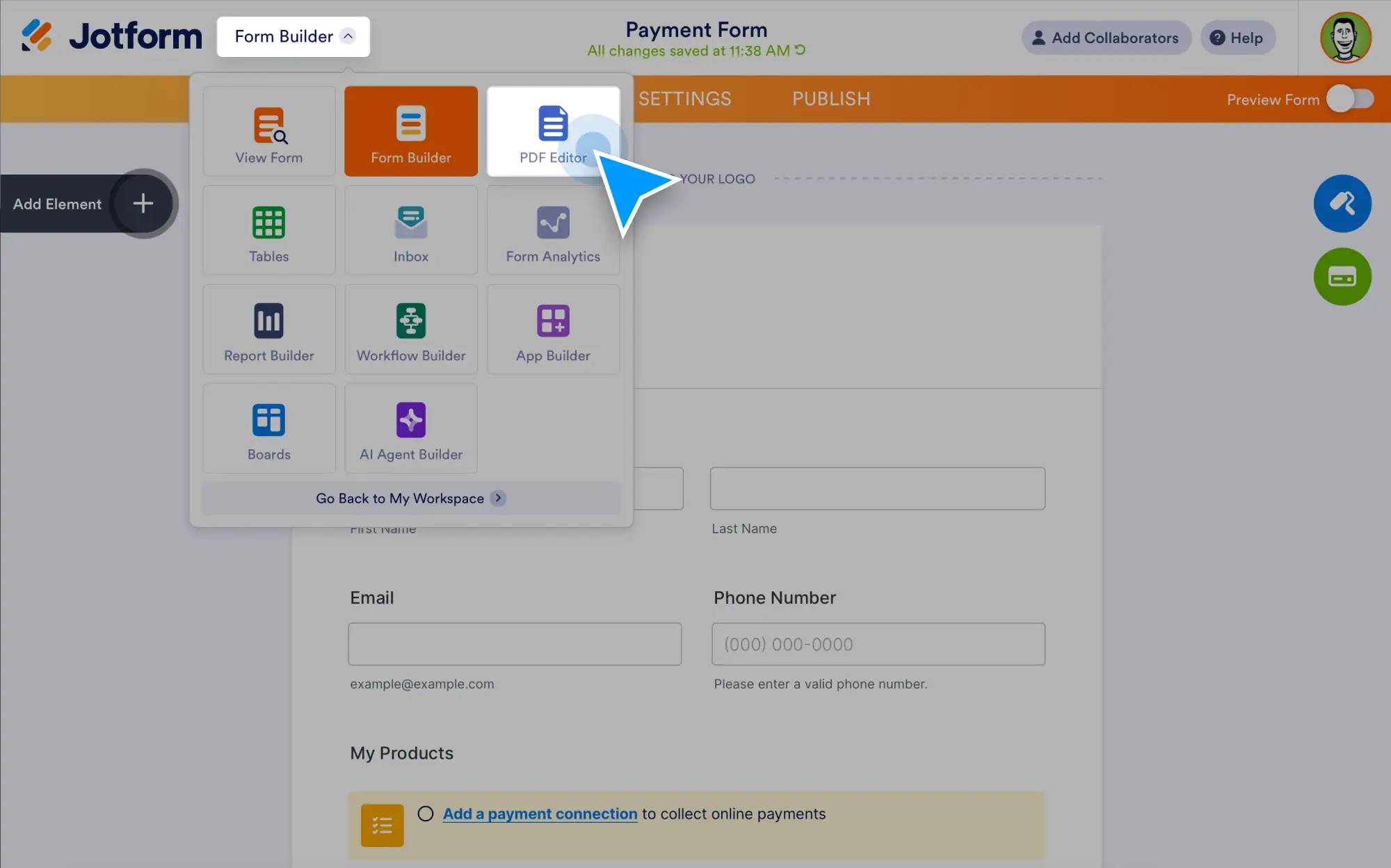
Generate secure PDFs for approvals, contracts, certificates, invoices, and more without copying and pasting.
Easily Create a PDF Editor to Fill In Forms
Create smart PDFs that automatically populate as submissions arrive.
Auto-fill PDFs from form submissions
Every submission is instantly converted into a completed PDF. Jotform maps your form fields into your PDF template automatically, so your documents are ready the moment a form is submitted.
Customize your filled PDF layout
Drag and drop text, tables, images, and form fields into your template. Control the formatting so filled documents look clean, consistent, and on-brand.
Manage Filled PDFs in One Workflow
Track, share, and automate your documents after they’re created.
Generate and download PDFs anytime
Create multiple PDF documents from a single form, preview them, and download completed copies whenever needed.
Send filled PDFs automatically
Email completed PDFs to respondents or your team right after submission. You can even send different PDF templates based on answers.
Keep every document secure and organized
All PDFs created from your forms are stored safely in your Jotform account, complete with consistent formatting and an easy audit trail.
Why Use a PDF Editor to Fill In Forms?
- Automatically fill PDFs with data from online forms
- Eliminate manual copy-paste and formatting cleanup
- Create polished documents for contracts, invoices, certificates, and reports
- Customize layouts with drag-and-drop fields
- Send and store filled PDFs instantly in a secure workspace