Ilman koodausta, voit asettaa lomakkeellesi automaattisia vastaussähköposteja, jotka vahvistavat sähköpostiosoitteita, varmistavat lomakevastauksia ja
Vahvista sähköpostiosoitteet
Varmista, että saat yhteyden lomakkeen käyttäjiin estämällä virheellisten sähköpostiosoitteiden lähettämisen.
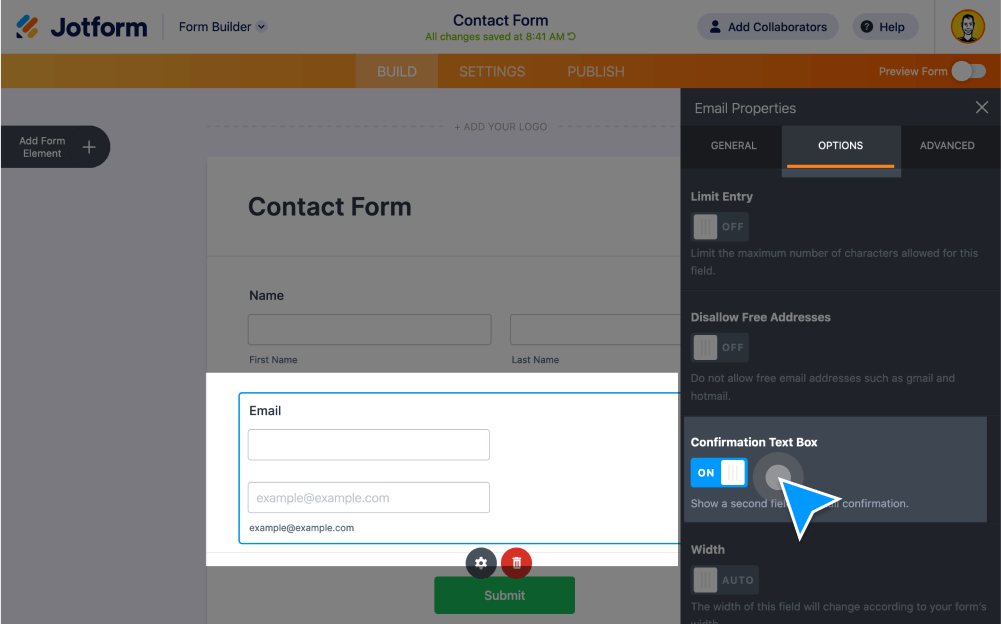
Lisää sähköpostin vahvistuskenttä
Ota käyttöön vahvistuskenttä sähköpostikentän lisäksi. Käyttäjien tulee syöttää sähköpostiosoitteensa kahdesti vahvistaakseen sen.
Vahvista sähköpostit ennen lähetystä
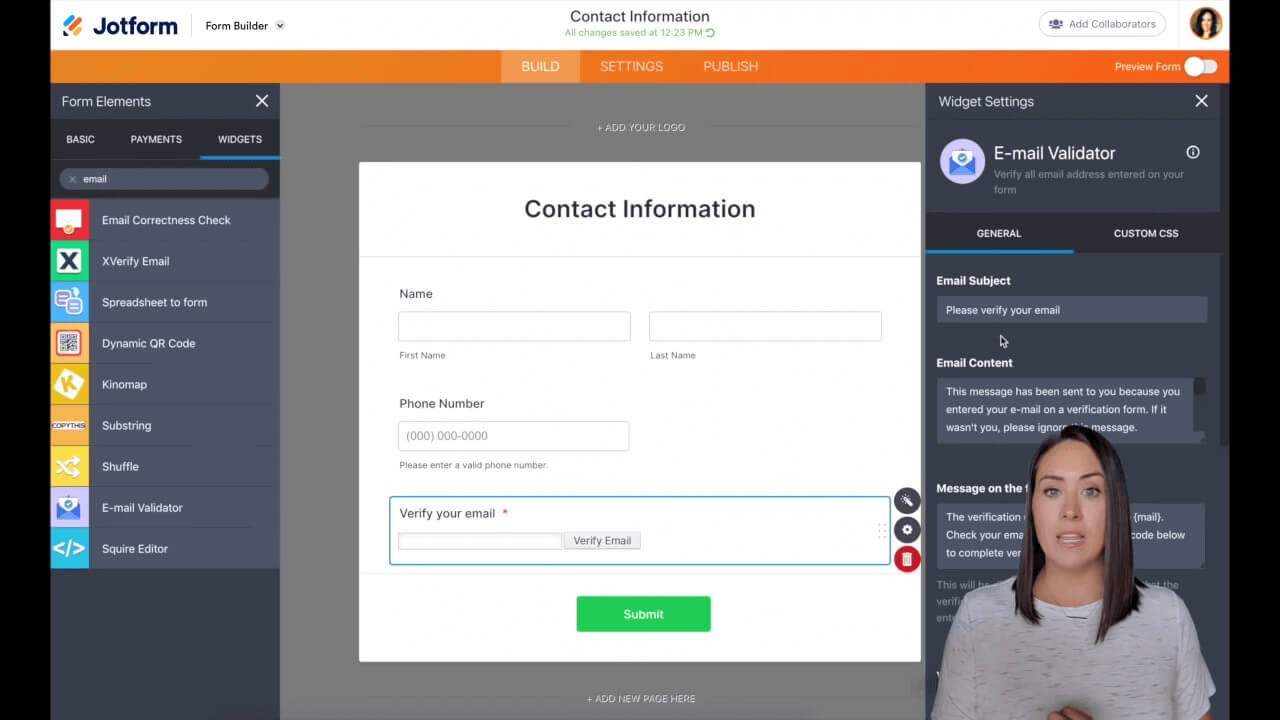
Jotformin ilmainen sähköpostin vahvistus -widgetti lähettää automaattisesti vahvistuskoodin käyttäjän sähköpostiin. Hän voi kopioida ja liittää koodin lomakkeeseen vahvistaakseen sähköpostiosoitteensa ennen lomakkeen lähettämistä.
Vahvista sähköpostit lähetyksen jälkeen
Vastauksen vahvistustyökalun avulla käyttäjä saa vahvistussähköpostin heti lähetyksen jälkeen. Voit jopa lisätä linkin lomakkeesi kiitossivulle nopeampaa vahvistusta varten
Lähetä vahvistussähköposteja omasta verkkotunnuksestasi
Vahvistussähköpostien lähettämisen sijaan osoitteesta noreply@jotform.com, voit käyttää mukautettuja SMTP-asetuksia ja lähettää sähköpostit valitsemastasi sähköpostiosoitteesta.
Miten sähköpostiosoitteet vahvistetaan Jotformissa?
Tässä Jotform-opetusohjelmassa näytämme, kuinka voit vahvistaa sähköpostiosoitteita ennen tai jälkeen onlinelomakkeen täyttämisen. Katso, kuinka helppoa on ottaa käyttöön ja käyttää sähköpostin vahvistajaa, lomakevastauksen vahvistajaa ja automaattisia vastaussähköposteja.