Lacak Tanggapan dengan Facebook Pixel
Track form submissions with a Facebook pixel, a snippet of JavaScript code that lets you track user activity. With the data you collect, you’ll get a better insight on who’s interacting with your form — so you can retarget your Facebook audience and get more leads.
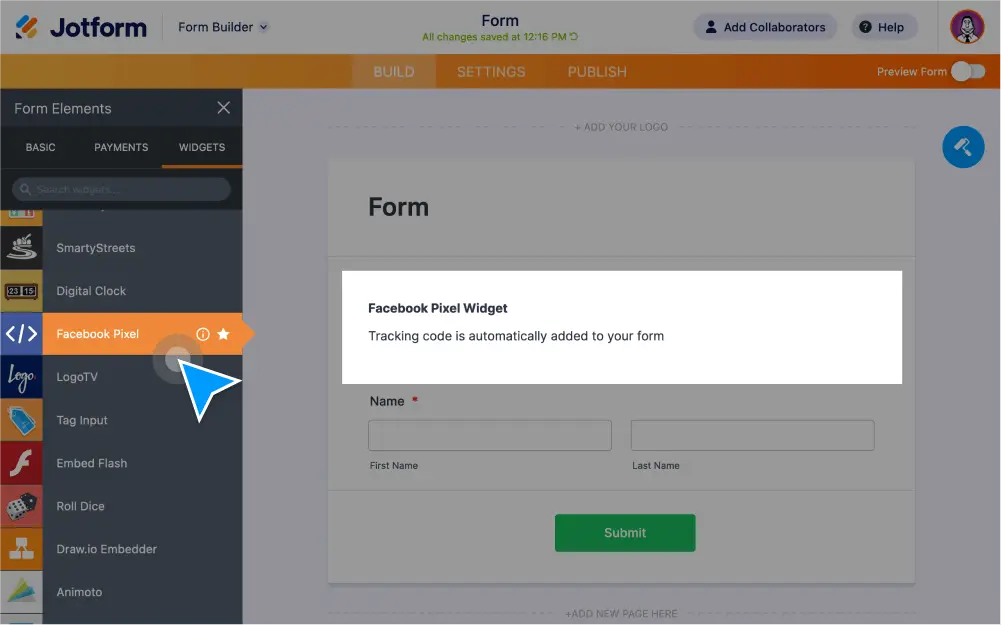
Track submissions with a Facebook pixel connected to your online form. You can track form activity, test events, and collect user data to help you and generate leads on Facebook.
Track Form Submissions with Facebook Pixel
Connect your custom online form to a Facebook pixel in order to track user activity, view analytics, and optimize your Facebook campaigns.
Create a Facebook pixel for your form
Connect Jotform as your data source when setting up your Facebook pixel. Then copy and paste your Pixel ID into our Facebook Pixel widget settings — no coding required.
Track form activity
Select which form events you’d like to track with your Facebook pixel. Choose from Page Views, Donations, Submitted Applications, Purchases, Subscriptions, Complete Registration, and Leads.
Test your Facebook pixel
Publish your form and check that it’s tracking the events you’ve selected. Open the Test Events tab in your Facebook Pixel Event Manager to view event processing.
Retarget your Facebook audience
By tracking form events with your Facebook pixel, you’ll collect data to help you send targeted ads to site visitors who have taken certain actions, such as viewing your order form without purchasing anything.
Generate more leads on Facebook
Track lead information and form conversion data on your Facebook page. You can even target users who interacted with but didn’t complete your form, so you can turn more leads into customers.