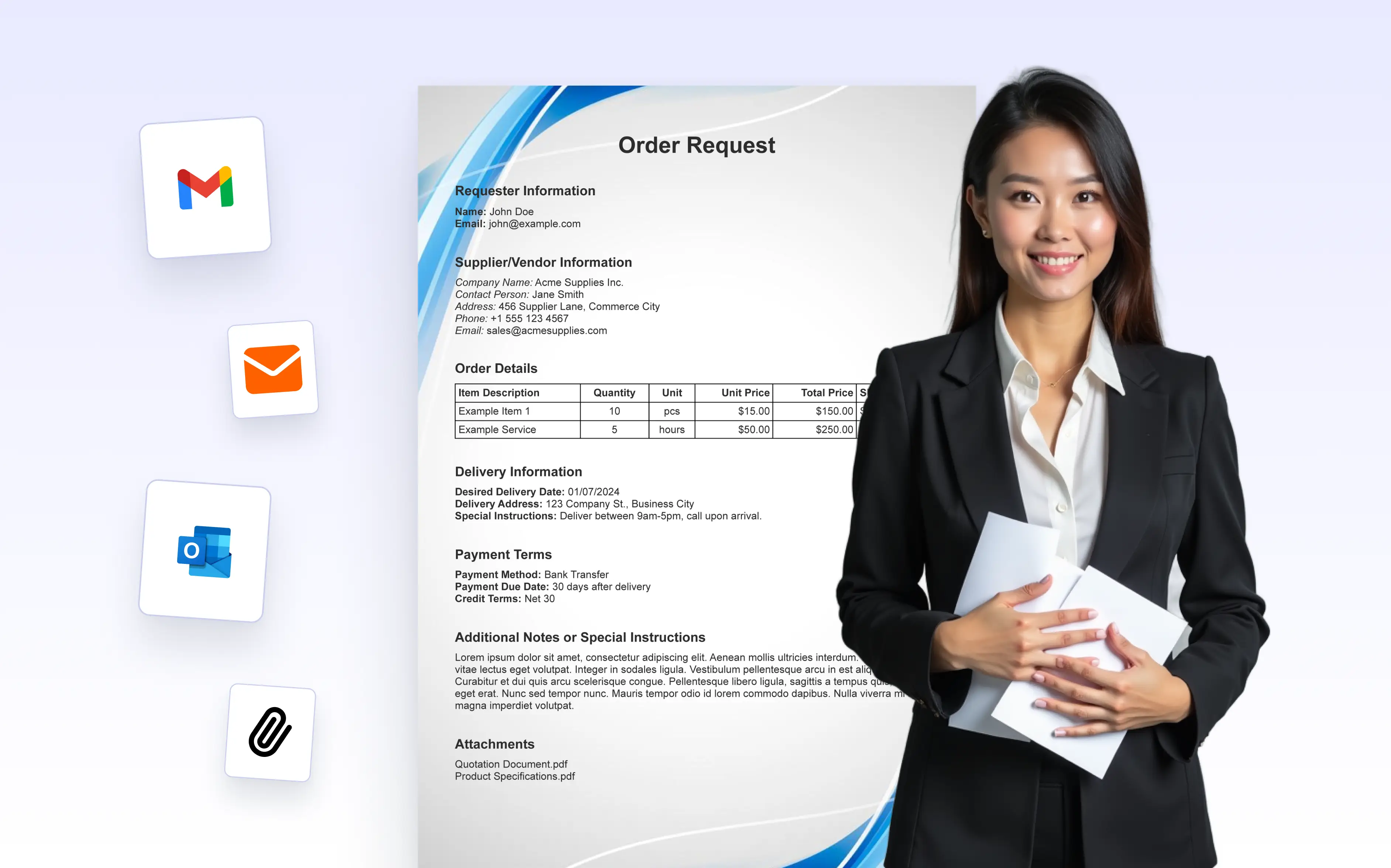
Automatically attach PDFs to notification or autoresponder emails to send receipts, confirmations, and records with ease. Include multiple files to keep every message complete and professional.
Send the Right Document to the Right Person
Choose which documents to attach to each email and control how they’re delivered. The PDF Editor makes it easy to include the right files in different emails while keeping everything automated and consistent.
Attach Documents Conditionally
Control when documents are attached using conditions. PDFs are included only when specific answers or scenarios apply, ensuring each email contains relevant and context-aware documents.
Use Different Documents for Different Emails
Choose which PDF to attach for each notification or autoresponder email. Send different documents to internal teams and recipients to tailor communication for every audience.
Send Multiple Documents in a Single Email
Attach more than one document to the same email when needed, allowing you to send related PDFs; such as confirmations, summaries, or additional files, together in a single message without extra configuration or manual steps.
Protect Documents with Passwords
Add password protection to attached PDFs to keep sensitive information secure. This ensures documents sent via email are accessible only to intended recipients, supporting safer document sharing.