Boost Conversions With Custom Coupon Codes
Encourage purchases by allowing customers to apply promo codes during checkout. Whether it's a percentage off, a fixed amount discount, shipping; you can set up and manage your coupon rules directly in Jotform’s Payment Settings. Customize which products are eligible, set expiration dates, and track usage; all without writing a line of code.
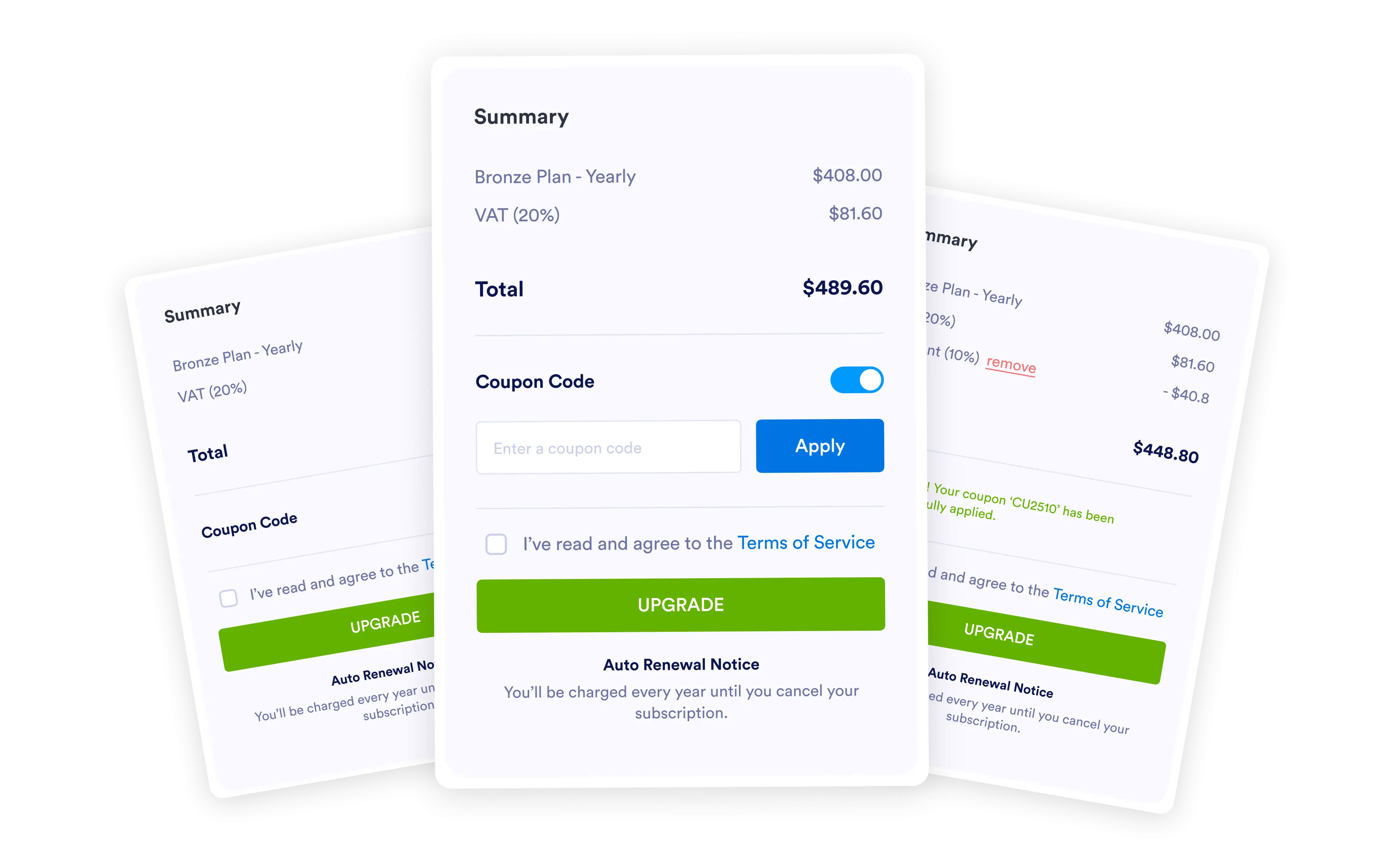
Drive more sales with , customer-friendly coupon options.
Easy Discount Input at Checkout
Give customers a place to enter coupon codes, instantly apply the discount, and keep them coming back for more.
Let customers enter discounts and coupon codes into your order form. Without doing any coding, you can set up your payment form to accept valid coupons and discounts entered by your customers. Your form will automatically include the discount when calculating the total price!
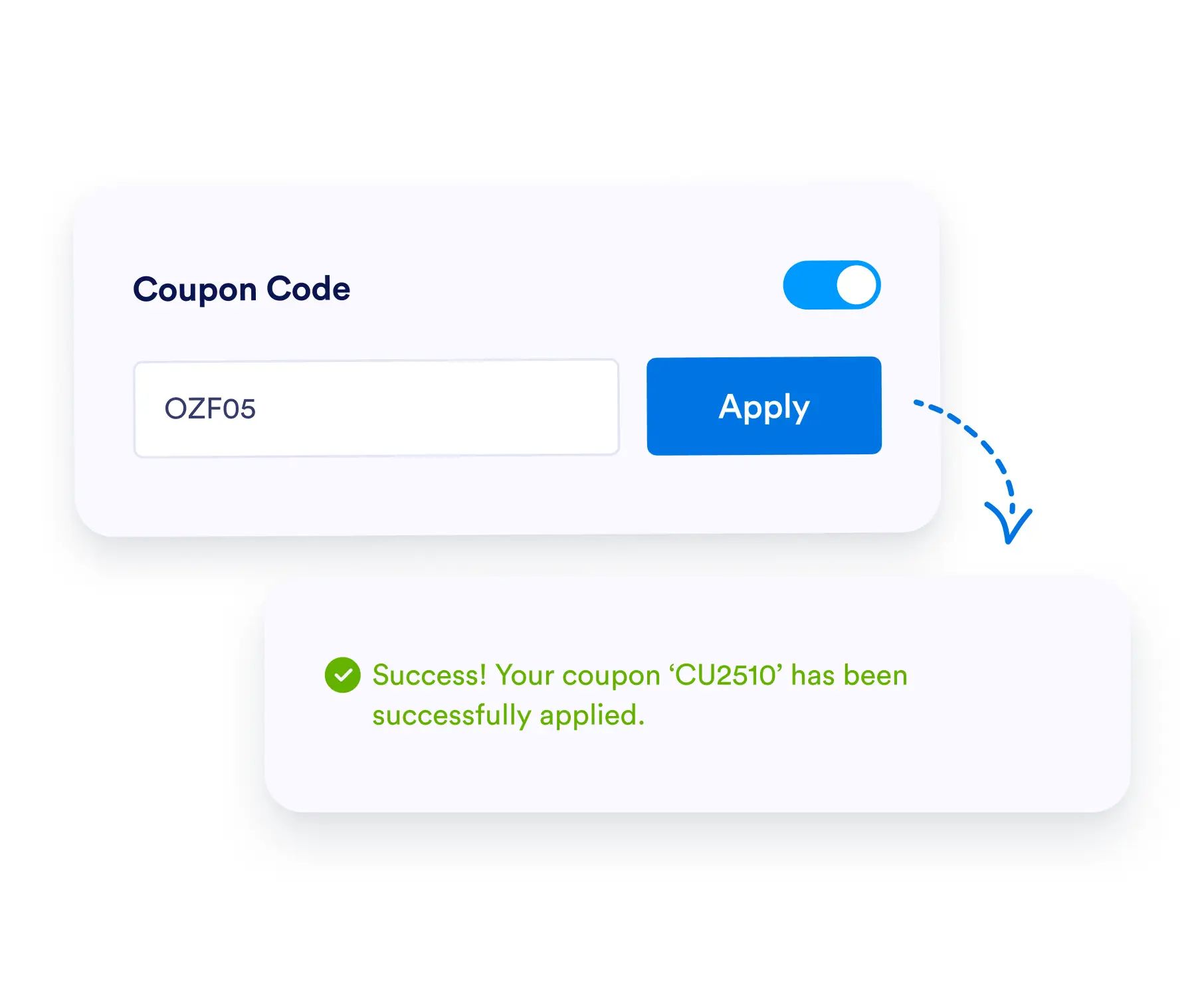
Create coupon codes
Auto-generate and edit a coupon code that customers can enter in your form. Set an expiration date or limit the number of times your coupon can be used.
Select discount type and rate
Fully customize your discount without any coding. Make your discount a specified percent off or a fixed amount.
Apply discounts at checkout
Choose whether to apply discounts to individual products, shipping, or subtotals.
Set up with conditional logic
Create conditions to automatically apply your discounts and calculate total costs on your form.