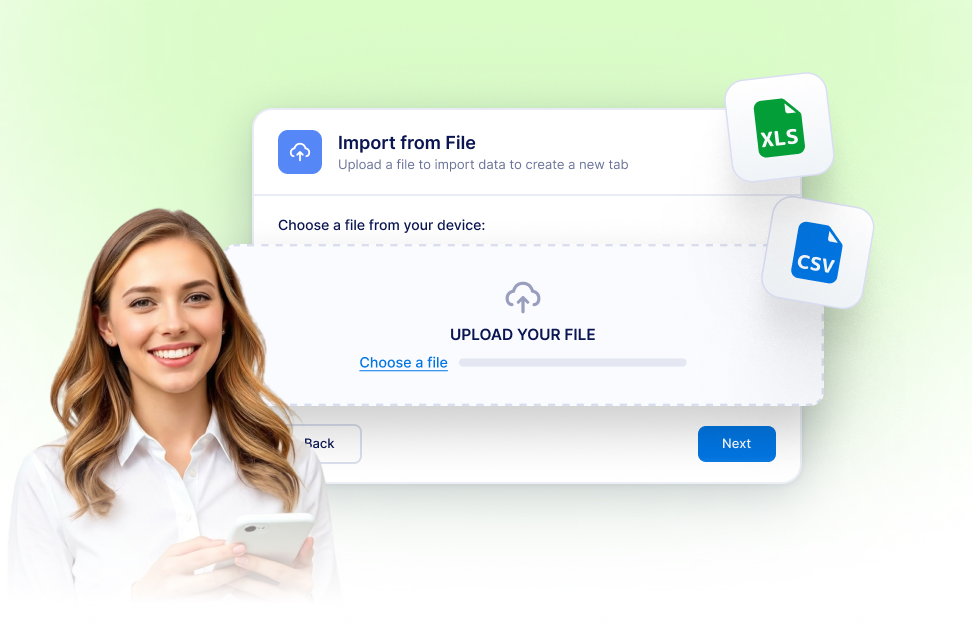

Import Your Data into Jotform Tables
Turn your existing spreadsheets into Jotform Tables by importing CSV or Excel files. Upload your data, map columns, and create a customizable table without manually entering information.
Bring your spreadsheet data into a more flexible workspace. Import existing records, organize information, and start filtering, managing, and collaborating on your data in just a few clicks.
Convert CSV and Excel Files into Tables
Easily import spreadsheet data into Jotform Tables with a guided setup process. Upload your file, match columns to supported field types, and start managing your data in a new table.
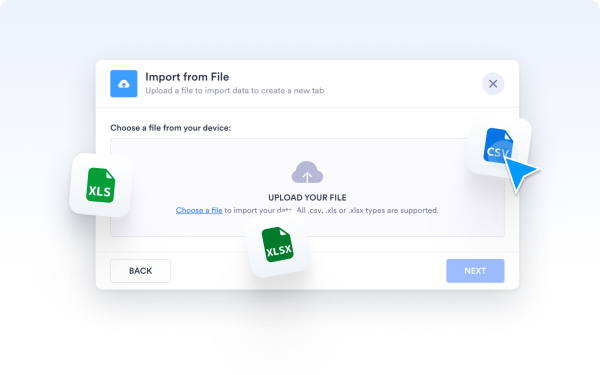
Upload CSV and Excel Files
Import existing data by uploading CSV, XLS, or XLSX files. Quickly turn your spreadsheets into Jotform Tables and start organizing your information without rebuilding everything from scratch.

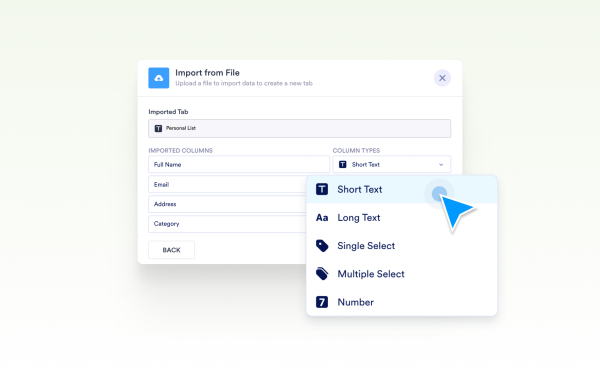
Map Spreadsheet Columns to Table Fields
Match your spreadsheet columns to supported Jotform Tables field types during import. Keep your data properly organized and formatted as you create your new table.

FAQ
Upload your existing spreadsheet file and follow the guided import process. Map your spreadsheet columns to the appropriate field types, then create a new table populated with your imported data.
Jotform Tables supports CSV and Excel file formats, including XLS and XLSX. You can import data from existing spreadsheets without manually recreating your records.
Yes. Once your data is imported, you can organize columns, apply filters, and customize your table layout to fit your workflow. You can also collaborate with others using your imported data.


