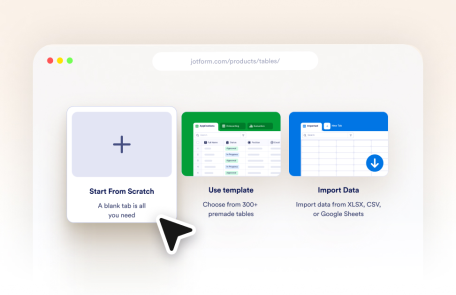
Start from Scratch
Create a blank table with full control over its structure and fields
Get Started
Explore all the ways to access and start using your first Jotform Table
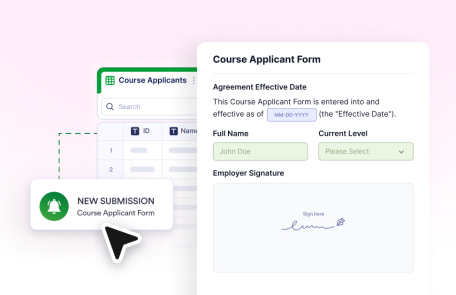
Organize Jotform Sign documents in connected tables that automatically collect signatures, signer details, and submission data. Track signing activity and manage records in one place.
Keep your e-signature workflows organized with connected tables. Automatically capture signing responses, monitor document progress, and access important records as new data comes in.
Access tables connected to your Jotform Sign documents without additional setup. Review signer information, track document statuses, and keep signature records organized and accessible.
Each Jotform Sign document includes a connected table that captures signing responses, timestamps, and signer details. Keep records organized without manually transferring data.
Monitor signing responses and document statuses as your tables update automatically. Stay informed about signing progress and keep important records easy to access and review.
Keep signer details and signature records organized in a structured table. Manage sensitive information with Jotform's security features while maintaining visibility into your signing workflows.