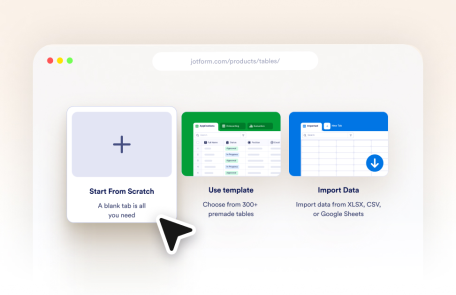
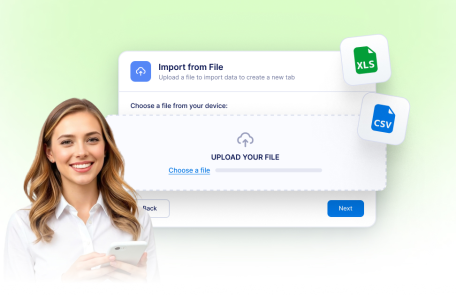
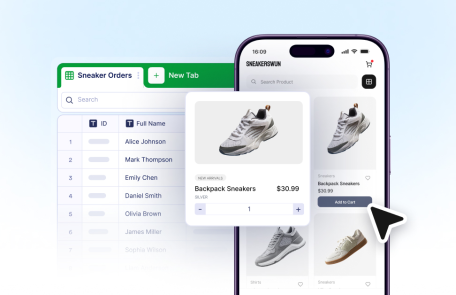
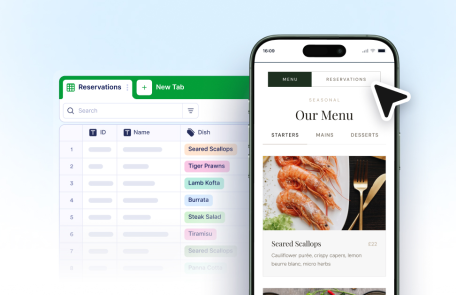
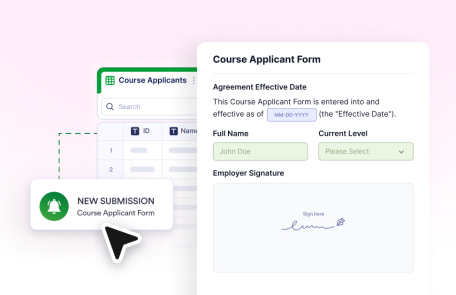
Every Jotform form comes with a connected table that automatically collects submissions. Organize responses, customize your table layout, and manage incoming data in one place.
Turn form submissions into organized, actionable data. Jotform Tables automatically captures responses as they arrive, making it easy to track, filter, and manage information in real time.
Organize Form Submissions in Tables
Access a dedicated table for every form without additional setup. Automatically collect responses, customize your workspace, and keep submission data organized as new entries arrive.
Customize Your Connected Table Layout
Add, hide, or reorder columns, adjust headers, and create custom views to organize your form data. Personalize your connected table to match your workflow and reporting needs.
Keep Submission Data Updated in Real Time
New form responses automatically appear in your connected table as they arrive. Keep your data current and ready to review without manually importing or refreshing submissions.
FAQ
Yes. Every form created with Jotform has a connected table that automatically collects and organizes submissions. You can access your response data without setting up a separate table.
Yes. You can add, hide, or reorder columns, customize headers, apply filters, and create different views to organize your submissions based on your workflow.
Yes. Jotform Tables automatically adds new form responses as entries, keeping your submission data up to date without requiring manual imports or updates.