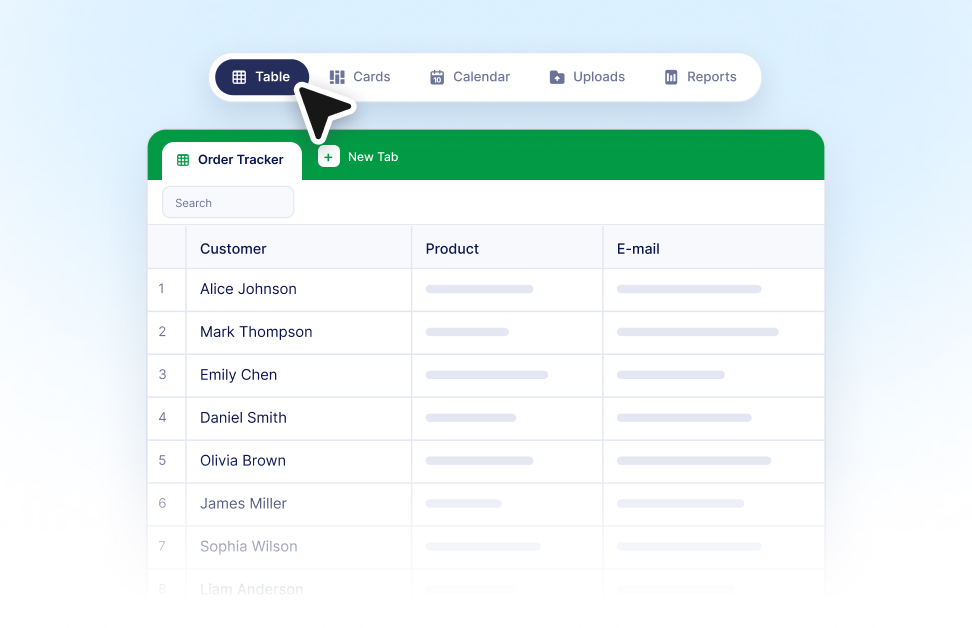

Organize Your Data with Table View
Display and manage your data in a familiar spreadsheet-style layout with Jotform Tables. Easily organize rows and columns, edit entries, and customize your table to fit your workflow.
Keep your data organized and easy to manage with Table View. Browse submissions, update information, and arrange your workspace to focus on the details that matter most.
Manage Data in a Spreadsheet-Style View
View your submissions in structured rows and columns for easy access and editing. Customize your layout, organize entries, and manage information in one convenient workspace.
Organize Data in Rows and Columns
Display submissions in a structured table layout to easily browse, compare, and manage records. Keep important information accessible in a familiar spreadsheet-style view.
Customize Your Table Layout
Add, hide, reorder, or resize columns to organize your data. Adjust the table layout to highlight important fields and create a workspace that fits your needs.
Edit and Manage Entries Directly
Add new entries, update individual values, and manage submissions directly in Table View. Make quick changes to your data without switching to another view.
FAQ
Table View displays your submissions in a spreadsheet-style layout with rows and columns. It provides an organized workspace for viewing, editing, and managing your data.
Yes. You can add, hide, reorder, and resize columns to customize how your data appears. This helps you focus on relevant information and organize your workspace.
Yes. You can add entries and edit existing values directly in the table, making it easy to keep your submission data updated.


