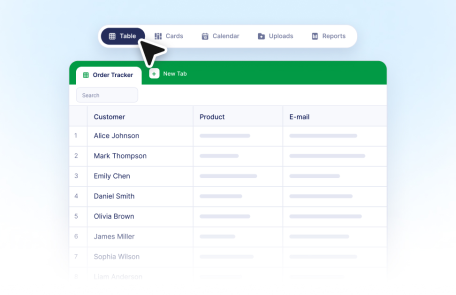
Table View
Display and manage your data in a familiar spreadsheet-style layout with Jotform Tables. Easily organize rows and columns, edit entries, and customize your table to fit your workflow.
View Types
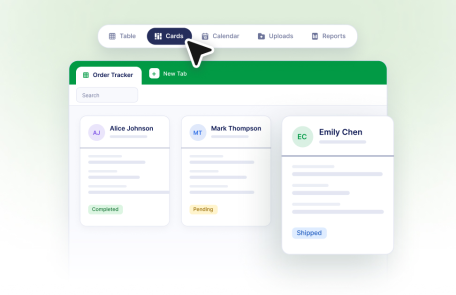
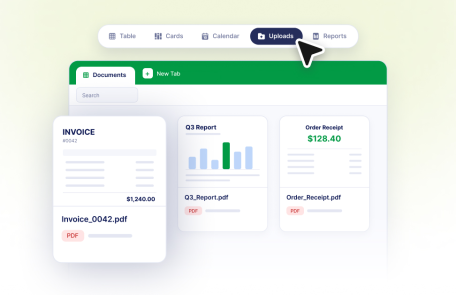
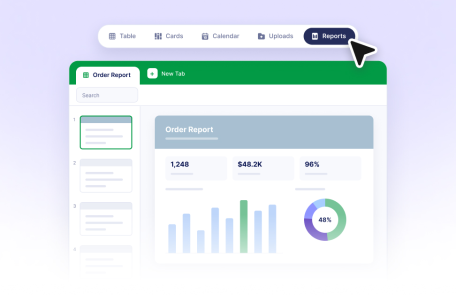
Discover different ways to visualize your data, from table view to calendar view, to match your workflow perfectly.
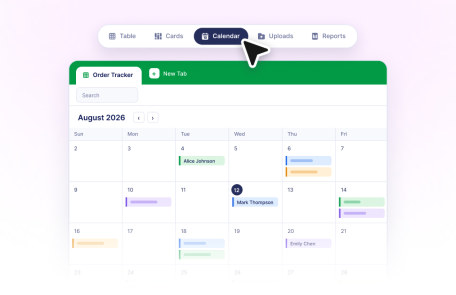
Turn form submissions into an interactive calendar to manage appointments, events, and deadlines. Organize entries by date and keep track of important schedules in one convenient view.
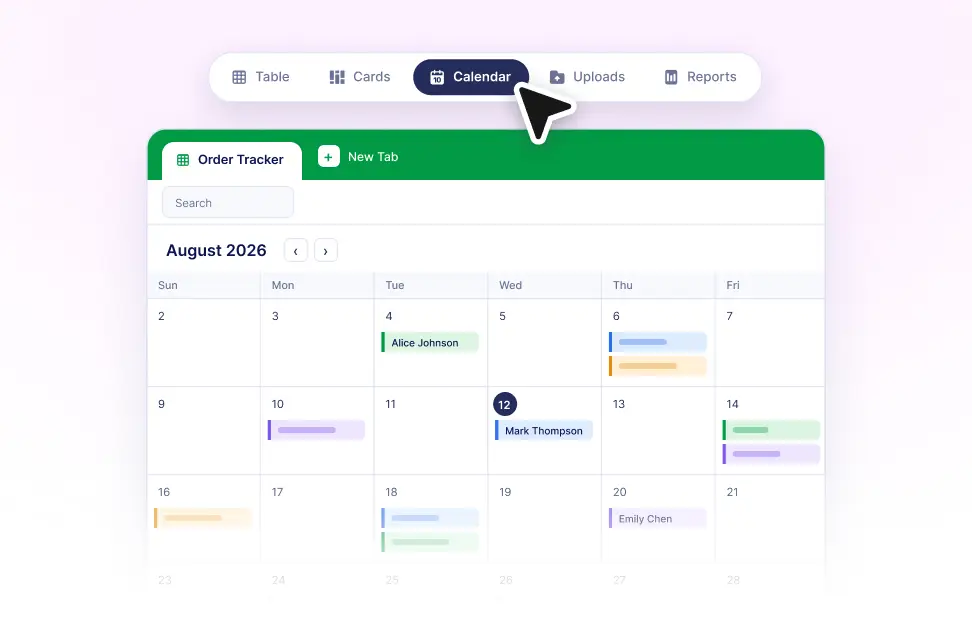
Make scheduling easier by displaying your submission data on a calendar. Switch between daily, weekly, and monthly views to track upcoming events, review appointments, and stay organized.
Choose a date field to display submissions on your calendar. Easily manage scheduled events, find unplaced entries, and keep your calendar up to date as plans change.
Select any date field, such as a submission date, due date, or event start date, to automatically arrange entries on your calendar. Switch between daily, weekly, and monthly views.
Use the Events List to find submissions that haven't been assigned a calendar date. Easily review unplaced entries and schedule them to keep your calendar organized and complete.
Choose a date field from your form, such as a submission date or appointment date. Jotform Tables will automatically organize your submissions on the calendar based on the selected field.
Yes. Calendar View lets you switch between daily, weekly, and monthly layouts, making it easy to review upcoming events, manage appointments, and plan your schedule.
Submissions without an assigned calendar date can be found in the Events List. You can review these entries and place them on your calendar whenever you're ready to schedule them.