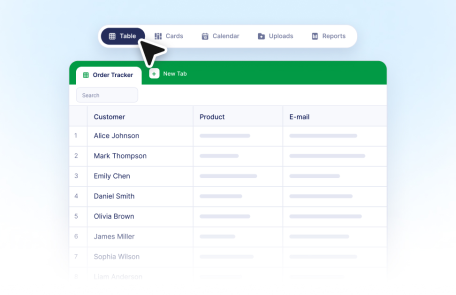
Table View
Display and manage your data in a familiar spreadsheet-style layout with Jotform Tables. Easily organize rows and columns, edit entries, and customize your table to fit your workflow.
View Types
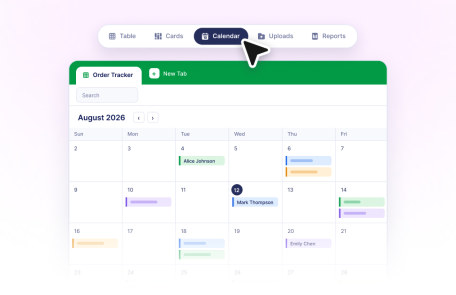
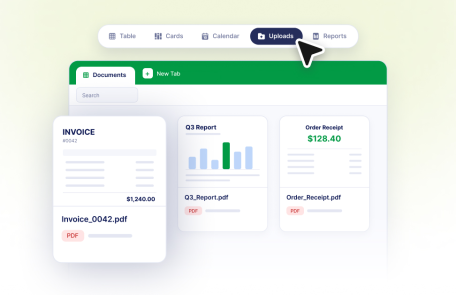
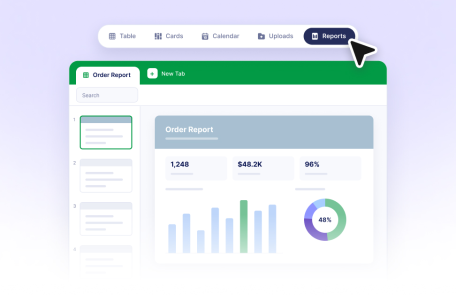
Discover different ways to visualize your data, from table view to calendar view, to match your workflow perfectly.
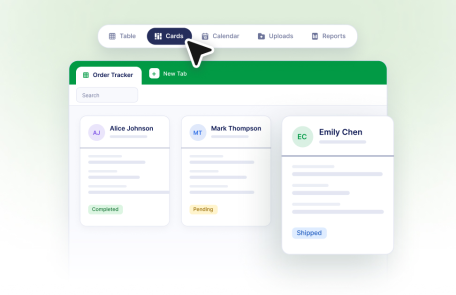
Display your form submissions as customizable cards to easily browse and compare entries. Choose card titles, select visible fields, and adjust attachment previews to fit your workflow.
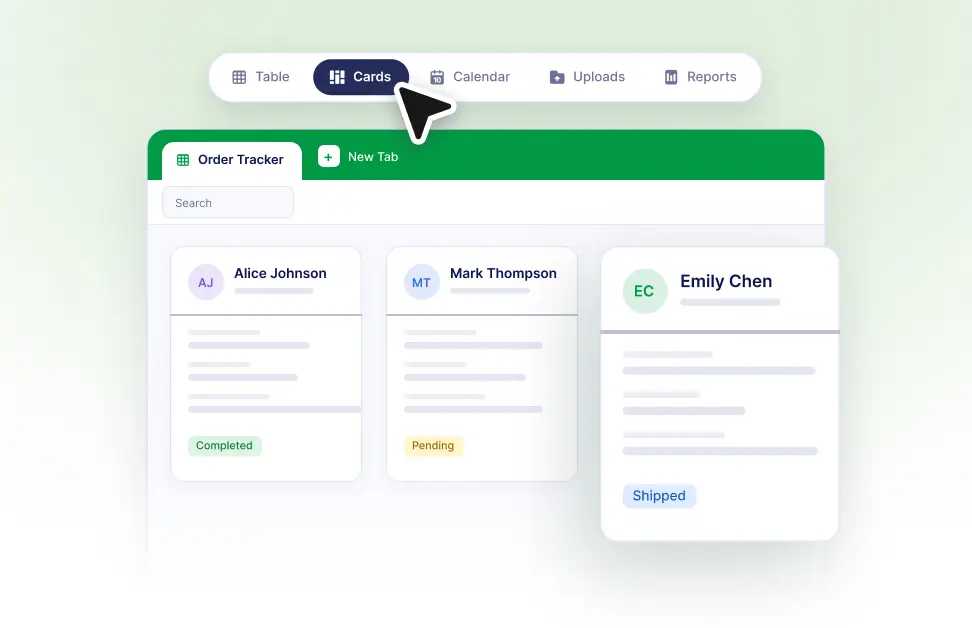
Make your submission data more visual and easier to scan. Cards View lets you review entries side by side, highlight important details, and organize information in a clear, customizable layout.
Turn form submissions into organized cards for easier browsing and comparison. Customize card titles, visible fields, and attachment previews to focus on the information that matters most.
Browse submissions in a visual card layout to compare entries at a glance. Choose which fields appear on each card to keep your workspace focused and easy to navigate.
Select a field to display as each card's title and adjust attachment previews between small and large sizes. Personalize your card layout for easier review of files and submission details.
Switch to Cards View in Jotform Tables to display your submissions as individual cards. This layout makes it easier to browse, compare, and review entries in a visual format.
Yes. You can choose which submission fields appear on each card and select a specific field, such as a name or project title, to use as the card header.
Yes. Cards View settings let you switch between small and large attachment previews. This helps you create a compact layout or display larger previews when reviewing images, documents, and other uploaded files.