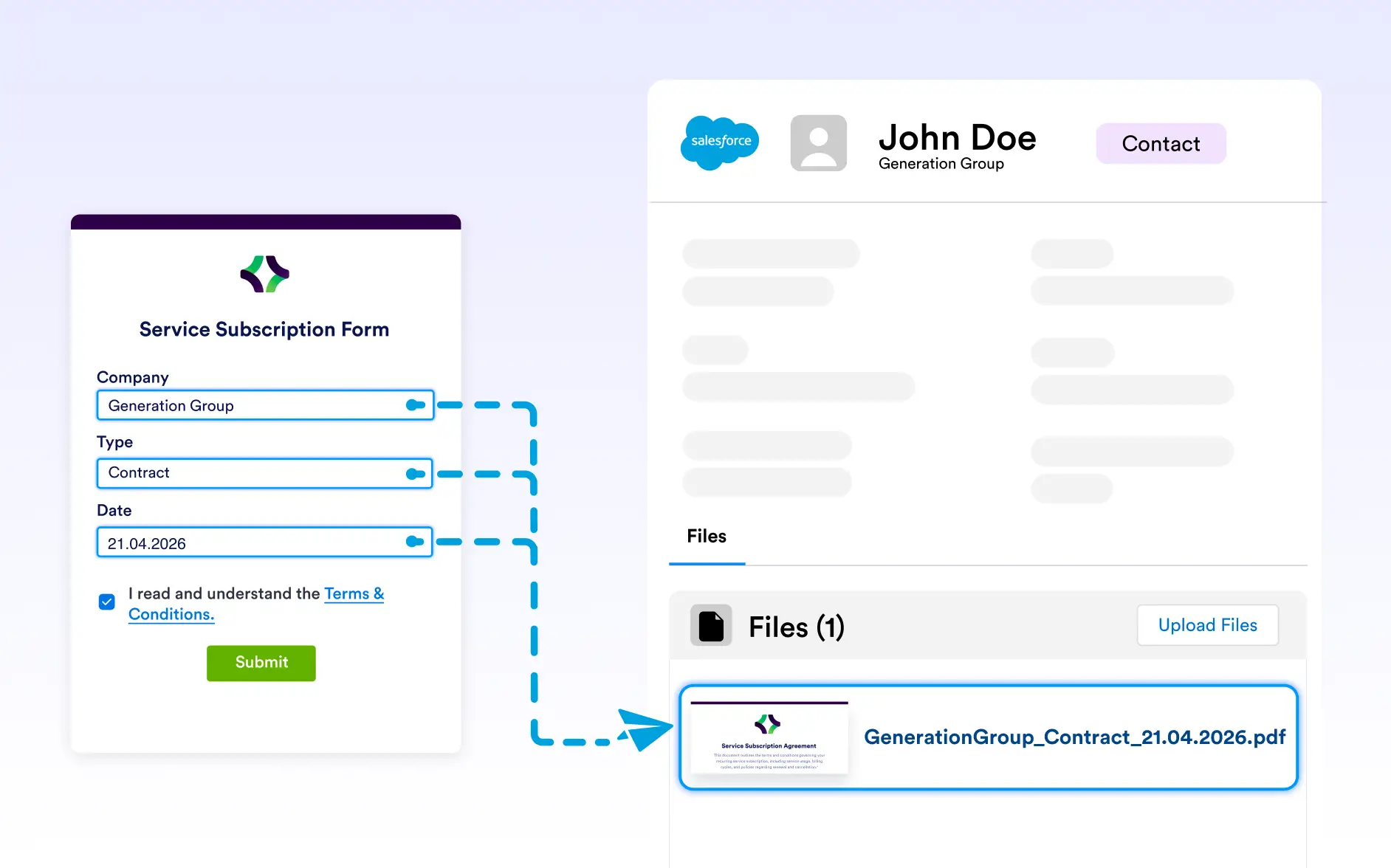
. Attach submission-based PDFs to the right records instantly, keeping your CRM organized, up to date, and ready for your sales and service teams.
Connect PDFs Directly to Salesforce Records
With the Salesforce integration, every PDF created from a form submission is automatically attached to the relevant contact, lead, account, or opportunity. This keeps critical documents tied to the right records and easily accessible throughout the sales lifecycle.
Data-Driven Record Matching
PDFs are intelligently linked to Salesforce records using submission data, ensuring each document is placed in the right context automatically. This keeps customer timelines accurate and eliminates misplaced or orphaned files.

Controlled Document Attachment
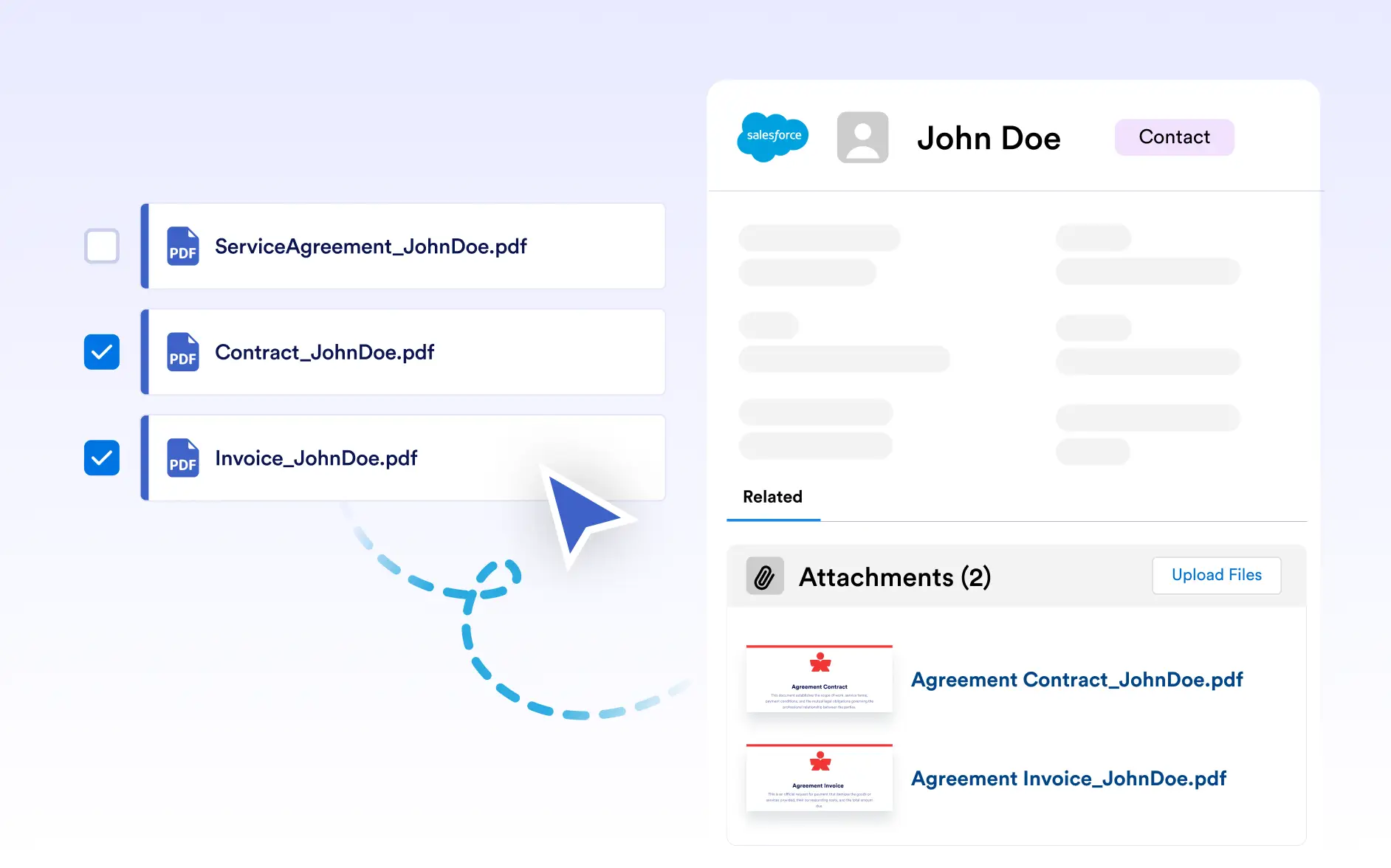
Decide exactly which generated PDFs are sent to Salesforce as part of your workflow. This prevents unnecessary files from cluttering records and gives teams full control over what gets attached and when.
File Naming
Automatically apply meaningful file names before PDFs are added to Salesforce records. Clear, consistent naming helps teams quickly recognize documents within record timelines and improves long-term manageability.