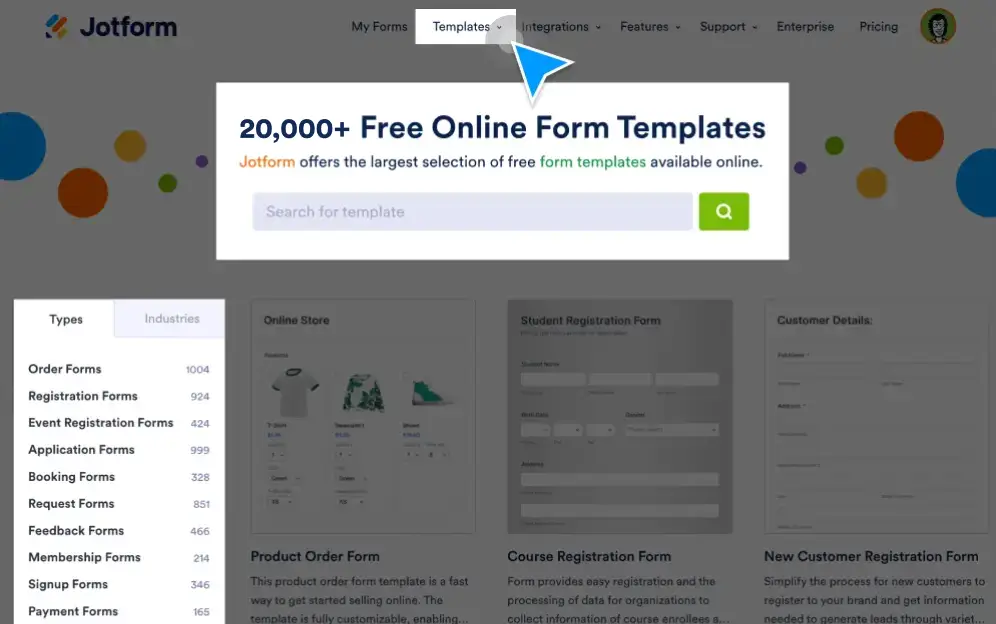
How to Use Form Templates
Start using a premade form template with just a single click, customize it with our intuitive form builder, and upload it to the template gallery for other users to edit and use.
20,000+ Free Form Templates
Explore Jotform’s massive library of free form templates. Choose a template that fits your needs and get started right away with a one-click install.
Fully Customizable Forms
Every Jotform form template can be fully customized to your liking using our intuitive Form Builder. You can add or change form elements, install widgets, add payment integrations, and more — all without any coding.
Drag and Drop to Customize
Jotform’s drag-and-drop Form Builder offers near limitless customization options. Explore ready-to-use style presets, color schemes, backgrounds, an extensive typeface library, and more. You can even add your own custom CSS to really make a form template your own.
Share Your Form with Others
Create a unique form template and share it with the world by adding it to Jotform’s template gallery. Other Jotform users can then view, clone, and customize your template.
Share a Form in the Template Gallery
Sharing your custom form templates with other Jotform users couldn’t be simpler. Just click the share button in your online dashboard to add your template to our ever-growing form template gallery.
Edit, View, or Unshare a Shared Template
Make changes to your custom shared template or remove it from the template gallery entirely in just a few clicks from your Jotform dashboard.