Whether you want to reposition form fields, set up conditional logic, add new form elements, or simplify file uploads, Jotform makes it easy with .
Rearrange Fields on Your Forms
Enjoy full creative control over the layout of your form. It only takes a few clicks to get the exact look you want — with no coding needed!
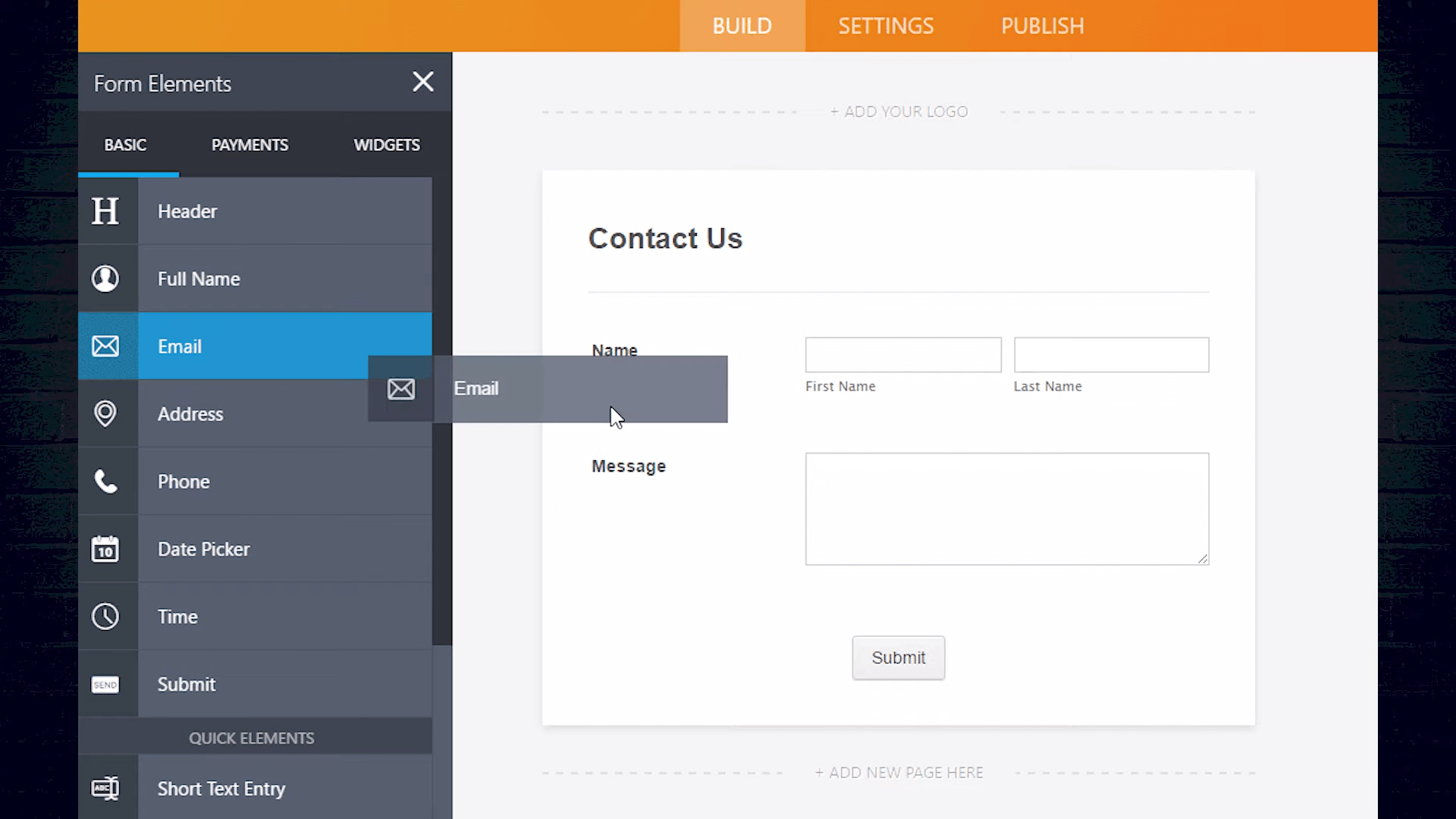
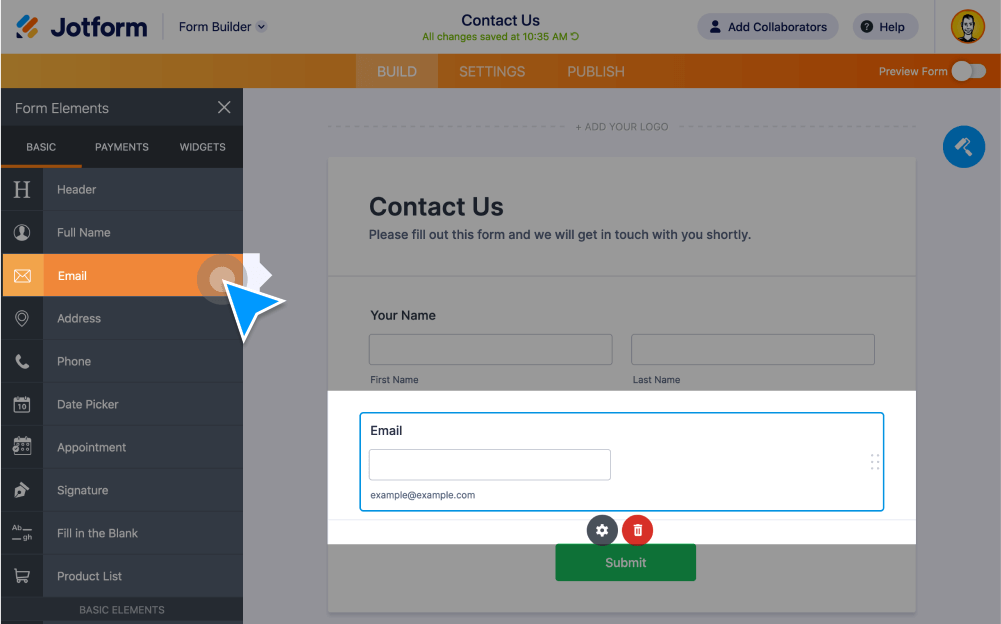
Drag & Drop Form Fields
Add new form fields or change their order by dragging and dropping ready made fields onto your form.
Shrink Form Fields
Shrink your form fields to fit on as few lines as possible.
Expand Form Fields
Undo Shrink to expand your form fields to their original size.
Move to a New Line
To limit the number of fields per line, indicate which field you’d like to begin on a new line.
Merge to the Line Above
Hit the Move to a New Line toggle again to remerge your form field with the line above.
Manage Multiple Form Fields
Duplicate, require, hide, move, shrink, and delete multiple forms fields at the same time.
Drag and Drop File Uploads
No need to search for each file individually — let users drag and drop to upload multiple files and multiple file types!
Simplify File Uploads
Make it easier for users to upload photos, videos, or other files to your forms by letting them drag and drop files directly from their desktop or folders.
Receive Multiple Files at Once
Save time and keep your records organized by letting users upload multiple files in a single form submission.
Accept Multiple File Types
Customize which file types you’d like to accept through your form — such as .pdf, .doc, .jpeg, .csv, .xlx, .zip, .mp3, and more!
Add New Form Elements
Create the perfect form in no time with our ready-to-add form fields.
Set Up Advanced Widgets
Power up your form with features you won’t find anywhere else. Choose from 370+ widgets to collect all the data you need.
Collect Online Payments
Integrate your form with 40+ secure payment gateways. Accept payments for orders, subscriptions, donations, and more with no extra transaction fees.
Jotform's Drag and Drop Form Builder
Whether you need to reposition form fields, set up conditional logic, or simply upload files, all it takes is a drag and drop with Jotform. Join us in this Jotform tutorial for a quick overview of the many powerful features of our intuitive drag-and-drop Form Builder.