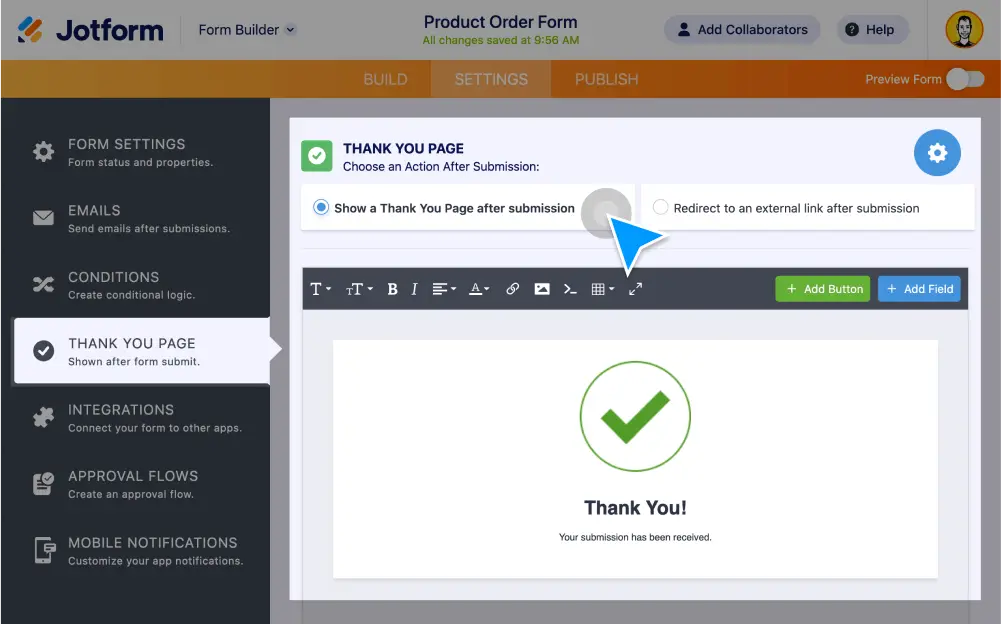
Say thanks with a custom Thank You page at the end of your online form or survey. Personalize your Thank You page’s layout, buttons, and fields. You can even or redirect users to another website!
Change Your Thank You Page
Customize the look and feel of your form’s Thank You page without any coding. Choose from various page layouts, allow users to edit or download submissions, and more.
Create a custom Thank You page in Classic Layout
Change the layout of your Thank You page, include personalized messages, and add buttons that let users resubmit, download, or edit their submissions.
Customize your Thank You page in Card Layout
Edit your card form’s Thank You page in just a few clicks. You can display custom messages, redirect users to another link, or add options for users to resubmit, edit, or download their submissions.
Redirect users to an external link
Send customers or clients to your website, social media accounts, or another page after filling out your form. Enter a URL in your Thank You page to automatically redirect users to another site.
Change your message with conditional logic
Give users a personalized thank you message based on how they filled out your form. Use conditional logic to display a custom message based on user answers — no coding required.
Change "Thank You" Page
In this short Jotform video tutorial you’ll learn how to edit your Thank You page by customizing the layout, adding buttons to let form users edit or download their submissions, and more!