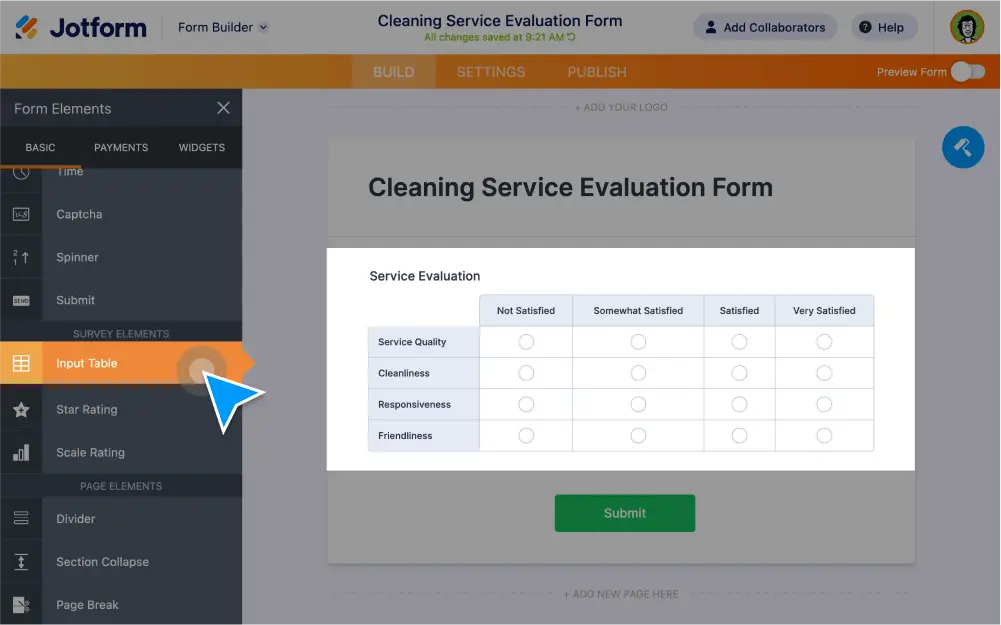
Create a custom input table for your survey with our free drag-and-drop Form Builder. You can customize rows and columns, add multi-type columns, set up and conditions, and more!
Perform Calculations
Set up your input table to automatically calculate a cell’s value with Jotform’s form calculation widget or by using conditions.
Perform calculations in the input table
Using our free form calculation widget, you can calculate the values of different cells in your input table. Once set up, your totals will be calculated automatically and displayed on your form.
Calculate input table values using conditions
Perform complex calculations automatically using Jotform’s powerful conditional logic. With our update/calculate field feature, you can easily set up conditions to calculate values on your forms.
Fully customize your input table
Add as many rows and columns to your input table as needed. Choose from single choice, checkbox, text box, and dropdown options for your column types.