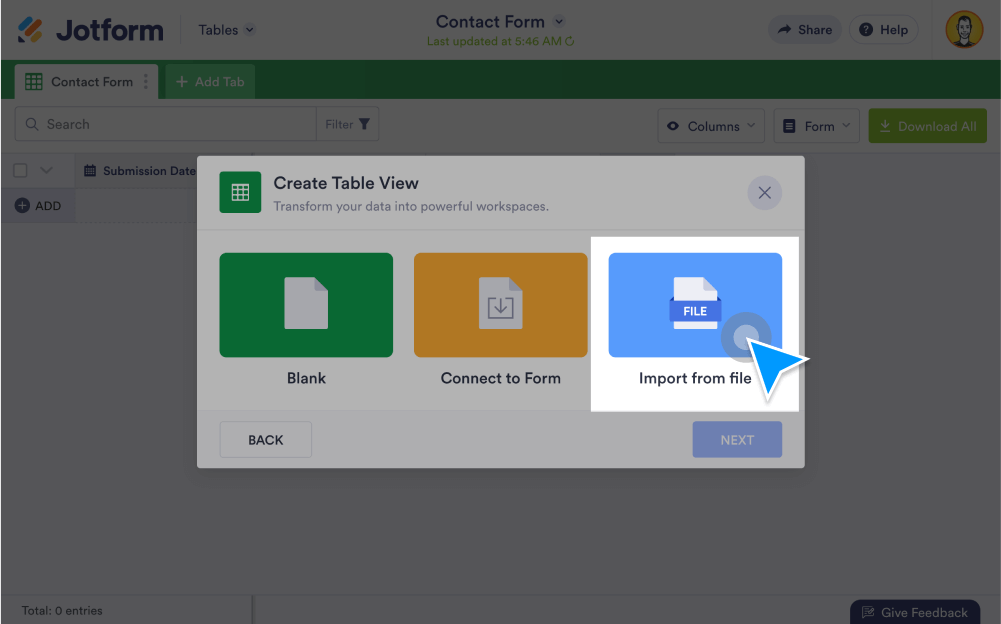
Easily import data into Jotform without coding. In just a few clicks, you can import submissions, Excel or files, PDFs, and even forms created outside of Jotform so you can keep all of your data together.
Import Submissions
Collect and manage all of your data without using multiple apps. Import files from external sources into Jotform in just a few easy steps.
Import Excel and CSV files
Got submission data in a file outside of Jotform? Just use our easy import tool to send data from your CSV or Excel files into your Jotform account.
Import submissions
No more manually transferring data between accounts. When you add a new tab in Jotform Tables, you have the option to import CSV, XLS, and XLSX files.
Import data for reports
Visualize all your data together. Import data from Excel or CSV files, and watch Jotform Report Builder generate a visual report from your data.
Import PDFs
Use Jotform Smart PDF Forms to turn PDFs into fillable online forms. You can even save submissions in the original PDF layout.
Import forms from other websites
Bring your other forms to Jotform. In the Form Builder, you can import forms from a web page, clone an existing form, or import a PDF form.