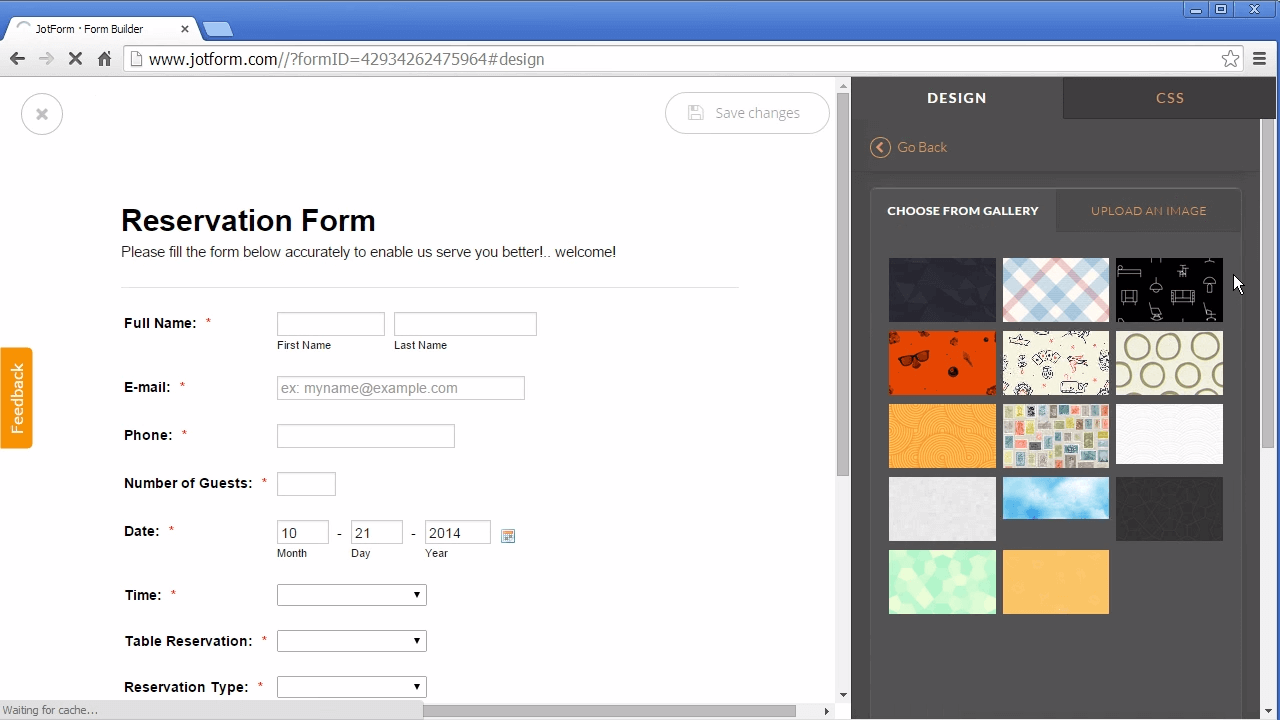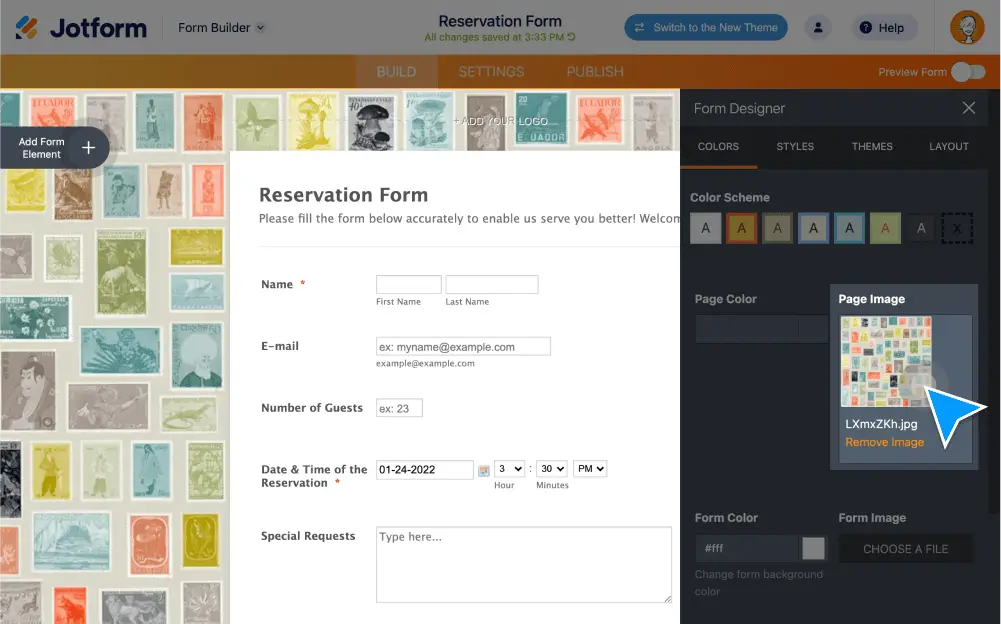
Change your form’s background by adding an image, video, or color; making your background ; or using a custom opacity. You can even change the image or color of the page itself!
Change the background of your form
Make your form’s background pop by adding a background image or background video, or selecting a specific color or transparency level.
Add a background image to your form
Customize your form background by adding an image. In the Form Designer, you can copy and paste an image link or upload the file directly — or choose from a library of images for Card forms.
Add a background video to your form
Make your form stand out by adding a video as the background! Just copy and paste a video link to embed it in your form background.
Add a background color to your form
Give your form some personality by choosing a solid color as your background. Jotform also offers accessible color schemes for users with visual impairments.
Make your form’s background transparent
Give your form a clear background so it blends seamlessly into your website. In a single click, select transparent as the form color in your settings.
Adjust your form background’s opacity
Select a specific opacity for your form’s background. Use Jotform’s opacity slider in the form color section to choose your preferred transparency level.
Change the background of your page
Create a fully customized form experience by choosing a new background image or color for the page behind your form.
Add a background image to your page
Make the page behind your form match your website and branding by uploading a background image.
Add a background color to your page
Give the page behind your form a pop of color! Use our color selector tool to find the color that best matches your form design.
Form Background Image Tutorial
Join us in this Jotform tutorial to learn how you can add background images to your form in a few easy steps.