Enable & Disable Forms
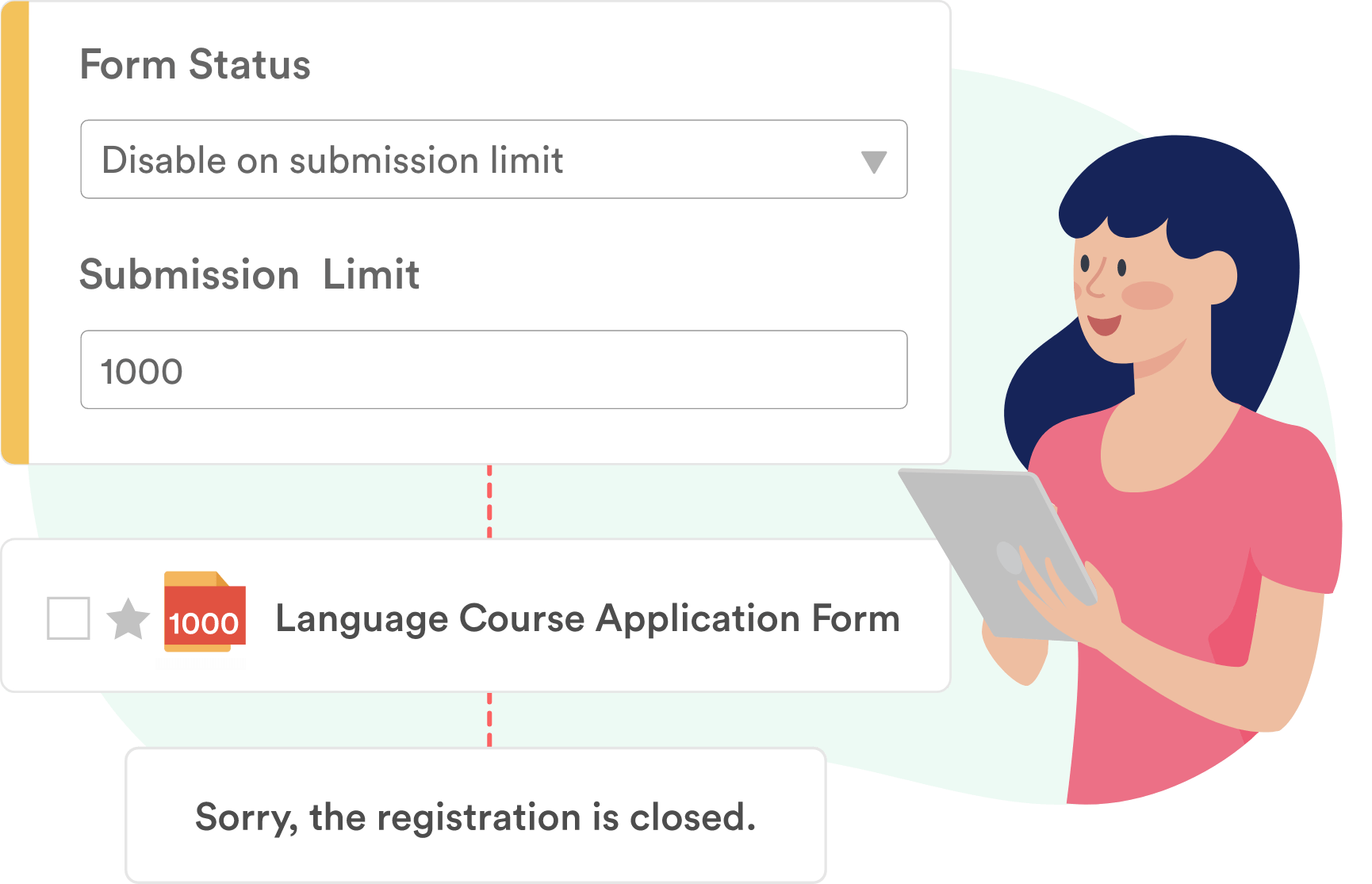
Choose when to accept submissions. Automatically enable or disable your form when it hits a chosen expiration date or submission limit.
Stop unwanted form spam by setting a submission limit, choosing an expiration date or time, and hiding form fields using conditional logic. You may also at any time to continue accepting submissions!
Prevent Unwanted Submissions
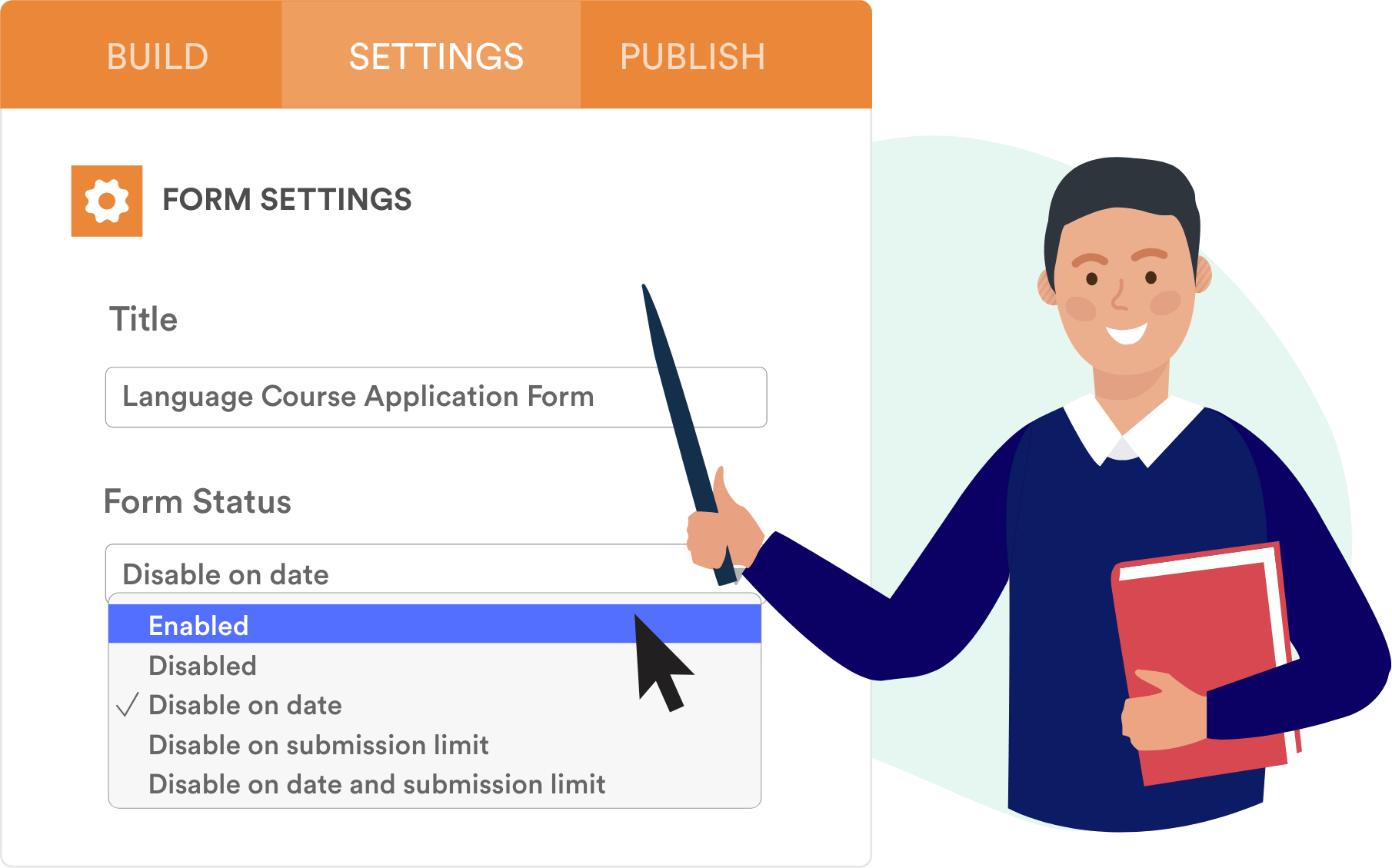
Now that you’re done using your online form, how can you stop people from filling it out? Jotform lets you disable forms automatically based on a date or submission limit. And it’s easy to reactivate your form after it’s been disabled.
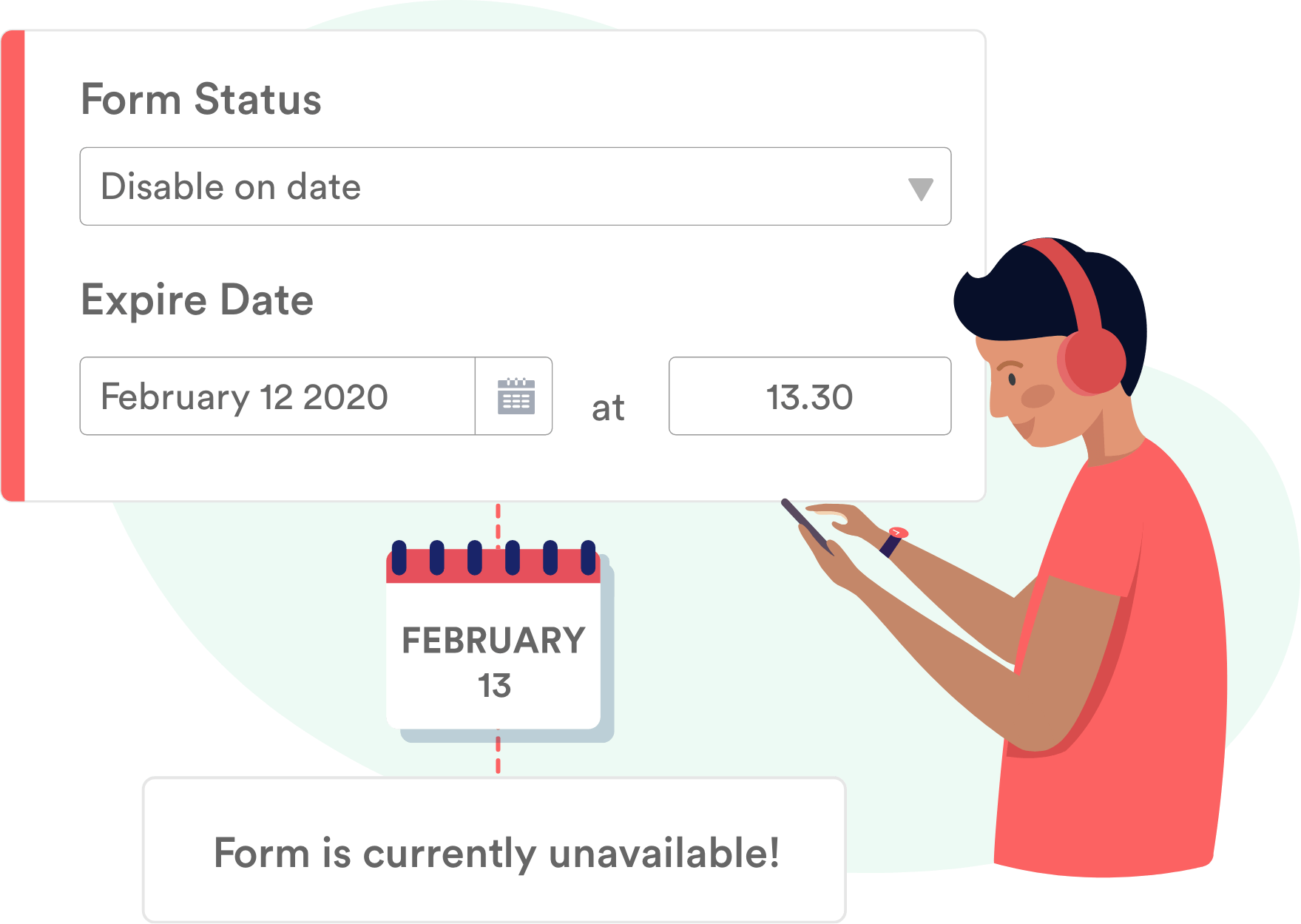
Set your form’s live/expiration date or time
Automatically enable or disable your form when it hits a chosen expiration date or submission limit.
Hide fields with conditional logic
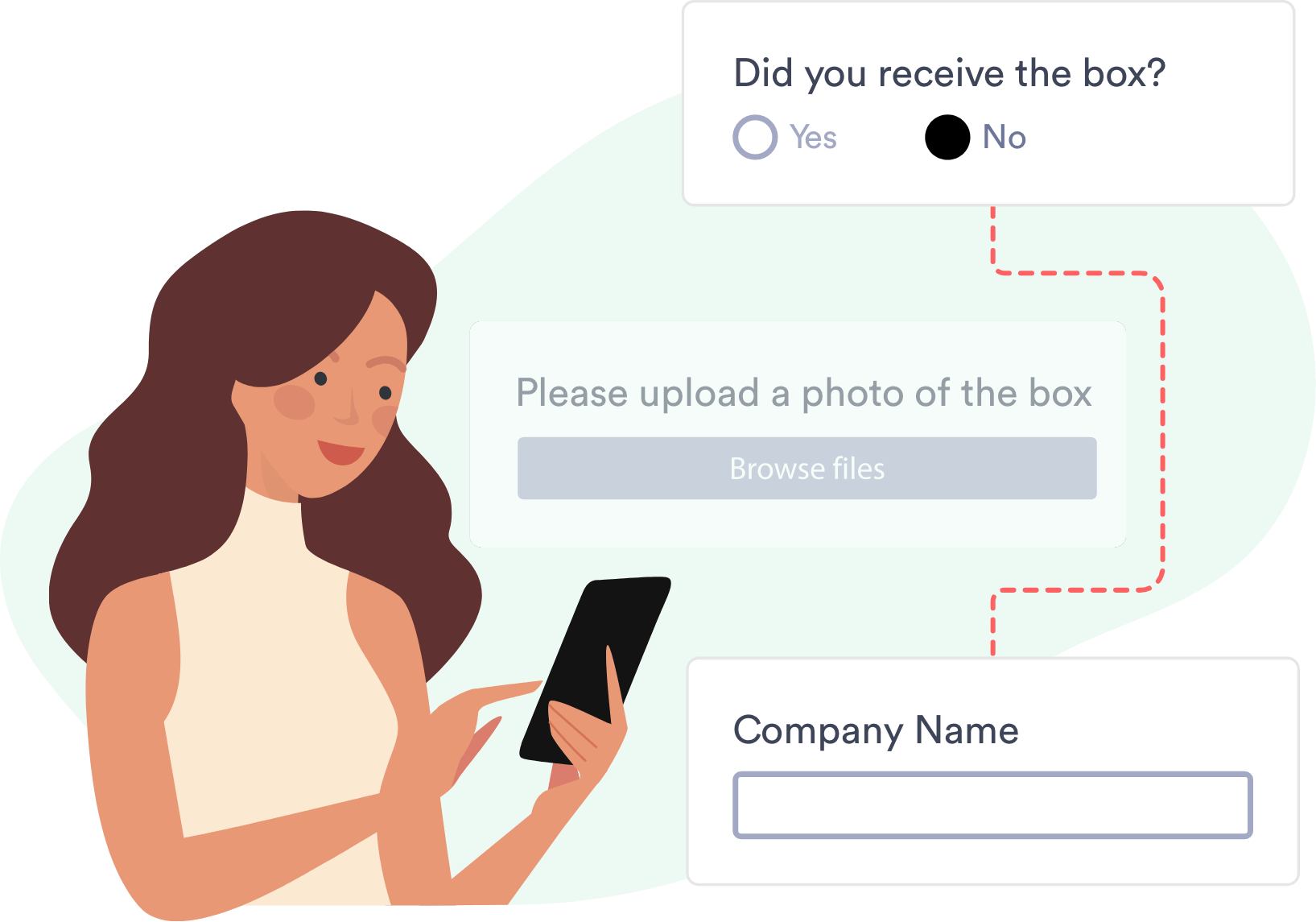
Enable or disable questions, or the Submit button, based on how a user responds to your form.
Jotform Enable-Disable a Form Tutorial
Stop unwanted form spam by setting a submission limit, choosing an expiration date or time, and hiding form fields using conditional logic.
