Duplicate Forms
Whether you need copies of your online form for multiple clients, to make minor modifications, or for testing purposes, you can duplicate existing forms in seconds with Jotform. No coding required — easily clone forms from your Jotform account or from another web page in a single click.
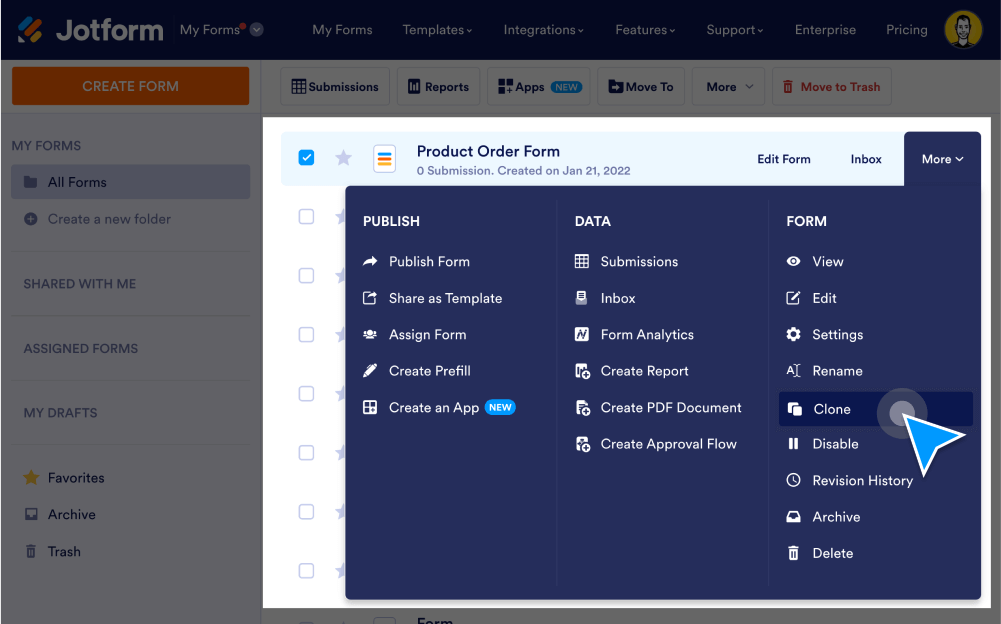
Create copies of your form in just a couple clicks. With Jotform, you can easily duplicate existing forms from your account, a URL, or a .
Duplicate Existing Forms
Create duplicate forms in your Jotform account, clone someone else’s form, or clone an embedded form from a web page to start collecting responses instantly!
Clone a form from your account
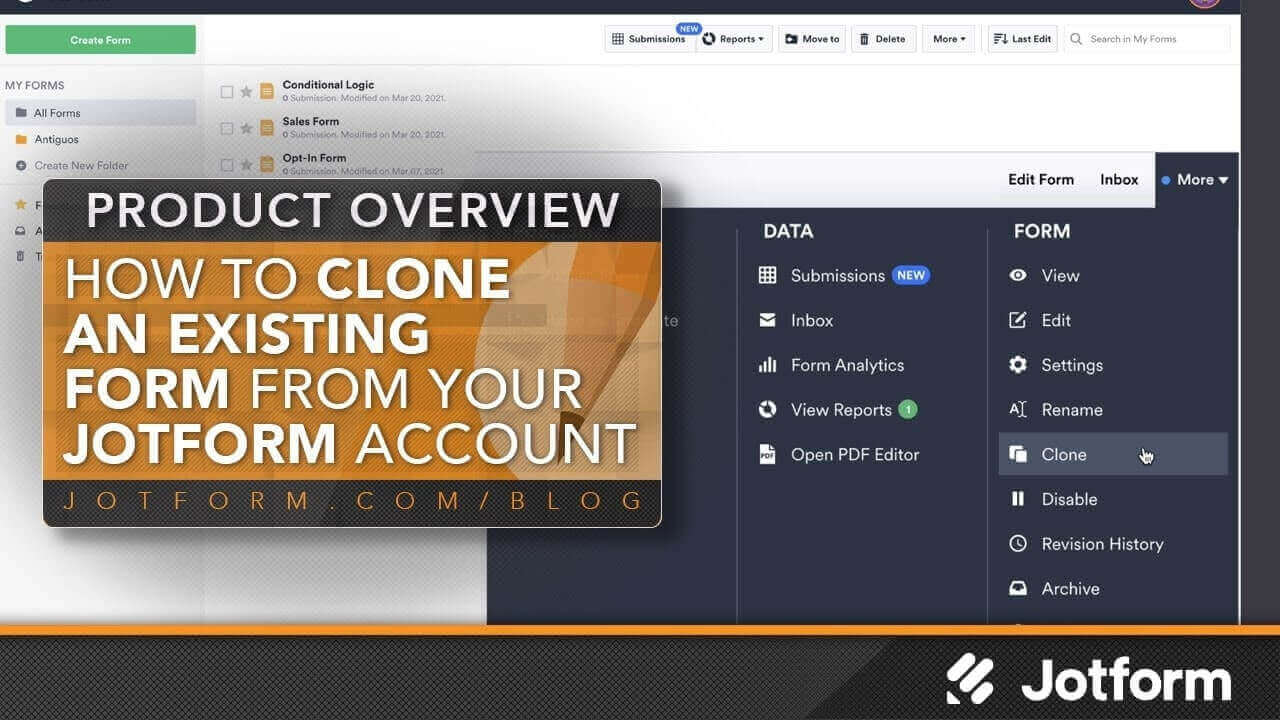
Create a second version of an existing form in your Jotform account. Click Clone under the More menu to automatically duplicate your form.
Clone a form from a URL
Duplicate a form using its URL. Simply select the Import Form option in our Form Builder, and copy and paste the form link. Then you can add customizations and embed the form in your website to accept submissions.
Clone an embedded form from a web page
Copy and paste the URL of an embedded form to copy the form template to your Jotform account. You can then customize the template and start collecting responses.
How to Clone an Existing Form from a URL?
You can easily clone a form from a different account or even from your account using its URL.