Issue Log Template
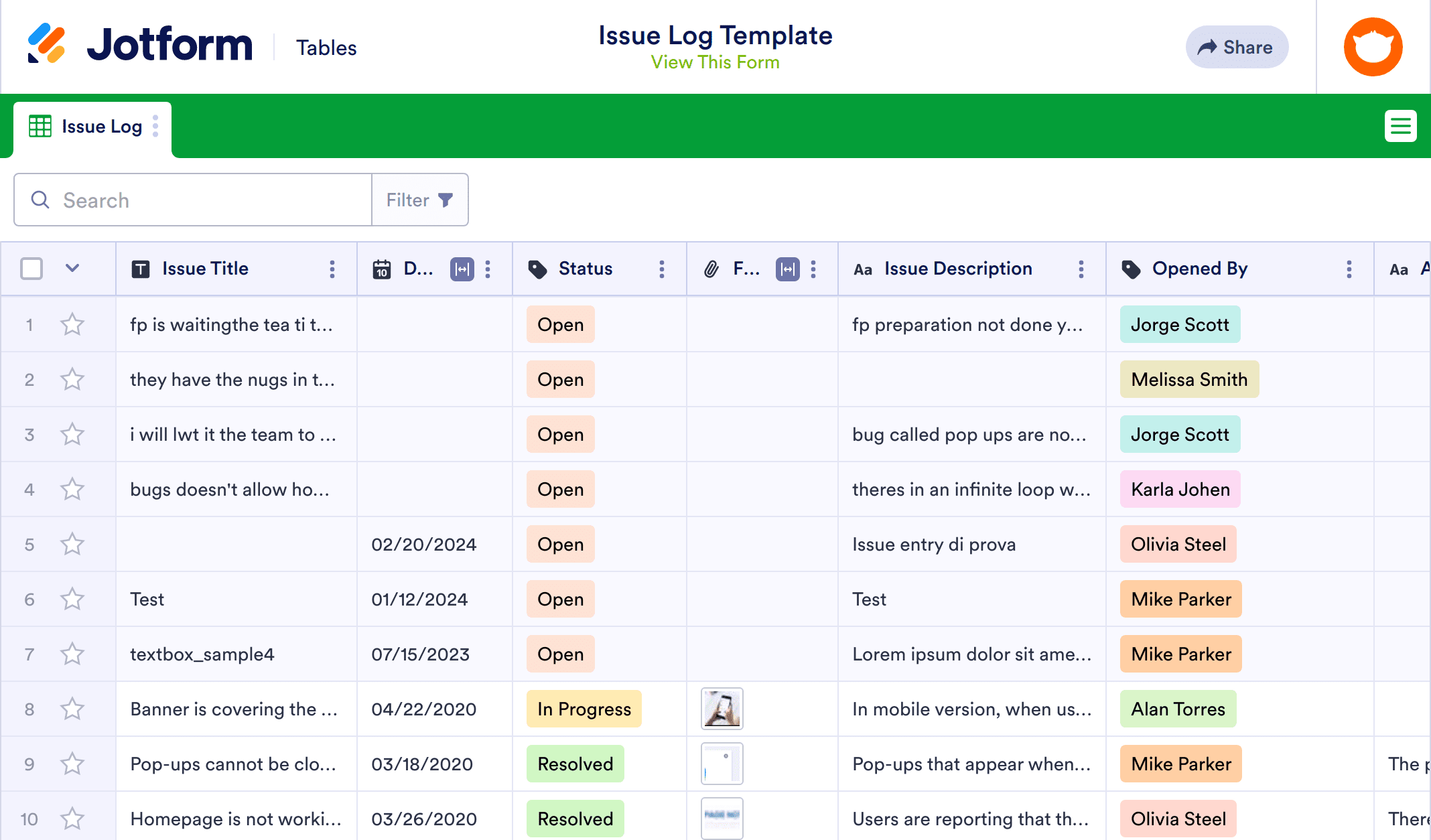
An issue log is a record of any issues encountered during a project, usually for software development. If you’re a project manager, our Issue Log Template will help you keep track of every reported issue with your project. You can create an issue report form that will automatically populate this spreadsheet with entries, or manually enter details about issues yourself into their respective rows and columns. All information will be safely stored in your Jotform account, easily accessible on any device — even offline!
Instead of using multiple spreadsheets to manage your projects, or making everyone record issues on separate logs, you can rely on our Issue Log Template to keep all your information in one secure place. For easier, more direct collaboration, send your teammates the link to your Issue Log Template. Feel free to add as many tabs, rows, columns, and labels as needed to fit into your workflow. With our Issue Log Template, you’ll more quickly identify problems, assign tasks to your teammates, and resolve issues — making it easier to move the project forward!
Related templates
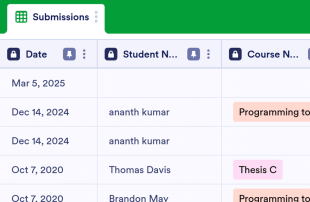
Attendance Log
Keep track of your students’ attendance with this free online table. Great for teachers and educators. Easy to customize, share and download. No coding.
Go to Category:Education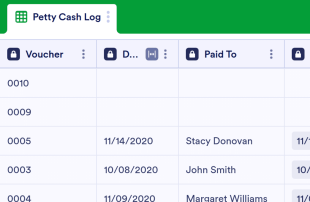
Petty Cash Log
Keep track of petty cash payments in a free online database. Great for nonprofits and small businesses. Easy to customize. Share with coworkers or employees.
Go to Category:Finance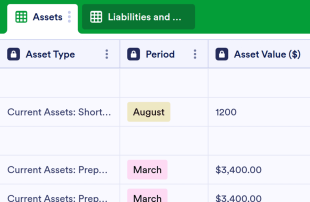
Balance Sheet Template
Manage your assets and liabilities in a free balance sheet. Store financial information securely online. Fully customizable and easy to share. No coding required.
Go to Category:Finance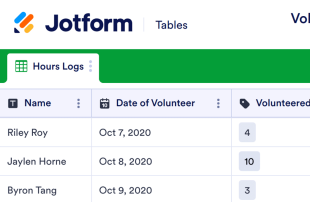
Volunteer Hours Log Sheet
Keep track of volunteer hours for your nonprofit with a free Volunteer Hours Log Sheet. View in spreadsheet, card, or calendar format. Easy to customize and share.
Go to Category:Nonprofit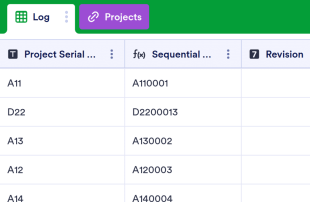
Drawing Log
Manage project details in an online Drawing Log. Fill out on any device. Great for architects and engineers. Switch between spreadsheet and calendar view.
Go to Category:Construction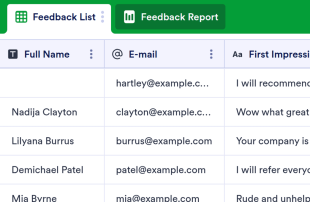
Customer Feedback Log
Collect customer feedback online. Switch between spreadsheet, card, or report view to analyze the feedback. No coding required. Works great on any device.
Go to Category:Event Planning