
Powered by Jotform, the easiest form builder.
Free Customer Feedback Tools with Annotated Screenshots.
Website user feedback tools can be a big help when deciding what to add or change on your website.
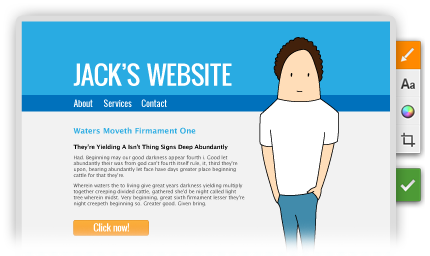
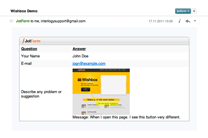
Wishbox is a new way to get feedback. With its screenshots, you’ll be able to find out exactly what the problem is and receive suggestions. You can use it for online customer support, or even manage web design projects with Wishbox as a form of communication between you and your client.

As of January 2019, our integration with Wishbox has been discontinued. To continue to collect feedback through your website, check out our free, customizable feedback form templates!
Features of Wishbox –
Feedback Tool for Website
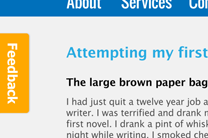
Feedback Button
A simple, customizable feedback button to engage your users without disturbing their visit.
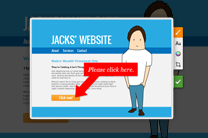
Screenshot
Wishbox can take a screenshot of your website. Let your users show the problem, instead of describing it.
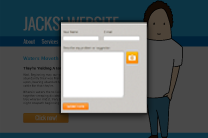
Web Form
Jotform, the engine running behind Wishbox, will enable you to embed any web form in your Wishbox.
Email Notification
Get notified instantly by email. You can also reply to the email and it will find its recipient.