Form Submissions to Tables
Automatically send every form response into a powerful spreadsheet-style workspace. With Jotform Tables, you can turn form submissions to tables instantly — so your data is organized, searchable, and ready to work with the moment someone hits submit.
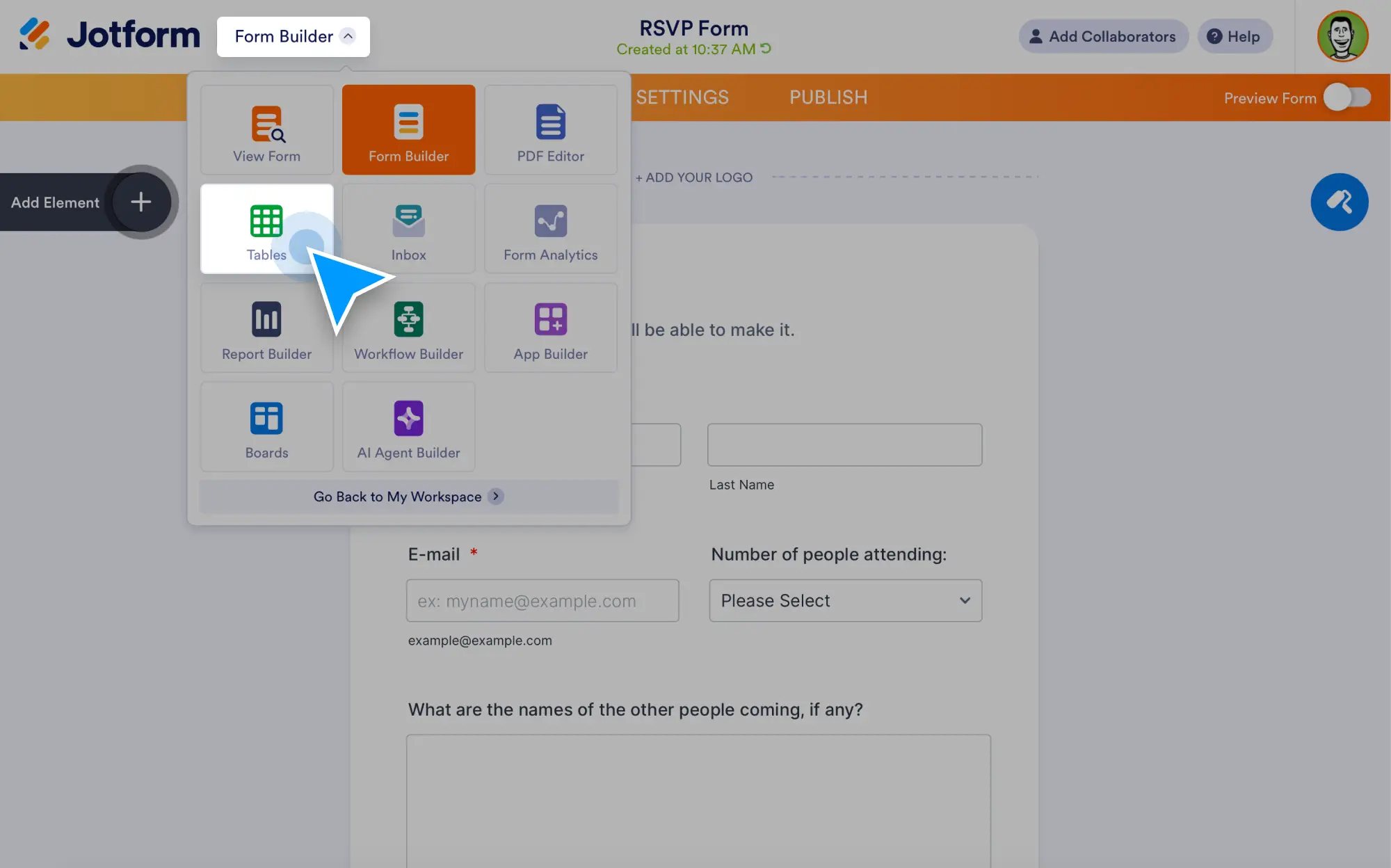
Convert form submissions to tables automatically, organize data your way, and collaborate in real time. Then manage entries faster with custom columns, filters, and multiple views.
Easily Turn Form Submissions to Tables
Go beyond collecting data and start managing it immediately.
Send submissions to tables automatically
Every time someone fills out your form, their response appears in Jotform Tables right away. No exporting, copying, or manual cleanup needed.
Go from submissions to insights faster
Automatically organize form responses into tables, then ask AI Data Assistant to find patterns, summarize results, and create visual reports.
Organize table data with custom columns
Add new columns anytime from basic fields to formulas, buttons, or connected data. Structure your table to match your process.
Filter, sort, and search submissions fast
Find exactly what you need with flexible filtering, sorting, and keyword search. Keep large volumes of form submissions clean and easy to navigate.
View and Manage Submissions Your Way
Work with your form data in the format that fits your workflow.
Track progress and update entries in real time
Edit submissions, update statuses, assign owners, or add notes directly inside the table. Your workspace stays current as your work moves forward.
Share tables and collaborate securely
Invite teammates to view or edit tables, leave comments, and collaborate on the same submission data — without sending spreadsheets around.
Switch between multiple table views
See the same submissions as a spreadsheet, cards, calendar, uploads gallery, or reports view without changing your form setup.