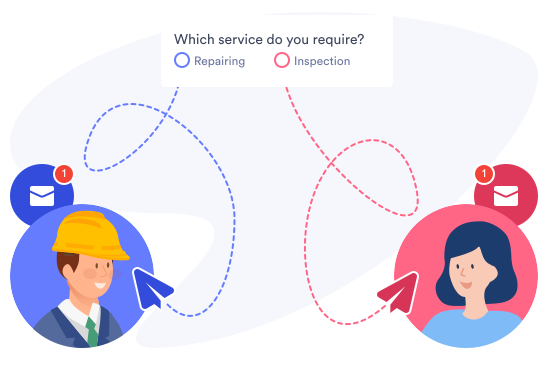
Create interactive online forms that react to the way your audience answers each question. Providing a personalized form experience for each user will encourage them to complete the form — that means more signups, leads, and !
Show / hide fields
Only show the form fields that are relevant to each user based on their previous answers.
One Field at a Time
Encourage users to elaborate on their answers when collecting surveys or feedback — for example, if a user states that they were dissatisfied with something on an event satisfaction survey, you can show a text box to allow them to explain further.
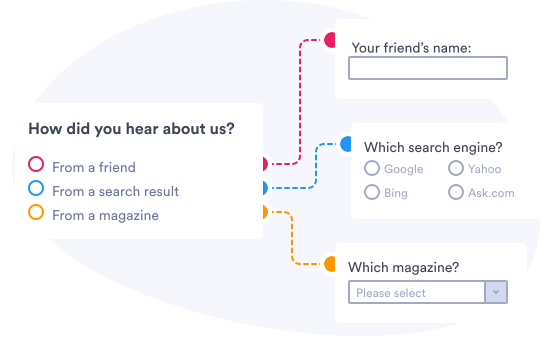
Multiple Fields
When collecting applications or registrations, allow users to elaborate on their answers by showing or hiding multiple fields for questions at once.
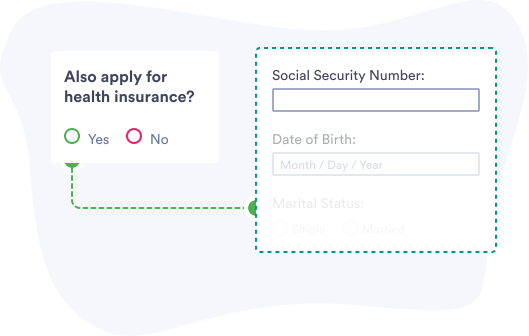
Require fields
Require additional fields based on previous answers.
Get the Answers You Need
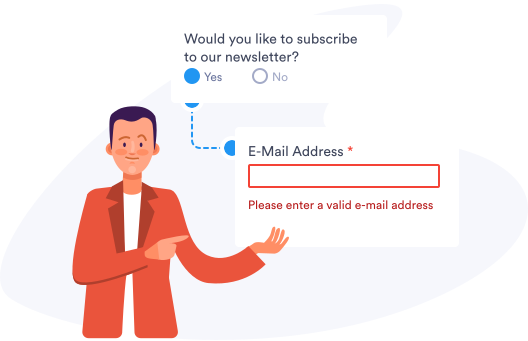
Prevent users from submitting incomplete order forms or registrations by requiring email, delivery address and more.
Calculate fields
Assign values to form fields and use conditional logic to do complex calculations.
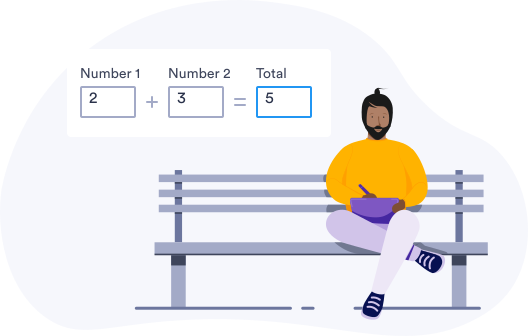
Calculate a Field
Add up price totals for orders, payments, invoices, and more by calculating the field values.
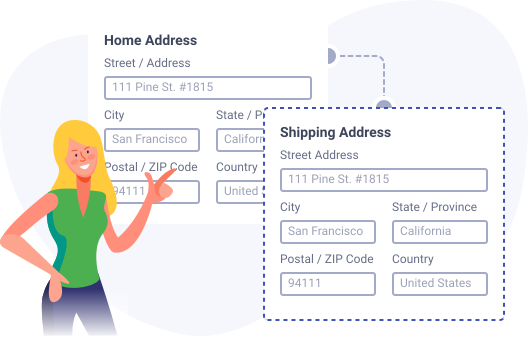
Pass Field Value to another Field
If a user’s billing and shipping address is the same, they can simply tick a box to carry the address over to the next section.
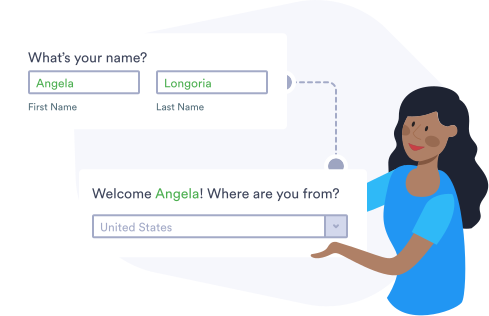
Answer Piping into Text
Immediately provide personalized instructions after a user orders a product or submits a booking — such as how long shipping will take for an order, or how to reschedule or cancel a booking.
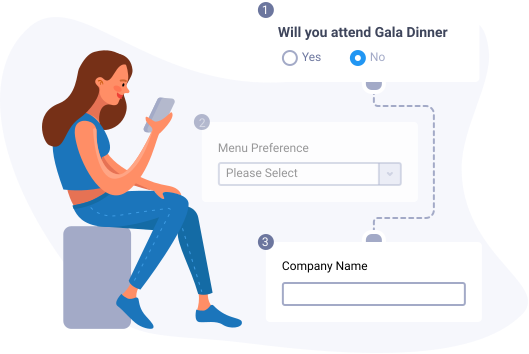
Skip pages
Let users skip pages that aren’t relevant to them.
Speed up Form Completion
If a certain question doesn’t apply to a user, they can then skip irrelevant pages in your customer satisfaction survey or feedback form, allowing you to collect the most accurate data possible for your research.
Thank each user personally
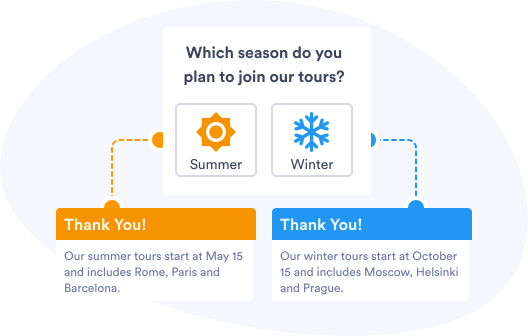
Build closer relationships with your audience by creating a personalized Thank You page that pops up after they’ve finished filling out your form.
Customize Thank You Messages
After they’ve filled out your form, thank new customers, donors, subscribers, or event guests with a personalized message that includes their name and confirms that you’ve received their submission.
Send Email Confirmations
Set up an autoresponder and instantly email order confirmation letters, PDF invoices, event tickets, and more based on the email address, location, selected language, and other information provided by users.
Customize Email Based on User’s Answer
Email a specific event ticket depending on which event location was purchased through your form. You can also relay work requests to the correct teams in your company, based on information a user selects or enters in your form.