
Google Workspace'te Yapay Zeka Form Oluşturucu
Jotform'un AI Form Builder'ı, Google Workspace içinde doğrudan form sorularını içe aktarmanıza, oluşturmanıza ve dışa aktarmanıza yardımcı olan bir Google Forms kenar çubuğu eklentisidir. Google Dokümanlar, Google E-Tablolar, Google Slaytlar, Drive dosyaları ve hatta diğer Google Formlarından kopyala-yapıştır yapmadan içerik aktarın. Yüklemesi ücretsizdir ve hiçbir kod yazmadan kullanabilirsiniz.
Hemen Yükle — Ücretsiz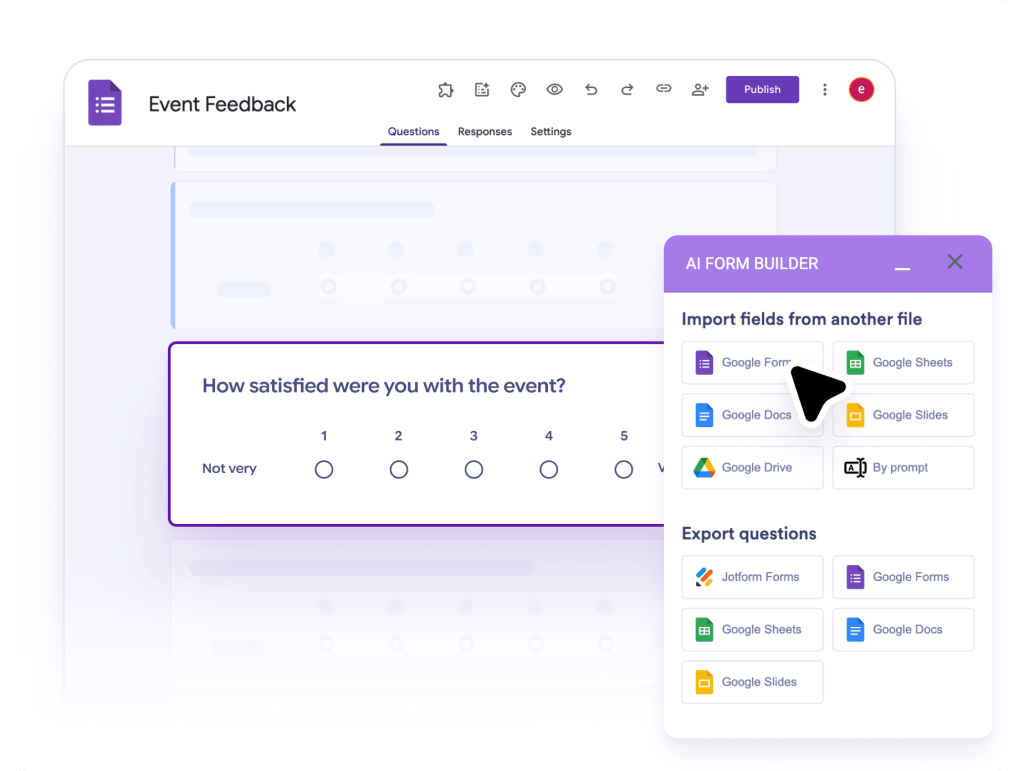
Google Workspace'te AI Form Builder Nasıl Kullanılır
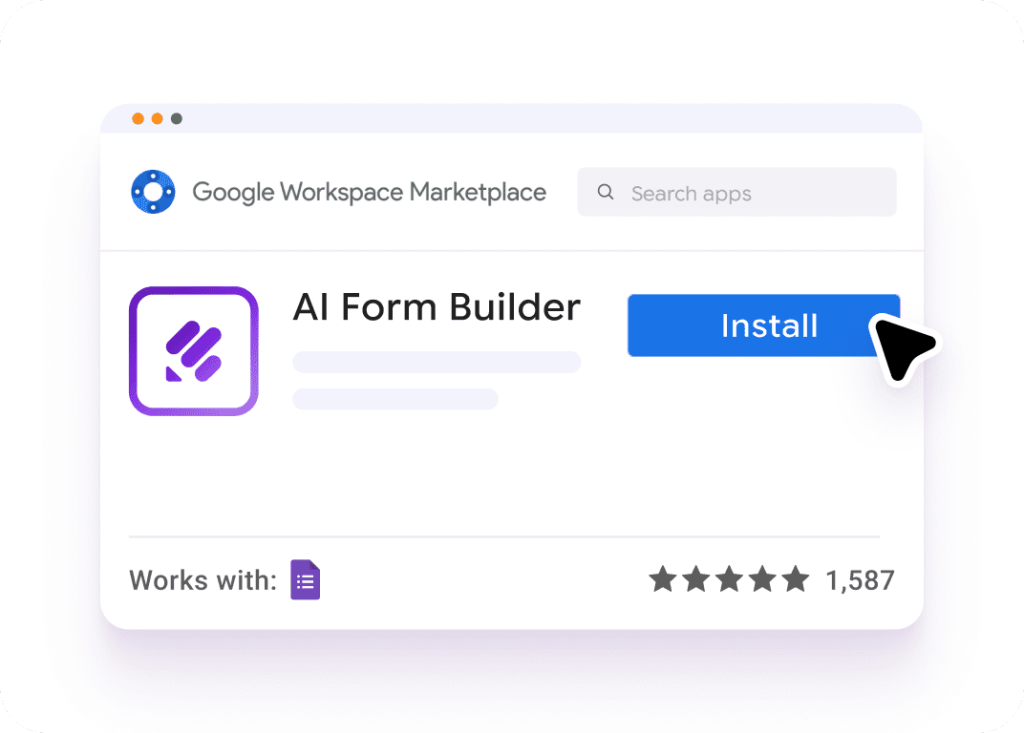
Uygulamayı kurun
Google Workspace Marketplace'ten Jotform AI Form Builder'ı yükleyin.
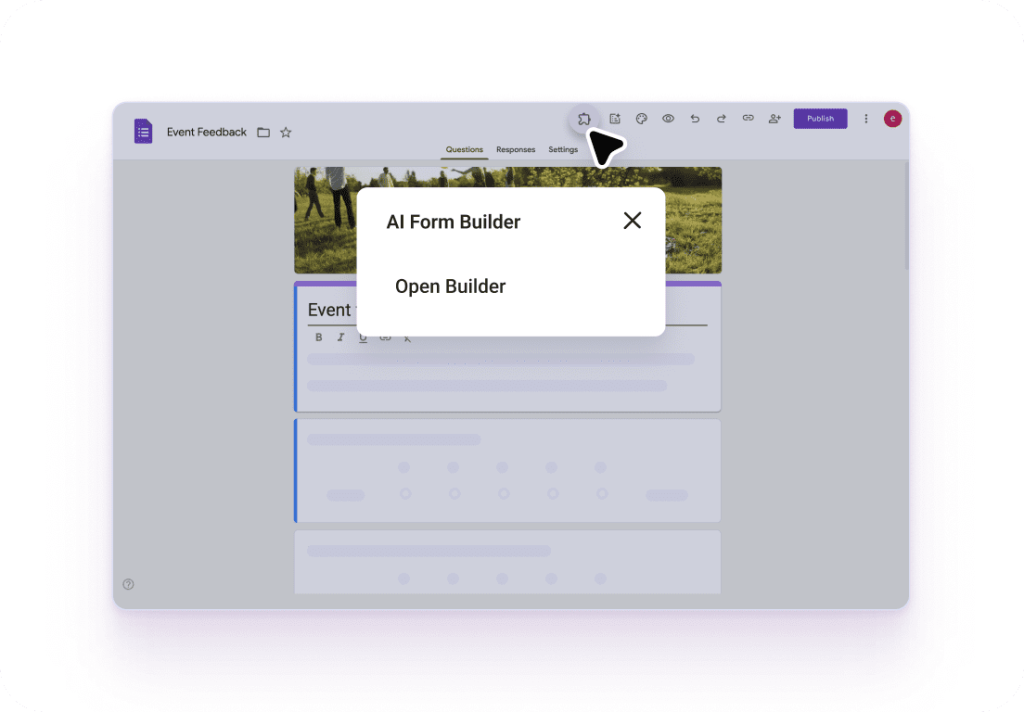
Uygulamayı açın
Bir form açın, ardından form arayüzünden AI Form Builder'ı başlatın
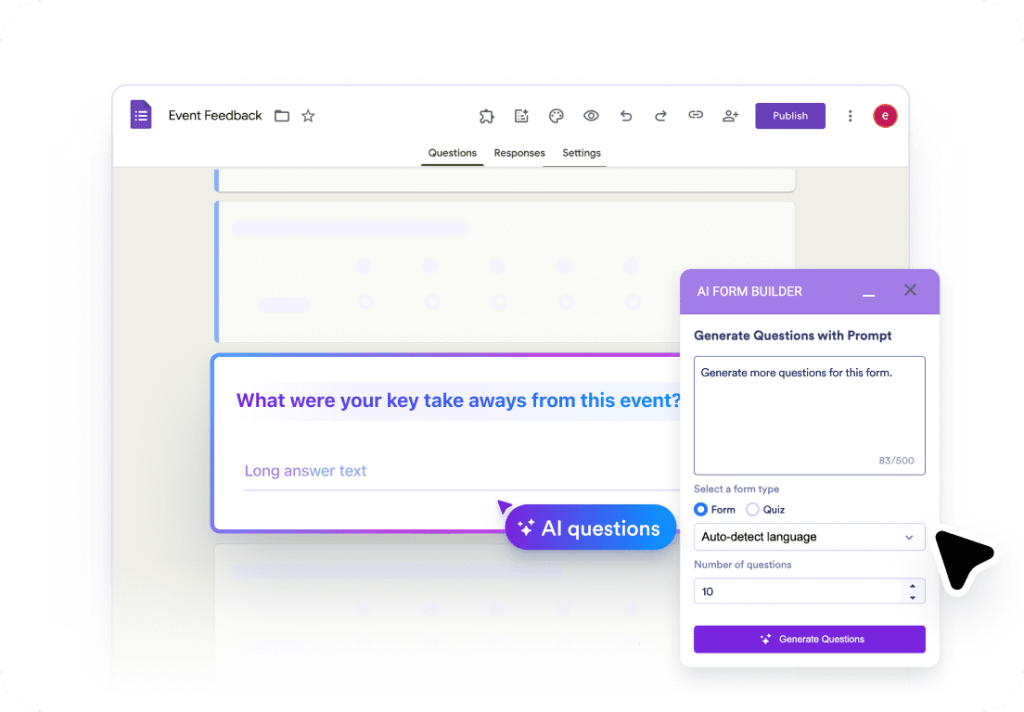
Oluşturun ve paylaşın
İçerik aktarın, sorular oluşturun veya alanları Jotform'a ya da Google dosyalarına aktarın.
Need more help? Visit our step-by-step guide
AI Form Builder uygulaması hakkında daha fazla bilgi alın
Check out this helpful video tutorial to learn how to access AI Form Builder in Google Workspace.

Neden Jotform?
Works where your Google content already lives
Jotform’s AI Form Builder connects directly with Google Workspace content so you can automatically pull questions from Google Docs, Sheets, Slides, Drive files, and existing Google Forms.

Turns messy content into clean form fields
AI Form Builder by Jotform uses smart content recognition to convert bulleted lists, headers, tables, and structured text into the right question and field types, with a preview step before you import.

Speeds up repeatable workflows
Jotform helps you move faster with automation-style options like prompt-based form generation, random question selection, and one-click reset so you can iterate quickly and reuse content across projects.

Google Workspace'te Jotform Uygulamaları

Yapay Zeka Form Oluşturucu
Yapay zeka ile anında Google Forms™ oluşturun. Google Dokümanlar™, Google E-Tablolar™, Google Slaytlar™ ve daha fazlasından soruları içe aktarın.
Şimdi deneyin
Yapay Zeka E-posta Yazıcı ve Gmail™ için Taslak Asistanı
Gmail™'de anında akıllı yanıtlar oluşturmak ve yanıt sürenizi iyileştirmek için yapay zeka destekli e-posta yazıcı kullanın.
Şimdi deneyin