InfoPath Forms
Jotform vs InfoPathIf your team still relies on InfoPath, now is the time to move to a more flexible way to collect and manage information. InfoPath 2013 reaches the end of its extended support period on July 14, 2026, and InfoPath Forms Services will be removed from SharePoint after that date. With Jotform, your team can replace legacy forms for online intake, approvals, signed documents, PDFs, and SharePoint-connected records.
Yan Yana Karşılaştırma
| ÖZELLİKLER | Jotform | InfoPath |
|---|---|---|
| Başlangıç Seviyesi Fiyatı | InfoPath Bağımsız fiyatlandırma yok - SharePoint'in bir parçası olarak sunulur | |
| Templates | InfoPath 10+ | |
| Koşullu mantık | InfoPath Evet | |
| Form Paylaşım Seçenekleri | InfoPath 5+ | |
| QR Kod Formları | InfoPath Hayır | |
| Otomatik Yanıtlayıcı E-posta | InfoPath Evet | |
| E-posta Özelleştirme | InfoPath Evet | |
| Hatırlatma E-postası | InfoPath Hayır | |
| Form Çevirisi | InfoPath Hayır | |
| Yerleştirme Seçenekleri | InfoPath SharePoint aracılığıyla | |
| Form Tasarlama | InfoPath Evet | |
| Randevu Planlaması | InfoPath entegrasyonlar aracılığıyla | |
| Kaydet ve Sonra Devam Et | InfoPath Evet | |
| Teşekkür sayfası | InfoPath Evet | |
| Mobil Uygulama | InfoPath Hayır | |
| Çevrim Dışı Modu | InfoPath Evet | |
| Kiosk Modu | InfoPath SharePoint veya Windows aracılığıyla | |
| Widget'lar | Hundreds of Widget'lar | InfoPath Özel Alanlar |
| Entegrasyonlar | InfoPath SharePoint Entegrasyonları | |
| Form Yanıtı Yönetimi | InfoPath Veritabanları veya SharePoint Kitaplıkları | |
| Form Yanıtı Verisini Dışa Aktarma | InfoPath PDF, Excel ve XML aracılığıyla | |
| Yapay Zeka Asistanları | InfoPath SharePoint'te Asistanlar | |
| Elektronik İmza | InfoPath Hayır | |
| PDF Oluşturma | InfoPath Evet | |
| İş Akışı | InfoPath SharePoint İş Akışları | |
| Sonuç ve Analiz | InfoPath Kısıtlı | |
| Beyaz Etiketleme | Available on Enterprise | InfoPath Kısıtlı |
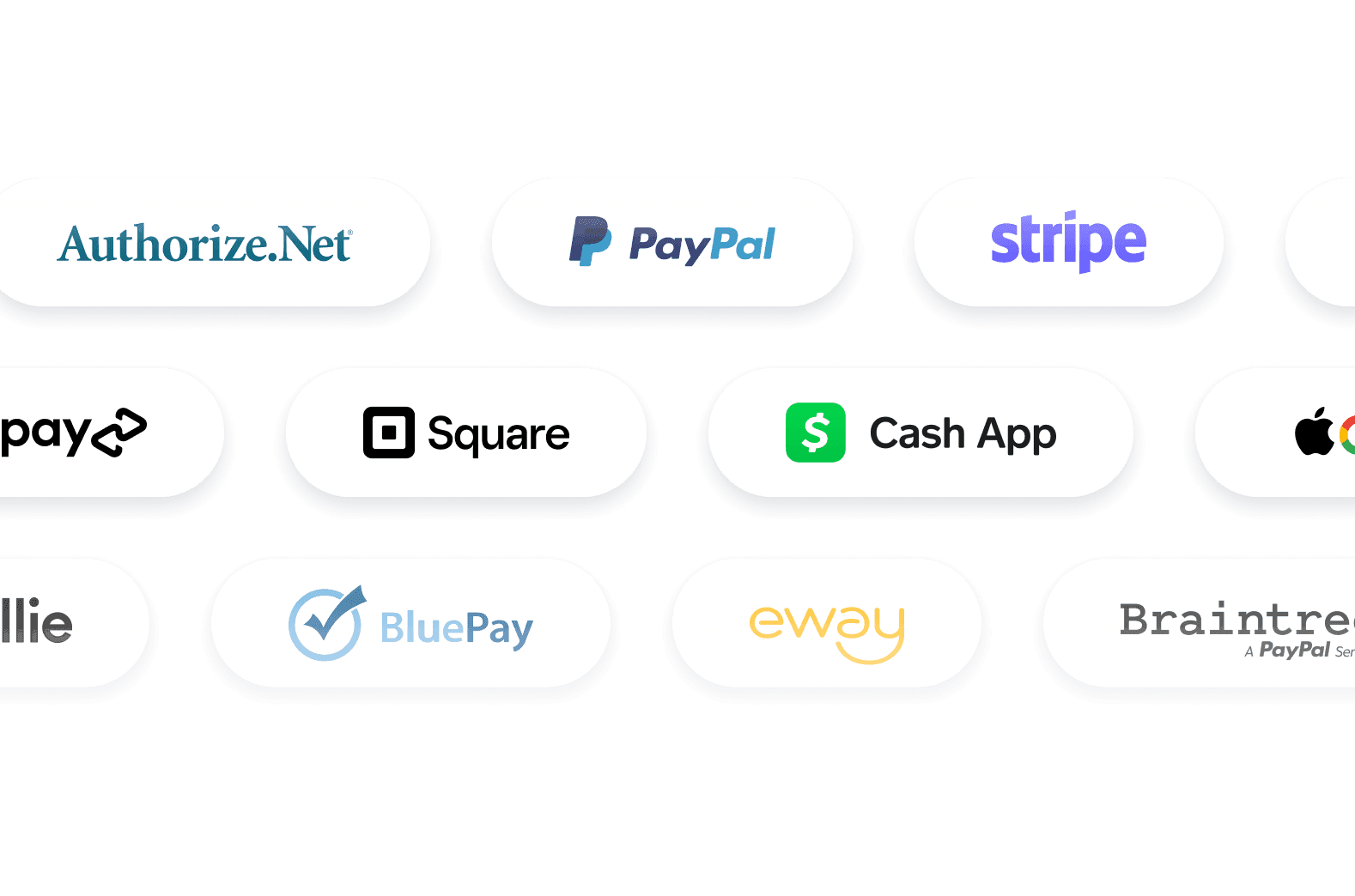
| Payment Gateways | InfoPath 4+ | |
| Yinelenen Bağışlar ve Abonelikler | InfoPath Hayır | |
| Şifrelenmiş Formlar | InfoPath Evet | |
| İki Faktörlü Kimlik Doğrulama (2FA) | InfoPath Microsoft Güvenlik Ayarları aracılığıyla | |
| reCAPTCHA | InfoPath Hayır | |
| PCI Compliance Features | InfoPath Mevcut | |
| HIPAA Uyumluluk Özellikleri | Gold ve Kurumsal Planlarda mevcut | InfoPath Mevcut |
| SOC 2 Compliance Features | Kurumsal Plan'da mevcut | InfoPath Mevcut |
| GDPR Compliance Features | Mevcut | InfoPath Mevcut |
Yanlış, eksik veya hatalı bir bilgi görürseniz, lütfen aşağıdaki formu doldurarak düzeltme talep edin.
Düzeltme Talep EtReplace InfoPath before the 2026 deadline
InfoPath support ends on July 14, 2026, and InfoPath Forms Services will be removed from SharePoint after that date. Jotform helps teams move active forms to a modern workspace before legacy SharePoint form processes become at risk.
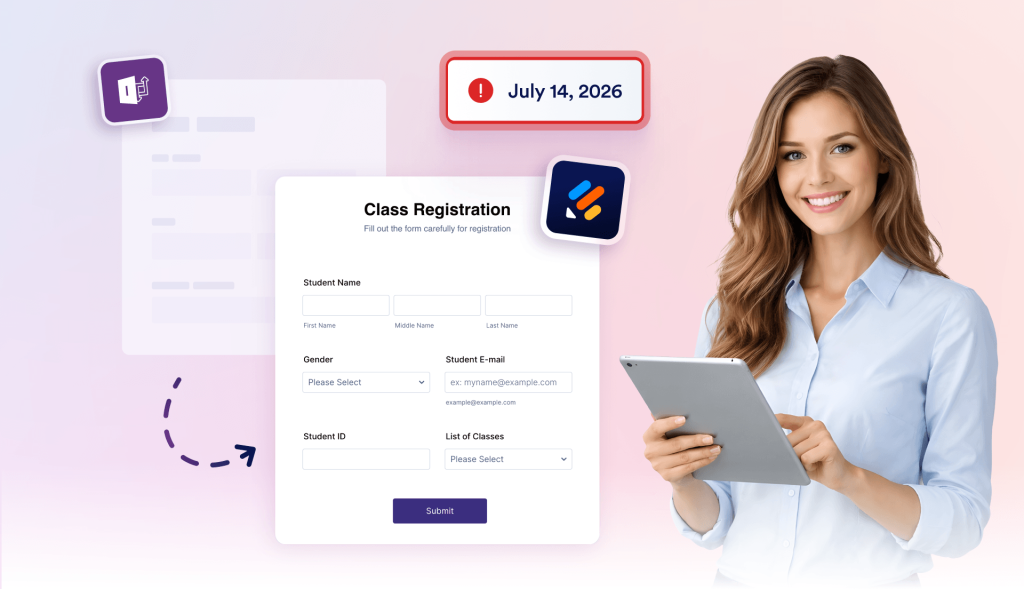
Keep SharePoint in the process
Jotform helps teams move away from InfoPath without abandoning SharePoint. Embed forms on SharePoint pages, send submissions to SharePoint lists, and upload files or generated PDFs to document libraries.
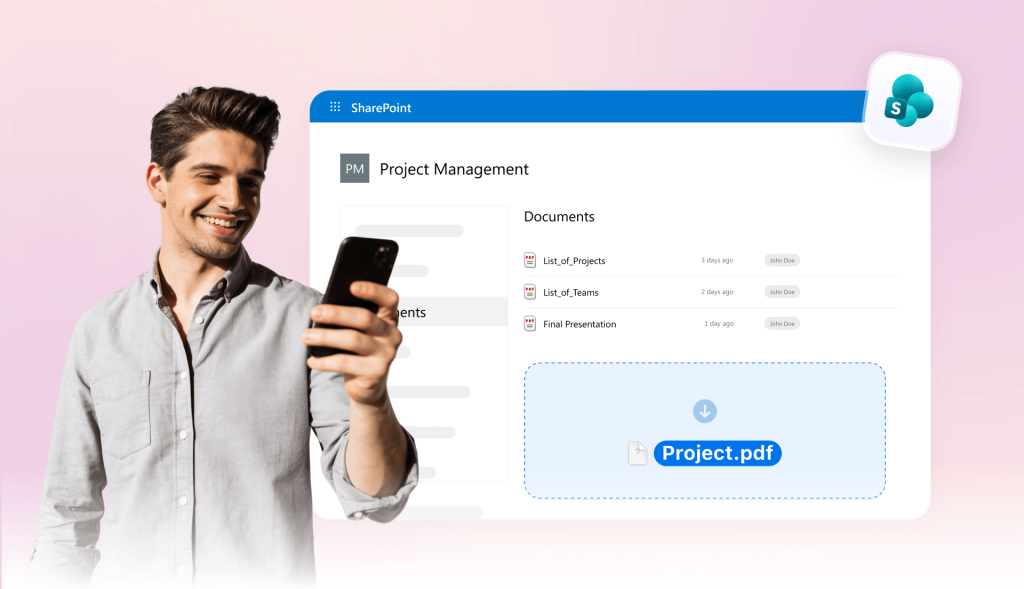
Replace approvals, signatures, and PDFs
Many InfoPath forms are tied to manager reviews, acknowledgements, document packets, or records. With Jotform, teams can easily add approval flows, collect e-signatures, and turn submissions into completed PDFs.

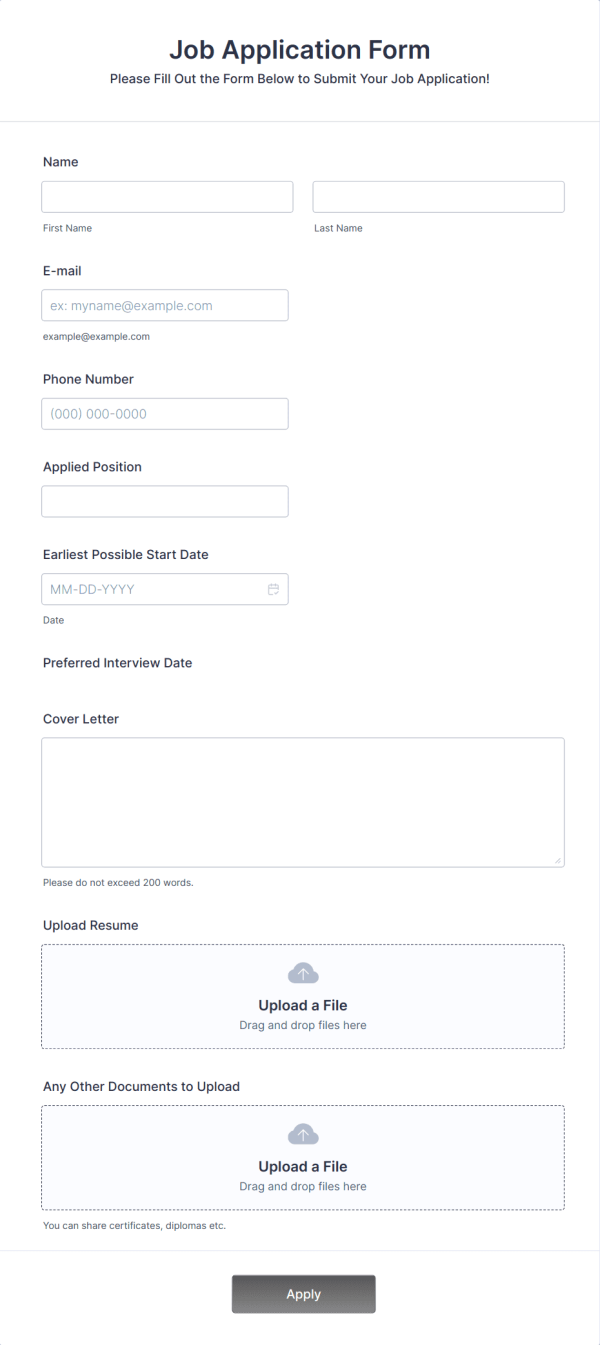
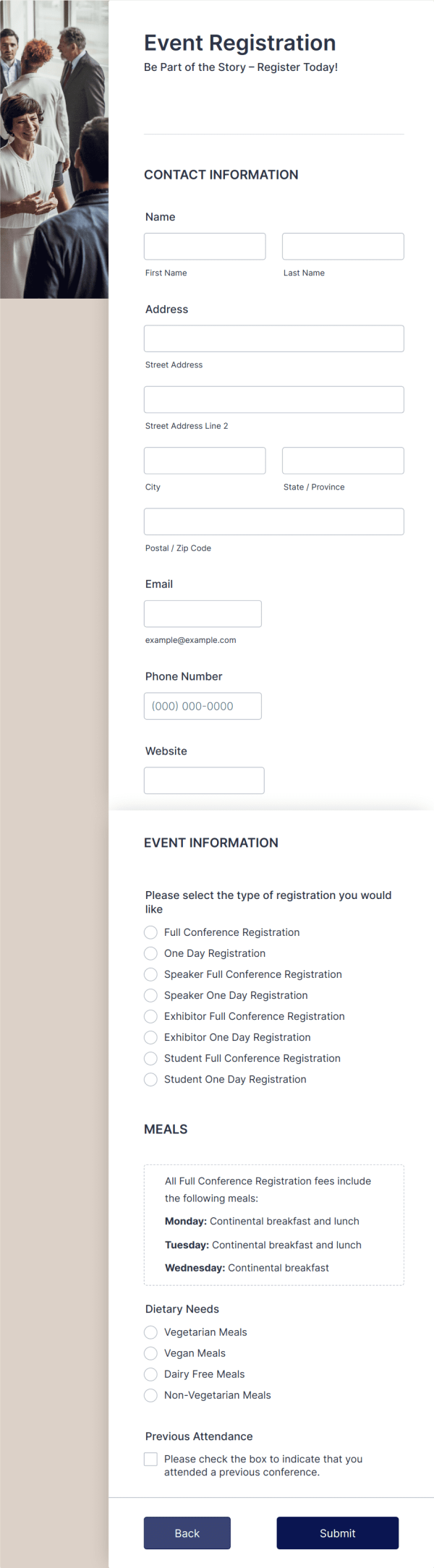
Save time with 20,000+ templates
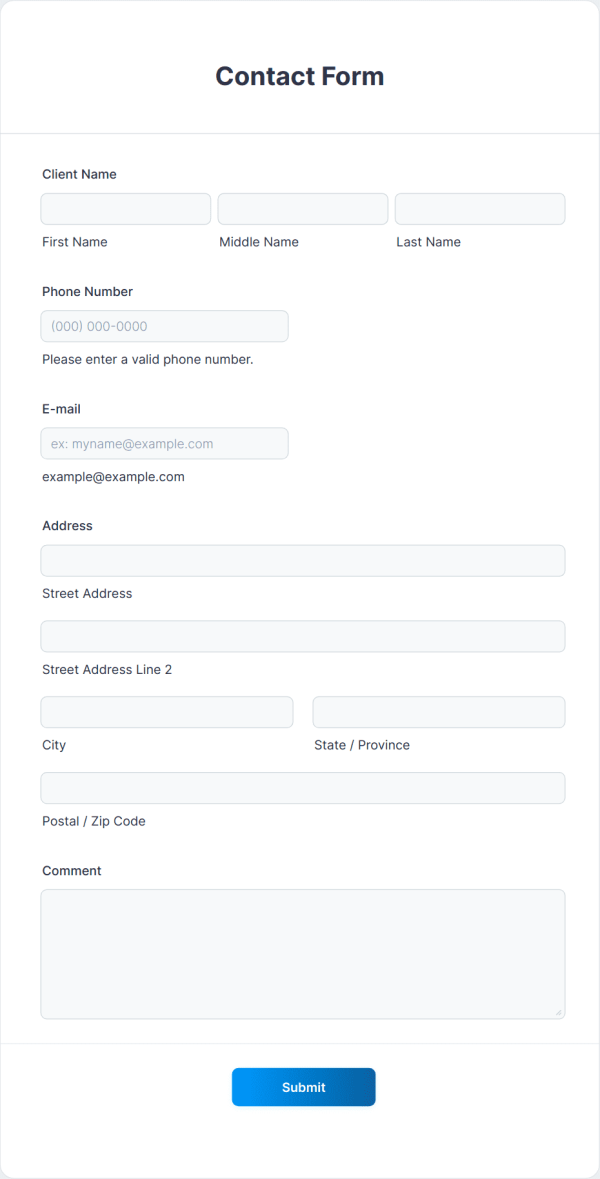
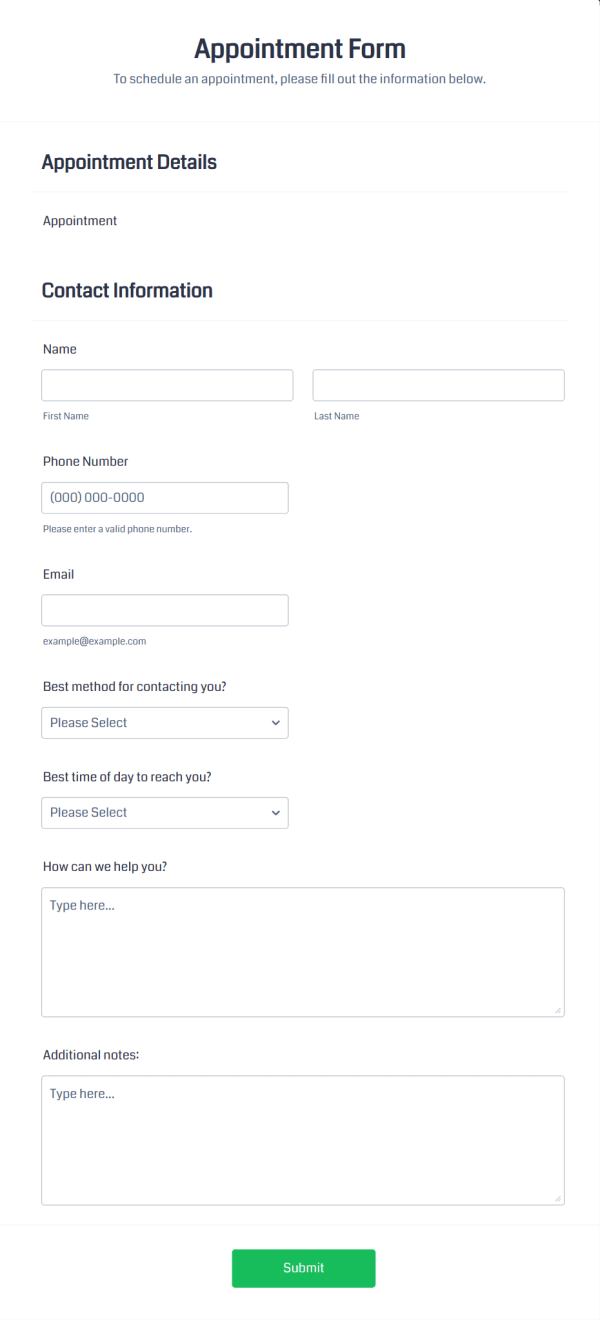
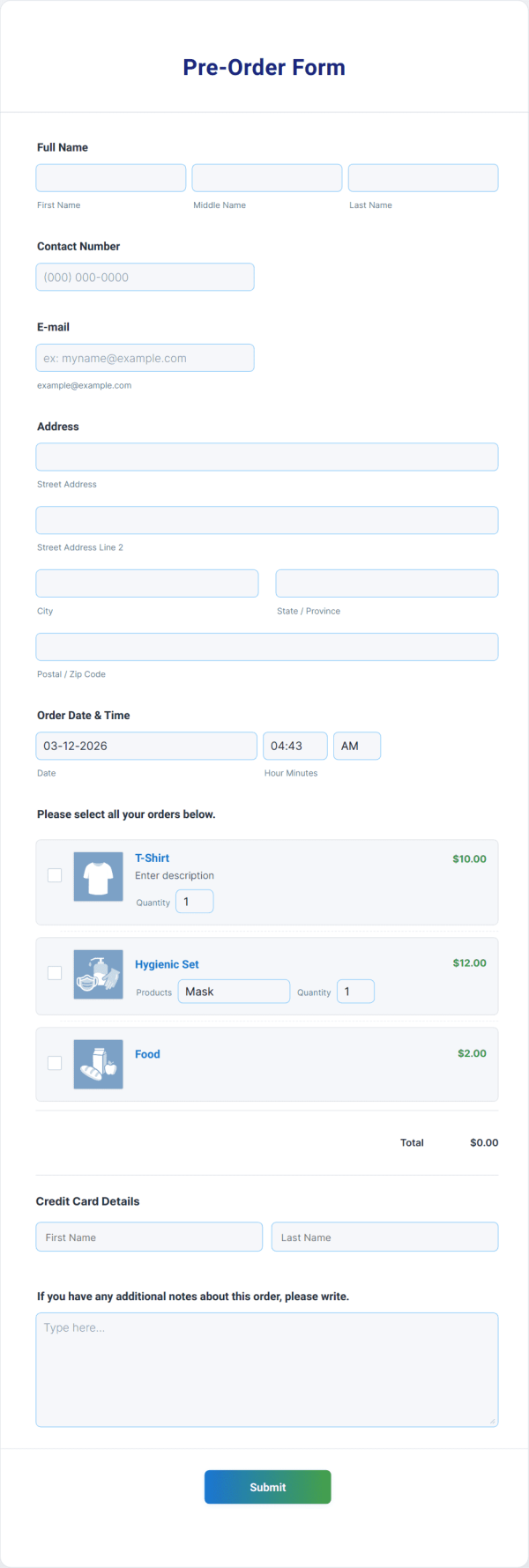
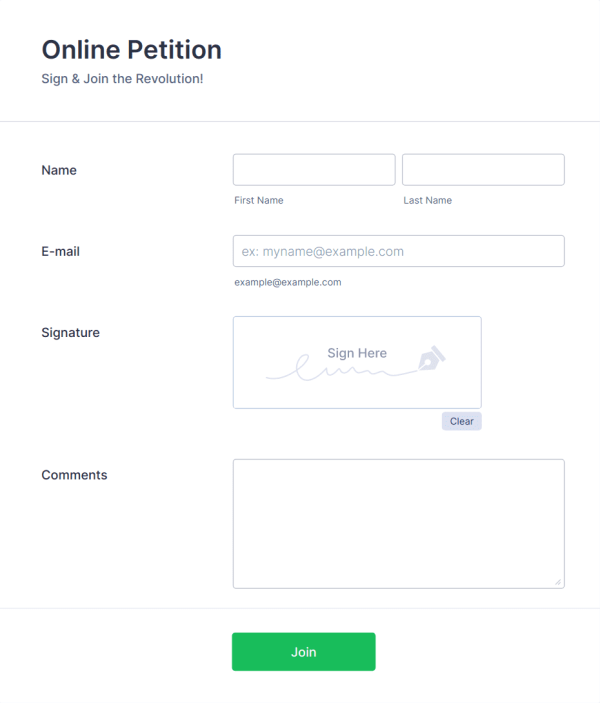
Jotform, yaygın iş senaryoları için binlerce şablon içerir. Hedefinize zaten uygun bir formla başlayın, ardından alanları düzenleyin, tasarımı güncelleyin ve dakikalar içinde yayınlayın.
Jotform: The #1 InfoPath alternative
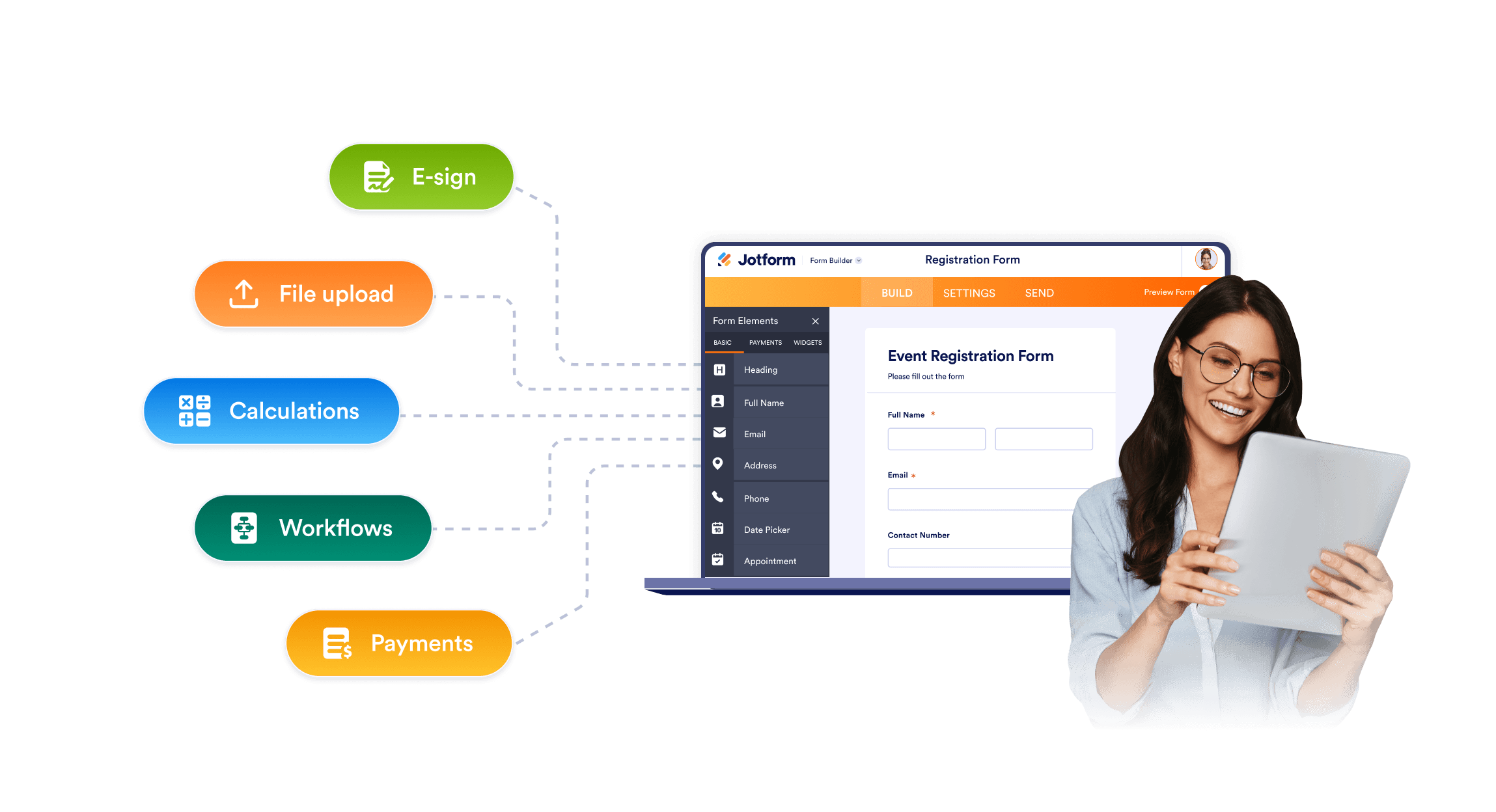
Easy form building for all teams
InfoPath often depends on older SharePoint patterns, legacy rules, and a desktop-based design. Jotform gives teams a no-code drag-and-drop form editor, ready-made fields, conditional logic, file uploads, and sharing options.
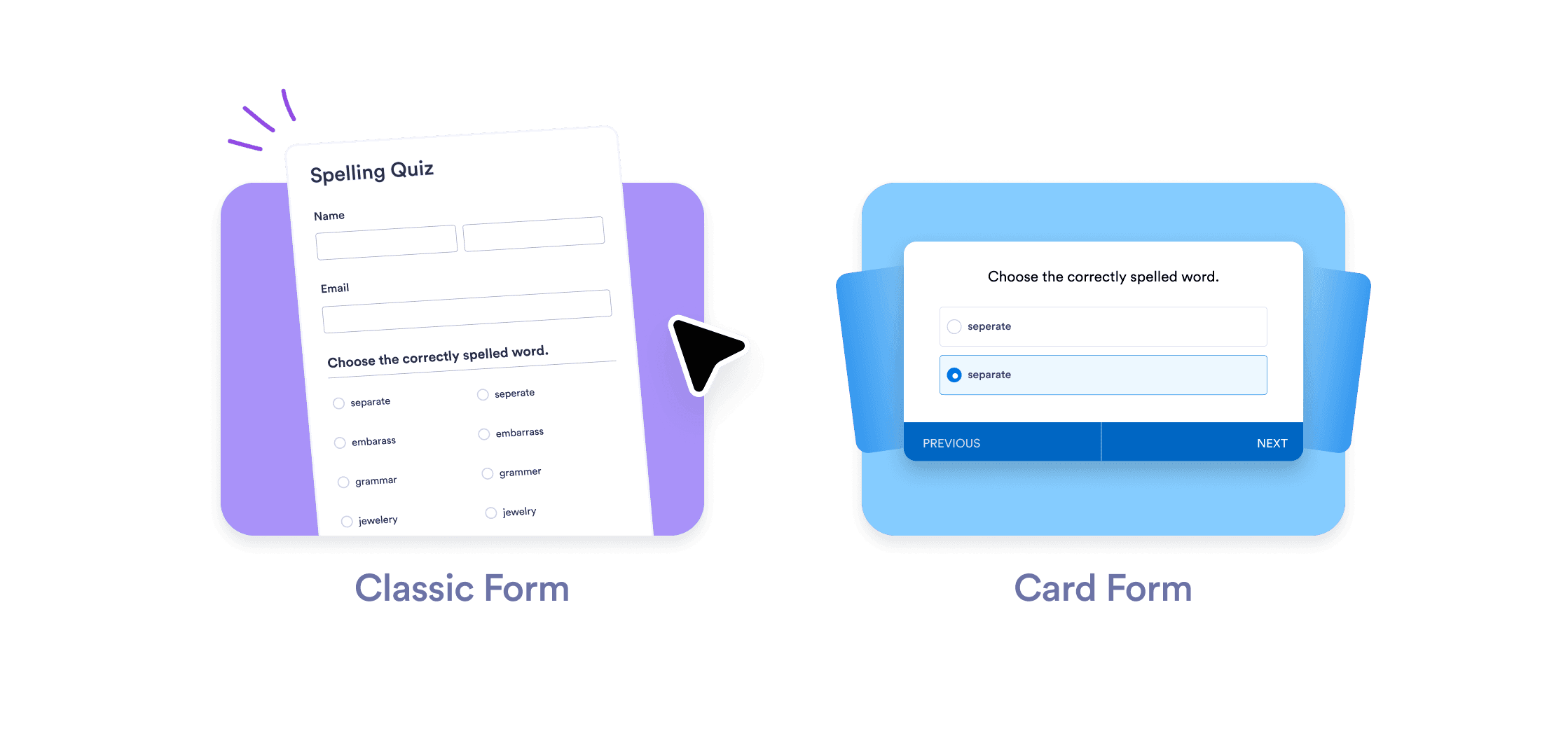
Forms to fit modern workflows
Share Jotform forms by link, embed them on internal or SharePoint pages, or open them on mobile devices. Teams can replace old InfoPath entry points with accessible forms that include custom branding, multipage layouts, required fields, and conditional logic.
Top-notch customer service with AI Agents
Jotform AI Agents guide your customers through form fields, answer questions, and collect information through chat, phone, SMS, WhatsApp, or QR codes interactions.
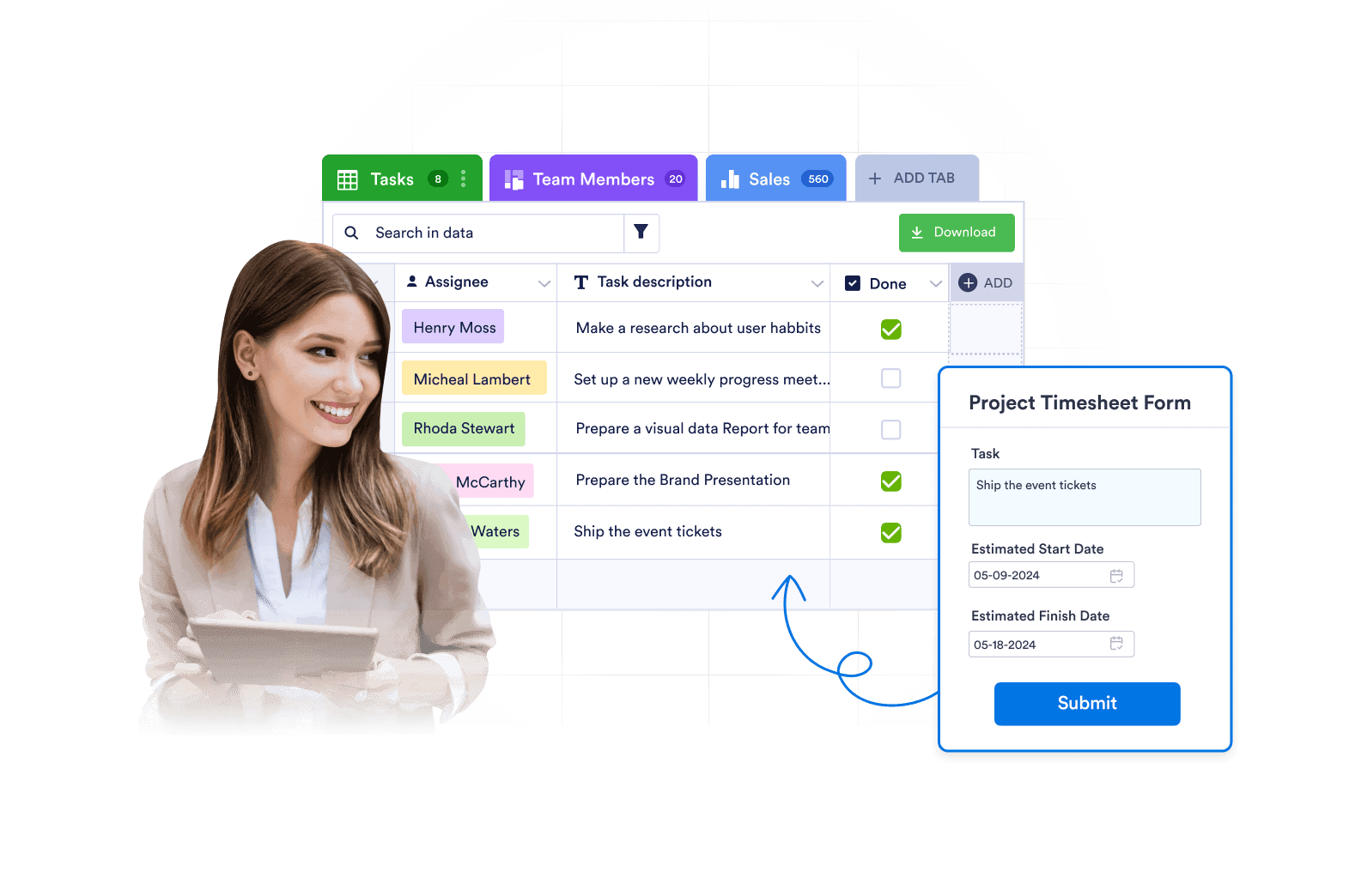
Expertly manage submissions
Jotform is more than just data collection. Review, search, filter, assign, and report on submissions with powerful features and data management tools.
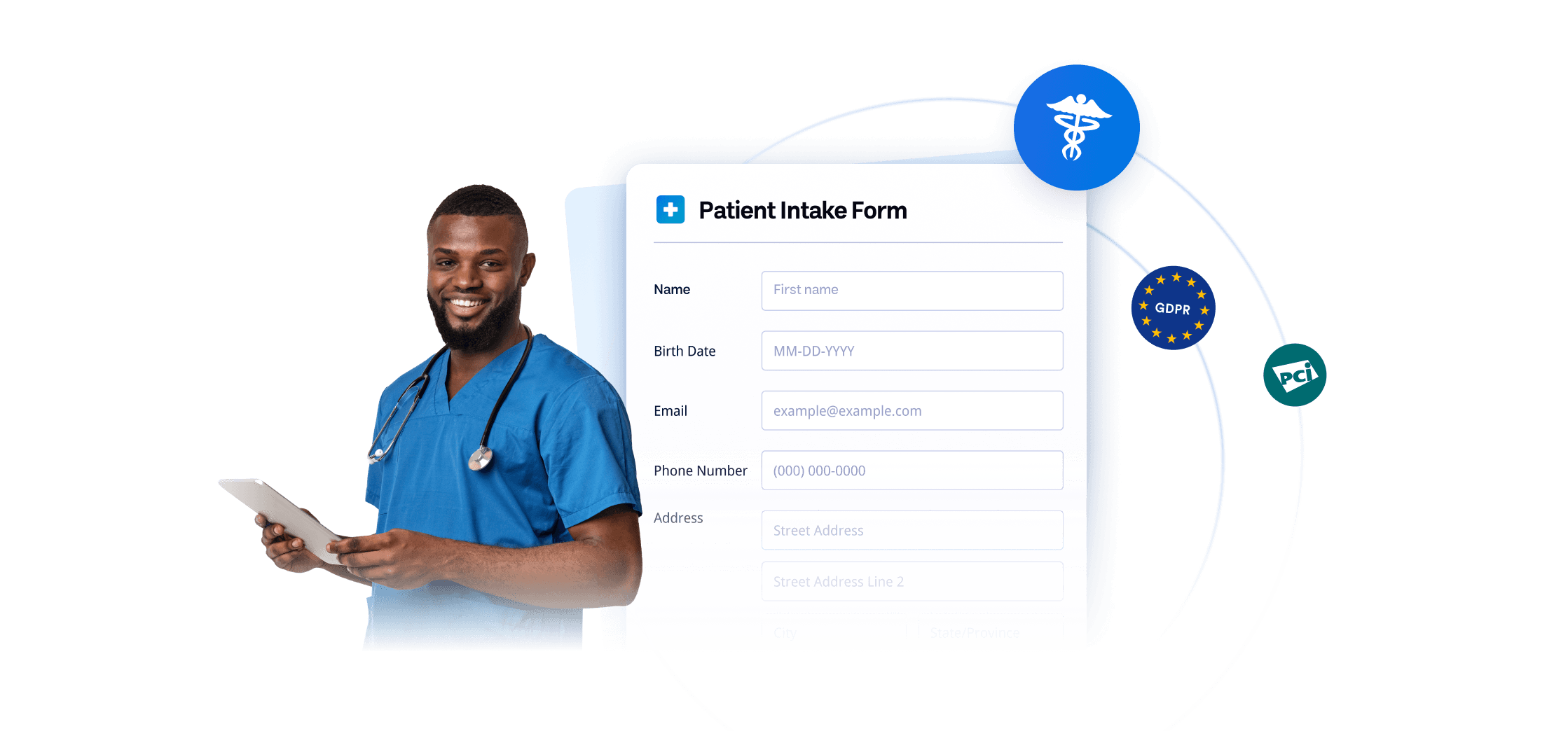
Giving your IT team more confidence
GDPR, CCPA, SOC 2 ve HIPAA uyumlu formlar dahil sektör lideri güvenlik ve uyumluluk ihtiyaçlarıyla verileri güvende tutun. Jotform ayrıca iki faktörlü kimlik doğrulama ve Çoklu Oturum Açma (SSO) seçeneği de sunar.
SSS
Jotform'un kullanımı ücretsiz midir?
Yes. Jotform offers a free plan, so you can build forms, automate approval flows, and access powerful data collection and management tools at no cost. If you need higher form limits or additional features, Jotform also offers a variety of paid plans.
What makes Jotform a strong alternative to InfoPath?
Is Jotform an automatic InfoPath converter?
When does InfoPath support end?
Can Jotform work with SharePoint?
Can Jotform send form data to SharePoint lists?
Can Jotform upload files to SharePoint document libraries?
Can Jotform replace InfoPath approval forms?
Can Jotform create PDF records from form submissions?
Can Jotform collect signatures?
Is Jotform safe for sensitive form data?
InfoPath formlarınızı Jotform'a taşımaya hazır mısınız?
.XSN dosyalarınızı dakikalar içinde tamamen düzenlenebilir Jotform formlarına dönüştürün — ardından onay otomasyonu, PDF oluşturma, e-imzalar, yanıt takibi ve SharePoint entegrasyonu ile eksiksiz iş akışınızı oluşturun.
Formlarınızı Jotform'a taşıyın