Appointment scheduling software for Microsoft Outlook Calendar
Build a powerful, customized booking experience with Jotform Appointment Scheduling Software. Automatically sync with Microsoft Outlook Calendar, prevent double bookings, automate confirmations, and easily manage multiple services.
Create a Scheduling Form
How to connect Microsoft Outlook Calendar with Jotform
Jotform se integra fácilmente para potenciar su proceso de programación. Elimine las tareas repetitivas y cree flujos de trabajo de citas personalizados que se ajusten perfectamente a su negocio.
Personalizar formularios de citas
Add form fields, conditions, disclaimers, or anything else you need for a complete workflow.
Connect Microsoft Outlook Calendar
Sincronice la disponibilidad en tiempo real para reflejar los espacios reservados y bloquear conflictos automáticamente.
Automatice el seguimiento
Activar emails, invitaciones de calendario o integraciones tan pronto como alguien realice una reserva.
Powerful appointment scheduling software features
A smarter way to manage appointments — so you can focus on what matters most. Keep everything running smoothly while delivering exceptional client experiences.
Sincronización inteligente de calendario
Sync appointments in real time with Microsoft Outlook Calendar, ensuring your form always shows accurate availability. Booked time slots and existing calendar events are automatically blocked to prevent overlaps.
Create Free Scheduling Form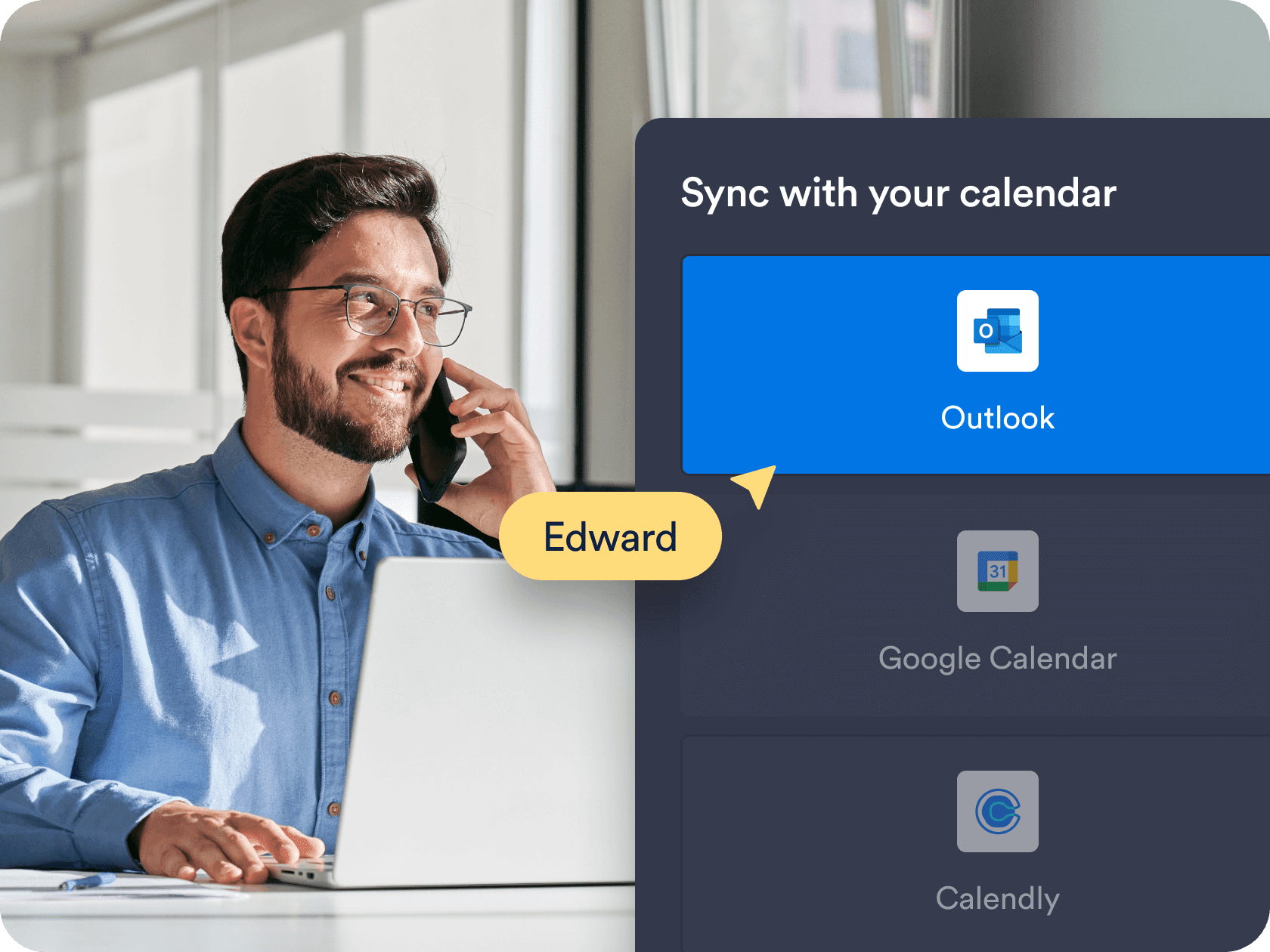
Controles personalizados de disponibilidad y tiempo
Choose the exact days, hours, and appointment durations that work for you. Add buffer times, daily limits, and blackout dates to fit your personal or business schedule.
Create Free Scheduling Form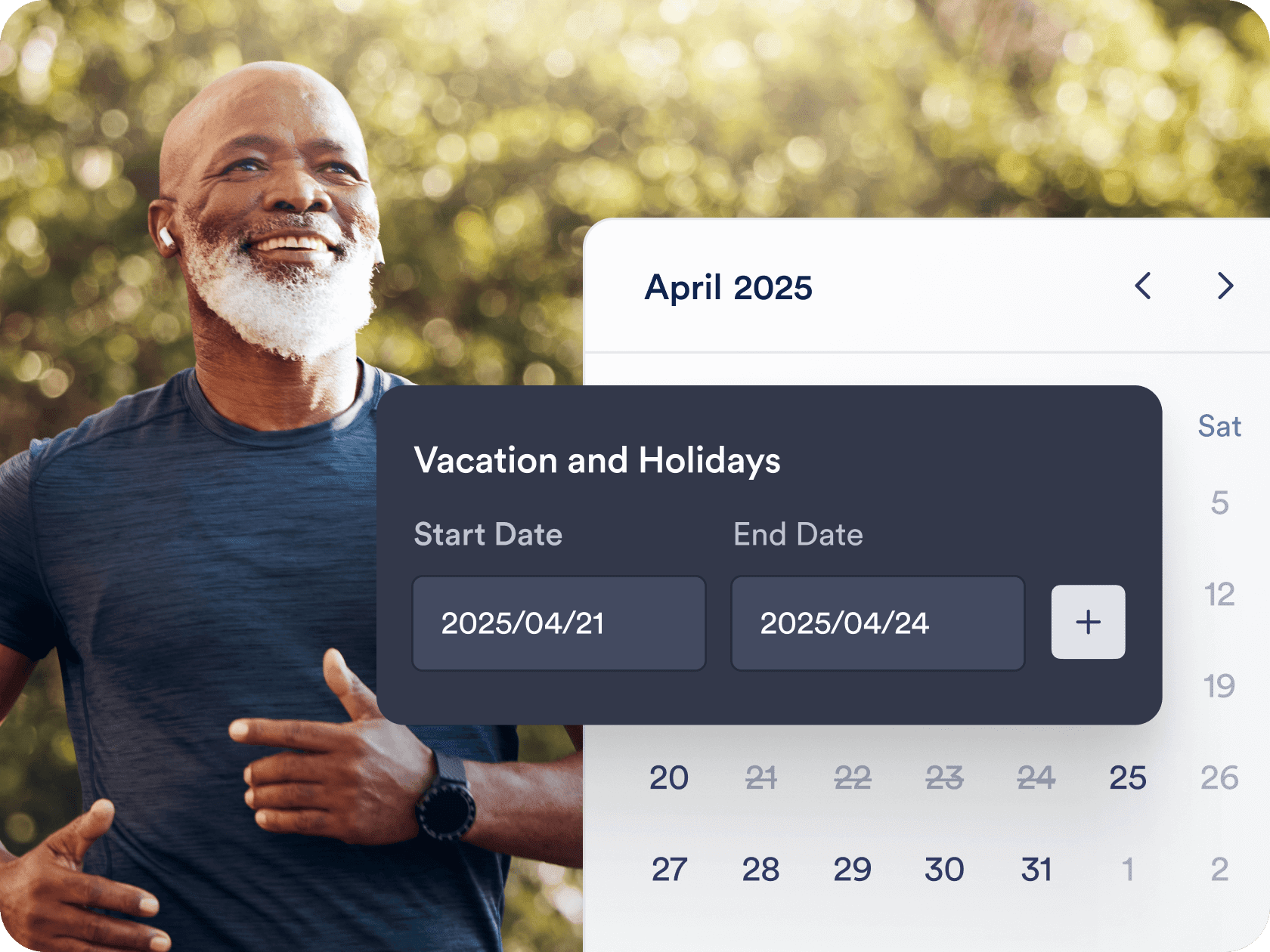
Automated workflows and integrations
Send confirmation emails, automate reminders, and connect with tools like Zoom, Slack, or CRMs. Jotform helps you create a seamless workflow around each booking — without manual follow-up.
Create Free Scheduling Form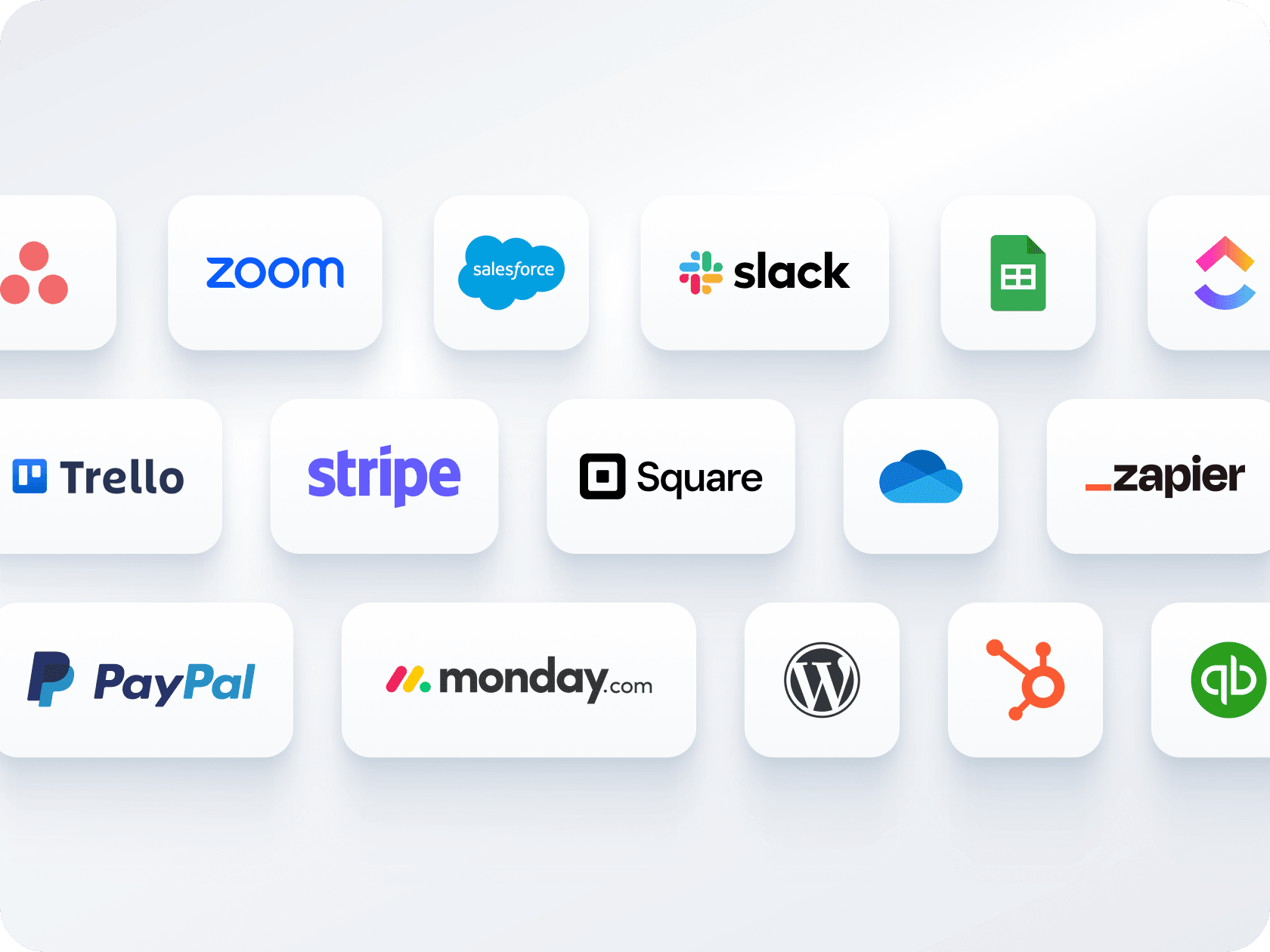
Múltiples formularios, un calendario
Recopile pagos y programe citas a través de un único formulario, sin necesidad de herramientas separadas. Conéctese con Stripe, PayPal, Square u otras pasarelas para cobrar a los clientes durante la reserva.
Create Free Scheduling Form
Opciones fáciles para compartir e integrar
Distribuya su formulario de citas mediante enlace o código QR, o intégrelo directamente en su sitio web. Ya sea que comparta por correo electrónico, redes sociales o páginas de destino, solo toma unos pocos clics.
Create Free Scheduling Form
Appointment Scheduling Software for Outlook Calendar
Permita que su agente de IA reserve citas en cualquier lugar
Transforme cada conversación en una reserva confirmada con los Agentes de Jotform IA. Su agente puede planificar citas en tiempo real desde su sitio web, su correo electrónico, WhatsApp, Messenger, Slack, y más, para que nunca pierda la oportunidad de conectar.
Leer más
Preguntas Frecuentes
Can I sync Jotform appointments with Microsoft Outlook Calendar?
Yes, Jotform offers full two-way sync with Outlook Calendar. When someone books through your form, the appointment is automatically added to your calendar, and existing calendar events are used to block off unavailable times.
¿Cómo evita Jotform las reservas duplicadas?
Can I offer different services or appointment types through a single form?
Can I collect payments as part of the booking process?
Are confirmation and reminder emails sent automatically?
How flexible is the availability setup for appointments?
Can I customize the form layout and design?
Can I automate tasks after someone books an appointment?
Can I connect multiple appointment forms to the same Outlook Calendar?
What do I get with Jotform’s free plan?