# Software de programación de citas para Calendly | Jotform

La programación más inteligente comienza aquí
# Software de programación de citas para Calendly

Jotform facilita la programación de citas y la gestión de su calendario. Cree formularios totalmente personalizables, conéctese con sus herramientas favoritas, sincronice la disponibilidad y recopile todo lo que necesite, desde pagos hasta detalles de los participantes.

[Create a Scheduling Form](https://www.jotform.com/es/build/?question=appointment)

![Image 1: Appointment scheduling software for Calendly hero](https://cdn.jotfor.ms/image/r/aHR0cHM6Ly9jZG4uam90Zm9yLm1zL3AvYXBwb2ludG1lbnQtc2NoZWR1bGluZy1zb2Z0d2FyZS9hc3NldHMvaW1nLW1pbi9jYWxlbmRseS9oZXJvLnBuZz92PTAuMw==/hero.png?w=2025&t=1)

Integraciones
## Cómo conectar Calendly con Jotform

Jotform se integra fácilmente para potenciar su proceso de programación. Elimine las tareas repetitivas y cree flujos de trabajo de citas personalizados que se ajusten perfectamente a su negocio.

### Personalizar formularios de citas

Agregue campos de formulario, condiciones, avisos legales o cualquier otra cosa que necesite para un flujo de trabajo completo

### Conectar Calendly

Sincronice la disponibilidad en tiempo real para reflejar los espacios reservados y bloquear conflictos automáticamente.

### Automatice el seguimiento

Activar emails, invitaciones de calendario o integraciones tan pronto como alguien realice una reserva.

Ventajas
## Powerful appointment scheduling software features

A smarter way to manage appointments — so you can focus on what matters most. Keep everything running smoothly while delivering exceptional client experiences.

## Sincronización inteligente de calendario

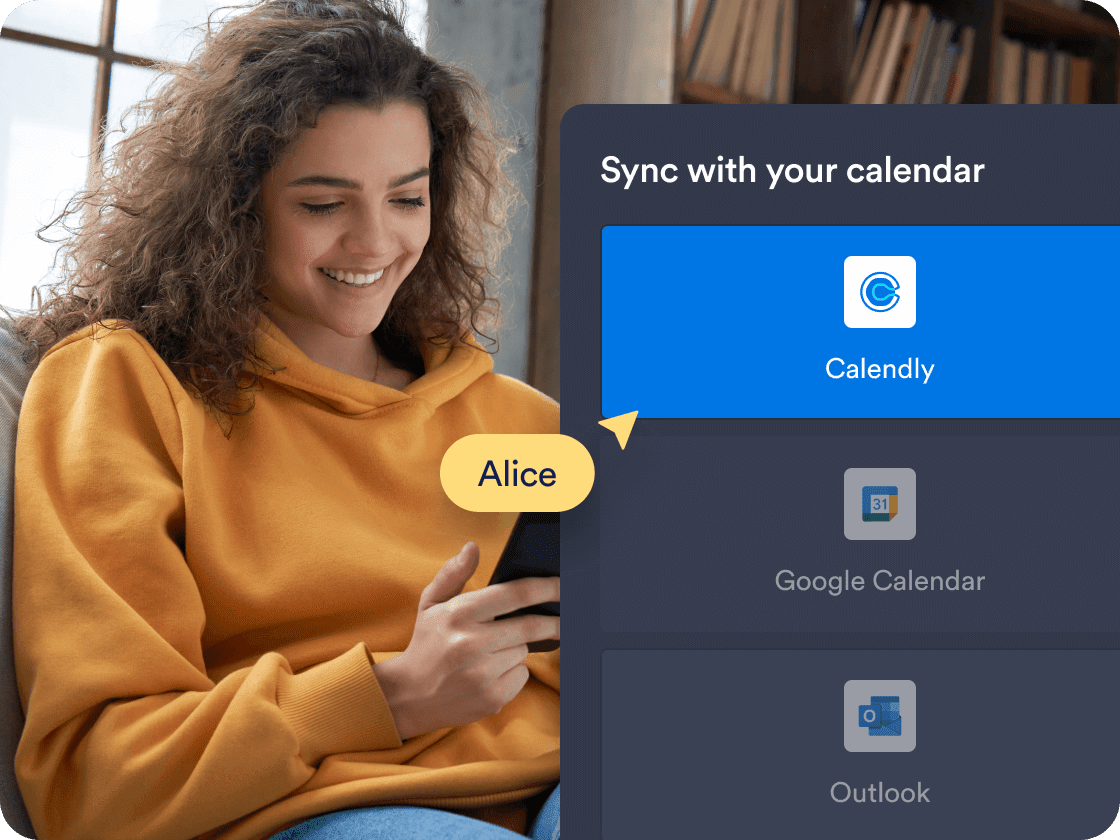
Sincronice citas en tiempo real con **Calendly**, asegurando que su formulario siempre muestre la disponibilidad precisa. Los horarios reservados y los eventos existentes del calendario se bloquean automáticamente para evitar superposiciones.

[Create Free Scheduling Form](https://www.jotform.com/es/build/?question=appointment)

![Image 2: Smart calendar sync](https://cdn.jotfor.ms/image/r/aHR0cHM6Ly9jZG4uam90Zm9yLm1zL3AvYXBwb2ludG1lbnQtc2NoZWR1bGluZy1zb2Z0d2FyZS9hc3NldHMvaW1nLW1pbi9jYWxlbmRseS8xLnBuZz92PTAuMg==/1.png?w=40&t=1)

## Prefill Calendly details automatically

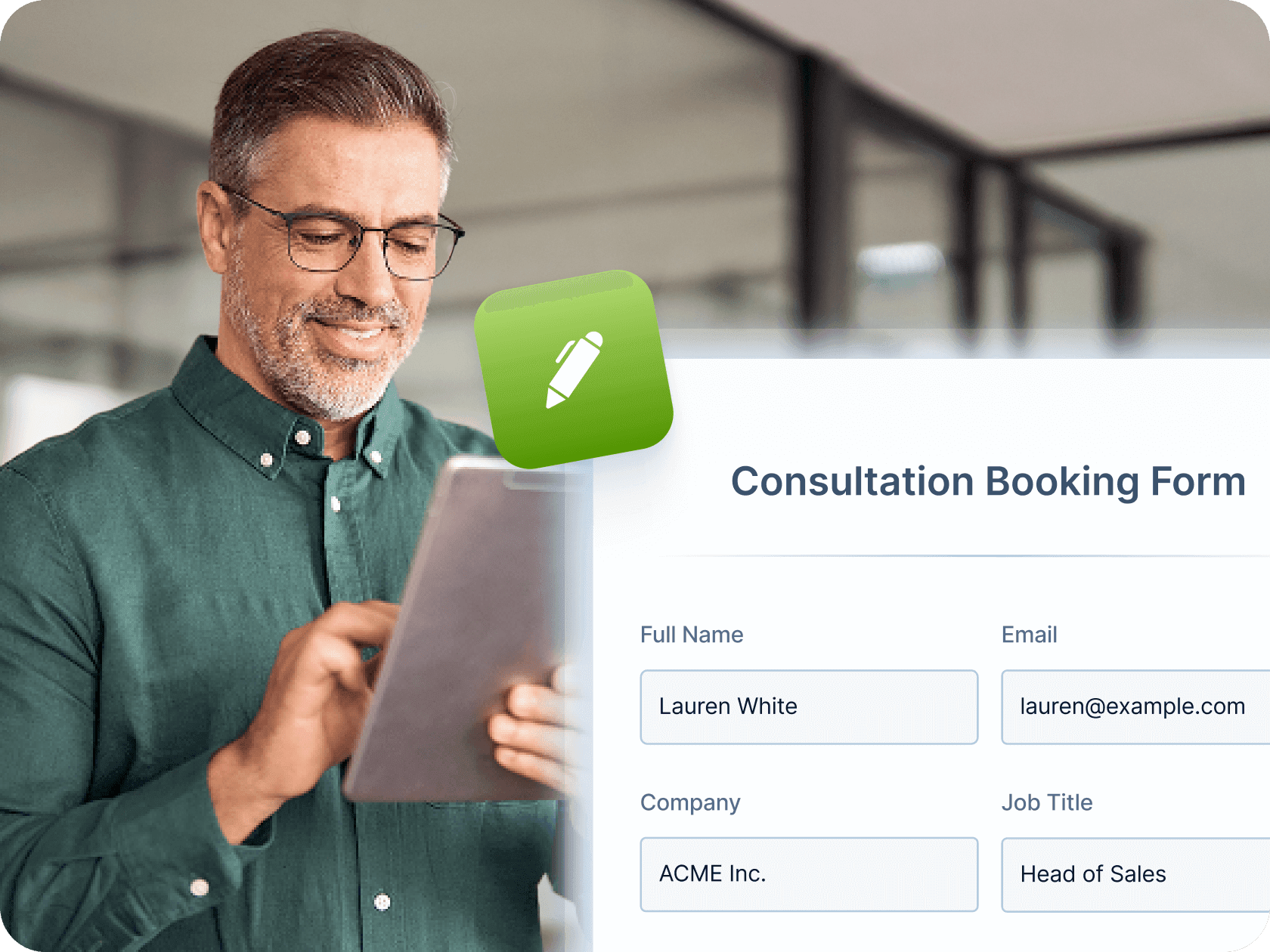
Make booking even faster by mapping Jotform form fields—like name, email, and phone number—directly to your Calendly event fields. Once a user submits the form, their details are automatically passed into Calendly, saving time and reducing manual entry for both you and your clients.

[Create Free Scheduling Form](https://www.jotform.com/es/build/?question=appointment)

![Image 3: Prefill Calendly Details Automatically](https://cdn.jotfor.ms/image/r/aHR0cHM6Ly9jZG4uam90Zm9yLm1zL3AvYXBwb2ludG1lbnQtc2NoZWR1bGluZy1zb2Z0d2FyZS9hc3NldHMvaW1nLW1pbi9jYWxlbmRseS8yLnBuZz92PTAuMg==/2.png?w=40&t=1)

## Automated workflows and integrations

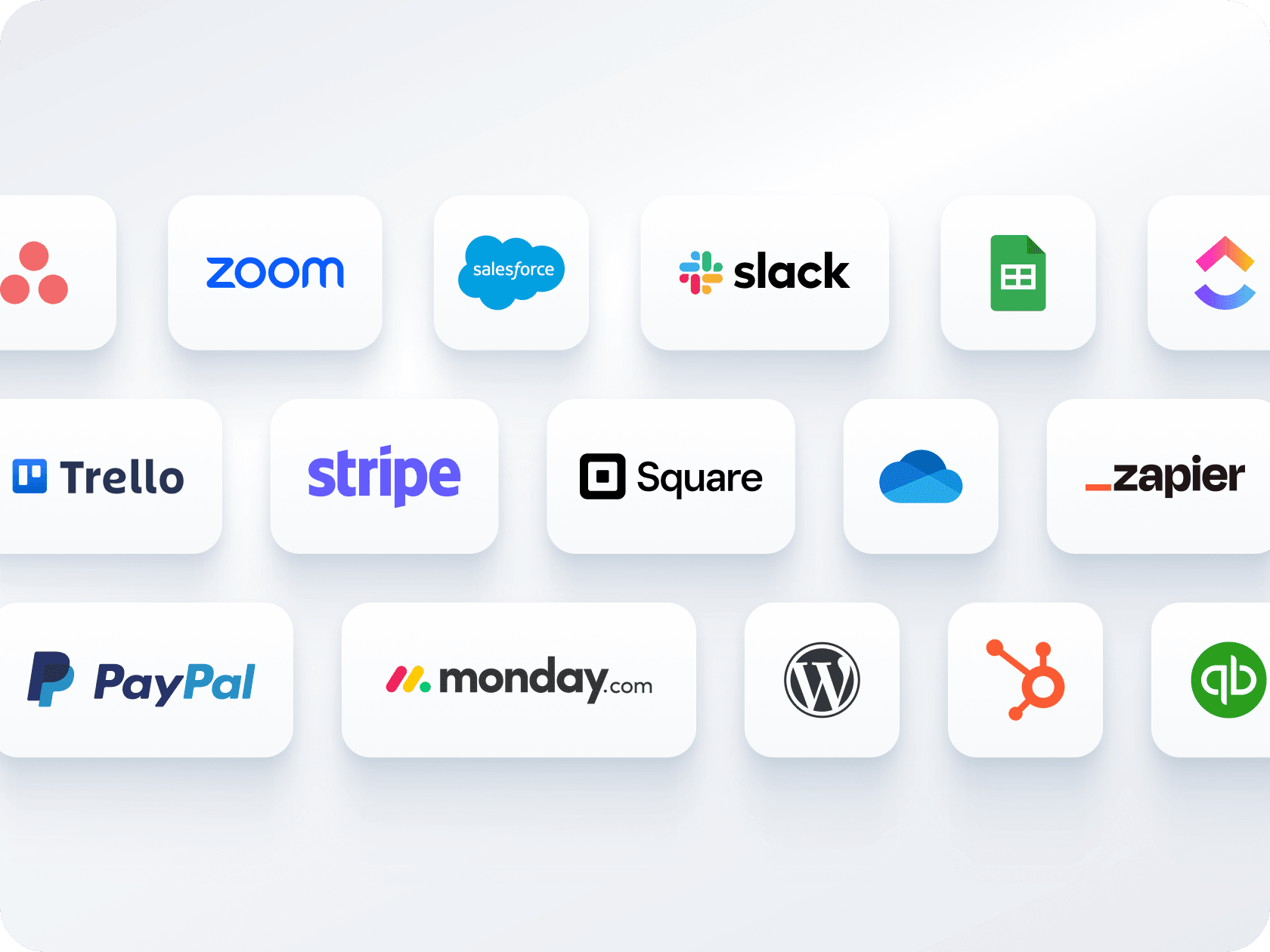
Envíe correos electrónicos de confirmación, automatice recordatorios y conéctese con herramientas como Zoom, Slack o CRM. Jotform le ayuda a crear un flujo de trabajo perfecto para cada reserva, sin seguimiento manual.

[Create Free Scheduling Form](https://www.jotform.com/es/build/?question=appointment)

![Image 4: Automated workflows and integrations](https://cdn.jotfor.ms/image/r/aHR0cHM6Ly9jZG4uam90Zm9yLm1zL3AvYXBwb2ludG1lbnQtc2NoZWR1bGluZy1zb2Z0d2FyZS9hc3NldHMvaW1nLW1pbi9ob21lcGFnZS81LnBuZz92PTAuMg==/5.png?w=40&t=1)

## Múltiples formularios, un calendario

Recopile pagos y programe citas a través de un único formulario — sin necesidad de herramientas separadas. Conéctese con Stripe, PayPal, Square u otras pasarelas para cobrar a los clientes durante la reserva.

[Create Free Scheduling Form](https://www.jotform.com/es/build/?question=appointment)

![Image 5: Multiple forms, one calendar](https://cdn.jotfor.ms/image/r/aHR0cHM6Ly9jZG4uam90Zm9yLm1zL3AvYXBwb2ludG1lbnQtc2NoZWR1bGluZy1zb2Z0d2FyZS9hc3NldHMvaW1nLW1pbi9jYWxlbmRseS80LnBuZz92PTAuMg==/4.png?w=40&t=1)

## Opciones fáciles para compartir e integrar

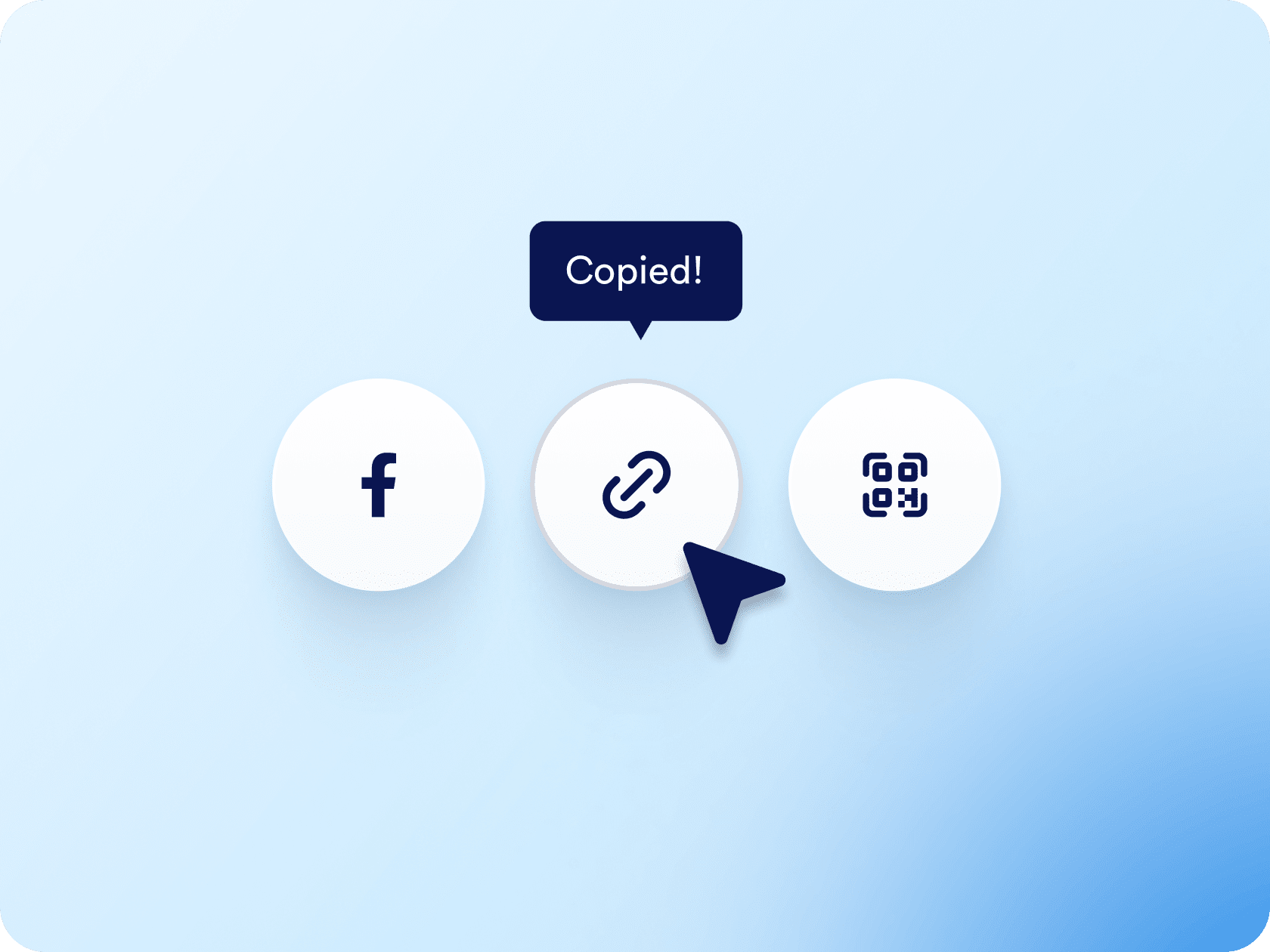
Distribuya su formulario de citas mediante enlace o código QR, o intégrelo directamente en su sitio web. Ya sea que comparta por correo electrónico, redes sociales o páginas de destino, solo toma unos pocos clics.

[Create Free Scheduling Form](https://www.jotform.com/es/build/?question=appointment)

![Image 6: Easy sharing and embedding options](https://cdn.jotfor.ms/image/r/aHR0cHM6Ly9jZG4uam90Zm9yLm1zL3AvYXBwb2ludG1lbnQtc2NoZWR1bGluZy1zb2Z0d2FyZS9hc3NldHMvaW1nLW1pbi9lbWJlZC5wbmc/dj0wLjI=/embed.png?w=40&t=1)

## Appointment Scheduling Software for Calendly

![Image 7: Appointment Scheduling Software for Calendly](https://cdn.jotfor.ms/image/r/aHR0cHM6Ly9jZG4uam90Zm9yLm1zL3AvYXBwb2ludG1lbnQtc2NoZWR1bGluZy1zb2Z0d2FyZS9hc3NldHMvaW1nLW1pbi9jYWxlbmRseS95dC10aHVtYi5qcGc=/yt-thumb.jpg?w=40&t=1)

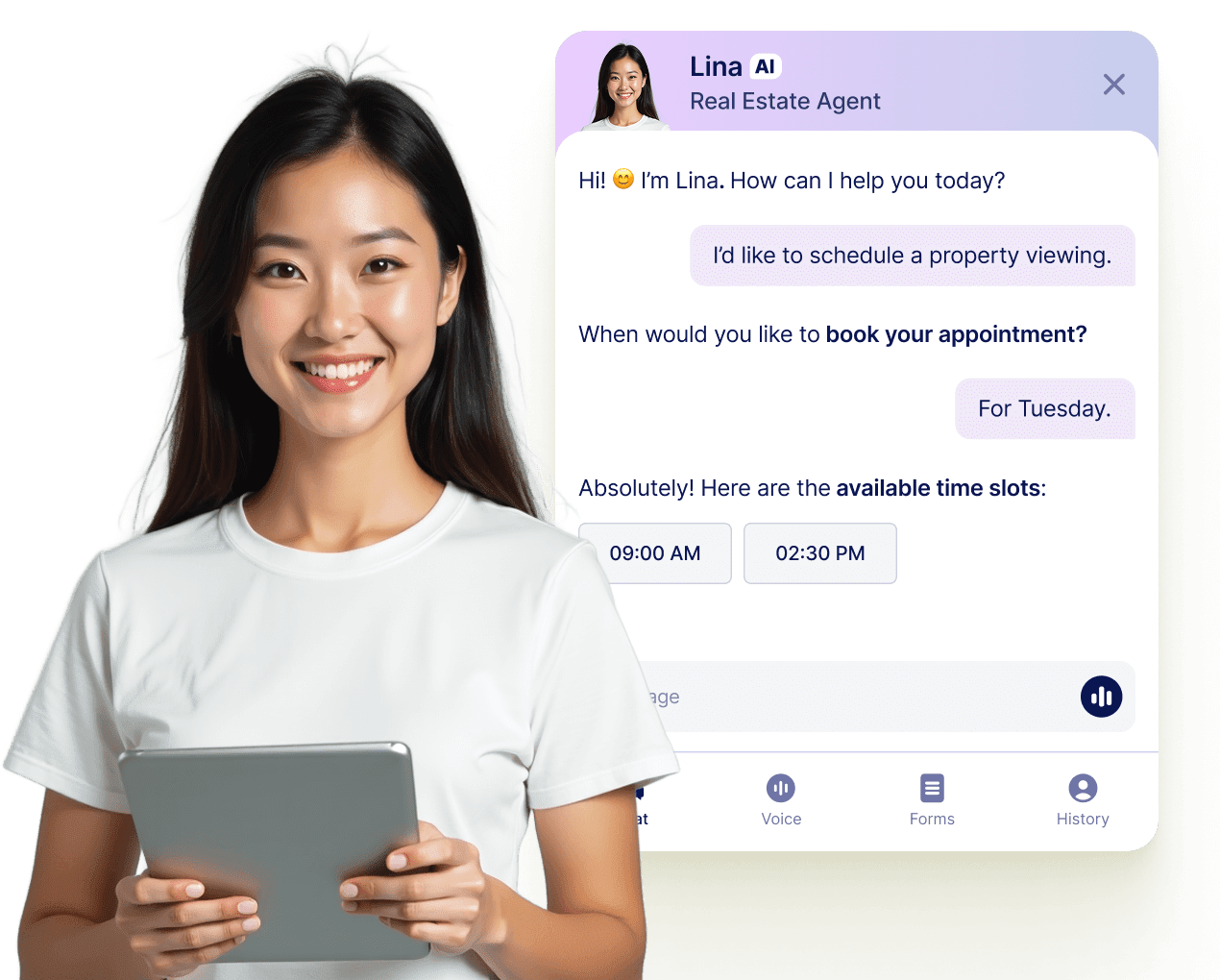
## Permita que su agente de IA reserve citas en cualquier lugar

Transforme cada conversación en una reserva confirmada con los Agentes de Jotform IA. Su agente puede planificar citas en tiempo real desde su sitio web, su correo electrónico, WhatsApp, Messenger, Slack, y más, para que nunca pierda la oportunidad de conectar.

[Leer más](https://www.jotform.com/es/ai/agents/features/multi-channel-support/)

![Image 8: Let your AI Agent book appointments anywhere](https://cdn.jotfor.ms/image/r/aHR0cHM6Ly9jZG4uam90Zm9yLm1zL3AvYXBwb2ludG1lbnQtc2NoZWR1bGluZy1zb2Z0d2FyZS9hc3NldHMvaW1nLW1pbi9hZ2VudC1jYXJkLXVzZWNhc2UucG5nP3Y9MC4x/agent-card-usecase.png?w=40&t=1)

## Preguntas Frecuentes

*    
### How do I connect Calendly to my Jotform appointment form? To connect Calendly, go to the **Appointment Properties** panel in your form, select **Calendly**, and log in to your Calendly account. Once connected, you can configure event details, set durations, and map your form fields to the appropriate Calendly event fields for prefilled booking info.   
*    
### Can I prefill Calendly event fields using my Jotform form? Yes. After connecting Calendly, go to the **Prefill** section in the Appointment Properties sidebar. From there, you can map form fields like name, email, or phone number to the corresponding Calendly event fields—so the user's information is automatically passed through when they submit the form.   
*    
### ¿Cómo evita Jotform las reservas duplicadas? Jotform desactiva automáticamente los espacios de tiempo que ya están ocupados a través de su formulario o su calendario conectado. Una vez que un usuario reserva un horario, se elimina instantáneamente de sus opciones disponibles, por lo que nadie más puede reservar el mismo espacio.   
*    
### ¿Puedo recopilar pagos al momento de la reserva? Absolutely. Jotform integrates with major payment processors like **Stripe**, **PayPal**, and **Square** so you can collect payments directly through the appointment form. Whether you’re charging for consultations, classes, or coaching sessions, users can pay as they schedule.   
*    
### ¿Puedo crear diferentes tipos de citas en un solo formulario? Sí. Puede utilizar menús desplegables y condiciones lógicas para ofrecer múltiples servicios, duraciones de citas y formatos de reunión (por ejemplo, virtual vs. presencial). Según lo que seleccione el usuario, el formulario puede mostrar diferentes preguntas, precios o instrucciones.   
*    
### ¿Enviará Jotform correos electrónicos de confirmación y recordatorios automáticamente? Sí. Puede configurar correos electrónicos de confirmación automáticos, notificaciones personalizadas para su equipo y correos electrónicos de recordatorio para reducir las ausencias. Estos pueden incluir el nombre del cliente, la hora de la cita, el enlace de Zoom (si está integrado) y cualquier otro detalle personalizado de su formulario.   
*    
### ¿Puedo automatizar otras tareas después de que alguien reserve una cita? Sí, con Jotform flujos de trabajo y cientos de integraciones, puede automatizar casi cualquier acción de seguimiento. Esto incluye crear eventos en el calendario, enviar notificaciones internas, generar enlaces de reunión de Zoom, actualizar un CRM o mover datos a Google Sheets, sin ningún trabajo manual.   
*    
### How is availability handled when using Calendly with Jotform? Jotform will reflect the availability already set in your **Calendly** account, which syncs with your connected calendars like **Google Calendar** or **Outlook Calendar**. Any time slots marked as unavailable in Calendly or those blocked in your calendar will automatically be hidden from the form.   
*    
### ¿Puedo integrar el formulario de citas en mi sitio web o compartirlo mediante un enlace? Yes. You can **embed your form** on your website or share it via a direct link, an email, social media, or even a QR code.   
*    
### What happens after someone books an appointment through the form? Once a user selects a time slot and submits the form, the appointment is created directly in your Calendly account and also appears in your connected calendar (e.g., Google Calendar). The user's information, including mapped fields, is stored within the Calendly event.   
*    
### Which calendars are supported through Calendly in Jotform? Calendly supports syncing with **Google Calendar**, **Outlook Calendar**, and **iCloud Calendar**. Once Calendly is integrated into your Jotform form, all your connected calendars are used to determine available booking times.   
*    
### Can I use Calendly with Jotform on a HIPAA-enabled account? No. At this time, **Calendly is not compatible with HIPAA-compliant Jotform accounts**. If you're using Jotform for sensitive health data, it's recommended to use the native Appointment field with Google or Outlook Calendar integrations instead.   

Ver más