

Erişilebilirlik widget'ı nasıl oluşturulur
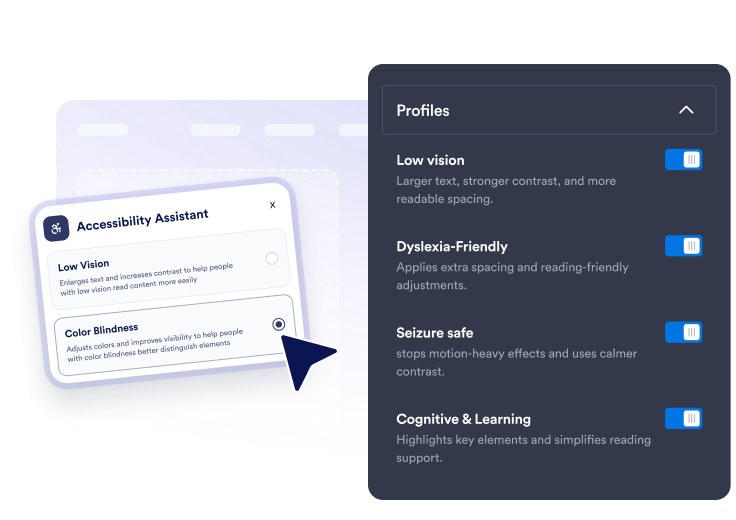
Hazır ayarları ve araçları seçin
Hızlı ön ayarların yanı sıra metin boyutu, metin aralığı, okuma desteği, klavye odağı, bağlantı vurgulama, animasyonlar ve renk modları için ayrıntılı kontrolleri etkinleştirin.
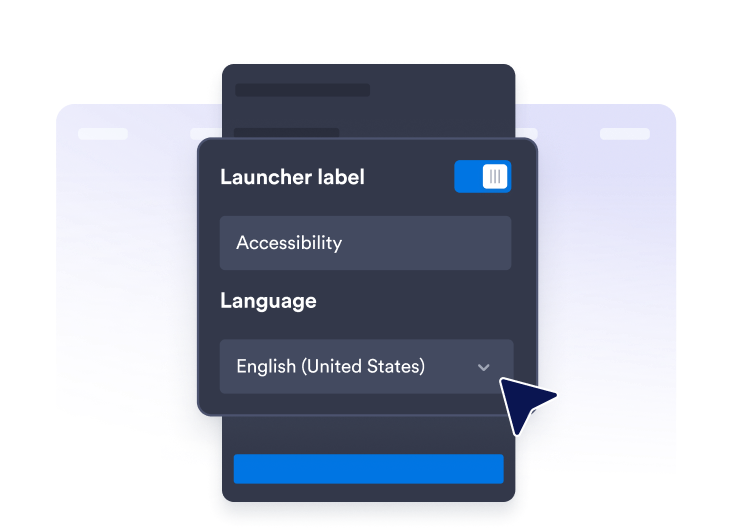
Asistanı özelleştirin
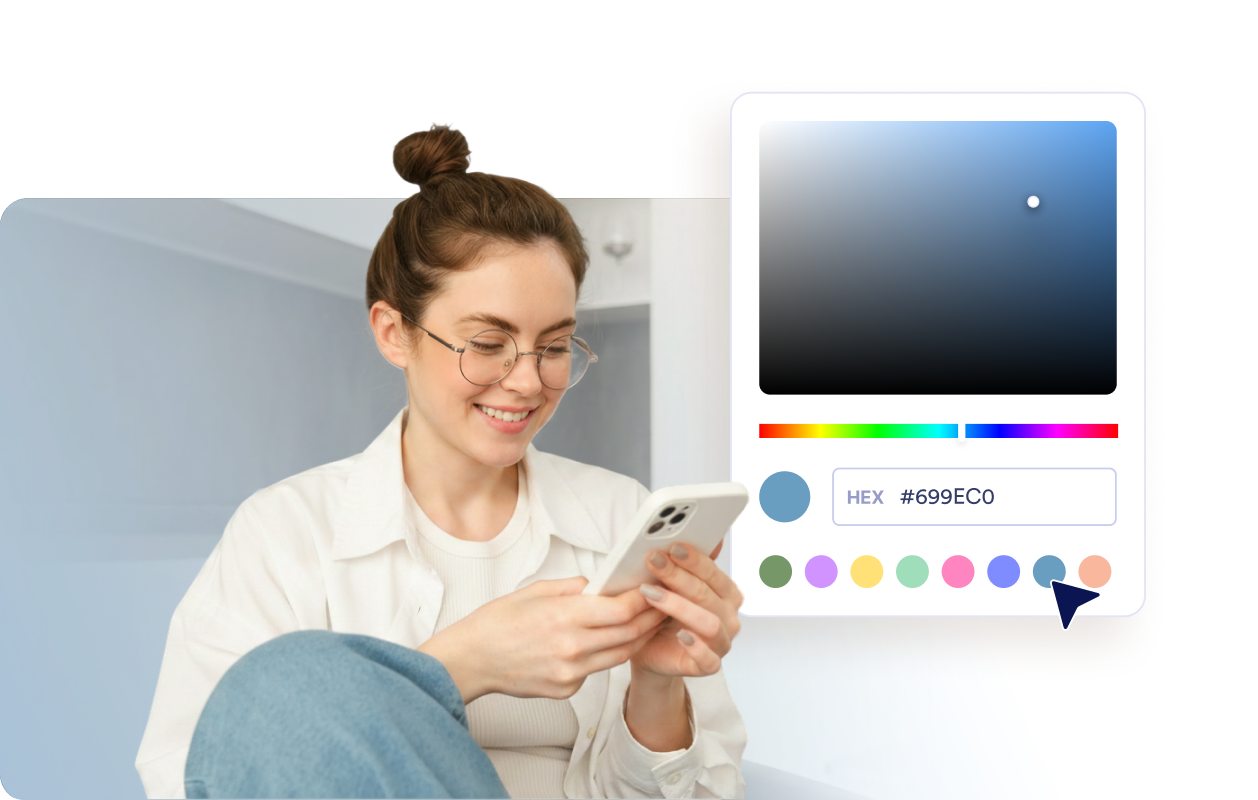
Panel metnini, puan mesajlarını, dili, başlatıcı konumunu, tema renklerini, panel genişliğini ve buton boyutunu özelleştirin; tercihlerin ne kadar süreyle kaydedileceğini belirleyin.

İstediğiniz her yerde yayınlayın
Yerleştirme kodunu kopyalayın ve kayan erişilebilirlik asistanını, okuma ve gezinmeyi kolaylaştırmak istediğiniz herhangi bir sayfaya ekleyin.
Ziyaretçilerin sitenizi kendi ihtiyaçlarına göre ayarlamasına yardımcı olun.
Hızlıca hazır erişilebilirlik ayarları sunun
Ziyaretçilerin Az Görme, Renk Körlüğü, Disleksi, Nöbet Hassasiyeti, Odaklanma, Motor Destek, Bilişsel ve Öğrenme Desteği ve Klavyeyle Gezinme ön ayarlarını kullanmasını sağlayın.
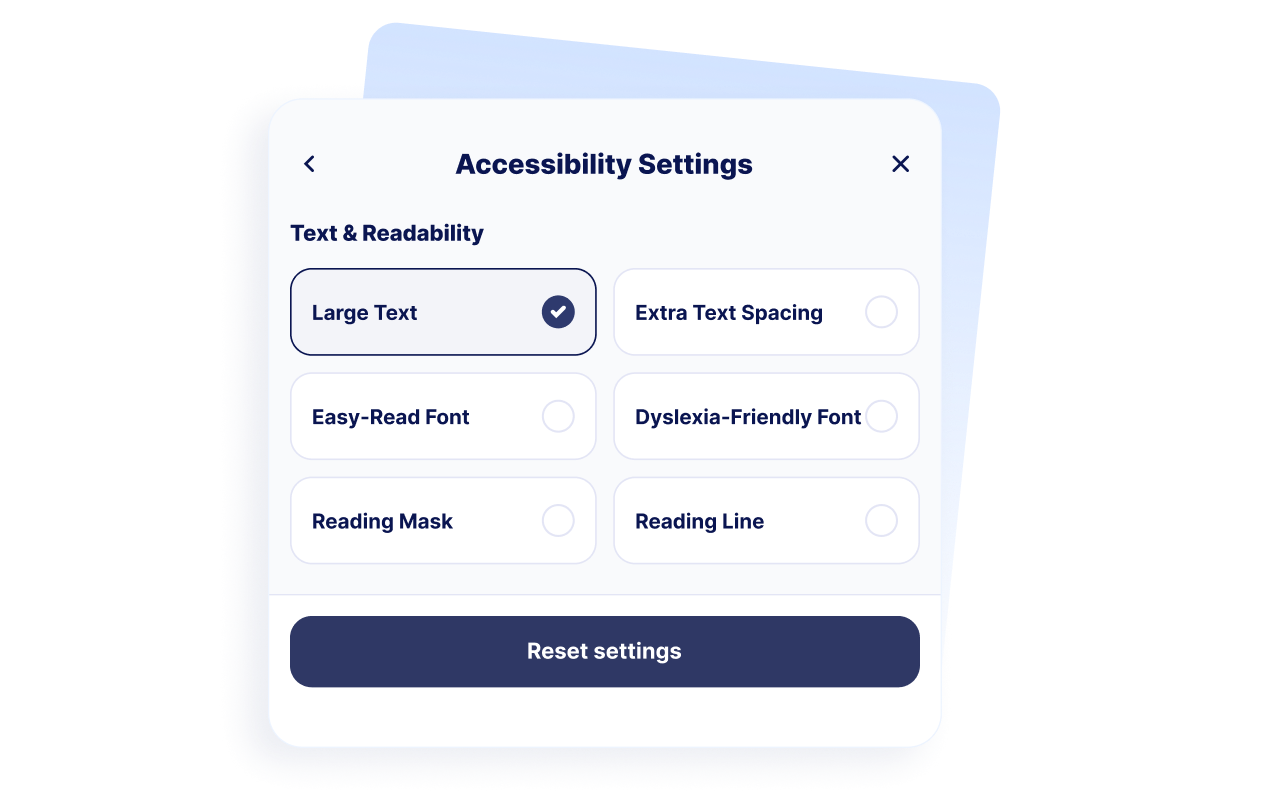
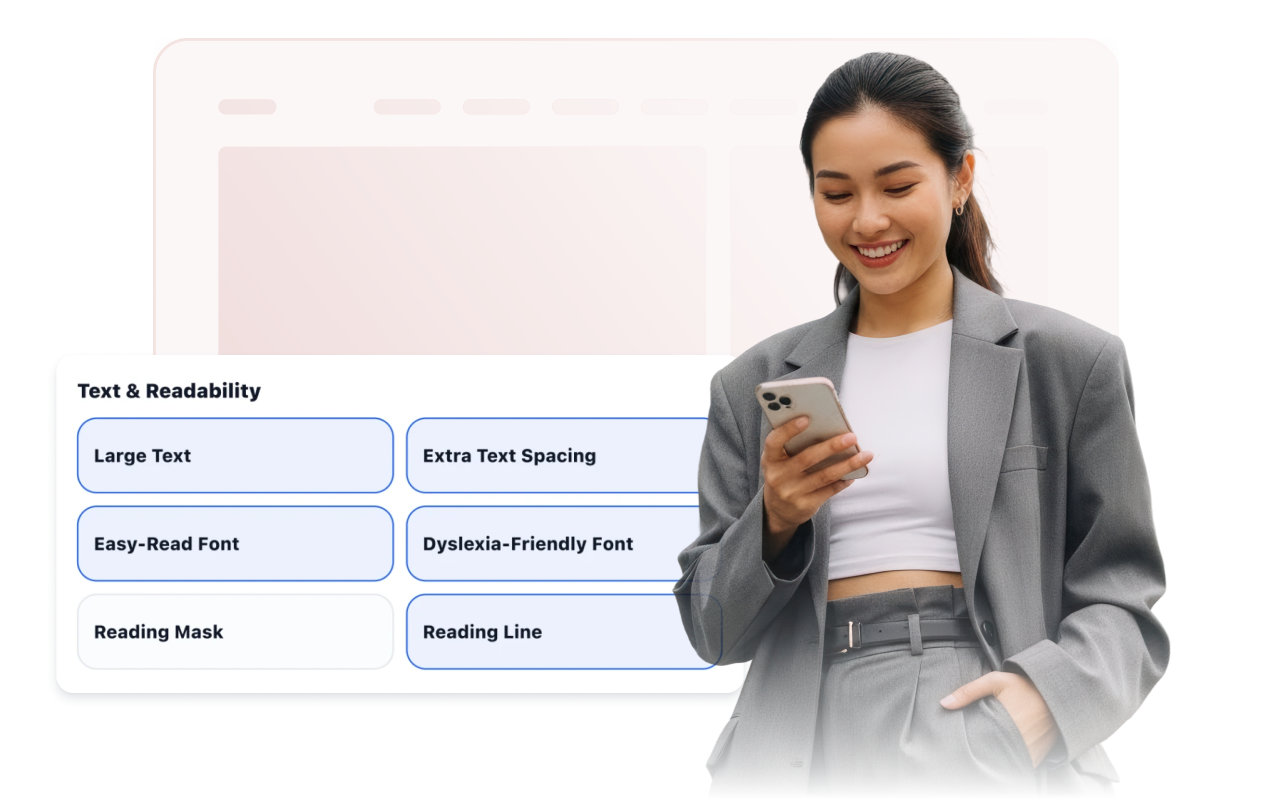
Okuma konforunu destekleyin
Ziyaretçilere büyük metin, geniş metin aralığı, kolay okuma, disleksiye uygun aralık, okuma maskesi ve satır kılavuzu seçenekleri sunun.
Gezinmeyi, rengi ve hareketi iyileştirin
Klavye odağını görünür hale getirme, tıklanabilir alanları ve imleci büyütme, bağlantıları vurgulama, animasyonları durdurma, yüksek kontrast, gri tonlama, renkleri ters çevirme ve renk körlüğü modları gibi seçenekler sunun.

Başlatıcıyı ve asistanı tasarlayın
Başlatıcının konumunu, etiket görünürlüğünü, tema ön ayarını, panel genişliğini, renkleri, buton boyutunu, köşe yuvarlaklığını, görüntüleme kurallarını ve tercihlerin ne kadar süreyle kaydedileceğini ayarlayın.
Jotform Web Site Widget'ları neden öne çıkıyor
Jotform'un widget'ları web sitenizi daha etkileşimli hale getirir ve dönüşümleri artırır. Yıldızlı değerlendirmelerden ve kullanıcı görüşü kaydırıcılarından sosyal kanıt açılır pencerelerine ve medya yerleştirmelerine kadar birçok araç mevcut. Veri toplamak, kanıt göstermek ve potansiyelmüşteri yakalamak için kod yazmanıza gerek olmadan formlarınıza veya açılış sayfalarınıza widget'lar ekleyin.
Basit bir yerleştirme koduyla Jotform widget'larını web sitenize ekleyin. Bir geliştiriciye ihtiyaç duymadan widget'ı özelleştirin, nasıl göründüğünü önizleyin ve özel HTML ya da yerleştirme bloklarını destekleyen herhangi bir sayfaya yapıştırın.
Potansiyel müşterileri toplamak, müşteri geribildirimlerini göstermek, sosyal kanıt sunmak, medya içeriklerini yerleştirmek veya kullanışlı web sayfası araçları eklemek için Jotform Website Widget'larını kullanın. Her widget, ziyaretçilerin işletmenizle doğrudan web sitenizden etkileşime geçmesine yardımcı olur.
Widget'ınızı kurma, özelleştirme, yerleştirme veya sorun giderme konusunda yardıma ihtiyacınız olursa, Jotform'un müşteri destek ekibi 7/24 hizmetinizdedir. İhtiyacınız olduğunda yardımın hazır olduğunu bilerek güvenle ilerleyebilirsiniz.
Erişilebilirlik Menüsü widget'ınızı nerelerde kullanabilirsiniz
Widget'ı, ziyaretçilerin rahatça okuması, karşılaştırması, gezinmesi veya görevleri tamamlaması gereken önemli sayfalarda kullanın.
Uzun kaynak sayfaları, kayıt içerikleri ve kurs bilgileri içeren eğitim web sitelerinde.
Hastaların okunabilir bilgilere ve randevu detaylarına ihtiyaç duyduğu sağlık hizmeti web sitelerinde.
Daha fazla ziyaretçinin daha kolay gezinmesi gerektiği kamu ve hizmet sayfalarında.
Ürün detayları, karşılaştırmalar ve ödeme adımlarının okunabilir kalması gereken e-ticaret sayfalarında.
Ziyaretçilerin yardım makalelerine ve sorun giderme adımlarına hızlıca göz atabileceği destek merkezlerinde.
Makaleler, kılavuzlar, dokümantasyon veya politika sayfaları içeren içerik yoğunluklu web sitelerinde.
Jotform Form Oluşturucu ile müşteri adaylarını ödeme yapan müşterilere dönüştürün
Jotform ile etkileşimi eyleme dönüştürün. Potansiyel müşterileri yakalayan, ödemeleri alan ve yanıtları otomatikleştiren güçlü formları tek bir yerde oluşturun. Her yanıt, takip edebileceğiniz veya favori uygulamalarınızla bağlantı kurabileceğiniz Jotform Gelen Kutusu'na ulaşır.
Hemen Başla — Ücretsiz!
SSS
Erişilebilirlik Menüsü widget'ı nedir?
Erişilebilirlik Menüsü widget'ı; okunabilirlik, kontrast, renk, görsel, hareket ve diğer gezinme tercihleri için kontroller içeren kayan bir web sitesi araç çubuğu ekler. Ziyaretçiler paneli açarak ayarları tek tek değiştirebilir veya etkinleştirilmiş ön ayarlardan birini kullanabilir.
Jotform Erişilebilirlik Menüsü Widget'ı ücretsiz mi?
Hangi hazır erişilebilirlik ayarlarını sunabilirim?
Ziyaretçiler hangi okunabilirlik araçlarını kullanabilir?
Widget ziyaretçi tercihlerini hatırlayabilir mi?
Erişilebilirlik araç çubuğunu özelleştirebilir miyim?
Erişilebilirlik Menüsü Widget'ı kesin olarak WCAG veya ADA uyumluluğu sunar mı?
Widget, bir erişilebilirlik denetiminin yerini tutar mı?
Kod yazmam gerekir mi?
Erişilebilirlik Menüsü Widget'ı mobil cihazlarda çalışır mı?
Hangi web sitesi platformları Erişilebilirilik Menüsü Widget'ını destekler?
Erişilebilirlik Menüsü Widget'ımı kurma konusunda yardım alabilir miyim?