Web Siteniz için Ücretsiz Yaş Doğrulama Widget'ı
Yaş kısıtlamalı içeriklere erişmeden önce ziyaretçilere özelleştirilebilir bir yaş doğrulama açılır penceresi gösterin. Jotform'un Yaş Doğrulama Widget'ıyla minimum yaş sınırını ve doğrulama yöntemini belirleyebilir, mesajları özelleştirebilir, başarılı doğrulamaları hatırlayabilir ve widget'ı kod yazmadan web sitenize yerleştirebilirsiniz.
Hemen oluşturun - Ücretsiz!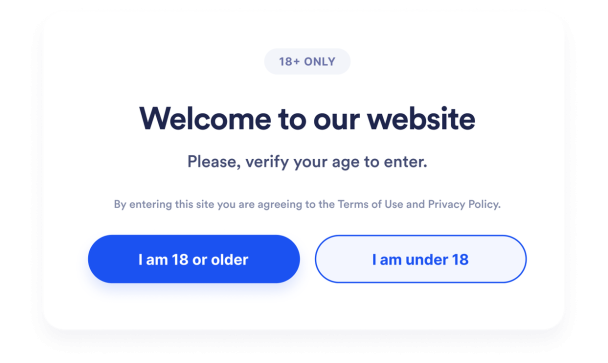

Yaş Doğrulama widget'ı nasıl oluşturulur
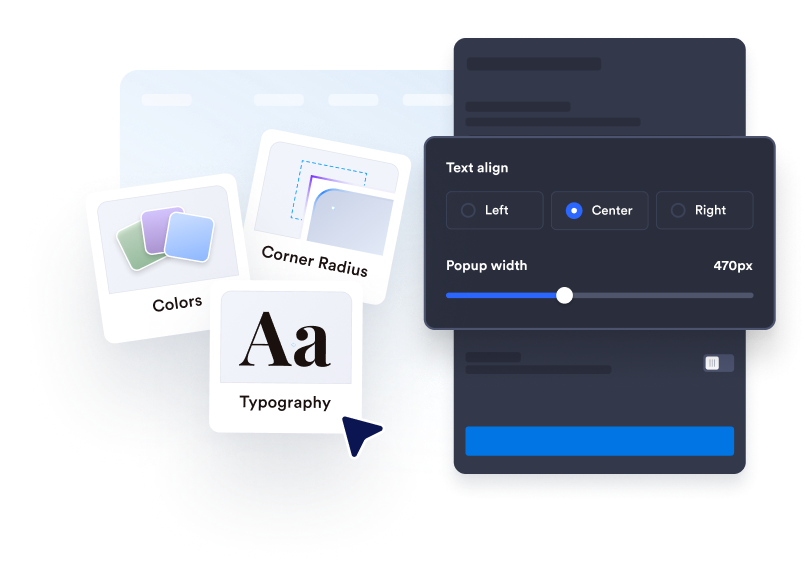
Yaş doğrulama penceresini özelleştirin
Doğrulama mesajını ve buton metnini özelleştirin, gerekli yasal bilgileri ekleyin. Ardından renkleri, genişliği, köşe yuvarlaklığını ve isteğe bağlı medya içeriklerini sitenizin tasarımına uyarlayın.
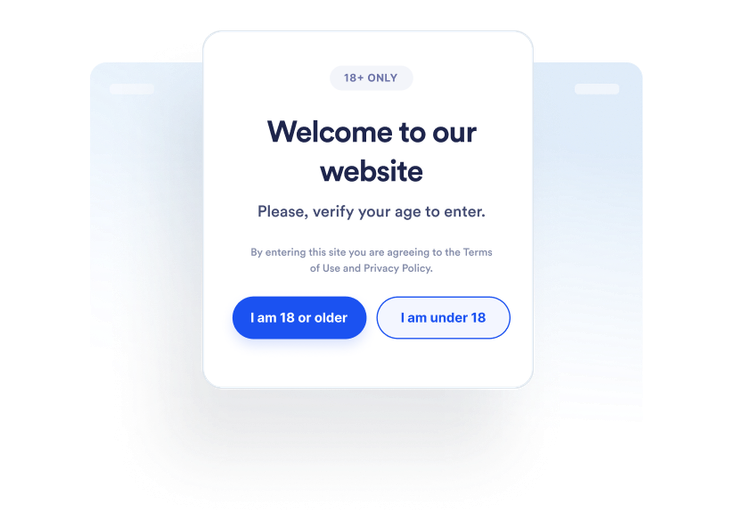
Ziyaretçiler için uygulanacak işlemi belirleyin
Ziyaretçilerin yaşlarını nasıl doğrulayacağını ve yaş sınırını karşılamadıklarında ne olacağını belirleyin. Ayrıca yaş doğrulamasını başarıyla tamamlayan ziyaretçilerin hatırlanıp hatırlanmayacağını ve bu bilginin ne kadar süreyle saklanacağını seçebilirsiniz.
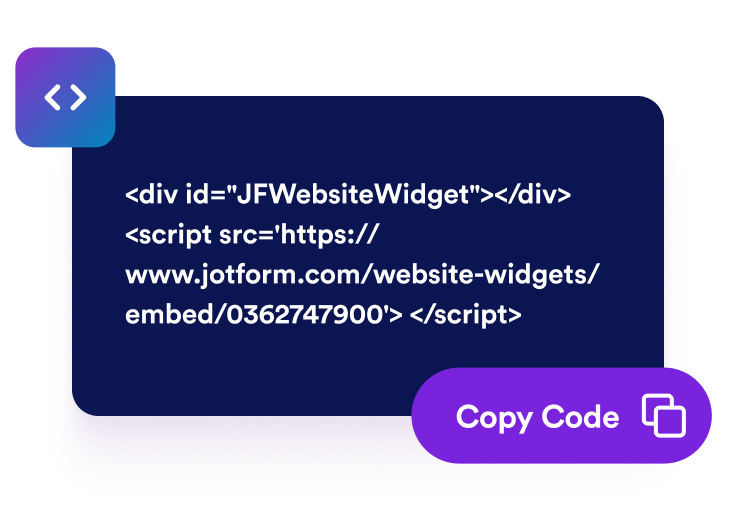
Dilediğiniz yere yerleştirin
Widget'ı önizleyip yayınlayın. Ardından oluşturulan yerleştirme kodunu kopyalayarak yaş doğrulaması kullanmak istediğiniz sayfalardaki özel HTML veya yerleştirme bloğuna yapıştırın.
Yaş kısıtlamalı içeriklerden önce yaş doğrulaması kullanın
Ziyaretçilerin yaş uygunluğunu doğrulayın
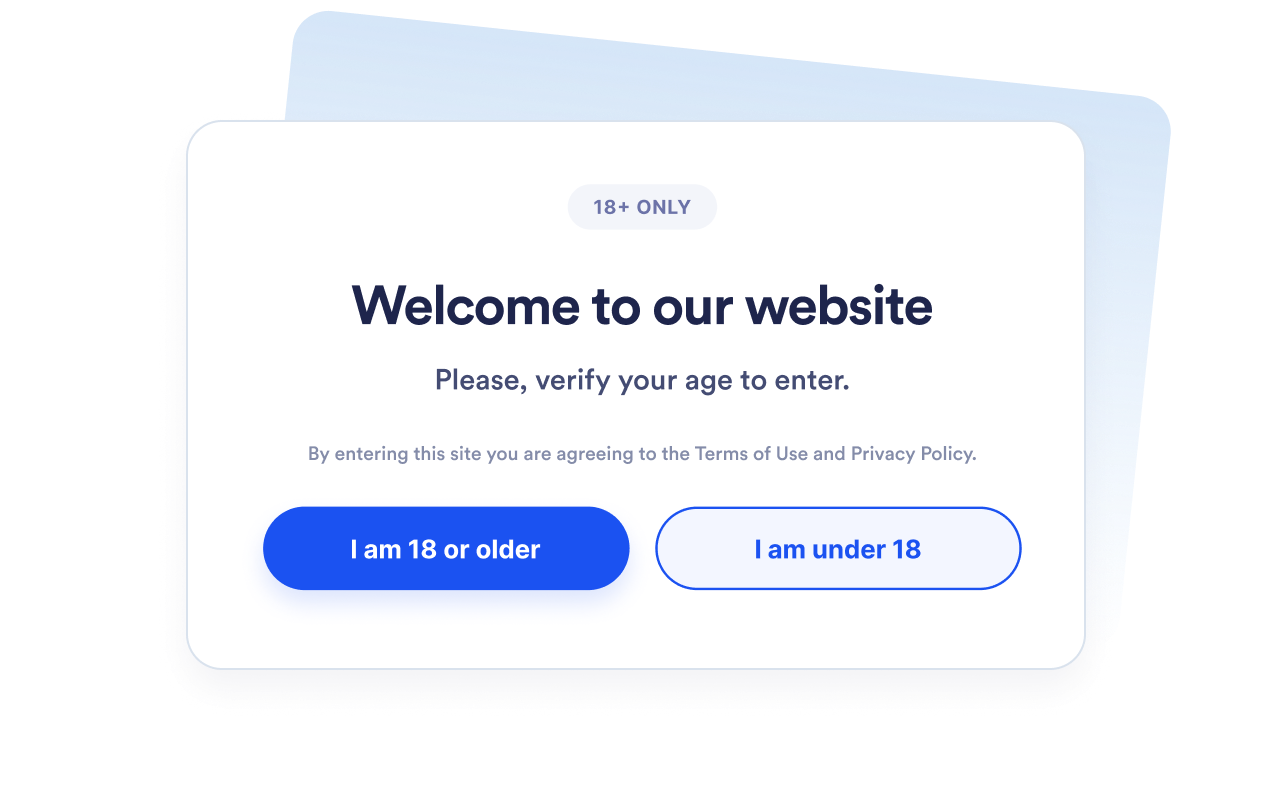
Yaş kısıtlamalı ürünlere, etkinliklere, topluluklara veya medya içeriklerine erişmeden önce ziyaretçilere yaş doğrulama açılır penceresi gösterin. İhtiyaçlarınıza uygun minimum yaş sınırını 5 ile 100 arasında belirleyin.
Uygun doğrulama yöntemini seçin
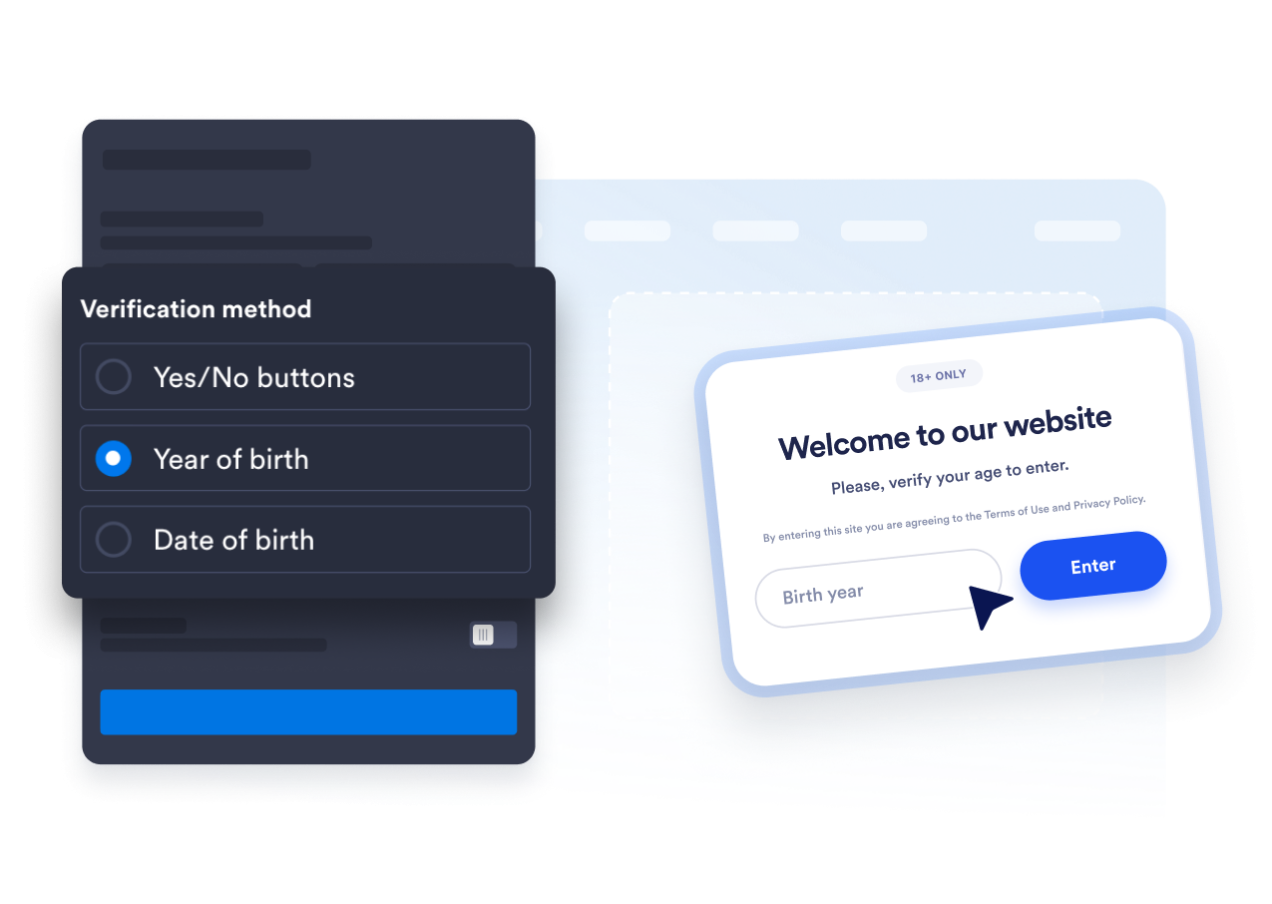
Evet-Hayır onay butonlarını kullanın ya da ziyaretçilerden doğum yıllarını veya tam doğum tarihlerini girmelerini isteyin. Böylece hızlı bir onay ile daha ayrıntılı yaş doğrulama yöntemleri arasından seçim yapabilirsiniz.
Açılır pencereyi web sitenizle uyumlu hale getirin
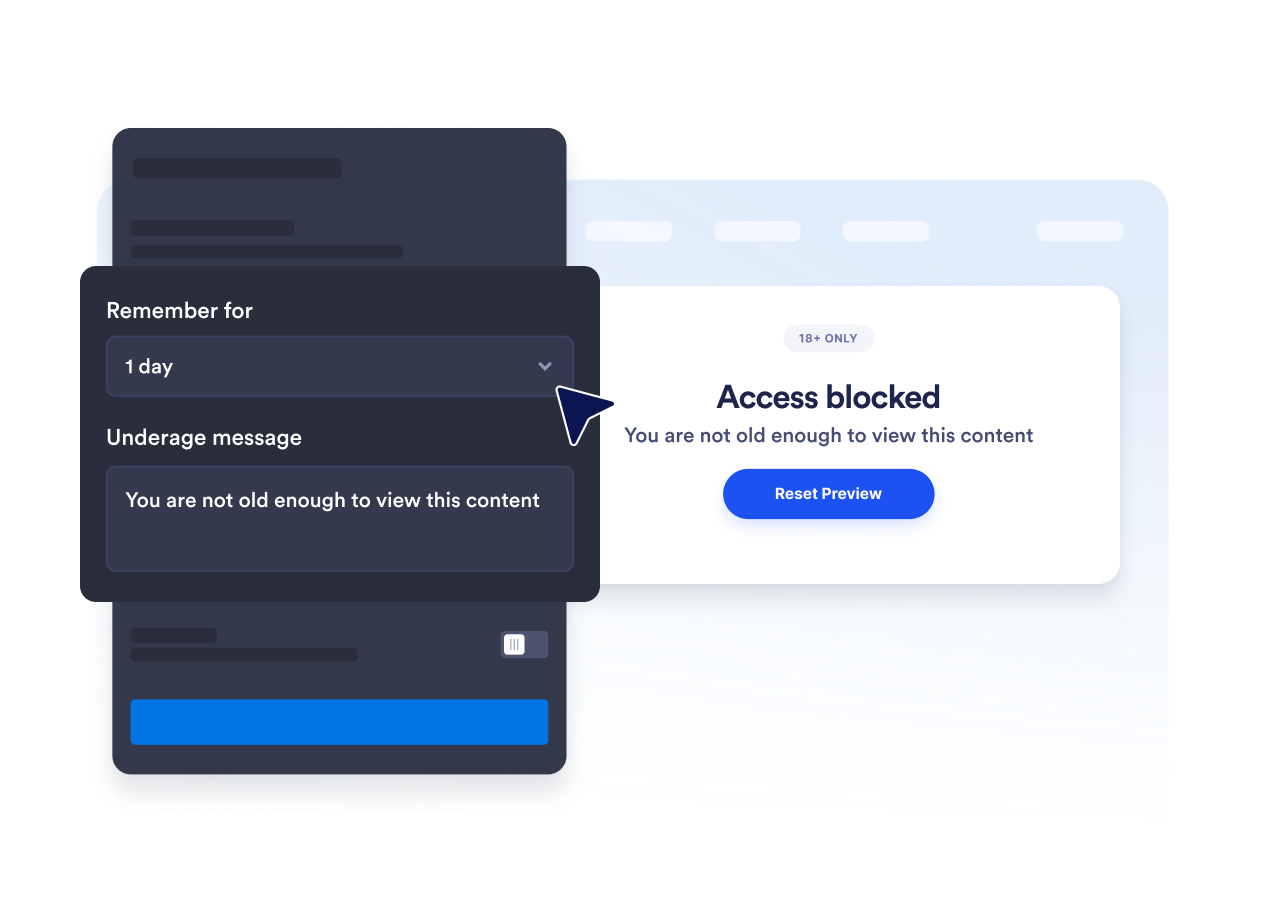
Başlığı, açıklamayı, butonları, yaş sınırını karşılamayan ziyaretçilere gösterilecek mesajı ve yasal bilgilendirme metnini düzenleyin. Renkleri, açılır pencere genişliğini, köşe yuvarlaklığını ve isteğe bağlı medya içeriklerini özelleştirerek Yaş Doğrulama ekranını markanıza uyarlayın.

Tekrarlanan yaş doğrulamalarını önleyin
Yaş doğrulamasını başarıyla tamamlayan ziyaretçileri mevcut oturum boyunca, bir gün, yedi gün, bir ay, altı ay veya bir yıl süreyle hatırlayın. Böylece ziyaretçilerin seçilen süre içinde tekrar geldiklerinde yaşlarını yeniden doğrulamaları gerekmez.
Jotform Web Site Widget'ları neden öne çıkıyor
Jotform'un widget'ları web sitenizi daha etkileşimli hale getirir ve dönüşümleri artırır. Yıldızlı değerlendirmelerden ve kullanıcı görüşü kaydırıcılarından sosyal kanıt açılır pencerelerine ve medya yerleştirmelerine kadar birçok araç mevcut. Veri toplamak, kanıt göstermek ve potansiyelmüşteri yakalamak için kod yazmanıza gerek olmadan formlarınıza veya açılış sayfalarınıza widget'lar ekleyin.
Basit bir yerleştirme koduyla Jotform widget'larını web sitenize ekleyin. Bir geliştiriciye ihtiyaç duymadan widget'ı özelleştirin, nasıl göründüğünü önizleyin ve özel HTML ya da yerleştirme bloklarını destekleyen herhangi bir sayfaya yapıştırın.
Potansiyel müşterileri toplamak, müşteri geribildirimlerini göstermek, sosyal kanıt sunmak, medya içeriklerini yerleştirmek veya kullanışlı web sayfası araçları eklemek için Jotform Website Widget'larını kullanın. Her widget, ziyaretçilerin işletmenizle doğrudan web sitenizden etkileşime geçmesine yardımcı olur.
Widget'ınızı kurma, özelleştirme, yerleştirme veya sorun giderme konusunda yardıma ihtiyacınız olursa, Jotform'un müşteri destek ekibi 7/24 hizmetinizdedir. İhtiyacınız olduğunda yardımın hazır olduğunu bilerek güvenle ilerleyebilirsiniz.
Yaş Doğrulama widget'ınızı nerelerde kullanabilirsiniz
Ziyaretçilerin içeriğe erişmeden veya devam etmeden önce yaş sınırını karşıladıklarını doğrulaması gereken sayfalara widget'ı ekleyin.
Yaş kısıtlamasına tabi ürünleri görüntülemeden önce ziyaretçilerin yaşını doğrulamak için alkol ve içecek mağazalarında.
Yaş kısıtlamalı ürün içeriklerine erişmeden önce ziyaretçilerin yaşını doğrulamak için tütün ve elektronik sigara web sitelerinde.
Biletleme veya kayıt öncesinde yaş doğrulaması yapmak için etkinlik ve gece hayatı sayfalarında.
Yetişkinlere yönelik veya yaş kısıtlamalı alanlara erişmeden önce ziyaretçilerin yaşını doğrulamak için üyelik topluluklarında.
Yetişkinlere yönelik içeriklere erişmeden önce ziyaretçilerin yaşını doğrulamak için medya ve eğlence sayfalarında.
Ziyaretçiler bir tekliften yararlanmadan önce yaş sınırı hakkında bilgi vermek için tanıtım açılış sayfalarında.
Jotform Form Oluşturucu ile müşteri adaylarını ödeme yapan müşterilere dönüştürün
Jotform ile etkileşimi eyleme dönüştürün. Potansiyel müşterileri yakalayan, ödemeleri alan ve yanıtları otomatikleştiren güçlü formları tek bir yerde oluşturun. Her yanıt, takip edebileceğiniz veya favori uygulamalarınızla bağlantı kurabileceğiniz Jotform Gelen Kutusu'na ulaşır.
Hemen Başla — Ücretsiz!
SSS
Yaş Doğrulama widget'ı nedir?
Yaş Doğrulama widget'ı, ziyaretçilerin devam etmeden önce minimum yaş sınırını karşılayıp karşılamadığını doğrulayan bir açılır pencere gösterir. Ziyaretçiler yaşlarını onay butonlarıyla, doğum yıllarını girerek veya tam doğum tarihlerini belirterek doğrulayabilir.
Jotform Yaş Doğrulama widget'ı ücretsiz mi?
Web siteme nasıl yaş doğrulama widet'ı eklerim?
Kod yazmam gerekir mi?
Hangi yaş doğrulama yöntemlerini kullanabilirim?
Minimum yaşı değiştirebilir miyim?
Bir ziyaretçi reşit değilse ne olur?
Onaylanan ziyaretçiler hatırlanabilir mi?
Açılır pencerenin hangi sayfalarda gösterileceğini belirleyebilir miyim?
Widget bir ziyaretçinin kimliğini doğrular mı?
Hangi web sitesi platformları Yaş Doğrulama widget'ını destekler?
Yaş Doğrulama widget'ımı kurmak için yardım alabilir miyim?