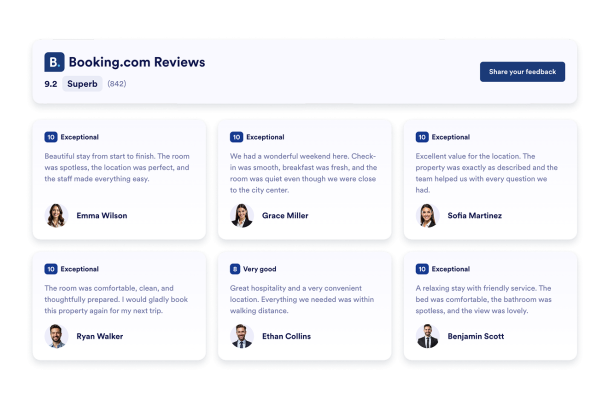

Booking Yorumları widget'ı nasıl oluşturulur
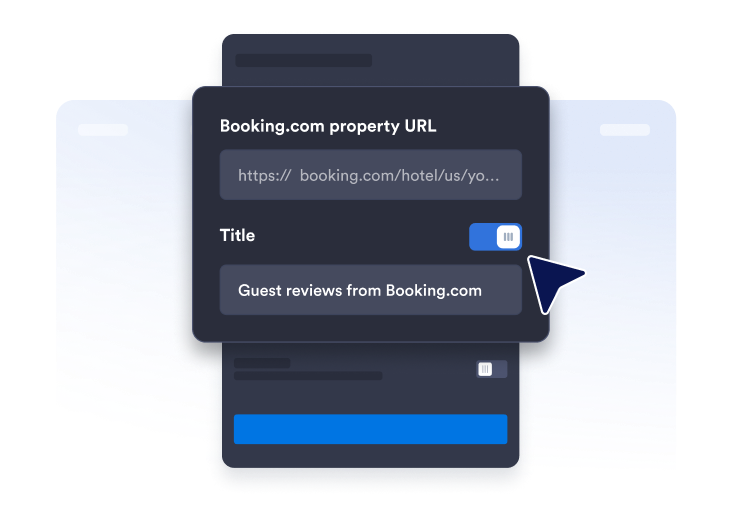
Yorum sayfası linkini alın
Booking.com profil sayfanızı bulun ve tesisinizin URL'sini kopyalayıp yapıştırın.
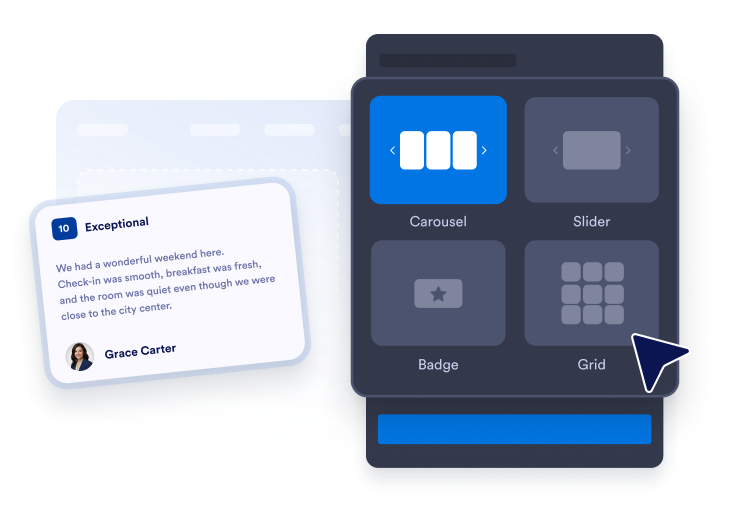
Widget düzenini özelleştirin
Tema, renkler ve CTA buton metnini seçerek widget'ınızın görünümünü düzenleyin.

Dilediğiniz yere yerleştirin
Kodu web sitenize yapıştırın ve yayınlayın. Booking.com yorumlarınız hemen görünür.
Güven oluşturmak için Booking.com yorumlarını sergileyin
Misafir yorumlarıyla güven oluşturun
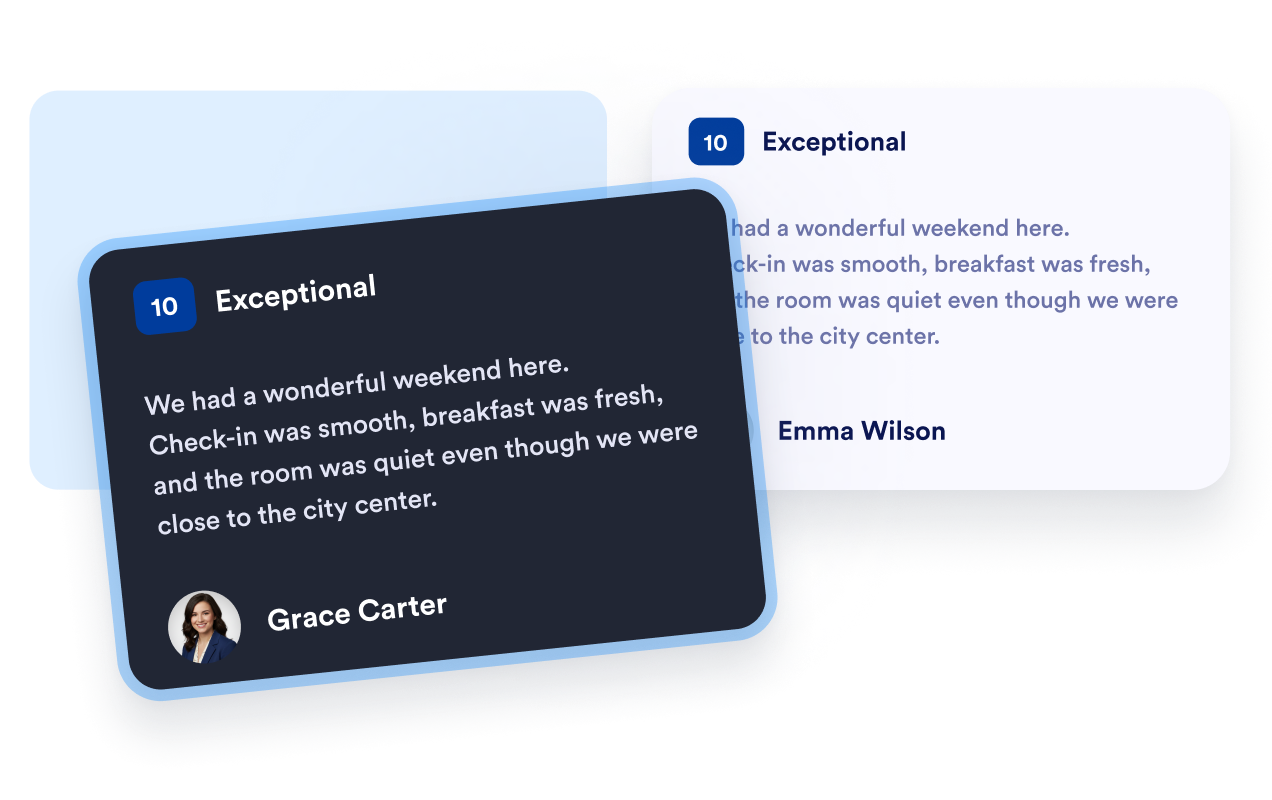
Booking.com'daki misafir puanlarını, isimleri ve yorumları kullanıcıların aşina olduğu bir formatta gösterin. Gerçek misafir deneyimleri, gezginlerin önceki konaklamalar hakkında bilgi edinmesine yardımcı olur ve tesisinizi diğer konaklama seçenekleriyle karşılaştırırken onlara faydalı bilgiler sunar.
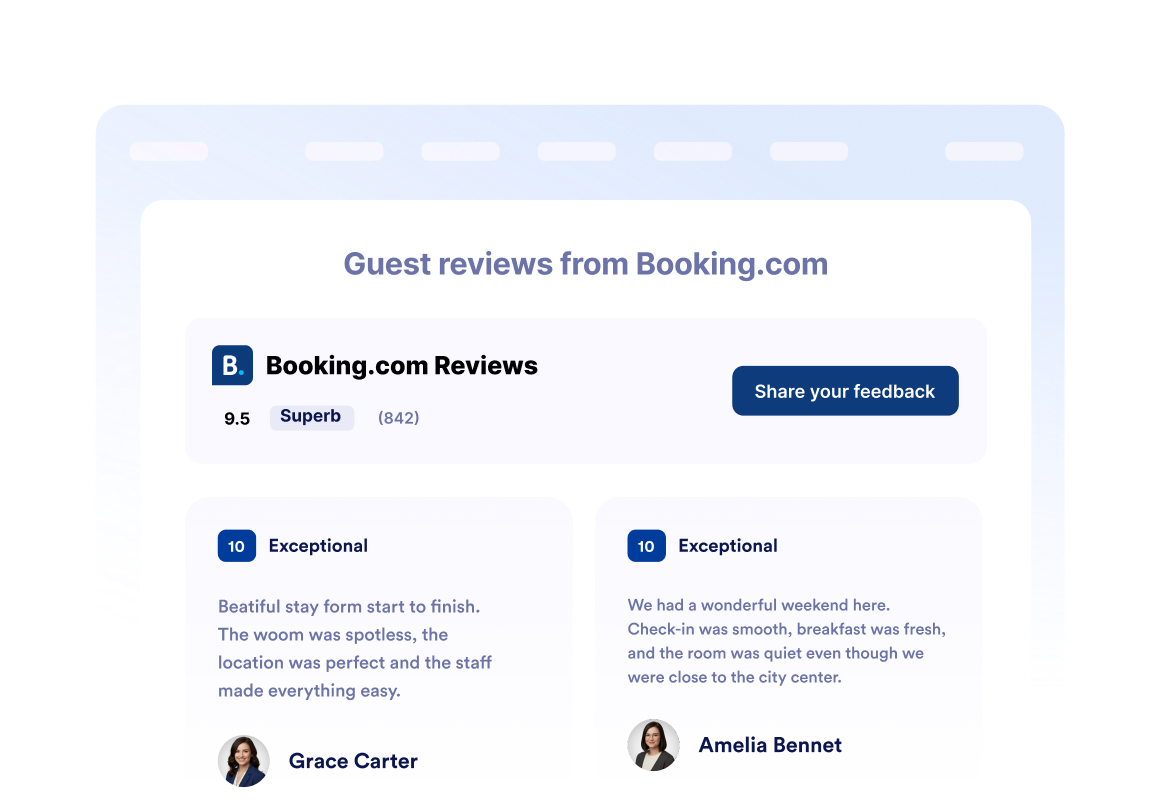
Tesis puanlarını bir bakışta gösterin
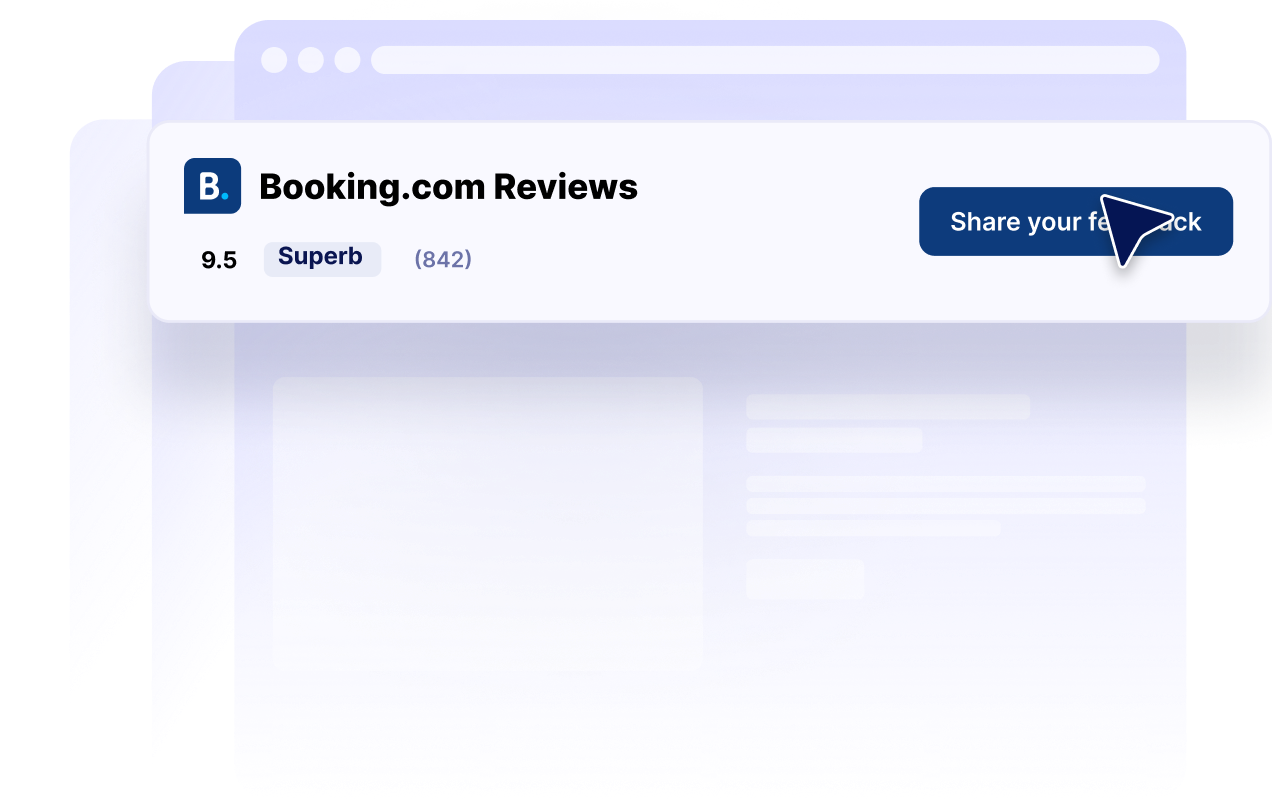
Genel Booking.com puanınızı ve toplam yorum sayısını widget'ın üst bilgisinde gösterin. Böylece ziyaretçiler, misafir yorumlarını, oda ayrıntılarını, olanakları veya rezervasyon seçeneklerini incelemeden önce tesisinizin genel değerlendirmesi hakkında hızlıca fikir edinebilir.
Yorum düzenlerini her sayfaya uydurun
Karusel, kaydırıcı, ızgara, liste, duvar örgüsü ve rozet düzenleri arasından seçim yapın. Tesis sayfanızda ayrıntılı bir yorum bölümü gösterebilir veya kenar çubuğu, altbilgi ya da alanın sınırlı olduğu açılış sayfalarında kompakt bir puan rozeti kullanabilirsiniz.

Yorumları web sitenizle eşleştirin
Karanlık modu, başlıkları, butonları, puan ayrıntılarını, yorum alanlarını, renkleri ve widget genişliğini özelleştirin. Bu kontroller, Booking.com yorumlarınızın web sitenizi tamamlamasına yardımcı olurken tanınabilir puan bilgilerini kolayca bulunabilir tutar.
Jotform Web Site Widget'ları neden öne çıkıyor
Jotform'un widget'ları web sitenizi daha etkileşimli hale getirir ve dönüşümleri artırır. Yıldızlı değerlendirmelerden ve kullanıcı görüşü kaydırıcılarından sosyal kanıt açılır pencerelerine ve medya yerleştirmelerine kadar birçok araç mevcut. Veri toplamak, kanıt göstermek ve potansiyelmüşteri yakalamak için kod yazmanıza gerek olmadan formlarınıza veya açılış sayfalarınıza widget'lar ekleyin.
Basit bir yerleştirme koduyla Jotform widget'larını web sitenize ekleyin. Bir geliştiriciye ihtiyaç duymadan widget'ı özelleştirin, nasıl göründüğünü önizleyin ve özel HTML ya da yerleştirme bloklarını destekleyen herhangi bir sayfaya yapıştırın.
Potansiyel müşterileri toplamak, müşteri geribildirimlerini göstermek, sosyal kanıt sunmak, medya içeriklerini yerleştirmek veya kullanışlı web sayfası araçları eklemek için Jotform Website Widget'larını kullanın. Her widget, ziyaretçilerin işletmenizle doğrudan web sitenizden etkileşime geçmesine yardımcı olur.
Widget'ınızı kurma, özelleştirme, yerleştirme veya sorun giderme konusunda yardıma ihtiyacınız olursa, Jotform'un müşteri destek ekibi 7/24 hizmetinizdedir. İhtiyacınız olduğunda yardımın hazır olduğunu bilerek güvenle ilerleyebilirsiniz.
Booking.com Yorumları Widget'ınızı nerelerde kullanabilirsiniz
Booking.com yorumlarını, gezginlerin mülkleri karşılaştırdığı, misafir deneyimlerini değerlendirdiği ve rezervasyon yapıp yapmayacağına karar verdiği yerlere yerleştirin.
Yeni ziyaretçilere tesisinizin puanını göstermek için ana sayfadaki güven oluşturan bölümlerde.
Olanaklar ve fotoğrafların yanında misafir yorumlarına da yer vermek için oda ve tesis sayfalarında.
Ana rezervasyon butonunun yakınında ziyaretçilerin güvenini artırmak için rezervasyon sayfalarında.
Gezginlerin konaklama seçeneklerini karşılaştırmasına yardımcı olmak için konuma özel açılış sayfalarında.
Sezonluk paketleri misafir yorumlarıyla desteklemek için tanıtım açılış sayfalarında.
Tesisinizin puanını web sitenizin genelinde kompakt bir şekilde görünür tutmak için kenar çubuklarında ve altbilgi alanlarında.
Jotform Form Oluşturucu ile müşteri adaylarını ödeme yapan müşterilere dönüştürün
Jotform ile etkileşimi eyleme dönüştürün. Potansiyel müşterileri yakalayan, ödemeleri alan ve yanıtları otomatikleştiren güçlü formları tek bir yerde oluşturun. Her yanıt, takip edebileceğiniz veya favori uygulamalarınızla bağlantı kurabileceğiniz Jotform Gelen Kutusu'na ulaşır.
Hemen Başla — Ücretsiz!
SSS
Booking.com Yorumları Widget'ı nedir?
Booking.com Yorumları Widget'ı, Booking.com'daki bir tesise ait misafir puanlarını ve yorumlarını başka bir web sitesinde gösterir. Oteller, tatil amaçlı kiralık tesisler ve diğer konaklama işletmeleri, ziyaretçilerin aşina olduğu misafir yorumlarını web sitelerinin farklı bölümlerinde göstermek için bu widget'ı kullanabilir.
Booking Yorumları Widget'ını nasıl oluşturabilirim?
Widget hangi Booking.com bilgilerini görüntüleyebilir?
Hangi Booking.com yorum düzenleri kullanılabilir?
Widget'ın görünümünü özelleştirebilir miyim?
Ziyaretçiler widget aracılığıyla Booking.com yorumu gönderebilir mi?
Kompakt bir Booking.com puan rozeti gösterebilir miyim?
Booking Yorumları Widget'ı mobil uyumlu mudur?
Kod yazmam gerekir mi?
Ücretsiz bir Booking Yorumları Widget'ı oluşturabilir miyim?
Booking.com Yorumları Widget'ını hangi web sitesi platformları destekler?
Booking.com Yorumları Widget'ımı kurma konusunda yardım alabilir miyim?