Web siteniz için İletişim Formu Widget'ı
Ziyaretçilerin soru, destek talebi, teklif ayrıntıları ve geri arama isteği gönderebilmesi için herhangi bir sayfaya şık bir iletişim formu ekleyin. Alanları, etiketleri, düzeni, renkleri, başarı mesajlarını ve mobil uyumlu görünümü kodsuz bir oluşturucuda özelleştirin.
İletişim Formu widget'ı nasıl oluşturulur
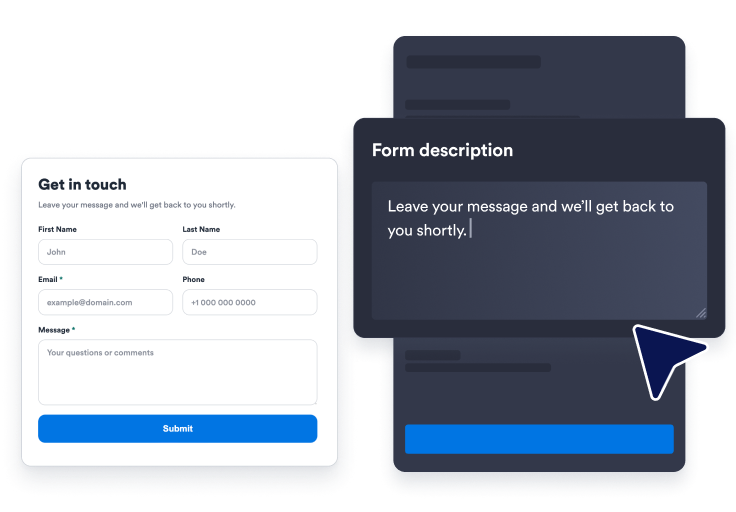
Alanlarınızı seçin
Hazır bir iletişim formuyla başlayın ve ziyaretçilerin hangi ad, e-posta, telefon, konu ve mesaj alanlarını görmesi gerektiğine karar verin.
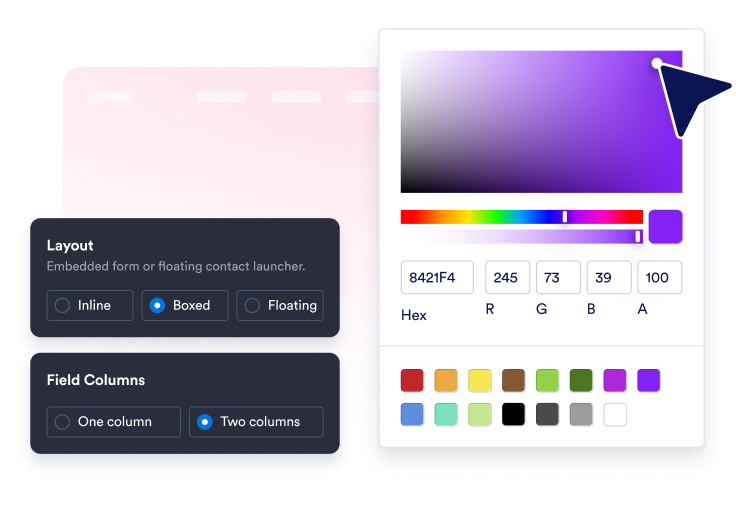
Tasarımı özelleştirin
Başlığı, açıklamayı, düzeni, renkleri, köşe yuvarlaklığını, buton metnini, başarı mesajını ve isteğe bağlı kayan başlatıcıyı ayarlayın.
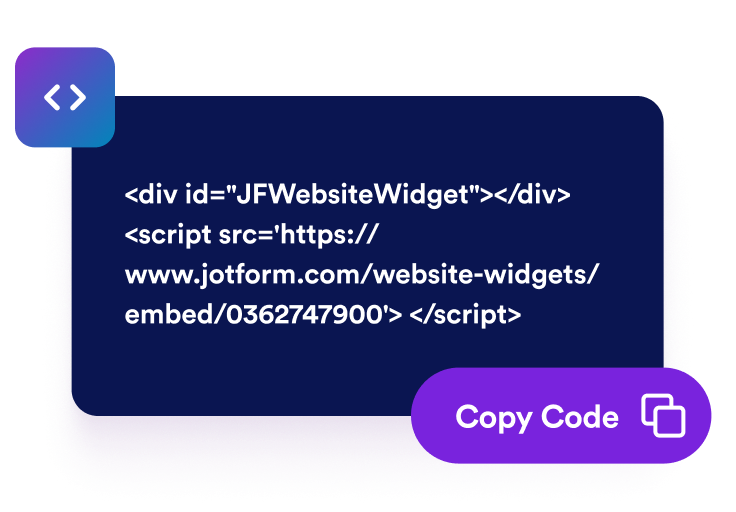
Web sitenize yerleştirin
İletişim bölümünü önizleyin, oluşturulan yerleştirme kodunu kopyalayın ve iletişim formunu ziyaretçilerin sizinle iletişime geçmeye hazır olduğu her yerde yayınlayın.
Markanıza uygun bir formla web sitesi sorularını toplayın
Ziyaretçilerin doldurduğu alanları özelleştirin
Ad, soyadı, telefon, konu ve mesaj alanlarını gösterin veya gizleyin; ardından etiketleri, yer tutucuları ve zorunluluk ayarlarını düzenleyin.

Her mesajı net bir sonraki adıma yönlendirin
Özel bir gönder butonu, zorunlu alan doğrulaması, e-posta doğrulaması ve ziyaretçiler taleplerini gönderdikten sonra bir teşekkür mesajı kullanın.

Formu web sitenizin stiline uyarlayın
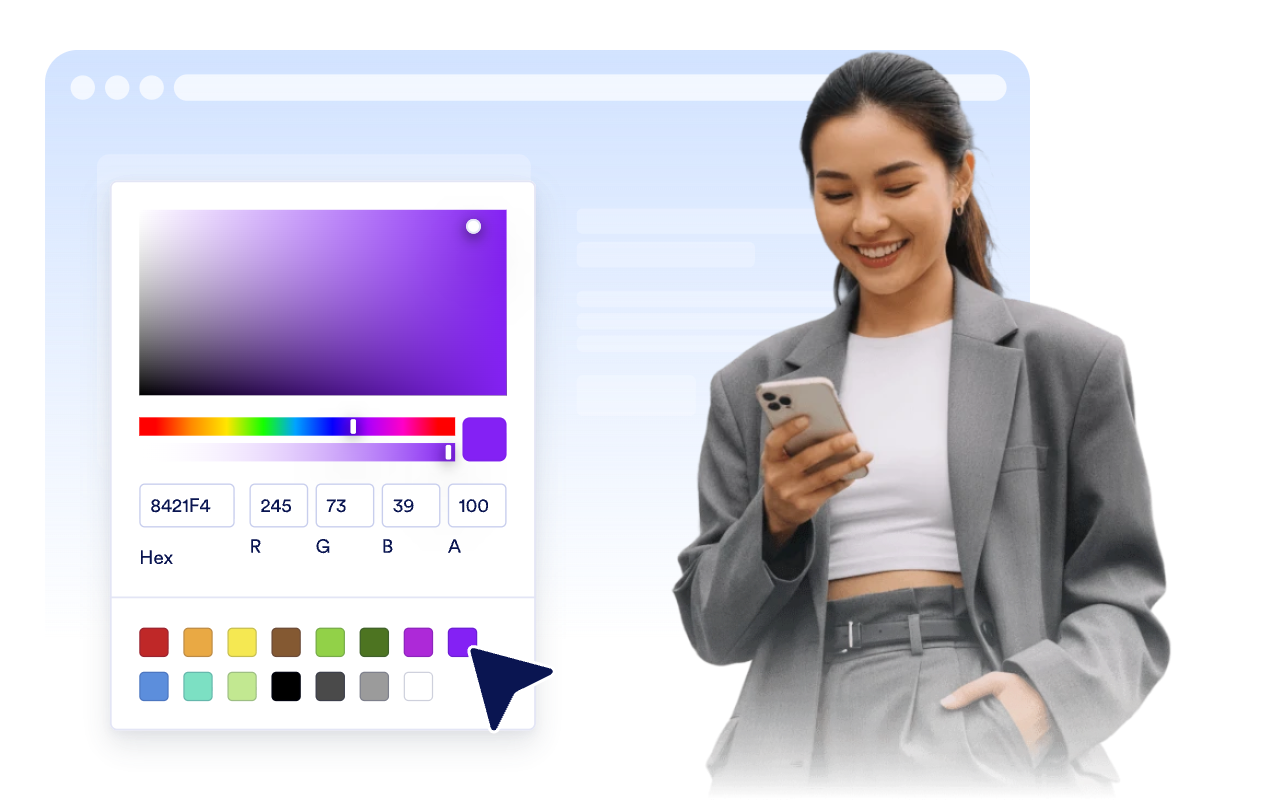
Bir stil ön ayarı seçin; alan renklerini, buton renklerini, kenarlıkları, köşe yuvarlaklığını, markalamayı ve kapsamlı özel CSS'yi ayarlayın.
Satır içi yerleştirin veya iletişim erişimini kayar durumda tutun
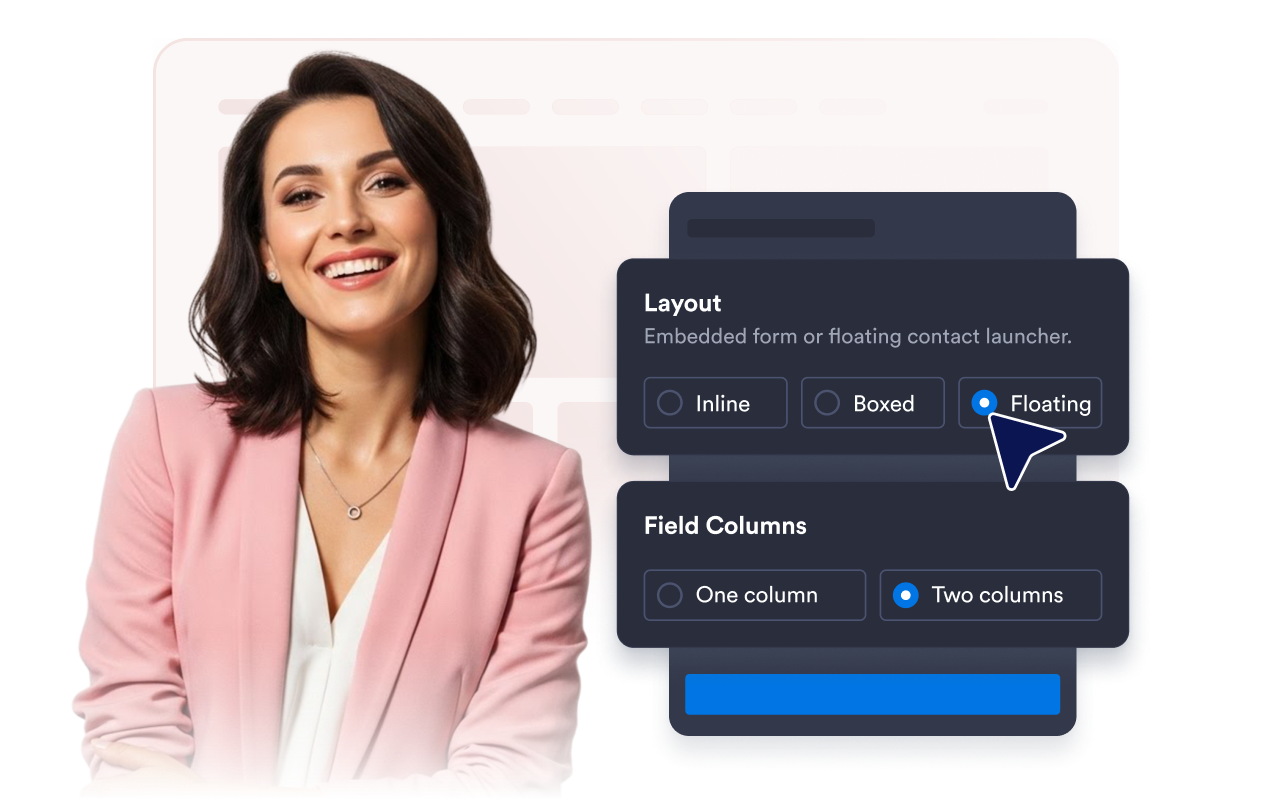
Tek veya iki sütunlu alanlar, başlatıcı yerleşimi ve masaüstü/mobil görünürlük kontrolleriyle satır içi, kutulu veya kayan düzenler kullanın.
Jotform Zaman Çizelgesi Oluşturma Widget'ları neden öne çıkıyor
Jotform'un widget'ları web sitenizi daha etkileşimli hale getirir ve dönüşümleri artırır. Yıldızlı değerlendirmelerden ve kullanıcı görüşü kaydırıcılarından sosyal kanıt açılır pencerelerine ve medya yerleştirmelerine kadar birçok araç mevcut. Veri toplamak, kanıt göstermek ve potansiyelmüşteri yakalamak için kod yazmanıza gerek olmadan formlarınıza veya açılış sayfalarınıza widget'lar ekleyin.
Basit bir yerleştirme koduyla Jotform widget'larını web sitenize ekleyin. Bir geliştiriciye ihtiyaç duymadan widget'ı özelleştirin, nasıl göründüğünü önizleyin ve özel HTML ya da yerleştirme bloklarını destekleyen herhangi bir sayfaya yapıştırın.
Potansiyel müşterileri toplamak, müşteri geribildirimlerini göstermek, sosyal kanıt sunmak, medya içeriklerini yerleştirmek veya kullanışlı web sayfası araçları eklemek için Jotform Website Widget'larını kullanın. Her widget, ziyaretçilerin işletmenizle doğrudan web sitenizden etkileşime geçmesine yardımcı olur.
Widget'ınızı kurma, özelleştirme, yerleştirme veya sorun giderme konusunda yardıma ihtiyacınız olursa, Jotform'un müşteri destek ekibi 7/24 hizmetinizdedir. İhtiyacınız olduğunda yardımın hazır olduğunu bilerek güvenle ilerleyebilirsiniz.
İletişim Formu widget'ınızı nerelerde kullanabilirsiniz
Ziyaretçilerin soru sormak, yardım istemek veya ekibinizle bir görüşme başlatmak için doğrudan bir yola ihtiyaç duyduğu her yere widget'ı yerleştirin.
Genel soruları, teklif taleplerini ve takip ayrıntılarını tek bir yerde toplamak için iletişim sayfalarında.
Potansiyel müşterilerin seçenekleri karşılaştırırken uygunluk, fiyatlandırma ve sonraki adımlar hakkında soru sorabilmesi için hizmet sayfalarında.
Sorun ayrıntılarını, konu başlıklarını ve yanıt bilgilerini düzenli bir talep akışına yönlendirmek için destek sayfalarında.
Alıcıların rezervasyon yapmadan, sipariş vermeden veya demo talep etmeden önce daha fazla bilgiye ihtiyaç duyabileceği ürün sayfalarında.
Ziyaretçileri ayrı bir form sayfasına yönlendirmeden kampanya trafiğini mesajlara dönüştürmek için açılış sayfalarında.
Kayan iletişim düğmesinin tek dokunuşla yardıma ulaşmayı sağladığı mobil web sitelerinde.
Jotform Form Oluşturucu ile müşteri adaylarını ödeme yapan müşterilere dönüştürün
Jotform ile etkileşimi eyleme dönüştürün. Potansiyel müşterileri yakalayan, ödemeleri alan ve yanıtları otomatikleştiren güçlü formları tek bir yerde oluşturun. Her yanıt, takip edebileceğiniz veya favori uygulamalarınızla bağlantı kurabileceğiniz Jotform Gelen Kutusu'na ulaşır.
Hemen Başla — Ücretsiz!
SSS
İletişim Formu widget'ı nedir?
İletişim Formu widget'ı, ziyaretçilerin doğrudan sitenizden mesaj, iletişim bilgileri, destek talebi ve geri arama talebi göndermesini sağlayan, yerleştirilebilir bir web sitesi formudur.
Hangi alanların görüneceğini seçebilir miyim?
Kayan bir İletişim Formu kullanabilir miyim?
Tasarımı özelleştirebilir miyim?
Bir ziyaretçi, formu yanıtladıktan sonra ne olur?
Widget mobilde de çalışır mı?
Herhangi bir kod yazmam gerekir mi?