
Free Countdown Timer Widget for Your Website

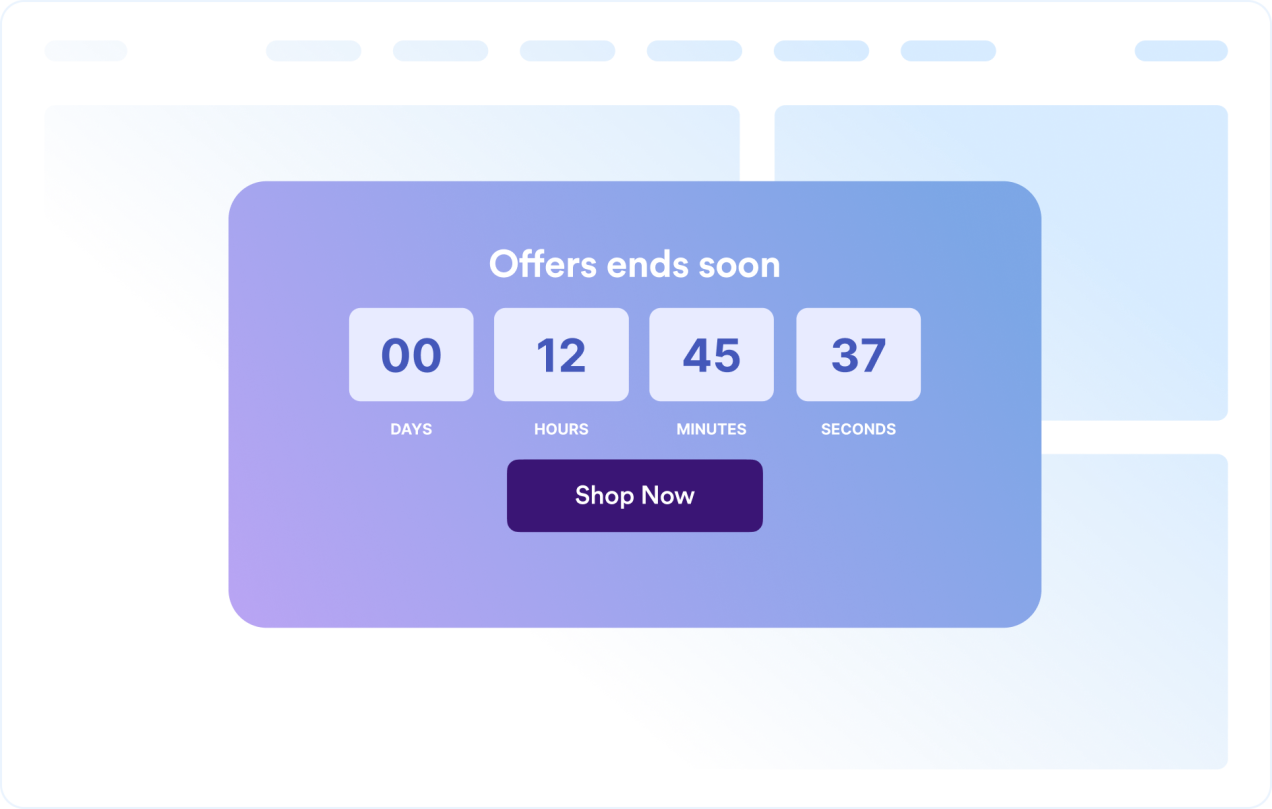
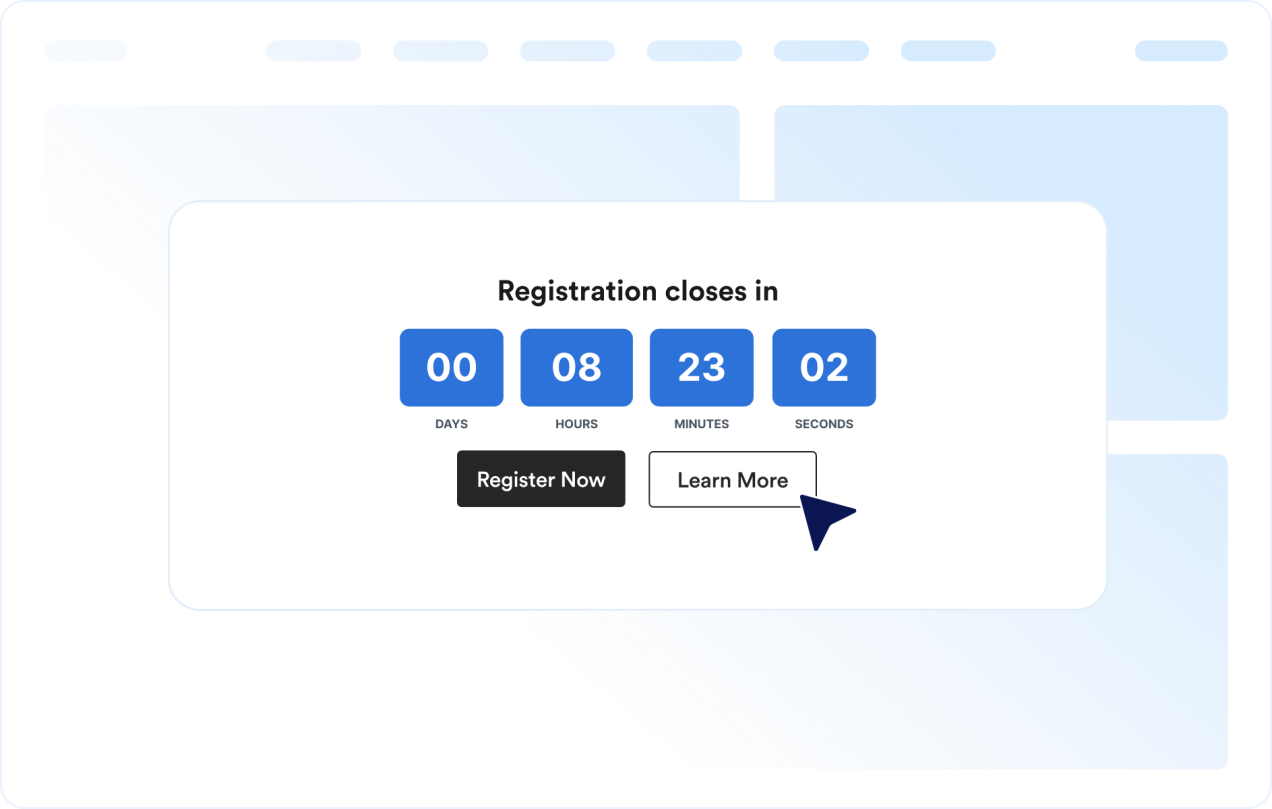
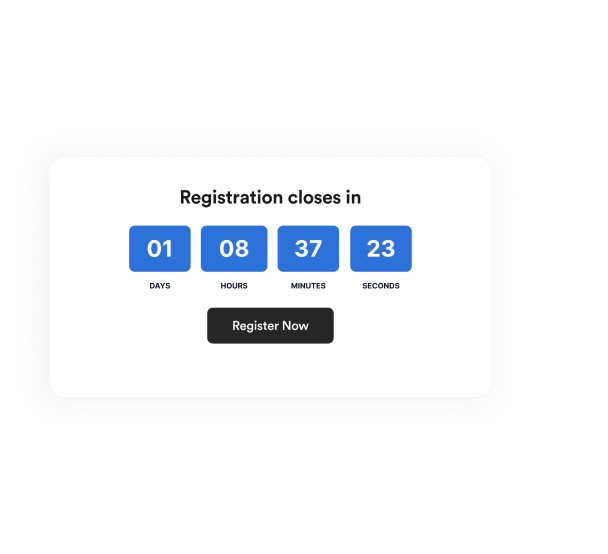
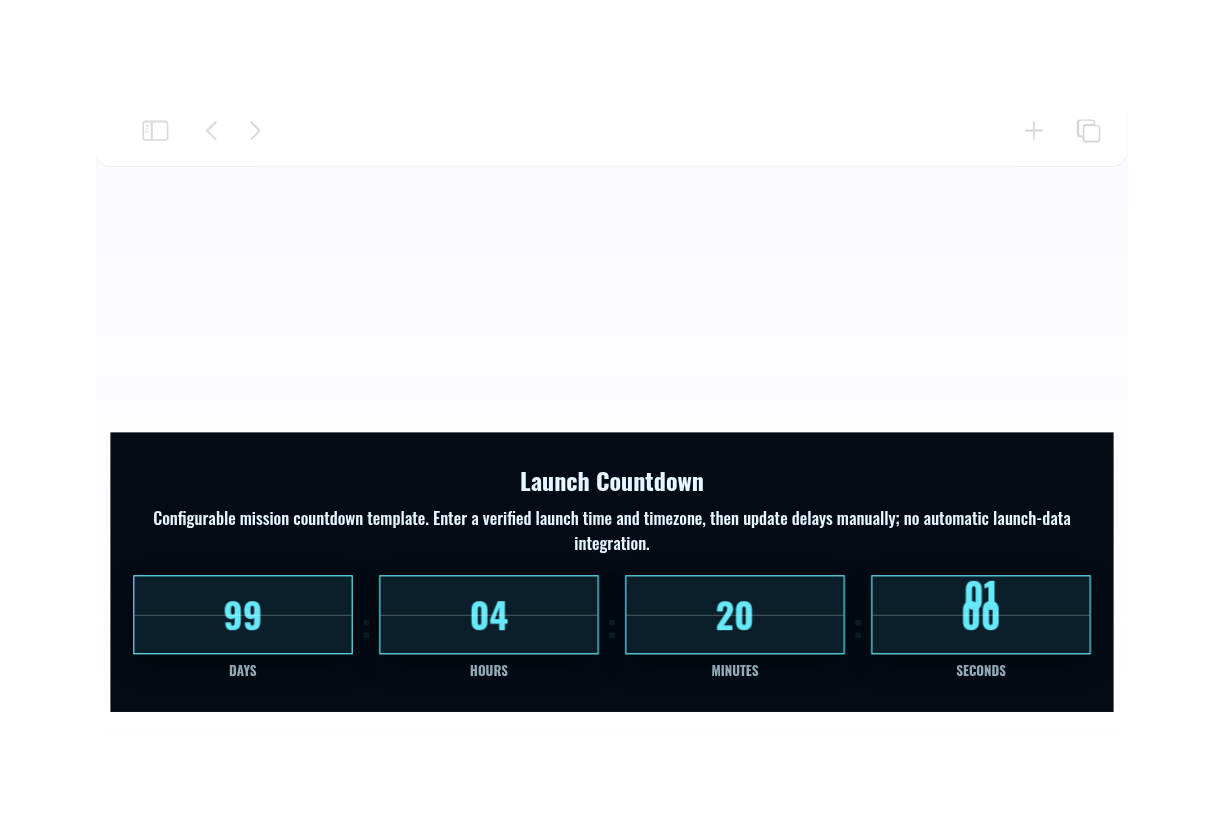
Create urgency for sales, product launches, webinars, events, and seasonal campaigns. Jotform's Countdown Timer widget lets you set a target date, select restart timing, customize layout and colors, add action buttons, and embed the widget on your website — no coding required.

Countdown Timer widget'ı nasıl oluşturulur

Set up the countdown timer

Set up the countdown timer

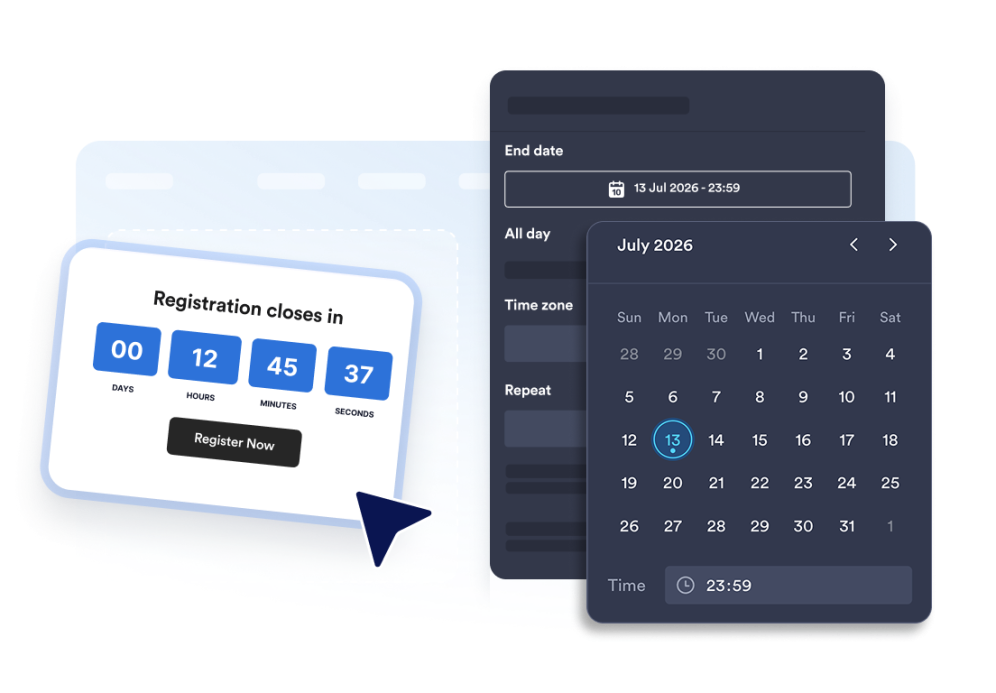
Choose the end date, time zone, event type, and optional restart schedule.

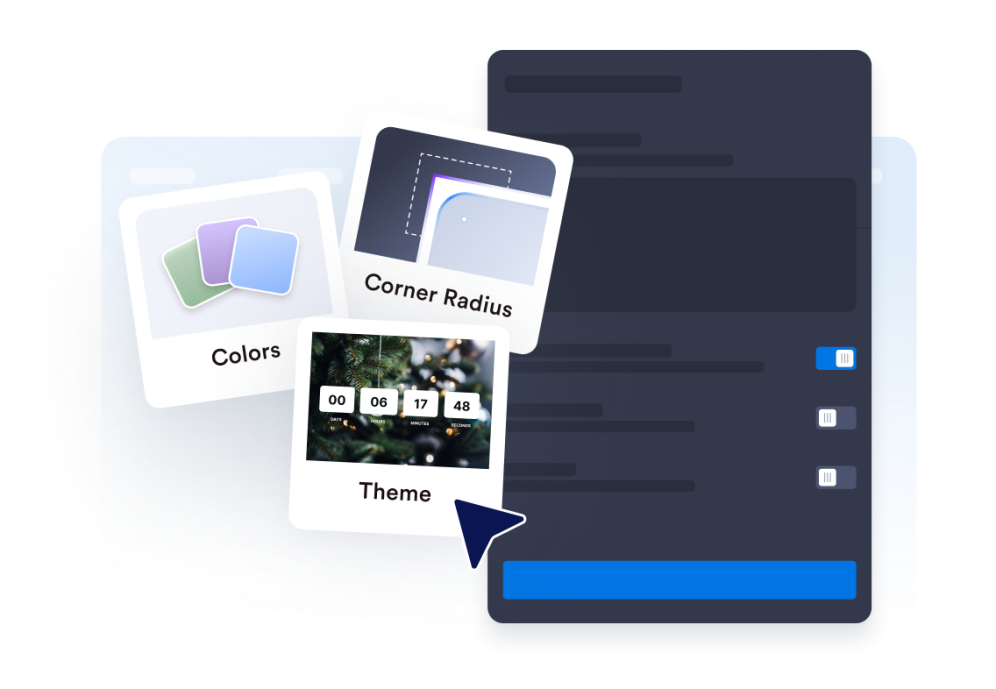
Customize the layout and theme

Customize the layout and theme

Select the position for your timer and adjust colors, labels, and the corner style.

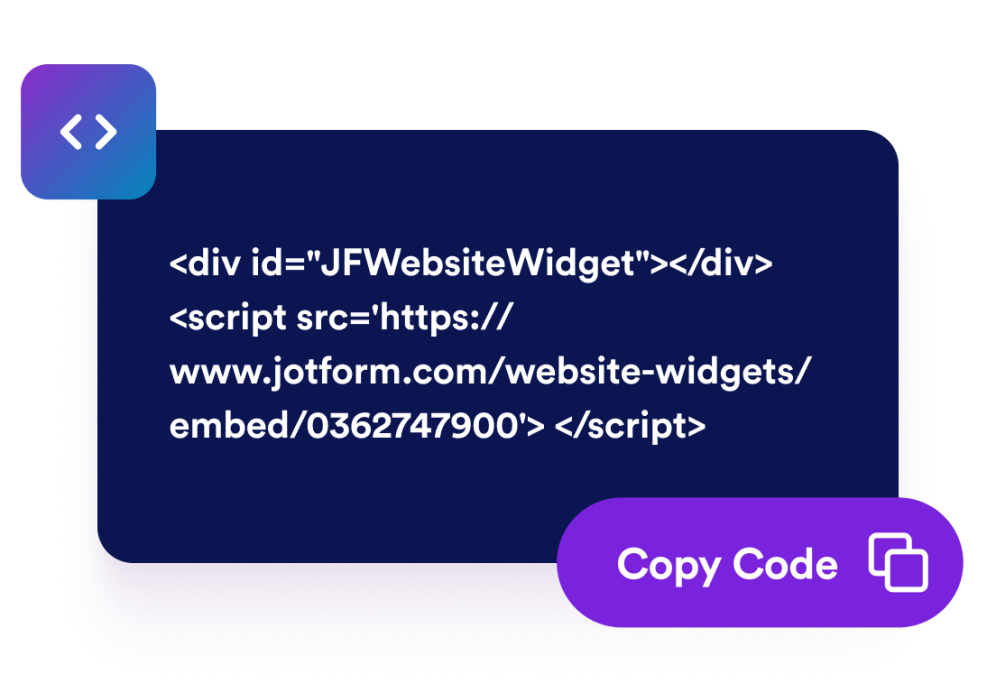
Embed it on your website

Web sitenize yerleştirin

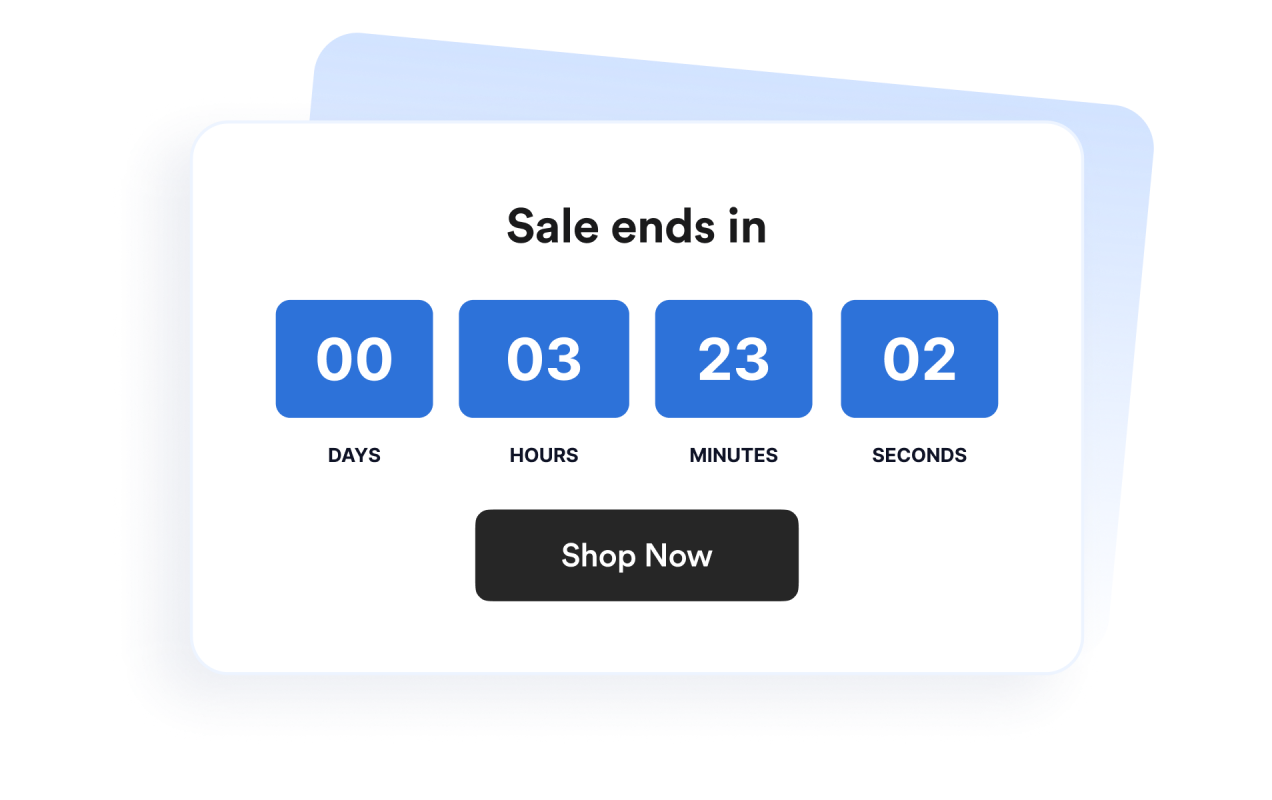
Add call-to-action buttons, preview the timer, and copy the embed code to publish it anywhere.

Create urgency with a countdown timer that fits your page

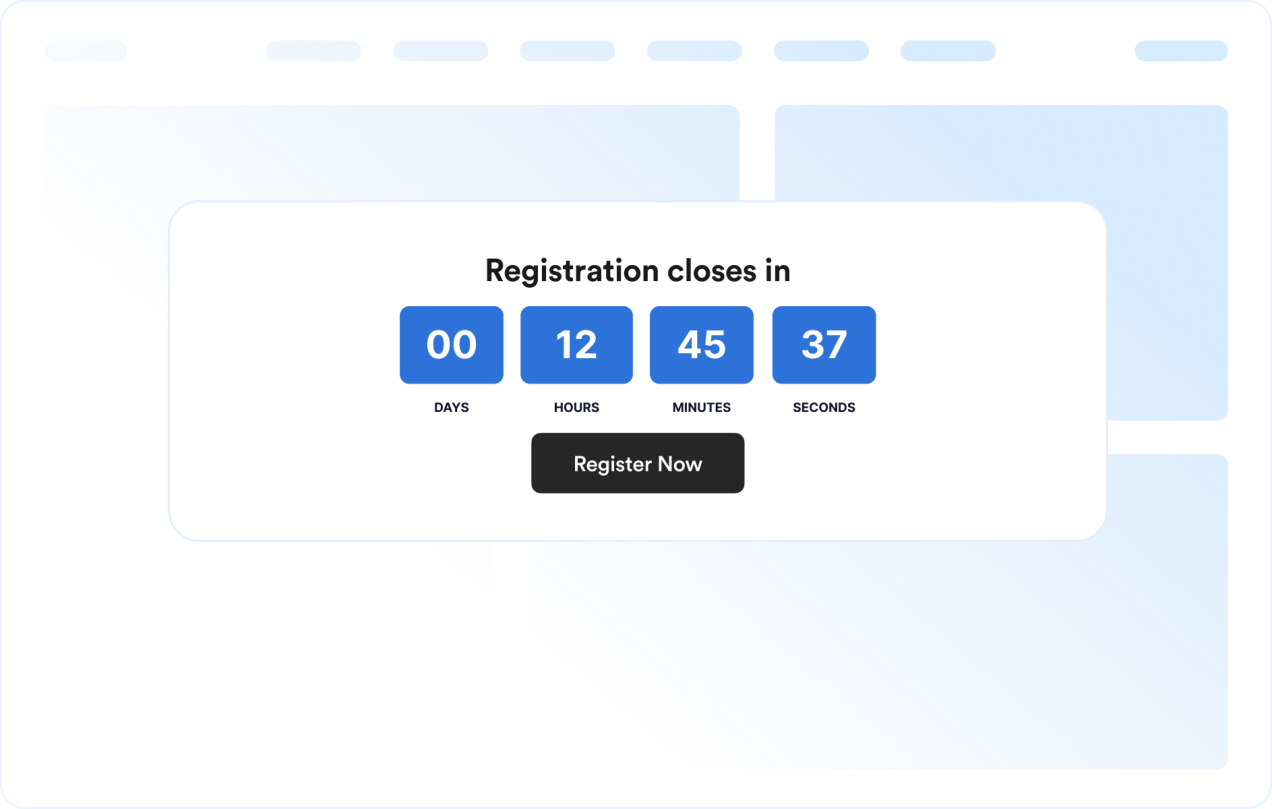
Count down to a specific date and time

Set a precise deadline for launches, promotions, webinars, product drops, or event campaigns. Time zone functionality keeps the countdown consistent for your campaign.

Count down to a specific date and time

Use layouts for banners and inline sections

Display the timer inline, as a full-width section, as a fixed top or bottom bar, or as a floating card. This makes it easy to fit the widget into different website designs.

Use layouts for banners and inline sections

Customize the timer design

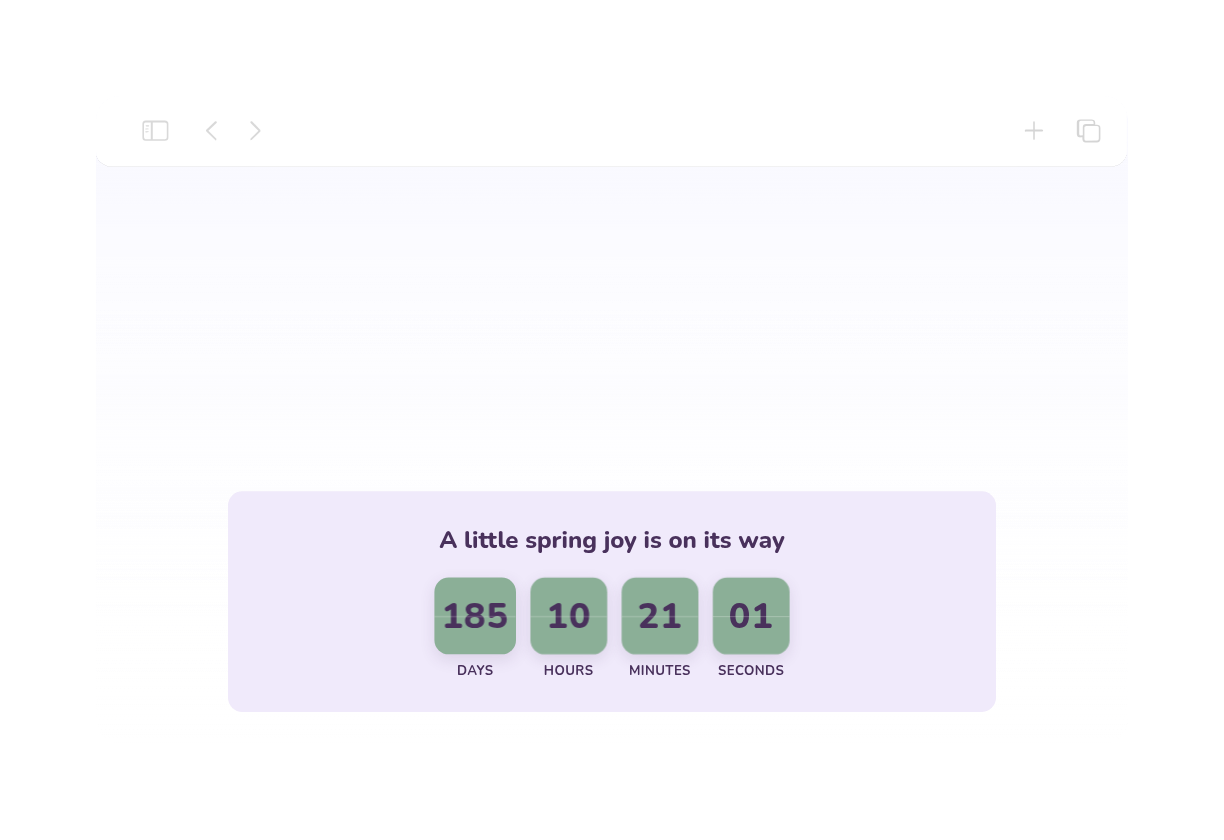
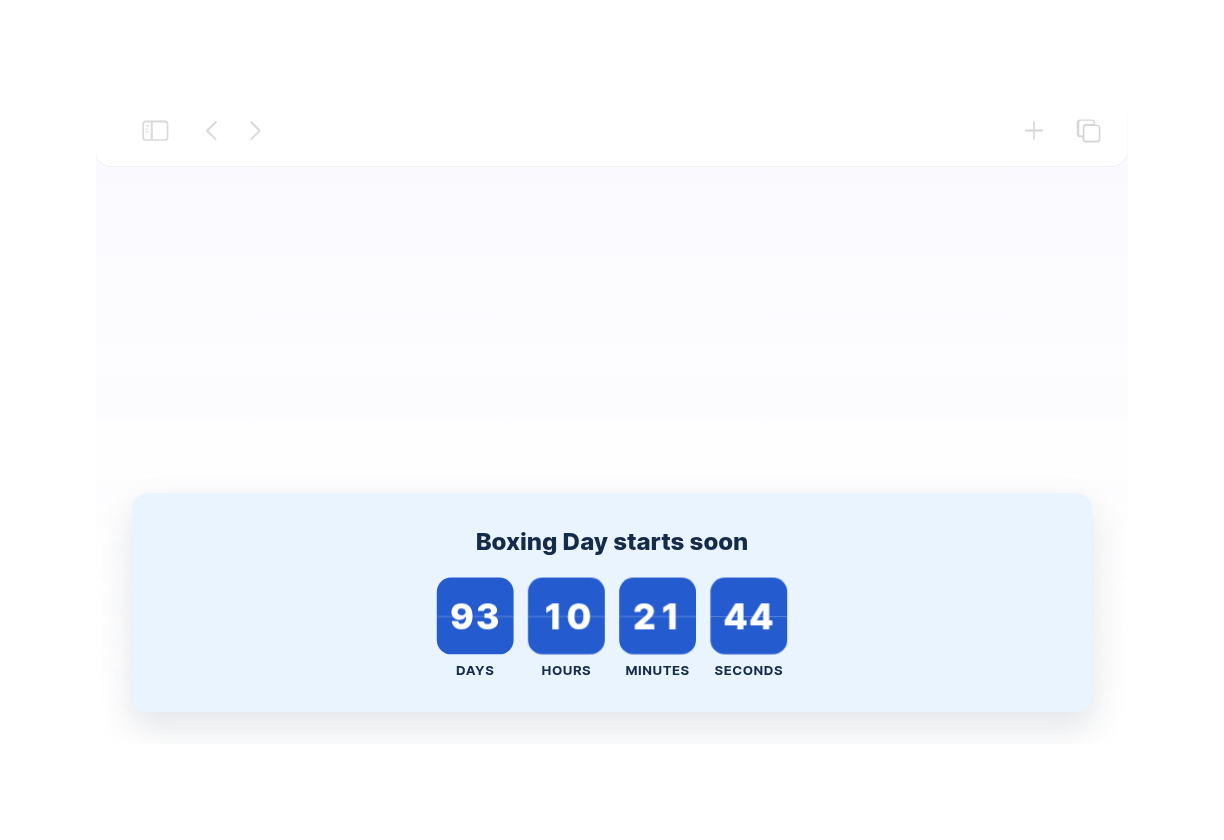
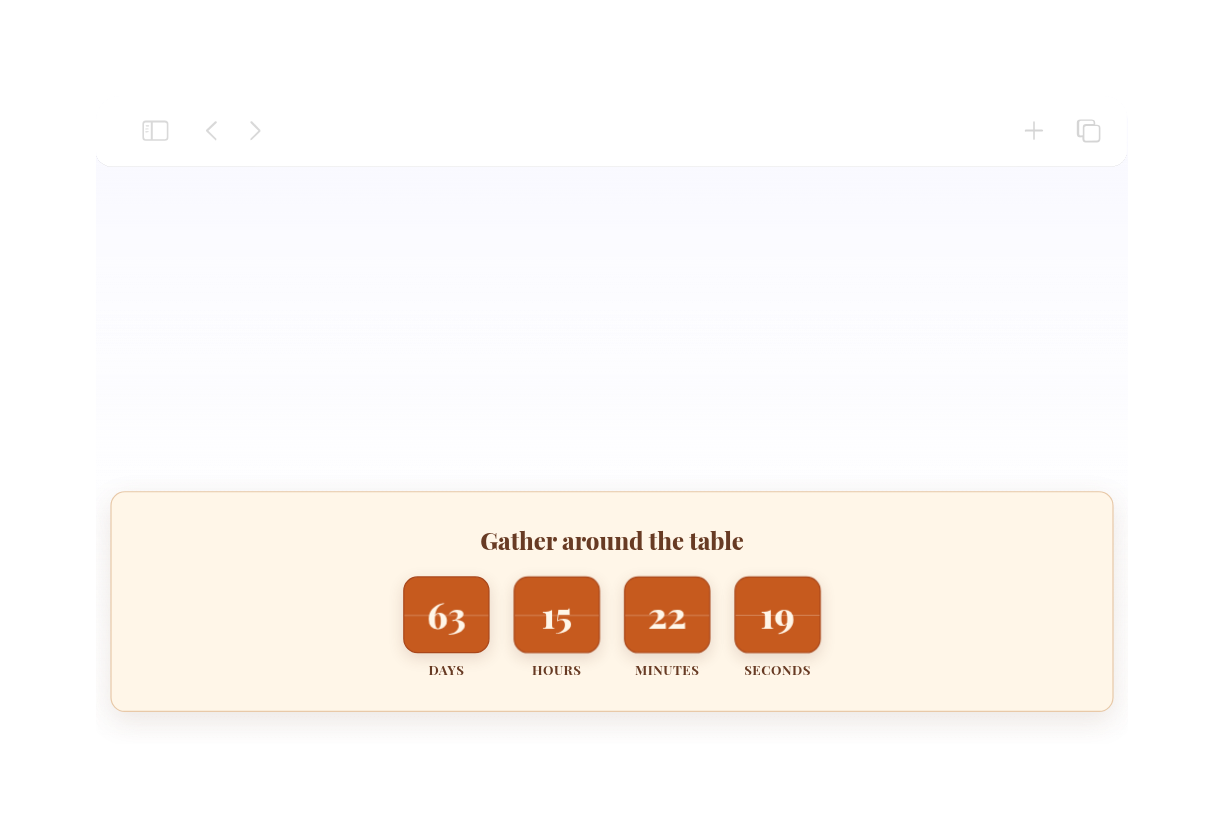
Show or hide time units, adjust labels, set the corner style, and apply campaign-ready theme presets.

Customize the timer design

Guide visitors to the next action

Add the widget anywhere on your site where a clear deadline might prompt visitors to take action.

Guide visitors to the next action

How to embed your Countdown Timer into WordPress

1Get your embed code

After customizing your Jotform website widget, click Try it on your website for free, and copy the generated embed code.

2Open the page editor

Go to the WordPress post or page where you want to display the widget, then add a new block.

3Add a Custom HTML block

Select Custom HTML and paste your Jotform website widget embed code into the HTML field.

4Update and view

Click Update or Publish, then open the page to check your embedded widget.

Jotform Website Widget'ları neden öne çıkıyor

Jotform'un widget'ları web sitenizi daha etkileşimli hale getirir ve dönüşümleri artırır. Yıldızlı değerlendirmelerden ve kullanıcı görüşü slider'larından sosyal kanıt açılır pencerelerine ve medya yerleştirmelerine kadar birçok araç mevcut. Veri toplamak, kanıt göstermek ve müşteri adayı yakalamak için formlarınıza veya açılış sayfalarınıza widget'lar ekleyin; kod yazmaya gerek yok.

Widget'ları kodlama olmadan yerleştirin

Basit bir yerleştirme koduyla Jotform widget'larını web sitenize ekleyin. Bir geliştiriciye ihtiyaç duymadan widget'ı özelleştirin, nasıl göründüğünü önizleyin ve özel HTML ya da yerleştirme bloklarını destekleyen herhangi bir sayfaya yapıştırın.

Daha etkileşimli sayfalar oluşturun

Müşteri adaylarını toplamak, müşteri geribildirimlerini göstermek, sosyal kanıt sunmak, medya yerleştirmek veya faydalı web sayfası araçları eklemek için Jotform Website Widget'larını kullanın. Her widget, ziyaretçilerin işletmenizle doğrudan web sitenizden etkileşime geçmesine yardımcı olur.

İhtiyaç duyduğunuzda destek alın

Widget'ınızı kurma, özelleştirme, yerleştirme veya sorun giderme konusunda yardıma ihtiyacınız olursa, Jotform'un müşteri destek ekibi 7/24 hizmetinizdedir. İhtiyacınız olduğunda yardımın hazır olduğunu bilerek güvenle ilerleyebilirsiniz.

Where to use your Countdown Timer widget

Add the widget anywhere a clear deadline can help visitors act sooner and understand when an offer, event, or campaign ends.

Sale landing pages to highlight limited-time discounts and flash campaigns

Product launch pages to build anticipation before a release

Event and webinar pages to show registration or attendance deadlines

Announcement bars to keep a deadline visible across the top or bottom of a site

Checkout and pricing pages to reinforce promotional deadlines near purchase decisions

Coming soon pages to count down to a launch date with a clear call-to-action

Jotform Form Oluşturucu ile müşteri adaylarını ödeme yapan müşterilere dönüştürün

Jotform ile etkileşimi eyleme dönüştürün. Müşteri adaylarını yakalayan, ödemeleri toplayan ve yanıtları otomatikleştiren güçlü formları tek bir yerde oluşturun. Her yanıt, takip edebileceğiniz veya favori uygulamalarınızla bağlantı kurabileceğiniz Jotform Gelen Kutusu'na ulaşır.

Hemen BaşlaÜcretsiz!
Convert leads into customers

SSS

  • What is a Countdown Timer widget?

    A Countdown Timer widget displays the time remaining until a chosen date and time. It helps websites promote sales, events, launches, and other time-sensitive campaigns.

  • Can I customize the layout?

  • Can I change the colors and layout?

  • Can the countdown repeat?

  • Can I add buttons to the countdown?

  • What happens when the countdown ends?

  • Does it work on mobile?

  • Kod yazmam gerekir mi?