Web Siteniz için Google Play Yorumları Widget'ı
Ziyaretçilerin ürününüzü değerlendirdiği yerlerde gerçek uygulama puanlarını ve kullanıcı geri bildirimlerini gösterin. Jotform'un Google Play Yorumları Widget'ı; herkese açık bir uygulama listelemesini bağlamanıza, yeni yorumları otomatik olarak görüntülemenize, tasarımı özelleştirmenize ve widget'ı kod yazmadan yerleştirmenize olanak tanır.
Hemen oluşturun - Ücretsiz!

Google Play Yorumları widget'ı nasıl oluşturulur
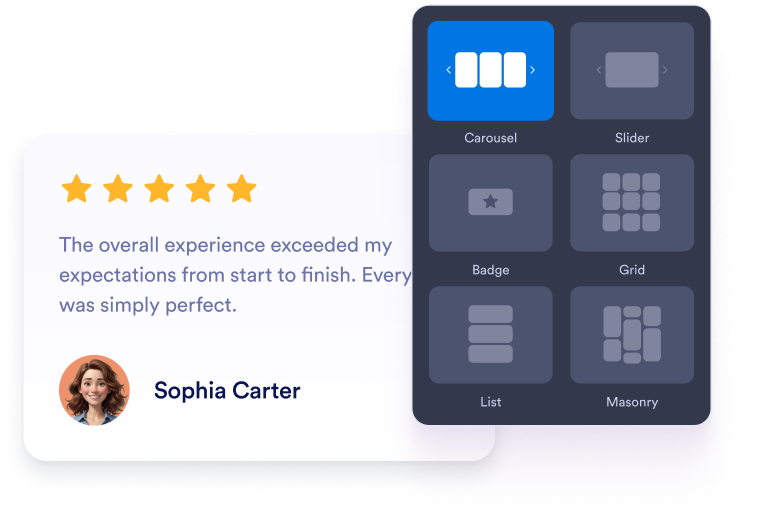
Widgetʼınızı özelleştirin
Kaydırmalı, kaydırma çubuğu, rozet, ızgara veya liste düzeni seçin. Renkleri, tipografiyi, aralıkları ve genişliği uygulama web sitenize uyacak şekilde ayarlayın.
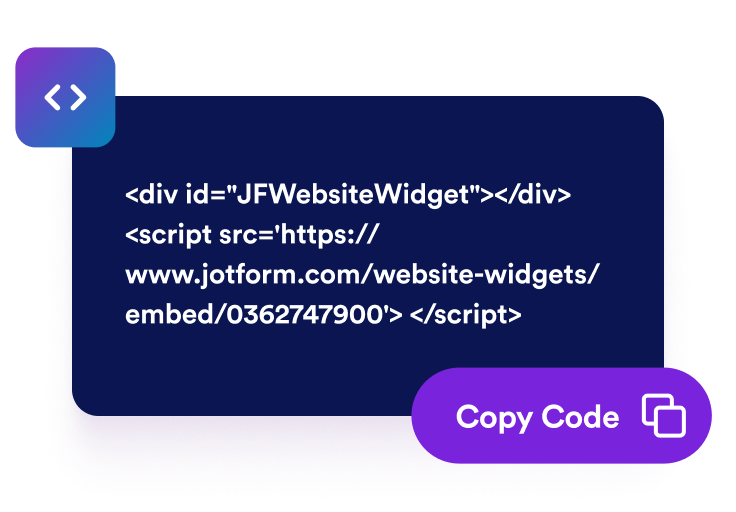
Yerleştirme kodunu alın
Google Play yorumlarınızı önizleyin ve yayınlama adımına geçin. Jotform, yerleştirme kodunu otomatik olarak oluşturur; böylece kodu elle oluşturmanıza veya düzenlemenize gerek kalmaz.

Dilediğiniz yere yerleştirin
Oluşturulan kodu özel bir HTML veya yerleştirme bloğuna yapıştırın. Sayfayı yayınlayın ve yorumların masaüstü ile mobil ekranlarda nasıl göründüğünü kontrol edin.
Google Play yorumlarını güvenli uygulama kararlarına dönüştürün
Gerçek uygulama yorumlarıyla güven oluşturun
Google Play kullanıcılarından gelen puanları ve yorumları uygulama açıklamanızın yanında görüntüleyin. İlk elden geri bildirim, potansiyel kullanıcılara uygulamayı yüklemeyi düşünmeden önce uygulamanın özellikleri, kullanılabilirliği, güvenilirliği ve genel deneyimi hakkında değerli bağlam sağlar.
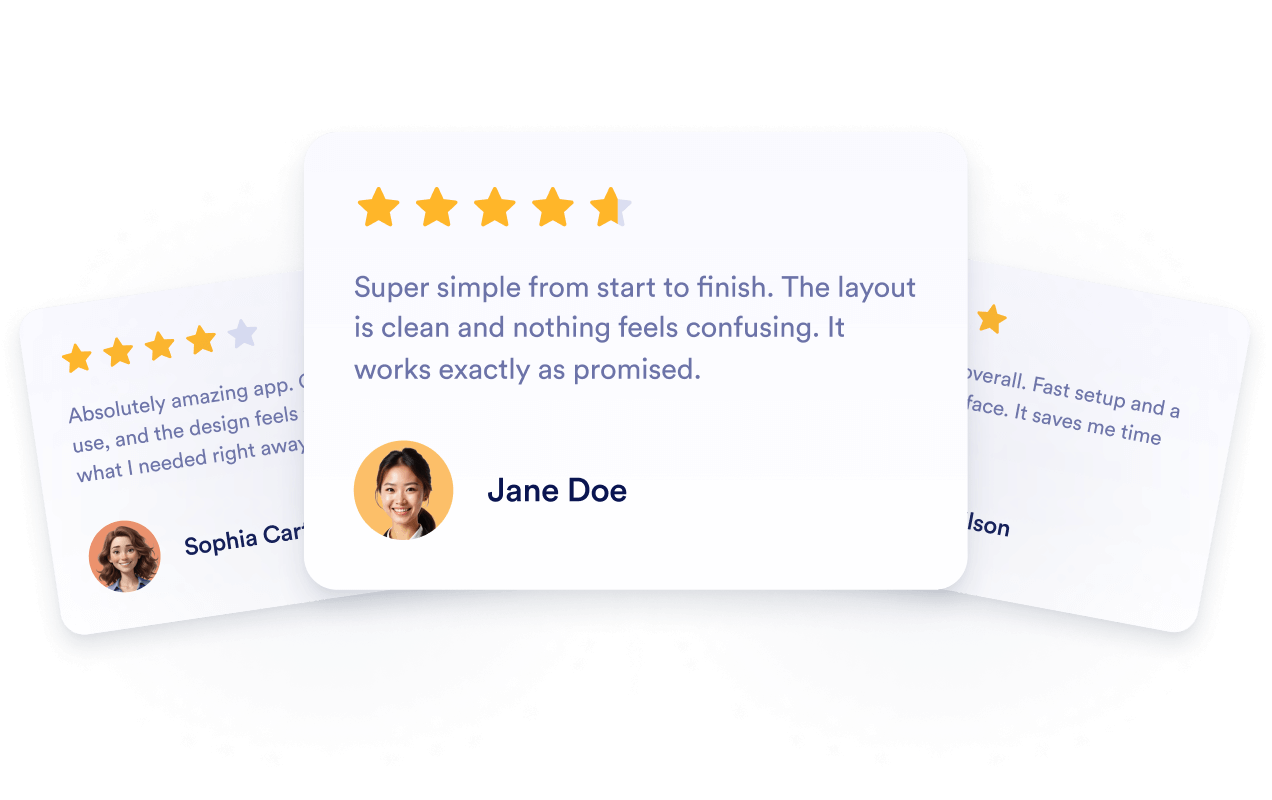
Yorum içeriğini otomatik olarak güncel tutun
Widget'ı herkese açık Google Play listelemenize bağlayın; böylece yeni gelen puanlar ve yorumlar otomatik olarak görünebilir. Bölümü elle yeniden oluşturmadan veya yerleştirme kodunu değiştirmeden güncel kullanıcı geri bildirimlerini göstermeye devam edebilirsiniz.
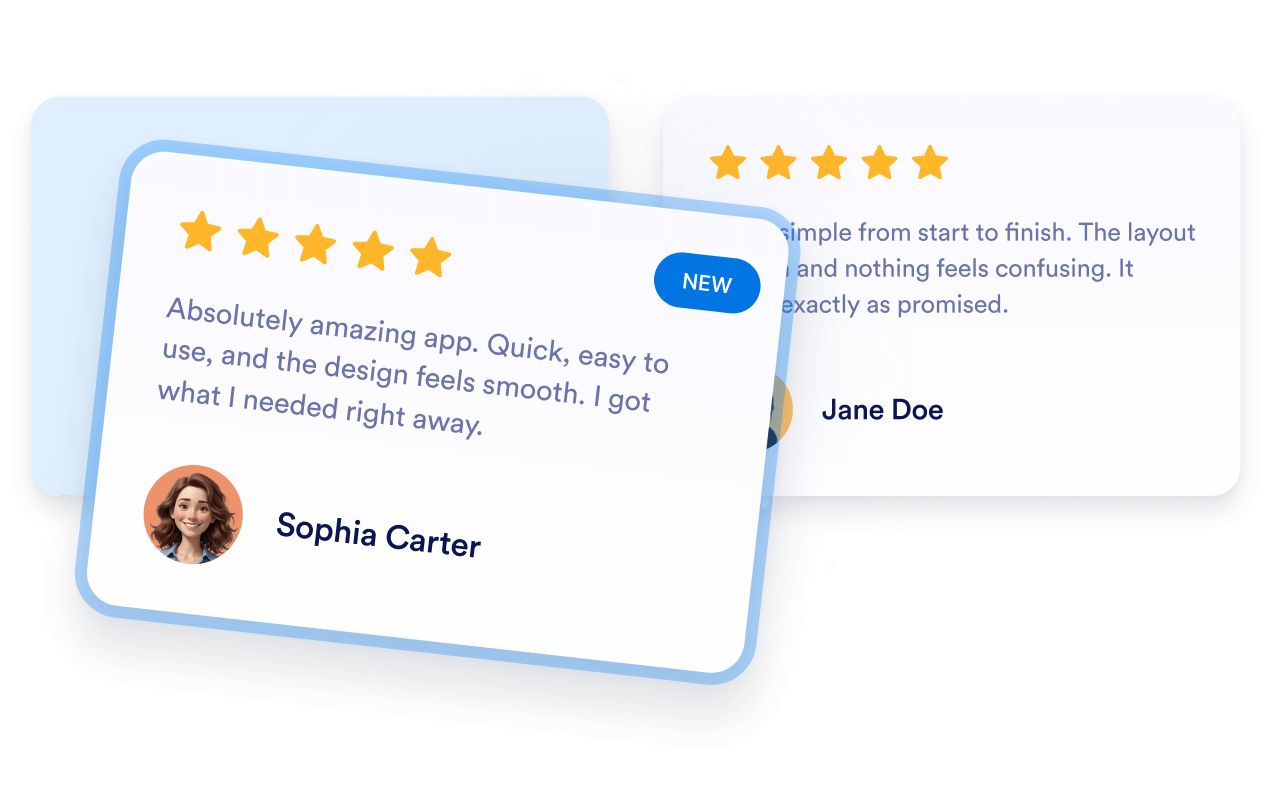
Uygulama görünürlüğünü yorumlarla destekleyin
Ziyaretçilerin ürününüzü araştırdığı uygulama açılış sayfalarına ilgili Google Play geri bildirimlerini ekleyin. Yorumlar, potansiyel kullanıcılar için faydalı bağlam sunar; ancak bunları yerleştirmek dizine eklemeyi veya daha yüksek arama sıralamalarını garanti etmez.

Ziyaretçileri harekete geçmeye teşvik edin
Olumlu kullanıcı geri bildirimlerini indirme butonlarının, özellik açıklamalarının, demoların veya kayıt seçeneklerinin yakınına yerleştirin. İlgili yorumlar, yaygın endişeleri giderebilir ve ziyaretçilerin uygulamayı yükleyip yüklememeye ya da daha fazla incelemeye karar vermesine yardımcı olabilir.

Jotform Web Site Widget'ları neden öne çıkıyor
Jotform'un widget'ları web sitenizi daha etkileşimli hale getirir ve dönüşümleri artırır. Yıldızlı değerlendirmelerden ve kullanıcı görüşü kaydırıcılarından sosyal kanıt açılır pencerelerine ve medya yerleştirmelerine kadar birçok araç mevcut. Veri toplamak, kanıt göstermek ve potansiyelmüşteri yakalamak için kod yazmanıza gerek olmadan formlarınıza veya açılış sayfalarınıza widget'lar ekleyin.
Basit bir yerleştirme koduyla Jotform widget'larını web sitenize ekleyin. Bir geliştiriciye ihtiyaç duymadan widget'ı özelleştirin, nasıl göründüğünü önizleyin ve özel HTML ya da yerleştirme bloklarını destekleyen herhangi bir sayfaya yapıştırın.
Potansiyel müşterileri toplamak, müşteri geribildirimlerini göstermek, sosyal kanıt sunmak, medya içeriklerini yerleştirmek veya kullanışlı web sayfası araçları eklemek için Jotform Website Widget'larını kullanın. Her widget, ziyaretçilerin işletmenizle doğrudan web sitenizden etkileşime geçmesine yardımcı olur.
Widget'ınızı kurma, özelleştirme, yerleştirme veya sorun giderme konusunda yardıma ihtiyacınız olursa, Jotform'un müşteri destek ekibi 7/24 hizmetinizdedir. İhtiyacınız olduğunda yardımın hazır olduğunu bilerek güvenle ilerleyebilirsiniz.
Google Play Yorumlar Widget'ınızı nerede kullanabilirsiniz
Ziyaretçilerin özellikleri karşılaştırdığı, kullanıcı deneyimlerini değerlendirdiği veya uygulamanızı yükleyip yüklememeye karar verdiği sayfalara yorumlar ekleyin.
Ekran görüntüleri ve yükleme butonlarının yanında kullanıcı geri bildirimlerini göstermek için uygulama indirme sayfalarında.
Ana uygulama mesajınızla birlikte puanları ve değerlendirmeleri tanıtmak için ana sayfa bölümlerinde.
Ürün bilgilerini mevcut kullanıcıların paylaştığı deneyimlerle desteklemek için özellik sayfalarında.
Ziyaretçiler bir plan seçmeden önce ek bağlam sunmak için fiyatlandırma sayfalarında.
Sürüm ve güncelleme bilgileriyle birlikte güncel geri bildirimleri sunmak için yayın sayfalarında.
Kurulum, kullanılabilirlik veya güvenilirlik hakkında araştırma yapan olası kullanıcılara güven vermek için destek sayfalarında.
Jotform Form Oluşturucu ile müşteri adaylarını ödeme yapan müşterilere dönüştürün
Jotform ile etkileşimi eyleme dönüştürün. Potansiyel müşterileri yakalayan, ödemeleri alan ve yanıtları otomatikleştiren güçlü formları tek bir yerde oluşturun. Her yanıt, takip edebileceğiniz veya favori uygulamalarınızla bağlantı kurabileceğiniz Jotform Gelen Kutusu'na ulaşır.
Hemen Başla — Ücretsiz!
SSS
Google Play Yorumları Widget'ı nedir?
Google Play Yorumları Widget'ı, bir uygulamanın Google Play listelemesindeki puanları ve herkese açık kullanıcı geribildirimlerini web sitenizde gösterir. Ziyaretçiler, ürün veya indirme sayfanızdan ayrılmadan uygulama deneyimlerini değerlendirebilir.
Google Play yorumlarını web siteme nasıl eklerim?
Hangi yorum düzenlerini kullanabilirim?
Widget'ı marka kimliğime uyacak şekilde özelleştirebilir miyim?
Yeni Google Play yorumları otomatik olarak görünecek mi?
Hangi Google Play yorumları görüntülenir?
Widget'ın Google Play Console erişimine ihtiyacı var mı?
Yerleştirilen Google Play yorumları SEO'yu iyileştirebilir mi?
Google Play bağlantım çalışmazsa ne yapmalıyım?
Kod yazmam gerekir mi?
Google Play Yorumları Widget'ı mobil uyumlu mu?
Google Play Yorumları Widget'ı ücretsiz mi?
Google Play Yorumları Widget'ını hangi web sitesi platformları destekler?
Widget'ı kurma konusunda yardım alabilir miyim?