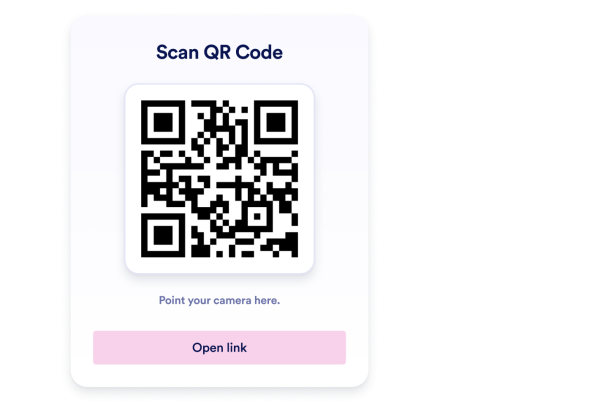

QR Kod Ekleme widget'ı nasıl oluşturulur
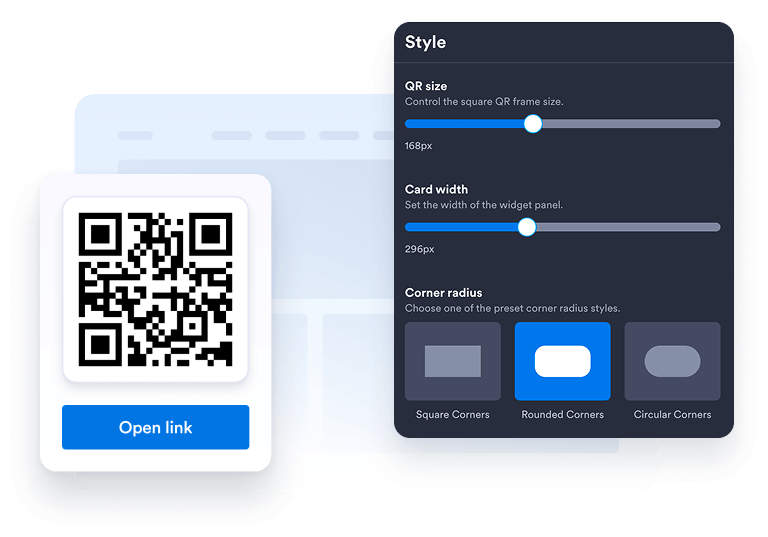
Widgetʼınızı özelleştirin
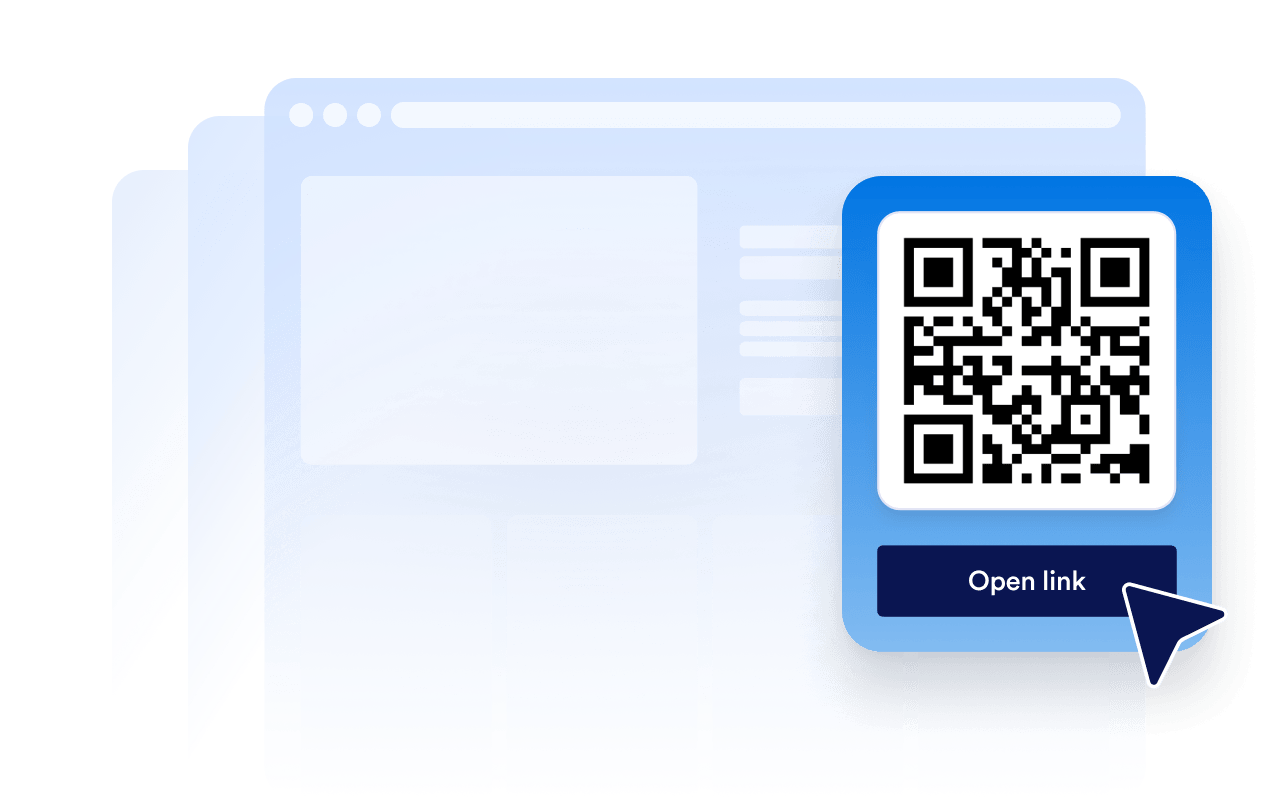
Web sitenizin tasarımına uyacak şekilde tercih ettiğiniz düzeni, renkleri, CTA'yı ve genel görünümü seçin.
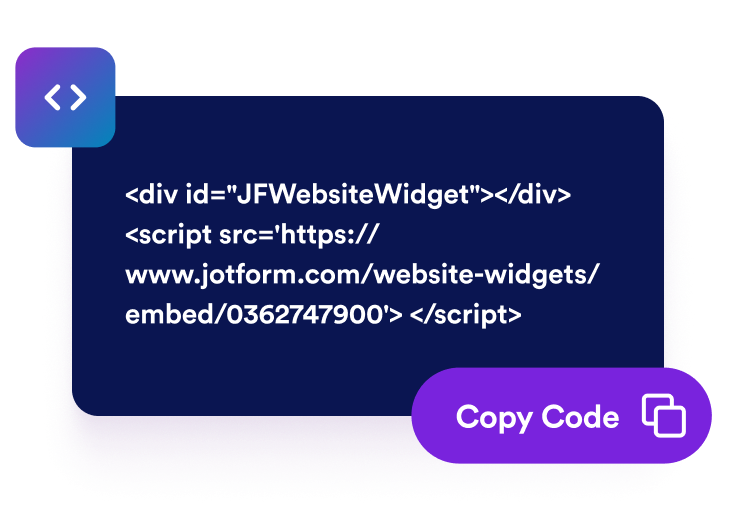
Yerleştirme kodunu alın
Otomatik olarak oluşturulan yerleştirme kodunu kopyalayın ve web sitenizin herhangi bir yerine yapıştırın.
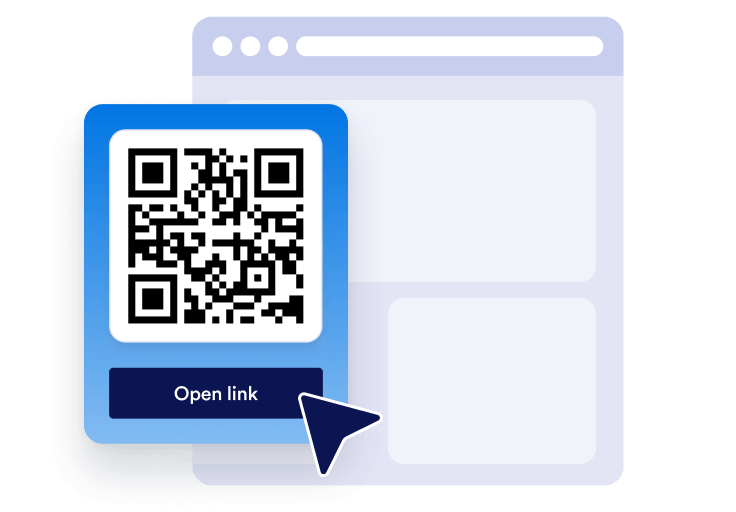
Dilediğiniz yere yerleştirin
QR Kod Ekleme widget'ınızı saniyeler içinde sitenizin her yerinde paylaşın. Teknik kurulum gerekmez.
Mobil cihazlardan hızlı erişimi gerçek iş büyümesine dönüştürün
Kolay erişimle güvenilirlik oluşturun
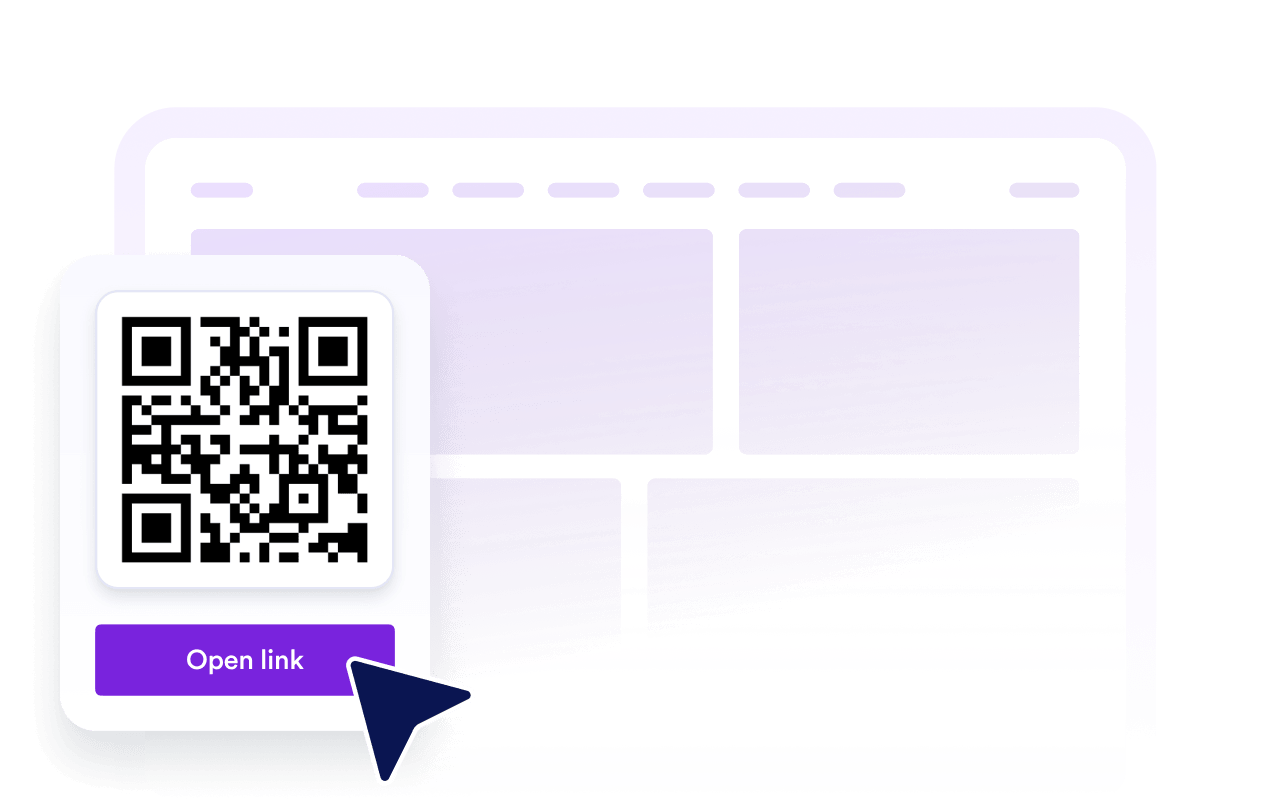
Net bir QR Kod Ekleme widget'ı, ziyaretçilerin web sitenizden formlara, menülere, dosyalara veya tekliflere daha az problem yaşayarak geçmesine yardımcı olur.
Görünürlüğü ve SEO'yu artırın
Yararlı sayfa içi araçlar, etkileşimi artırabilir, marka güvenirliğini destekleyebilir ve içeriğinizi daha kolay kullanılır hale getirebilir.

Daha fazla ziyaretçiyi dönüştürün
Ziyaretçileri, tam ilgilendikleri anda kayıt formlarına, ödeme sayfalarına, rezervasyon formlarına, indirmelere veya promosyonlara yönlendirin.

Kolay güncellemelerle içeriği güncel tutun
Kampanyanız, formunuz veya teklifiniz değiştiğinde sayfanızı yeniden oluşturmadan QR kodunun hedefini Jotform'da güncelleyin.
Jotform Web Site Widget'ları neden öne çıkıyor
Jotform'un widget'ları web sitenizi daha etkileşimli hale getirir ve dönüşümleri artırır. Yıldızlı değerlendirmelerden ve kullanıcı görüşü kaydırıcılarından sosyal kanıt açılır pencerelerine ve medya yerleştirmelerine kadar birçok araç mevcut. Veri toplamak, kanıt göstermek ve potansiyelmüşteri yakalamak için kod yazmanıza gerek olmadan formlarınıza veya açılış sayfalarınıza widget'lar ekleyin.
Basit bir yerleştirme koduyla Jotform widget'larını web sitenize ekleyin. Bir geliştiriciye ihtiyaç duymadan widget'ı özelleştirin, nasıl göründüğünü önizleyin ve özel HTML ya da yerleştirme bloklarını destekleyen herhangi bir sayfaya yapıştırın.
Potansiyel müşterileri toplamak, müşteri geribildirimlerini göstermek, sosyal kanıt sunmak, medya içeriklerini yerleştirmek veya kullanışlı web sayfası araçları eklemek için Jotform Website Widget'larını kullanın. Her widget, ziyaretçilerin işletmenizle doğrudan web sitenizden etkileşime geçmesine yardımcı olur.
Widget'ınızı kurma, özelleştirme, yerleştirme veya sorun giderme konusunda yardıma ihtiyacınız olursa, Jotform'un müşteri destek ekibi 7/24 hizmetinizdedir. İhtiyacınız olduğunda yardımın hazır olduğunu bilerek güvenle ilerleyebilirsiniz.
QR kodunuzu nerelerde kullanabilirsiniz
QR kodu, ziyaretçilerin herhangi bir cihazdan işlem yapmak için daha hızlı bir yola ihtiyaç duyduğu her yerde yararlıdır. İnsanların ekstra adımlar olmadan taramasını, kaydetmesini, kayıt olmasını, ödeme yapmasını, indirmesini veya sizinle iletişime geçmesini sağlamak için QR kodunu işlem yapma olasılığının yüksek olduğu sayfalara ekleyin.
Ziyaretçileri ana formunuza, teklifinize, uygulamanıza veya iletişim sayfanıza yönlendirmek için ana sayfada.
Alışveriş yapanları rehberlere, demolara, kılavuzlara veya ödeme formlarına bağlamak için ürün sayfalarında.
Misafirlerin menüleri, sipariş formlarını veya rezervasyon sayfalarını taramasına olanak tanımak için restoran sayfalarında.
Katılımcıları kayda, biletlere, haritalara veya giriş formlarına yönlendirmek için etkinlik sayfalarında.
Kampanyaları kayıtlara, kuponlara, indirmelere veya potansiyel müşteri formlarına yönlendirmek için açılış sayfalarında.
Ziyaretçilerin bilgileri kaydetmesine, teklif istemesine veya randevu almasına yardımcı olmak için iletişim sayfalarında.
Jotform Form Oluşturucu ile müşteri adaylarını ödeme yapan müşterilere dönüştürün
Jotform ile etkileşimi eyleme dönüştürün. Potansiyel müşterileri yakalayan, ödemeleri alan ve yanıtları otomatikleştiren güçlü formları tek bir yerde oluşturun. Her yanıt, takip edebileceğiniz veya favori uygulamalarınızla bağlantı kurabileceğiniz Jotform Gelen Kutusu'na ulaşır.
Hemen Başla — Ücretsiz!
SSS
Web siteme QR Kod Ekleme Widget'ını nasıl eklerim?
Jotform'da QR Kod Ekleme widget'ınızı oluşturun, ziyaretçilerin açmasını istediğiniz hedefi seçin ve yerleştirme kodunu kopyalayın. Hemen kullanıma sunmak için web sitenize, açılış sayfanıza veya blog gönderinize yapıştırın.
QR Kod Ekleme widget'ının tasarımını özelleştirebilir miyim?
QR Kod Ekleme widget'ını web siteme yerleştirdikten sonra güncelleyebilir miyim?
QR Kod Ekleme widget'ını neye bağlayabilirim?
Web sitemde neden QR Kod Ekleme Widget'ını kullanmalıyım?
QR Kod Ekleme widget'ı ücretsiz mi?
QR Kod Ekleme Widget'ı mobil cihazlarda çalışır mı?
QR kodunu Jotform formları ve otomasyonlarıyla kullanabilir miyim?