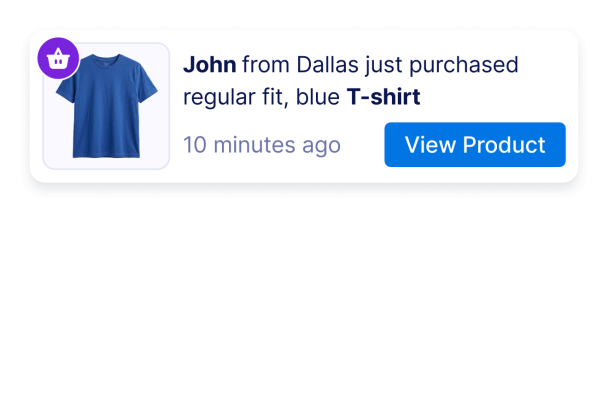

Sales Notification widget'ı nasıl oluşturulur
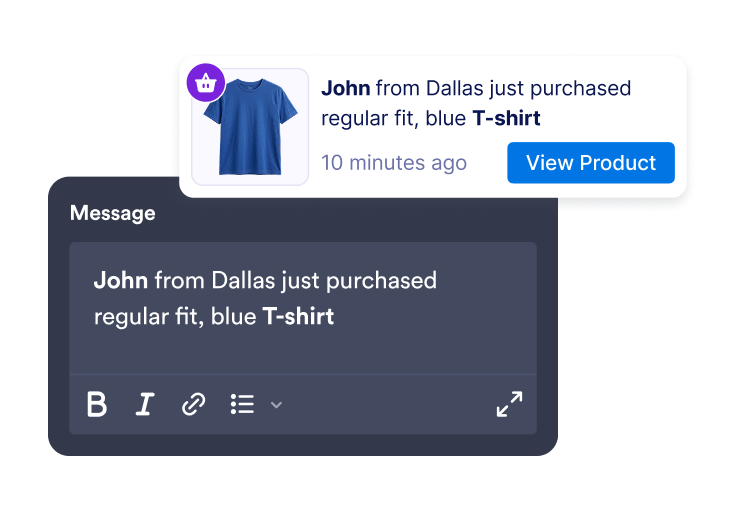
Etkinlik mesajları ekleyin
Müşteri adları, konumlar, ürün adları, zaman damgaları, görseller, kimlik kartları ve CTA bağlantılarıyla satış veya etkinlik bildirimleri oluşturun.
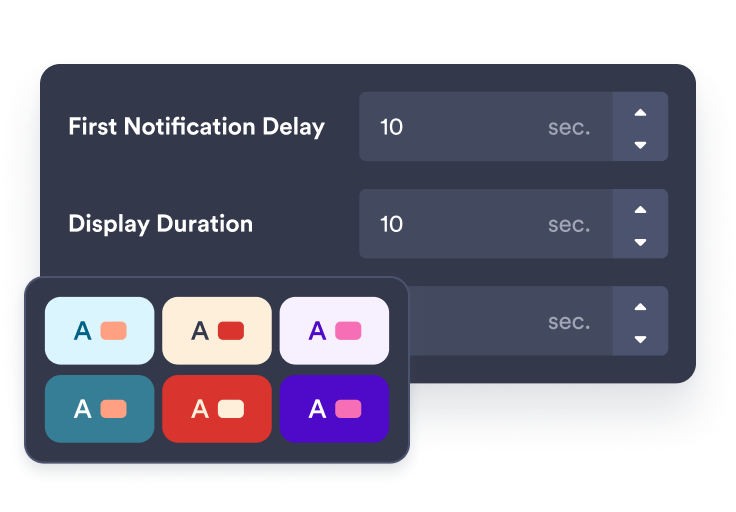
Zamanlamayı ve stili özelleştirin
Bildirimin nerede görüneceğini, ne kadar süre görünür kalacağını, ne sıklıkta döneceğini ve markanızla nasıl eşleşeceğini seçin.
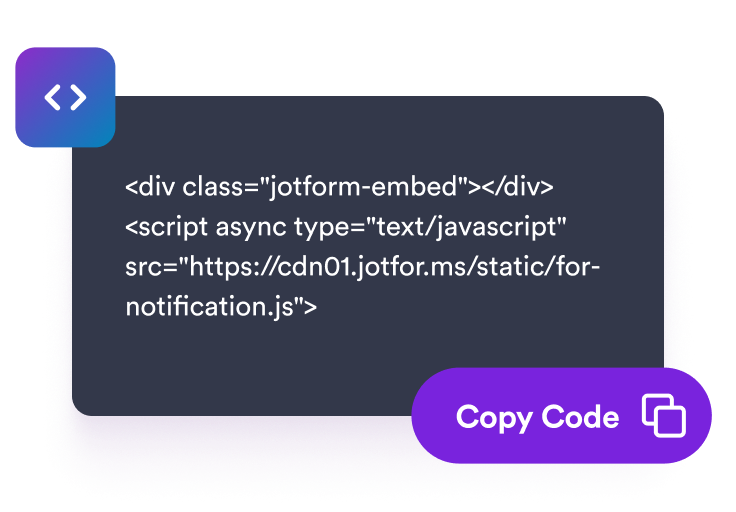
Sitenize yerleştirin
Bildirim widget'ınızı önizleyin, yerleştirme kodunu kopyalayın ve yakın zamandaki etkinliklerin ziyaretçi kararlarını destekleyebileceği sayfalara ekleyin.
Mağazanıza uygun, zamanında etkinlik bildirimleri gösterin
Yakın zamandaki satış ve etkinlik uyarıları oluşturun
Satın alımlar, rezervasyonlar, kayıtlar, bağışlar, düşük stok güncellemeleri veya sayfa mesajınızı destekleyen diğer etkinlikler için düzenlenebilir bildirimler ekleyin.
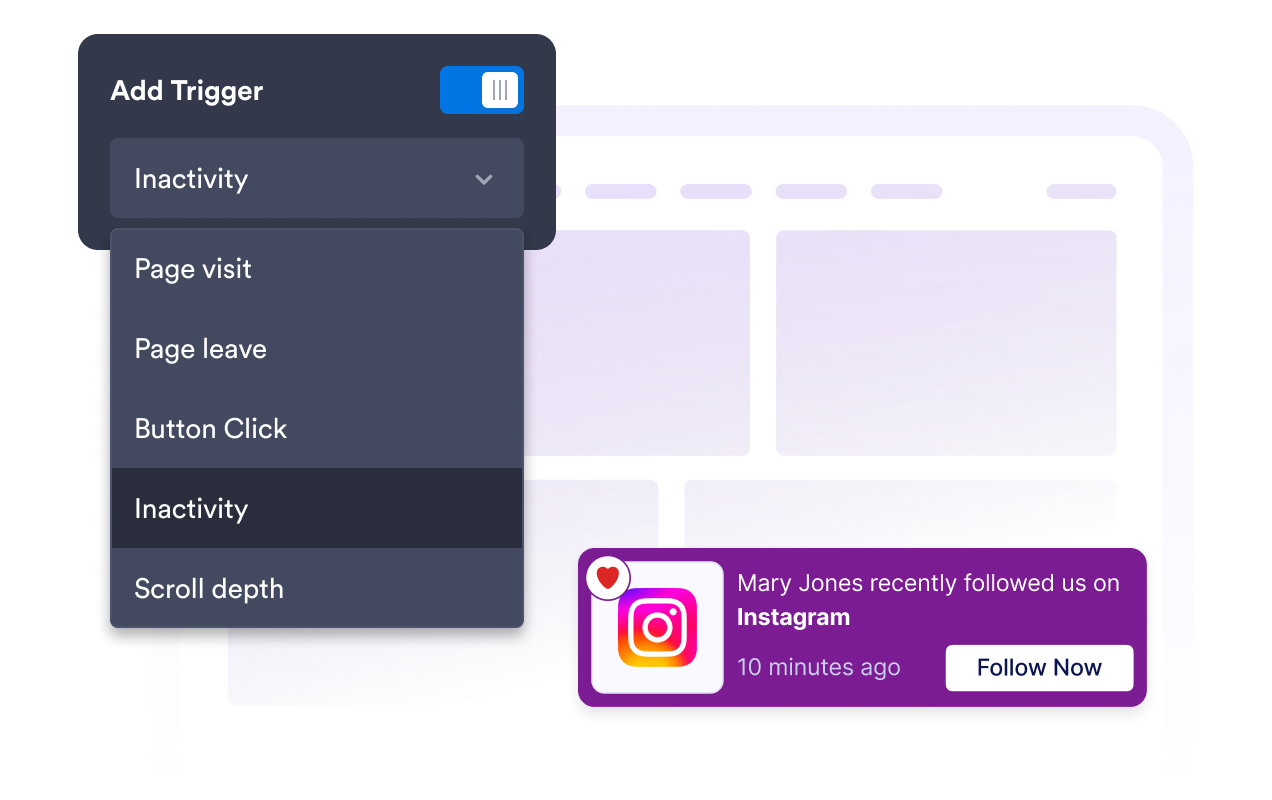
Bildirimleri net zamanlamayla döndürün
İlk gecikmeyi, görüntülenme süresini, aralığı, rastgele sıralamayı ve ziyaretçi hafızası kurallarını ayarlayın; böylece bildirimler ziyaretçileri bunaltmadan zamanında görünür.
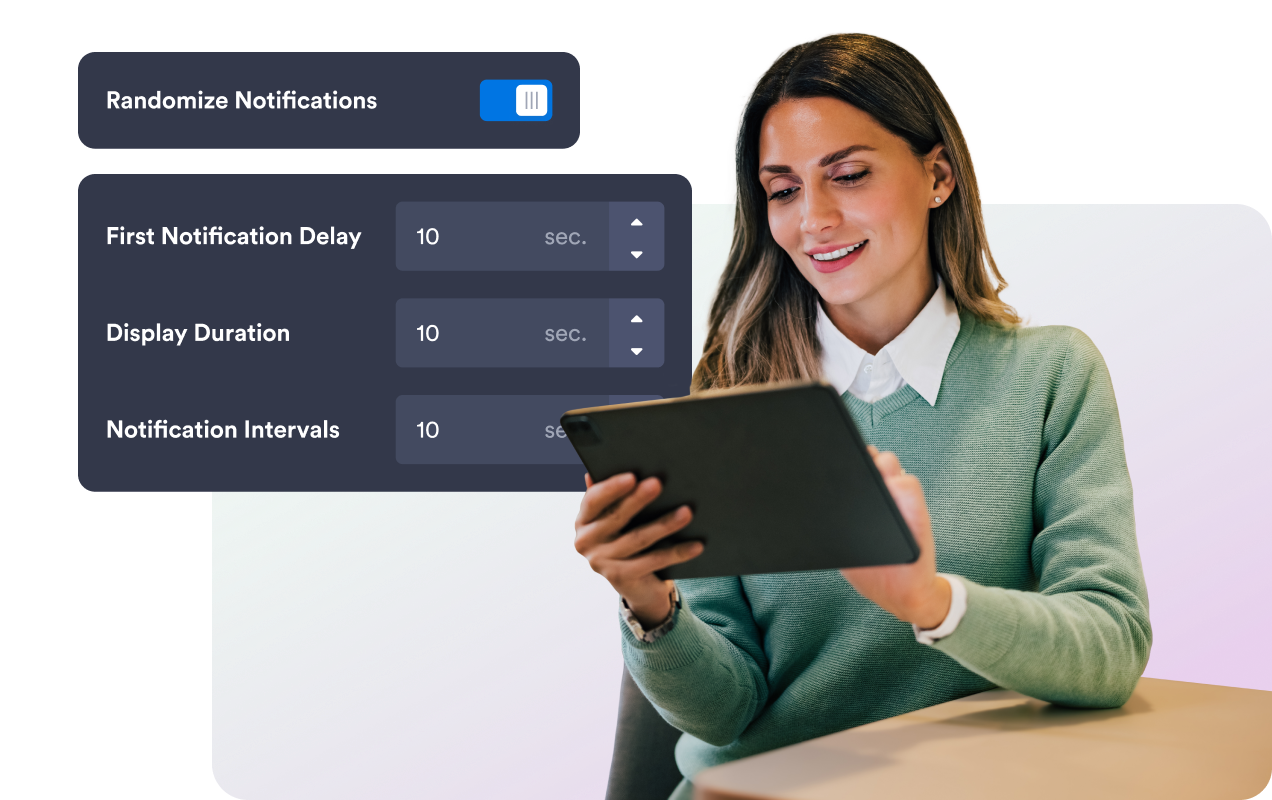
Bildirimi web sitenizle eşleştirin
Kart renklerini, mesaj metnini, CTA buton renklerini, kimlik kartı rengini, yuvarlatılmış köşeleri, görsel boyutunu, gölgeyi, markalamayı ve kapsamlı özel CSS'i ayarlayın.
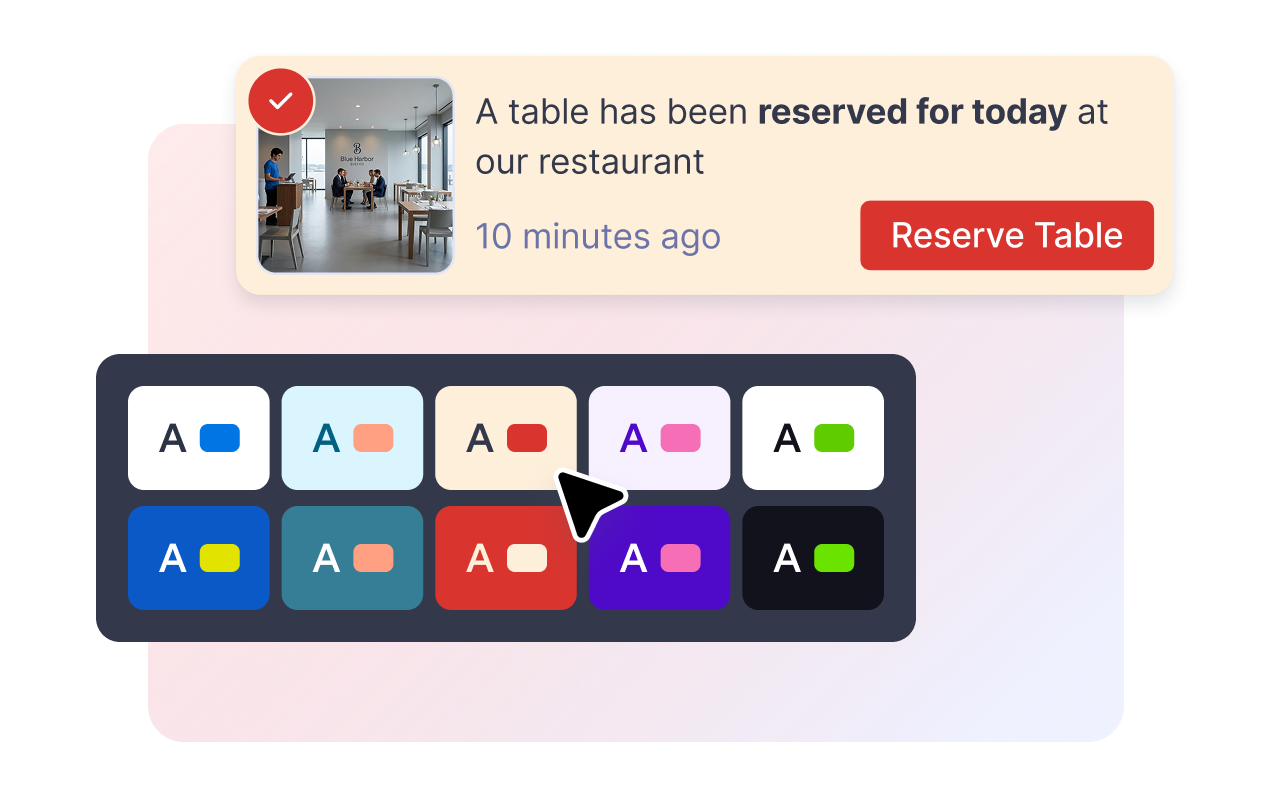
Masaüstünde ve mobilde yerleşimi kontrol edin
Bildirimi masaüstünde ekranın bir köşesine yerleştirin, mobilde üst veya alt konumu seçin ve ziyaretçilerin mesajları kapat veya kaydırma kontrolleriyle kapatmasına izin verin.
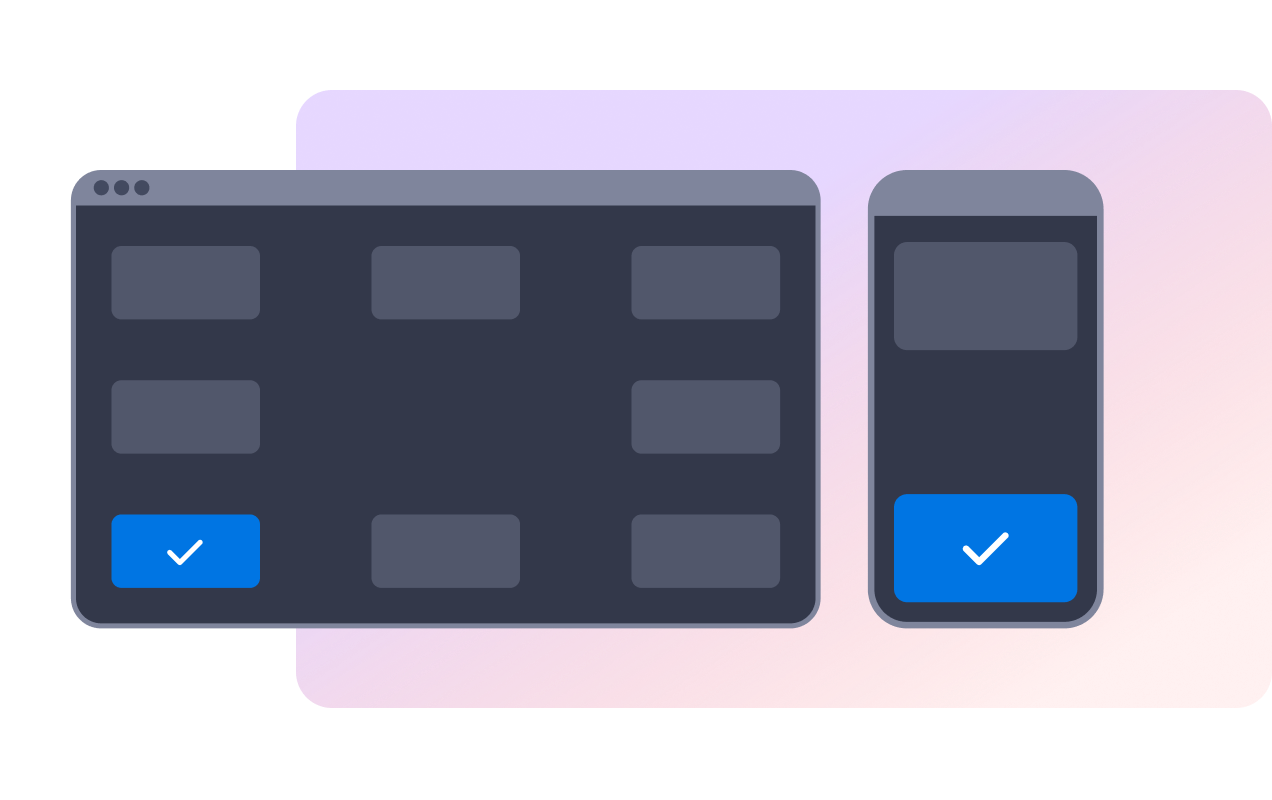
Jotform Web Site Widget'ları neden öne çıkıyor
Jotform'un widget'ları web sitenizi daha etkileşimli hale getirir ve dönüşümleri artırır. Yıldızlı değerlendirmelerden ve kullanıcı görüşü kaydırıcılarından sosyal kanıt açılır pencerelerine ve medya yerleştirmelerine kadar birçok araç mevcut. Veri toplamak, kanıt göstermek ve potansiyelmüşteri yakalamak için kod yazmanıza gerek olmadan formlarınıza veya açılış sayfalarınıza widget'lar ekleyin.
Basit bir yerleştirme koduyla Jotform widget'larını web sitenize ekleyin. Bir geliştiriciye ihtiyaç duymadan widget'ı özelleştirin, nasıl göründüğünü önizleyin ve özel HTML ya da yerleştirme bloklarını destekleyen herhangi bir sayfaya yapıştırın.
Potansiyel müşterileri toplamak, müşteri geribildirimlerini göstermek, sosyal kanıt sunmak, medya içeriklerini yerleştirmek veya kullanışlı web sayfası araçları eklemek için Jotform Website Widget'larını kullanın. Her widget, ziyaretçilerin işletmenizle doğrudan web sitenizden etkileşime geçmesine yardımcı olur.
Widget'ınızı kurma, özelleştirme, yerleştirme veya sorun giderme konusunda yardıma ihtiyacınız olursa, Jotform'un müşteri destek ekibi 7/24 hizmetinizdedir. İhtiyacınız olduğunda yardımın hazır olduğunu bilerek güvenle ilerleyebilirsiniz.
Satış Bildirimi widget'ınızı nerede kullanmalısınız
Yakın zamandaki etkinliklerin bir ürünü, teklifi, rezervasyonu veya kayıt yolunu aktif ve güncel gösterebileceği yerlere satış bildirimleri ekleyin.
Satın alma kararlarına yakın noktalarda son satın alımları, popüler ögeleri ve CTA linklerini göstermek için ürün sayfaları.
Belirli kategoriler veya sezonluk kampanyalar etrafındaki hareketliliği öne çıkarmak için koleksiyon sayfaları.
Son rezervasyonları, randevuları veya kayıtları göstermek için rezervasyon sayfaları.
Diğer ziyaretçilerin de benzer işlemleri tamamladığını vurgulamak için ödeme destek sayfaları.
Son katkıları, bilet satın alımlarını veya kayıtları göstermek için bağış veya etkinlik sayfaları.
Jotform Form Oluşturucu ile müşteri adaylarını ödeme yapan müşterilere dönüştürün
Jotform ile etkileşimi eyleme dönüştürün. Potansiyel müşterileri yakalayan, ödemeleri alan ve yanıtları otomatikleştiren güçlü formları tek bir yerde oluşturun. Her yanıt, takip edebileceğiniz veya favori uygulamalarınızla bağlantı kurabileceğiniz Jotform Gelen Kutusu'na ulaşır.
Hemen Başla — Ücretsiz!
SSS
Satış Bildirimi widget'ı nedir?
Satış Bildirimi widget'ı, son satın alma veya etkinlik mesajlarını kayan bir bildirim kartında gösteren, yerleştirilebilir bir web sitesi açılır penceresidir.
Bildirim mesajlarını düzenleyebilir miyim?
Bildirimlerin ne zaman görüneceğini kontrol edebilir miyim?
Ziyaretçiler bildirimi kapatabilir mi?
Tasarımı özelleştirebilir miyim?
Widget, mağaza siparişlerimle otomatik olarak senkronize olur mu?
Mobil cihazlarda çalışır mı?
Herhangi bir kod yazmam gerekir mi?