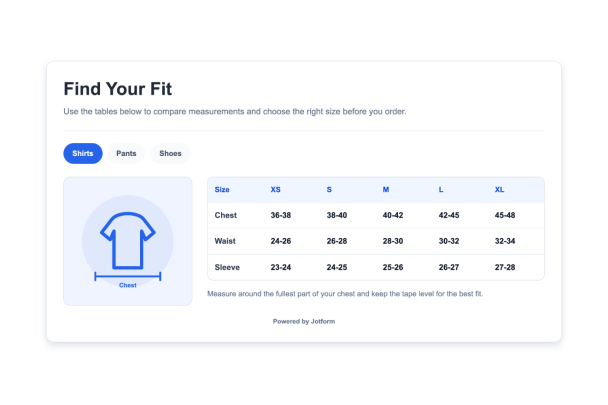

Beden Tablosu widget'ı nasıl oluşturulur
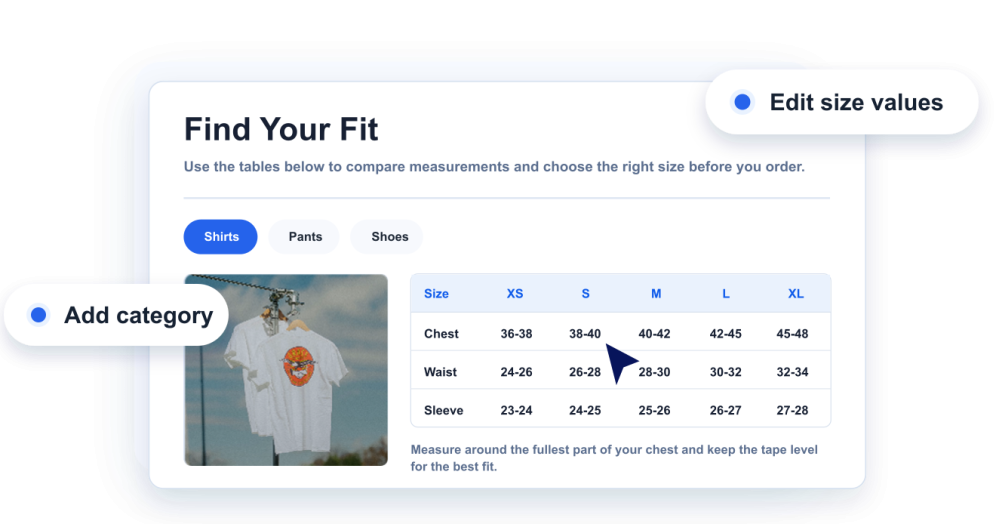
Ölçülerinizi ekleyin
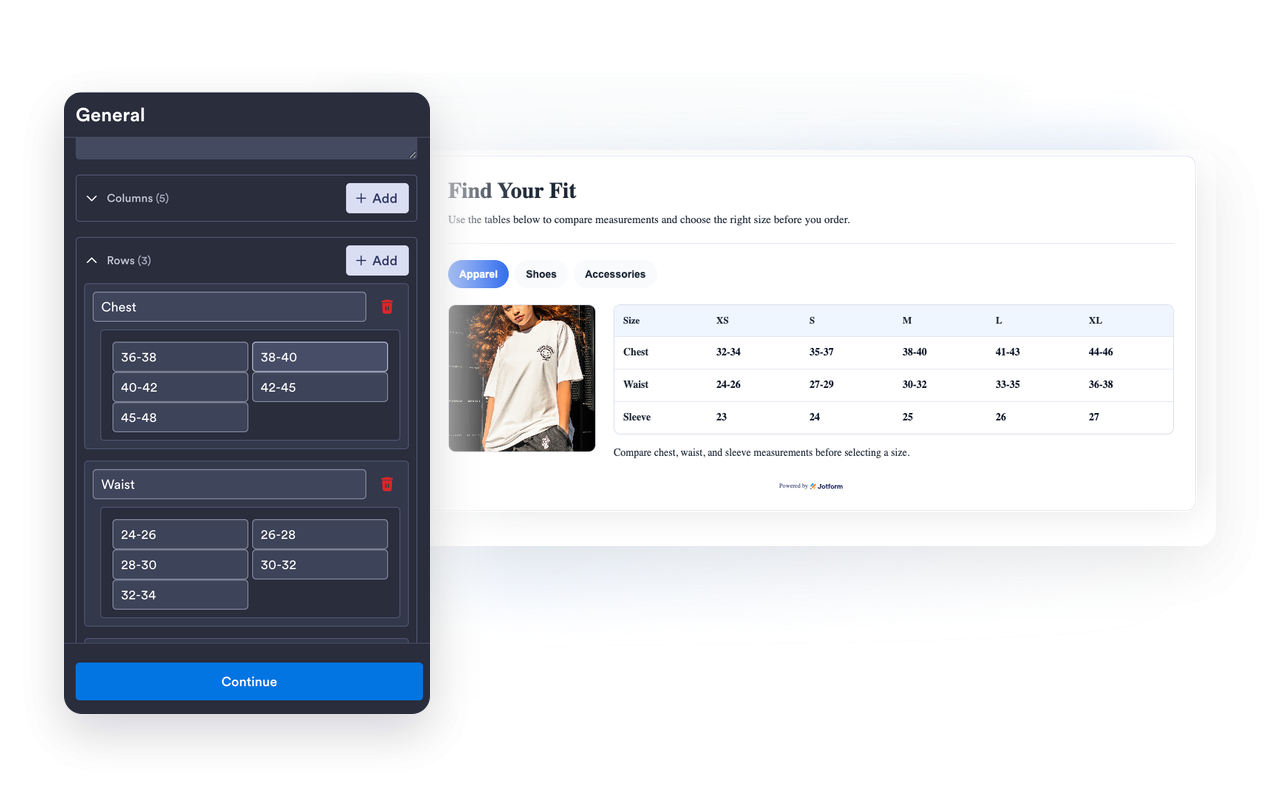
Her ürün türü için beden tablosu kategorileri, sütunlar, satırlar, beden değerleri ve yardımcı notlar oluşturun.
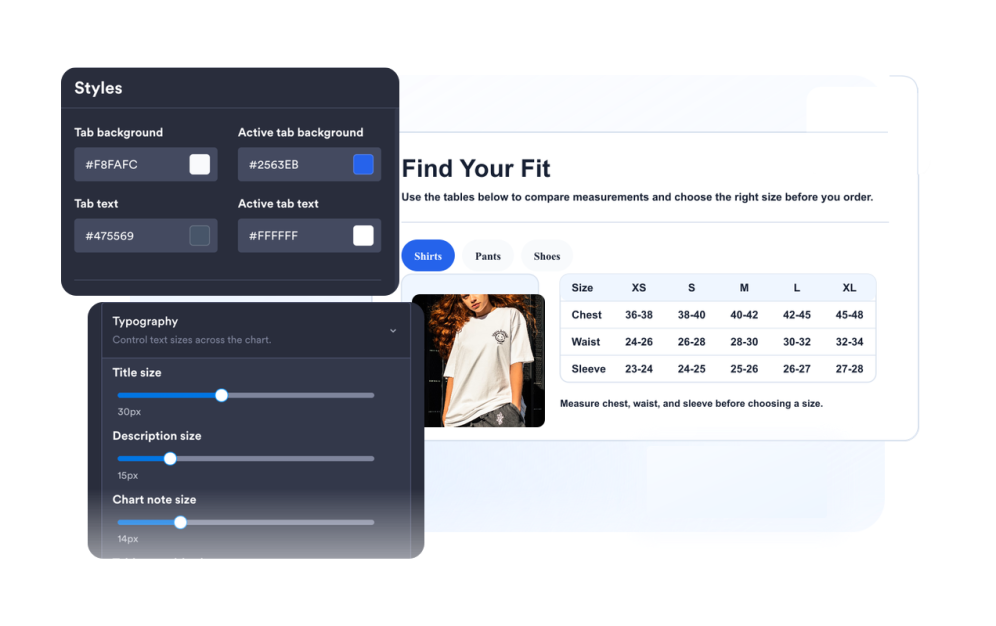
Kılavuzu özelleştirin
Ölçüm illüstrasyonlarını, düzeni, renkleri, sekmeleri, tablo yoğunluğunu, köşe yuvarlaklığını ve marka kimliğini seçin.
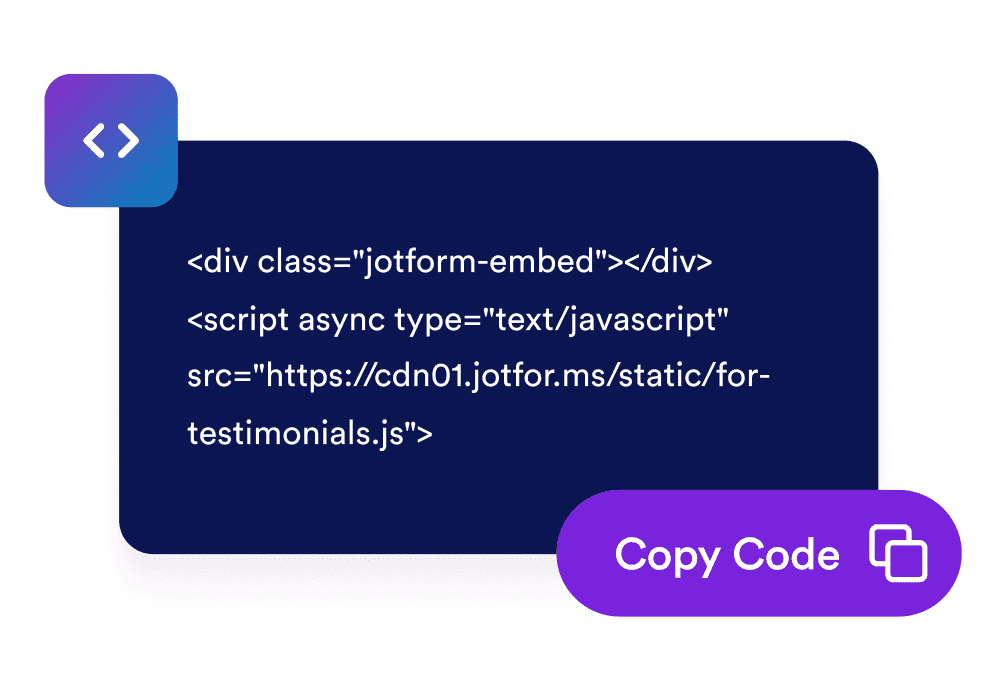
Web sitenize yerleştirin
Widget'ı önizleyin, oluşturulan yerleştirme kodunu kopyalayın ve beden kılavuzunuzu ürün veya yardım sayfalarında yayınlayın.
Alışveriş yapanlara her ürün sayfasında net bir beden kılavuzu sunun
Düzenlenebilir ölçüm tabloları oluşturun
Giyim, ayakkabı, aksesuar veya beden bilgisi gerektiren herhangi bir ürün kategorisi için sütunlar, satırlar, etiketler ve değerler ekleyin.
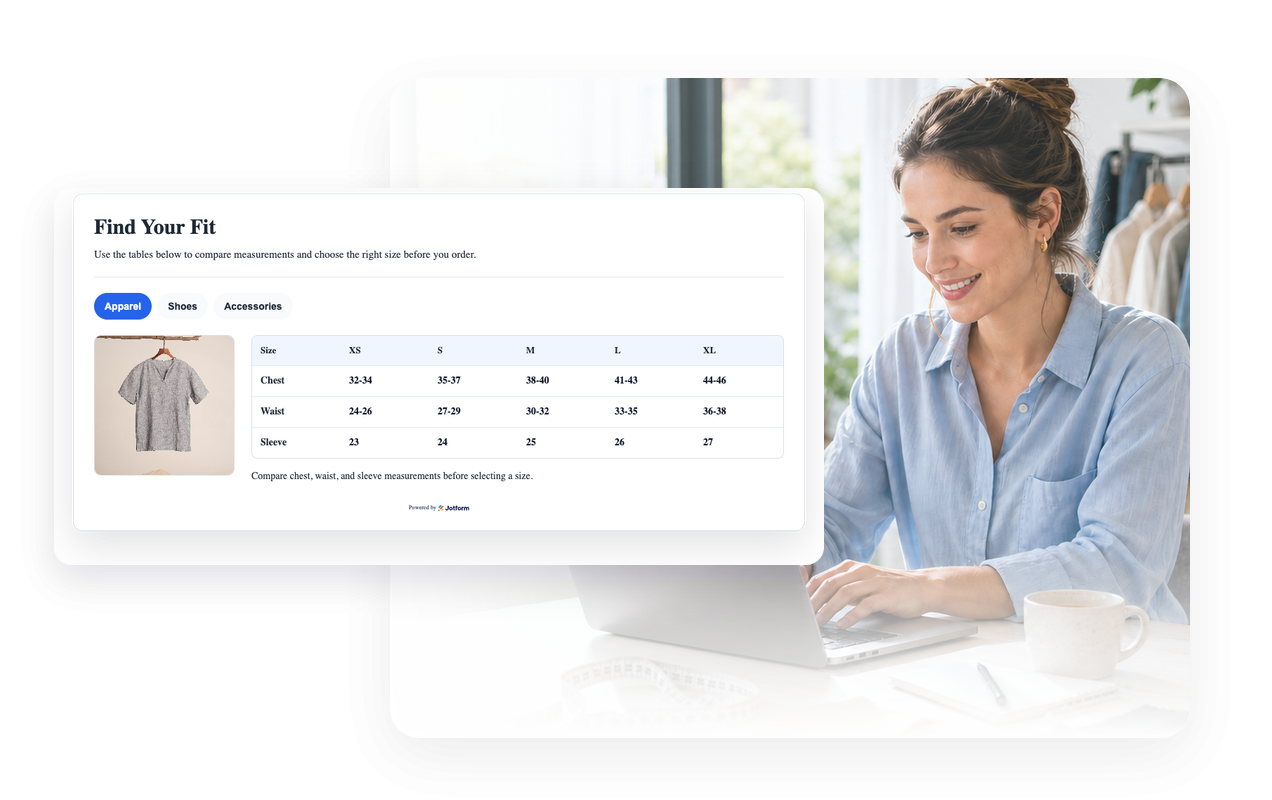
Her tabloyu bir ölçüm görseliyle eşleştirin
Ziyaretçilerin nereden ve nasıl ölçüm yapacaklarını anlamaları için yerleşik kılavuz illüstrasyonlarını veya özel bir görsel URL'si kullanın.
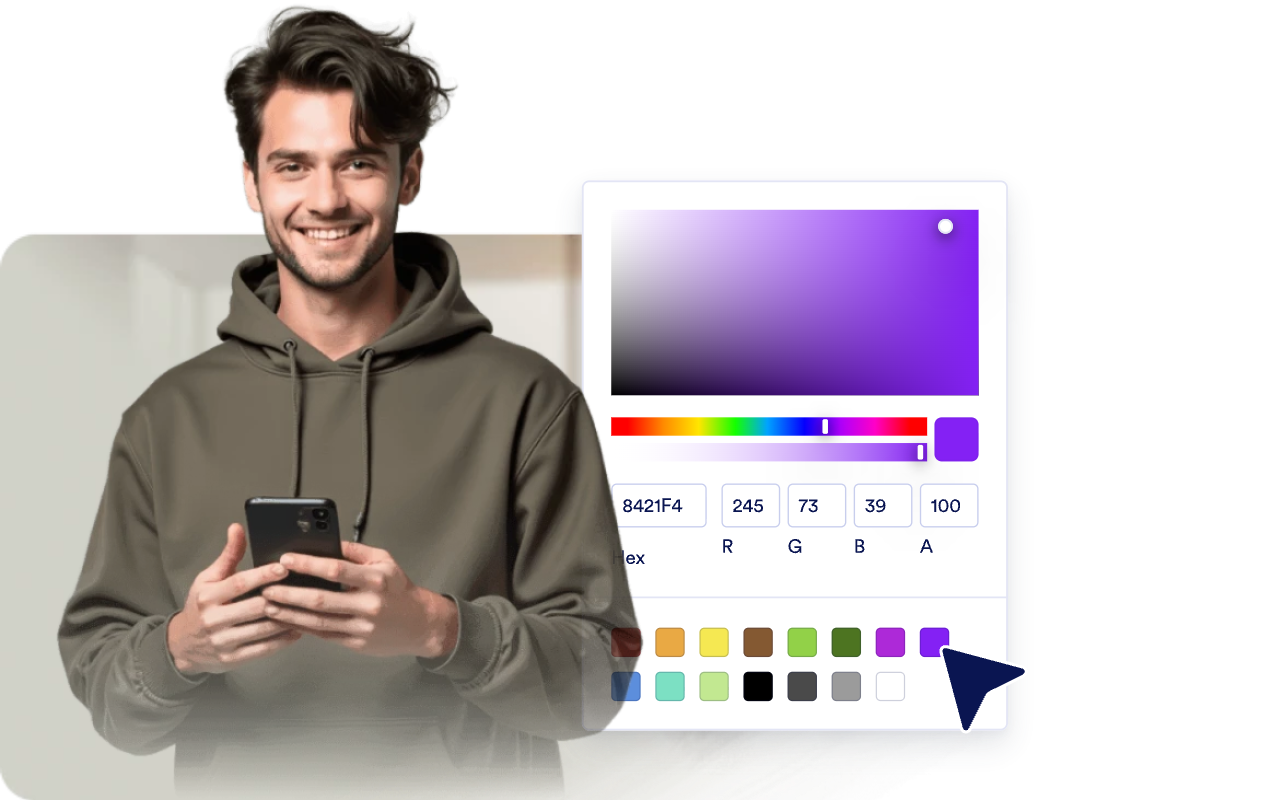
Mağaza tasarımınızla uyumlu hale getirin
Açık veya koyu temaları, tablo renklerini, sekme renklerini, kenarlıkları, köşe yuvarlaklığını, marka kimliğini ve kapsamlı özel CSS'yi ayarlayın.
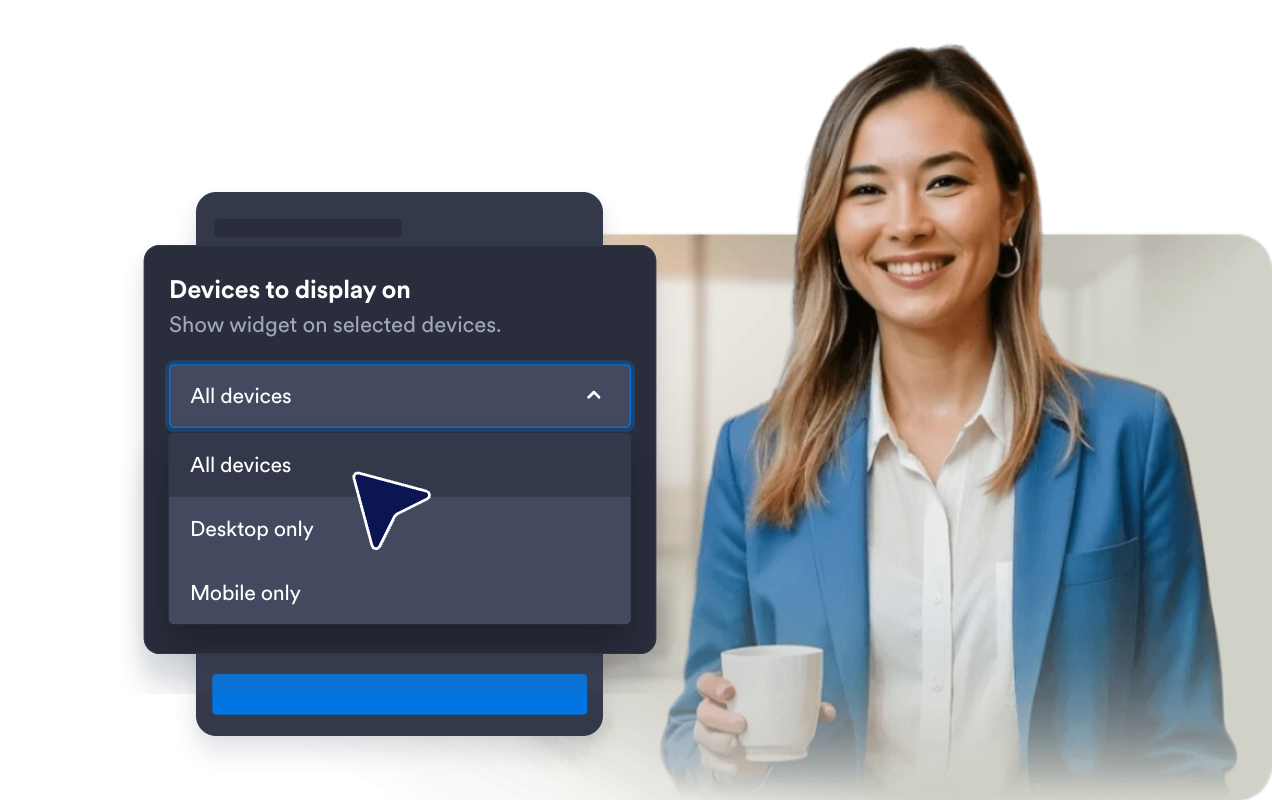
Geniş tabloları mobilde okunabilir tutun
Kompakt ekranlar için medya yerleşimini, mobil uyumlu genişliği, tablo yoğunluğunu ve yatay tablo kaydırmasını seçin.
Jotform Web Site Widget'ları neden öne çıkıyor
Jotform'un widget'ları web sitenizi daha etkileşimli hale getirir ve dönüşümleri artırır. Yıldızlı değerlendirmelerden ve kullanıcı görüşü kaydırıcılarından sosyal kanıt açılır pencerelerine ve medya yerleştirmelerine kadar birçok araç mevcut. Veri toplamak, kanıt göstermek ve potansiyelmüşteri yakalamak için kod yazmanıza gerek olmadan formlarınıza veya açılış sayfalarınıza widget'lar ekleyin.
Basit bir yerleştirme koduyla Jotform widget'larını web sitenize ekleyin. Bir geliştiriciye ihtiyaç duymadan widget'ı özelleştirin, nasıl göründüğünü önizleyin ve özel HTML ya da yerleştirme bloklarını destekleyen herhangi bir sayfaya yapıştırın.
Potansiyel müşterileri toplamak, müşteri geribildirimlerini göstermek, sosyal kanıt sunmak, medya içeriklerini yerleştirmek veya kullanışlı web sayfası araçları eklemek için Jotform Website Widget'larını kullanın. Her widget, ziyaretçilerin işletmenizle doğrudan web sitenizden etkileşime geçmesine yardımcı olur.
Widget'ınızı kurma, özelleştirme, yerleştirme veya sorun giderme konusunda yardıma ihtiyacınız olursa, Jotform'un müşteri destek ekibi 7/24 hizmetinizdedir. İhtiyacınız olduğunda yardımın hazır olduğunu bilerek güvenle ilerleyebilirsiniz.
Beden Tablosu widget'ınızı nerelerde kullanabilirsiniz
Alışveriş yapanların ürünleri satın almadan, rezerve etmeden veya karşılaştırmadan önce ölçü alma yönergelerine ihtiyaç duydukları her yere beden tabloları yerleştirin.
Alışveriş yapanların ayrı bir kılavuz açmadan bedenleri karşılaştırmasına yardımcı olmak için ürün sayfalarında.
Üst giyim, alt giyim, elbise ve dış giyim ölçülerini tek bir sekmeli widget'ta göstermek için giyim mağazalarında.
Farklı ülkelerdeki beden ölçülerini, ayak uzunluğunu ve kalıp bilgilerini açıklamak için ayakkabı sayfalarında.
Ölçüye özel bedenlere sahip şapkalar, kemerler, eldivenler, takılar veya çantalar için aksesuar sayfalarında.
Farklı markaların veya satıcıların farklı beden sistemleri kullandığı pazar yeri ilanlarında.
Ölçüm talimatlarını kataloğunuz genelinde tek bir yerde toplamak için yardım merkezleri ve beden kılavuzu sayfalarında.
Jotform Form Oluşturucu ile müşteri adaylarını ödeme yapan müşterilere dönüştürün
Jotform ile etkileşimi eyleme dönüştürün. Potansiyel müşterileri yakalayan, ödemeleri alan ve yanıtları otomatikleştiren güçlü formları tek bir yerde oluşturun. Her yanıt, takip edebileceğiniz veya favori uygulamalarınızla bağlantı kurabileceğiniz Jotform Gelen Kutusu'na ulaşır.
Hemen Başla — Ücretsiz!
SSS
Beden Tablosu Widget'ı nedir?
Beden Tablosu widget'ı, ürün ölçülerini, beden sütunlarını, kategori sekmelerini ve isteğe bağlı ölçüm görsellerini gösteren, yerleştirilebilir bir web sitesi kılavuzudur.
Birden fazla beden tablosu oluşturabilir miyim?
Satırları ve sütunları düzenleyebilir miyim?
Ölçüm görsellerini gösterebilir miyim?
Renkleri ve düzeni özelleştirebilir miyim?
Mobil cihazlarda çalışır mı?
Kod yazmam gerekir mi?