Web siteniz için Fotoğraf Slayt Yapma Widget'ı
Banner'lar, öne çıkan ürünler, görsel galerileri, duyurular ve tanıtım amaçlı karusel bölümleri için tek sayfalık bir kaydırıcı oluşturun. Kaydırıcı HTML'i yazmadan görsel veya video, başlık, rozet, CTA butonu, bağlantı, kaplama, otomatik oynatma, döngü, solma veya kaydırma geçişleri ve mobil uyumlu gezinme eklemek için Jotform'un Fotoğraf Slayt Yapma widget'ını kullanın.
Hemen oluşturun - Ücretsiz!

Görsel Slayt widget'ı nasıl oluşturulur
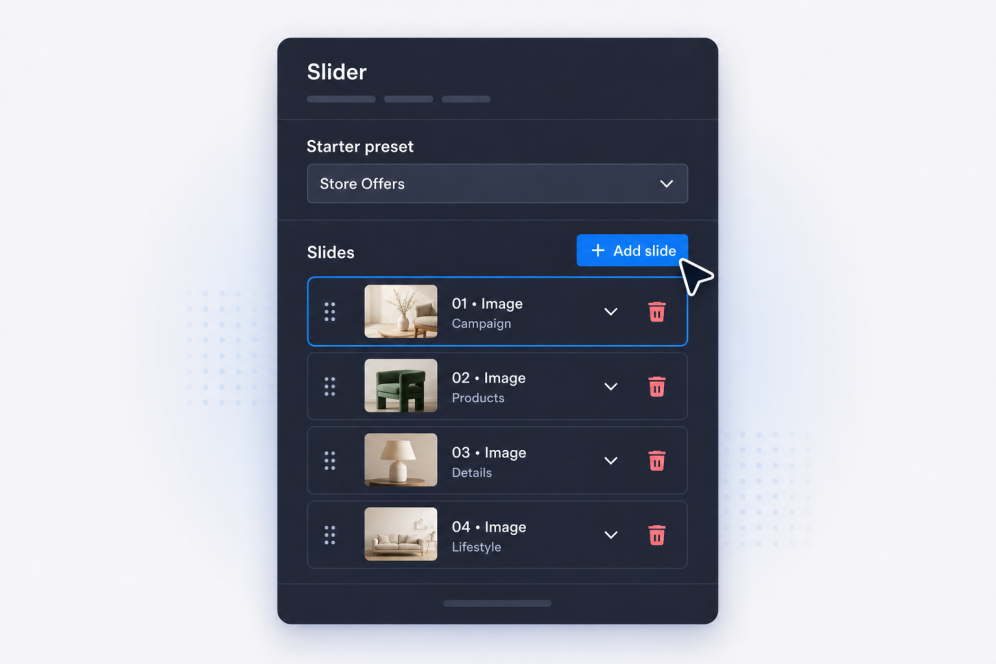
Slaytlarınızı ekleyin
Her banner, tanıtım, galeri öğesi veya duyuru için başlıklar, gövde metni, rozetler, butonlar, görseller, videolar ve hedef bağlantılar içeren slaytlar oluşturun.
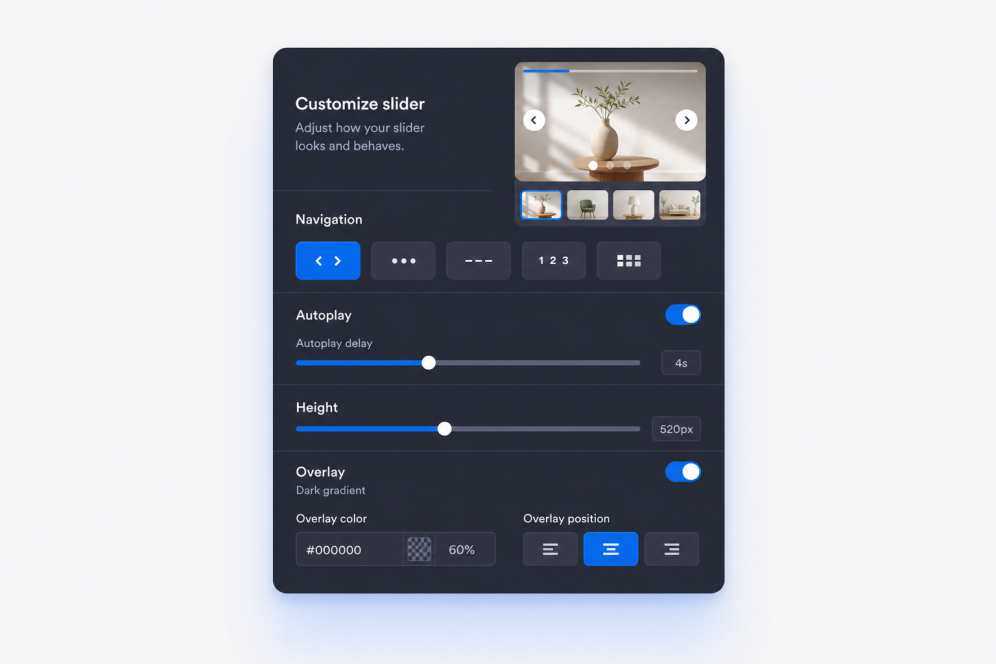
Düzeni ve hareketi ayarlayın
Slayt içeriğinin nerede görüneceğini seçin, ardından solma veya kaydırma geçişlerini, otomatik oynatma zamanlamasını, döngü davranışını ve gezinme kontrollerini ayarlayın.

Tasarlayın ve yerleştirin
Genişliği, yüksekliği, kaplamaları, medya sığdırmayı, okları, sayfalamayı, renkleri ve marka öğelerini ayarlayın, ardından Fotoğraf Slayt Yapma widget'ını web sitenize eklemek için yerleştirme kodunu kopyalayın.
Sayfanıza uyum sağlayan kaydırıcılar oluşturun
Görsel açısından zengin slayt bölümleri oluşturun
Basit bir web görsel kaydırıcısını şık bir web sitesi bölümüne dönüştürün. Her slayt; kampanyalar, galeriler veya öne çıkan ürünler için rozet, başlık, açıklama, CTA butonu, bağlantı, görsel ve isteğe bağlı video kaynağı içerebilir.
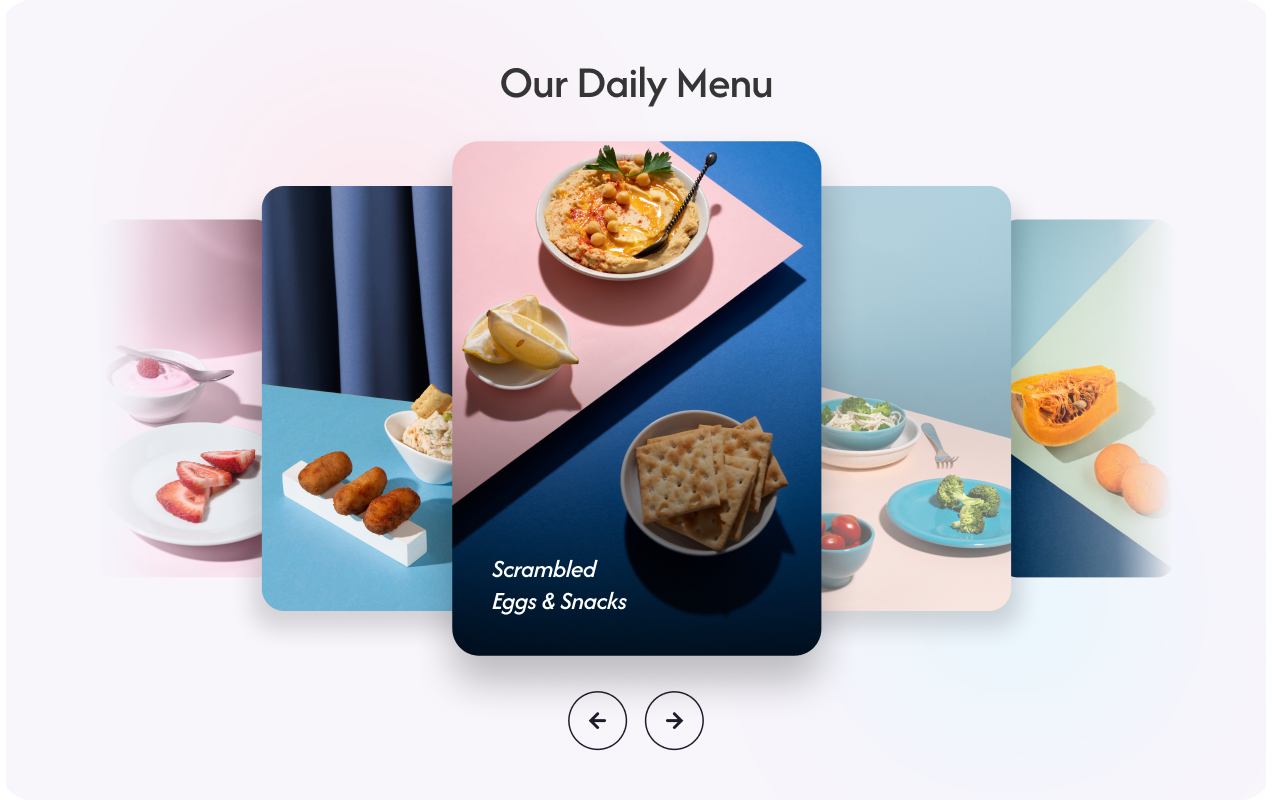
Banner içeriğini okunabilir tutun
Metinleri ve butonları her görselin veya videonun üzerinde en iyi işe yaradıkları yere yerleştirin. Esnek içerik konumlandırma, slayt ister ana banner, ister tanıtım bloğu, ister görsel bir hikâye olarak kullanılsın, web sitesi sayfalarınızdaki her resim kaydırıcısının net kalmasına yardımcı olur.
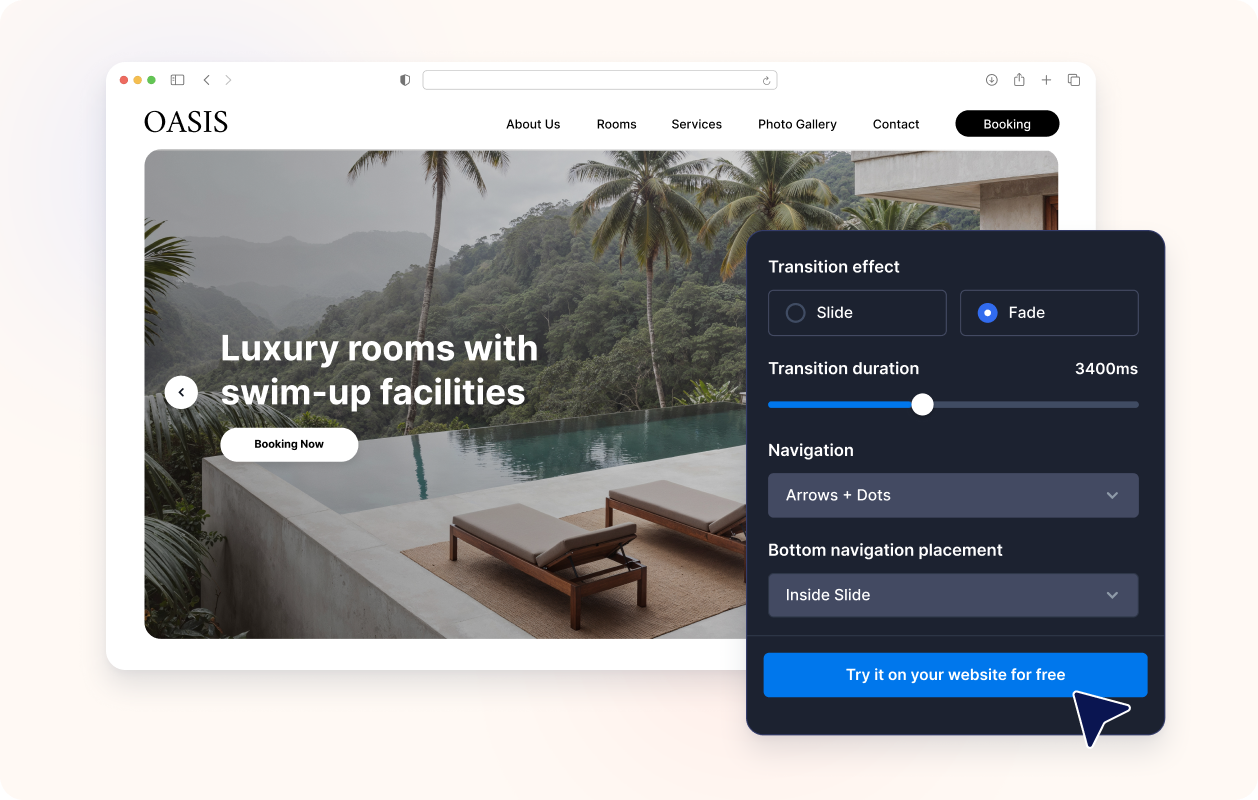
Hareketi ve gezinmeyi kontrol edin
Kaydırma veya solma geçişlerini, otomatik oynatmayı, döngüyü, okları, madde işaretlerini, sayıları, çizgileri veya küçük resimli sayfalamayı kullanın. Ziyaretçilerin ana mesajı kaçırmadan manuel olarak gezinebileceği ya da otomatik olarak izleyebileceği bir banner karuseli oluşturun.

Tasarladığınız web sitesine uyum sağlayın
Fotoğraf Slayt Yapma widget'ının sayfanızın doğal bir parçası gibi görünmesi için kaydırıcı genişliğini, yüksekliğini, kart stilini, içerik dolgusunu, kaplama yoğunluğunu, tema ön ayarlarını, buton stillerini, renkleri ve özel CSS'i ayarlayın.

Jotform Web Site Widget'ları neden öne çıkıyor
Jotform'un widget'ları web sitenizi daha etkileşimli hale getirir ve dönüşümleri artırır. Yıldızlı değerlendirmelerden ve kullanıcı görüşü kaydırıcılarından sosyal kanıt açılır pencerelerine ve medya yerleştirmelerine kadar birçok araç mevcut. Veri toplamak, kanıt göstermek ve potansiyelmüşteri yakalamak için kod yazmanıza gerek olmadan formlarınıza veya açılış sayfalarınıza widget'lar ekleyin.
Basit bir yerleştirme koduyla Jotform widget'larını web sitenize ekleyin. Bir geliştiriciye ihtiyaç duymadan widget'ı özelleştirin, nasıl göründüğünü önizleyin ve özel HTML ya da yerleştirme bloklarını destekleyen herhangi bir sayfaya yapıştırın.
Potansiyel müşterileri toplamak, müşteri geribildirimlerini göstermek, sosyal kanıt sunmak, medya içeriklerini yerleştirmek veya kullanışlı web sayfası araçları eklemek için Jotform Website Widget'larını kullanın. Her widget, ziyaretçilerin işletmenizle doğrudan web sitenizden etkileşime geçmesine yardımcı olur.
Widget'ınızı kurma, özelleştirme, yerleştirme veya sorun giderme konusunda yardıma ihtiyacınız olursa, Jotform'un müşteri destek ekibi 7/24 hizmetinizdedir. İhtiyacınız olduğunda yardımın hazır olduğunu bilerek güvenle ilerleyebilirsiniz.
Fotoğraf Slayt Yapma widget'ınızı nerede kullanabilirsiniz
Sayfanızda dönen görsellere, tanıtım mesajlarına veya birden fazla içeriği tek bölümde göstermenin kompakt bir yoluna ihtiyaç duyulan her yere bir kaydırıcı ekleyin.
Kampanyaları, ürün lansmanlarını, sezonluk teklifleri ve önemli duyuruları sırayla göstermek için ana sayfa üst bölümleri.
İndirimleri, sınırlı süreli teklifleri, kupon mesajlarını veya öne çıkan CTA'ları vurgulamak için tanıtım kaydırıcısı bölümleri.
Ürün fotoğraflarını, avantajları ve satın alma bağlantılarını bir banner kaydırıcısında birleştirmek için ürün ve koleksiyon sayfaları.
Ziyaretçilere proje görselleri, sonuçlar, kullanıcı görüşleri ve kanıt noktaları üzerinden rehberlik etmek için portföy ve kullanım örneği sayfaları.
Konuşmacıları, programları, sponsorları ve kayıt çağrılarını tek sayfalık bir kaydırıcıda öne çıkarmak için etkinlik ve web semineri sayfaları.
Ziyaretçileri görseller, mesajlar ve harekete geçirici çağrılar arasında gezdiren, hikâye odaklı bir web sitesi kaydırıcısı oluşturmak için açılış sayfaları.
Jotform Form Oluşturucu ile müşteri adaylarını ödeme yapan müşterilere dönüştürün
Jotform ile etkileşimi eyleme dönüştürün. Potansiyel müşterileri yakalayan, ödemeleri alan ve yanıtları otomatikleştiren güçlü formları tek bir yerde oluşturun. Her yanıt, takip edebileceğiniz veya favori uygulamalarınızla bağlantı kurabileceğiniz Jotform Gelen Kutusu'na ulaşır.
Hemen Başla — Ücretsiz!
SSS
Fotoğraf Slayt Yapma widget'ı nedir?
Fotoğraf Slayt Yapma widget'ı, web sitesine yerleştirilen tek bir alan içinde birden fazla slayt görüntüler. Her slayt, görselleri veya videoları metin, rozet, bağlantı ve CTA butonlarıyla birleştirebilir.
Bunu web sitesi banner kaydırıcısı olarak kullanabilir miyim?
Web sitem için fotoğraf slayt yapma mümkün mü?
Aynı kaydırıcıda görselleri ve videoları birlikte kullanabilir miyim?
Her slaytta farklı metin ve bağlantılar olabilir mi?
Metnin nerede görüneceğini kontrol edebilir miyim?
Solma ve kaydırma geçişlerini destekliyor mu?
Kaydırıcı otomatik oynatılabilir ve döngüye alınabilir mi?
Hangi gezinme stilleri mevcut?
Kaydırıcı boyutunu değiştirebilir miyim?
Yerleştirmek için kaydırıcı HTML'ine ihtiyacım var mı?
Hangi web sitesi platformları Fotoğraf Slayt Yapma widget'ını destekler?
Fotoğraf Slayt Yapma widget'ımı kurmak için yardım alabilir miyim?
Fotoğraf Slayt Yapma widget'ı ücretsiz mi?