Mağaza Bulucu Widget'ı
Web Siteniz için Mağaza Bulucu Widget'ı Oluşturun
Kodsuz bir oluşturucuda aranabilir kartlar, etkileşimli bir harita, iletişim bilgileri, çalışma saatleri, fotoğraflar, harita temaları ve stil kontrolleri içeren duyarlı bir konum dizini oluşturun.
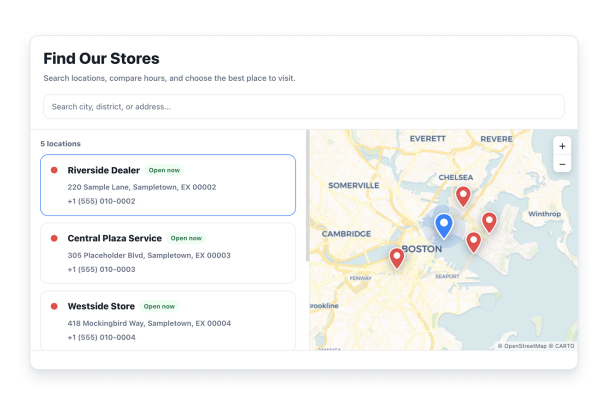

Ziyaretçilerin İhtiyaç Duyduğu Konum Ayrıntılarını Ekleyin
Google ile bir işletme veya adres arayın, ardından bir tanıtım, fotoğraflar ve bir logo ekleyin. Her konum için telefon, çalışma saatleri, e-posta ve web sitesi bilgilerinin görünüp görünmeyeceğini seçin.
Konum ayrıntıları şunları içerir:

Ziyaretçilerin Konumları Hızla Aramasına Yardımcı Olun
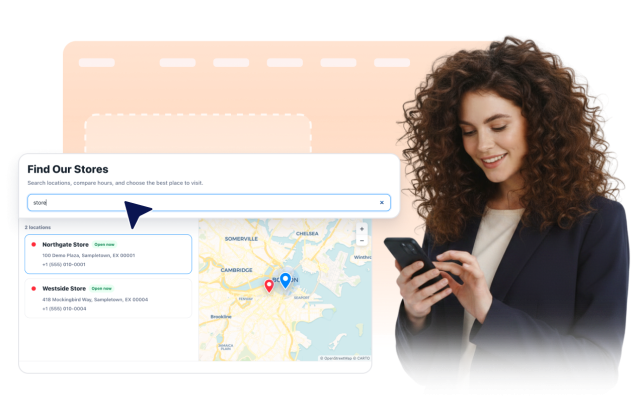
İsteğe bağlı bir arama çubuğu göstererek ziyaretçilerin konum adları, adresler, açıklamalar ve göstermeyi seçtiğiniz iletişim bilgilerini kullanarak listeyi daraltmasını sağlayın.
Arama şunları kapsar:
Her Konumu Etkileşimli Bir Haritaya Bağlayın
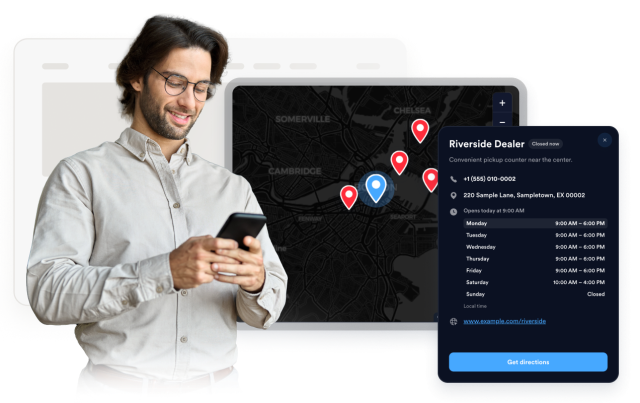
Ziyaretçilerin haritayı kaydırıp yakınlaştırmasına, bir konum kartı veya pini seçmesine ve ayrıntılarını açmasına imkan tanıyın. Bir harita teması, yakınlaştırma düzeyi, pin şekli, etiketler ve işaretçi renkleri seçin.
Harita kontrolleri şunları içerir:
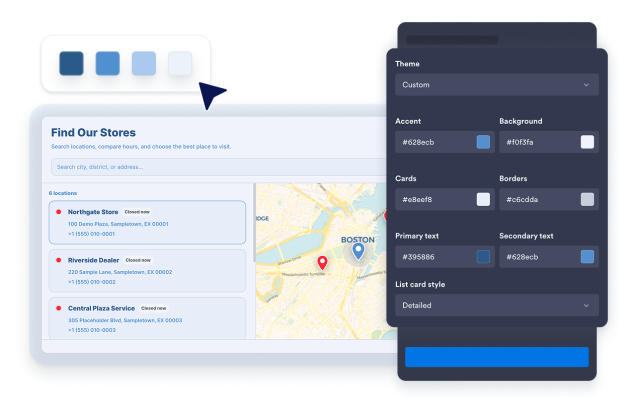
Yerleşim Düzenlerini ve Marka Stilini Seçin
Haritayı sola, sağa veya üste yerleştirin ya da harita olmadan bir ızgara kullanın. Fotoğraflı, ayrıntılı veya kompakt kartlar seçin, ardından temayı, renkleri, köşe yarıçapını, boyutlandırmayı, markalamayı ve kapsamlı CSS'yi ayarlayın.
Stil kontrolleri şunları içerir: