Web Siteniz için Mağaza Bulucu Widget'ı
Ziyaretçilerin sitenizden ayrılmadan mağazaları, şubeleri, teslim alma noktalarını veya hizmet konumlarını bulmasına ve incelemesine yardımcı olun. Jotform'un Mağaza Bulucu widget'ı; aranabilir konum kartlarını, etkileşimli bir haritayı, iletişim ayrıntılarını, çalışma saatlerini, fotoğrafları ve özelleştirilebilir düzenleri tek bir kod gerektirmeyen yerleştirmede birleştirir.
Hemen oluşturun - Ücretsiz!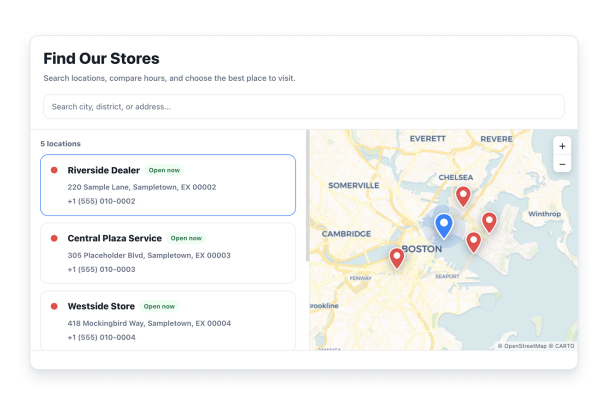

Mağaza Bulucu widget'ı nasıl oluşturulur
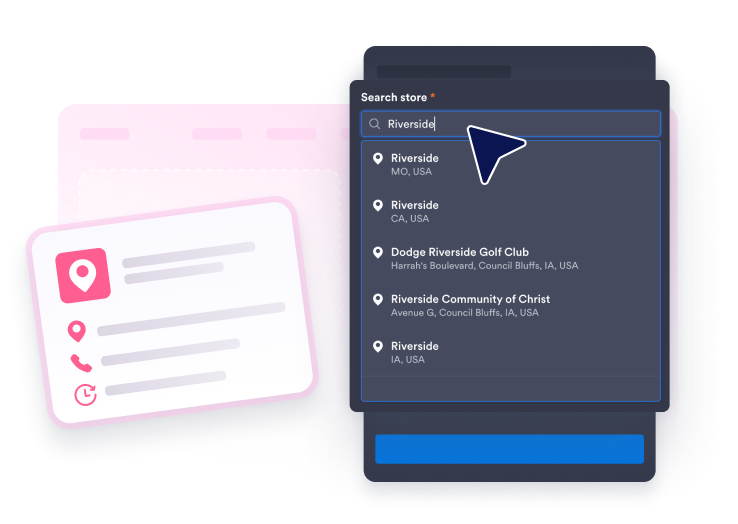
Konumlarınızı ekleyin
Google ile bir işletme veya adres arayın, ardından her konum için bir tanıtım, haftalık saatler, iletişim ayrıntıları, fotoğraflar, bir logo ve bir işaretçi rengi ekleyin.
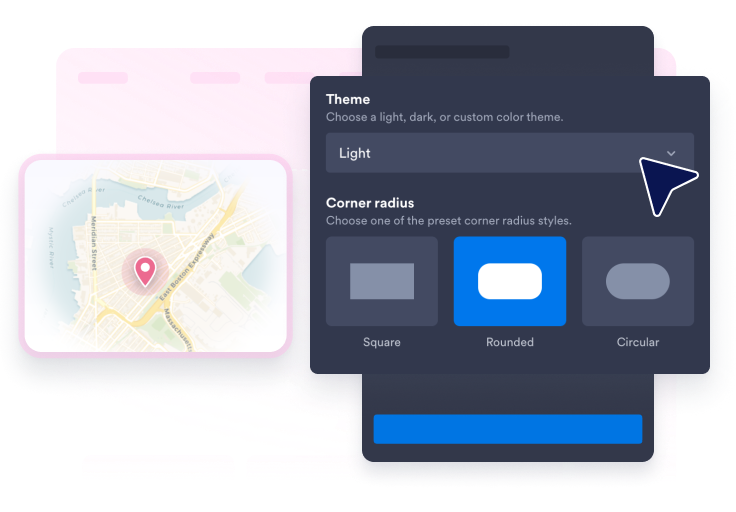
Aramayı, haritayı ve stili özelleştirin
Bir düzen, harita teması, kart stili, konum iğnesi şekli, konum iğnesi etiketleri, renkler, köşe yuvarlaklığı, boyutlandırma ve arama çubuğunun gösterilip gösterilmeyeceğini seçin.
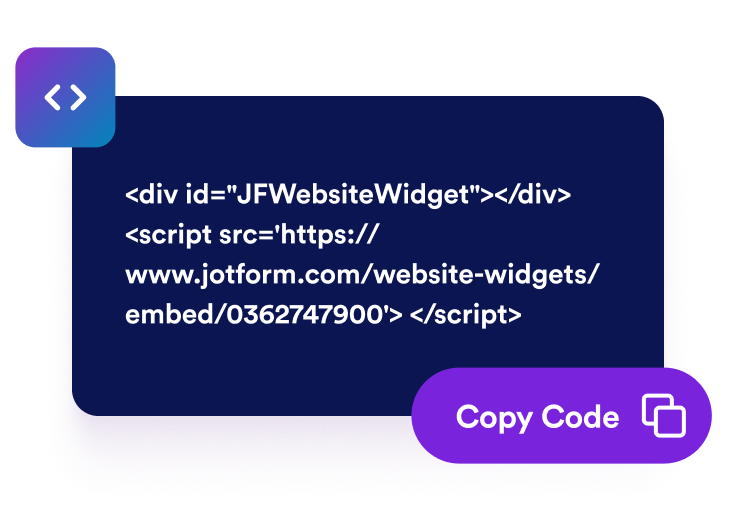
Web sitenize yerleştirin
Konum bulucuyu önizleyin, yayınlayın ve oluşturulan yerleştirme kodunu, ziyaretçilerin mağaza ayrıntılarına veya yol tariflerine ihtiyaç duyduğu herhangi bir sayfaya yapıştırın.
Her konumu kolayca bulunabilir ve harekete geçilebilir hale getirin
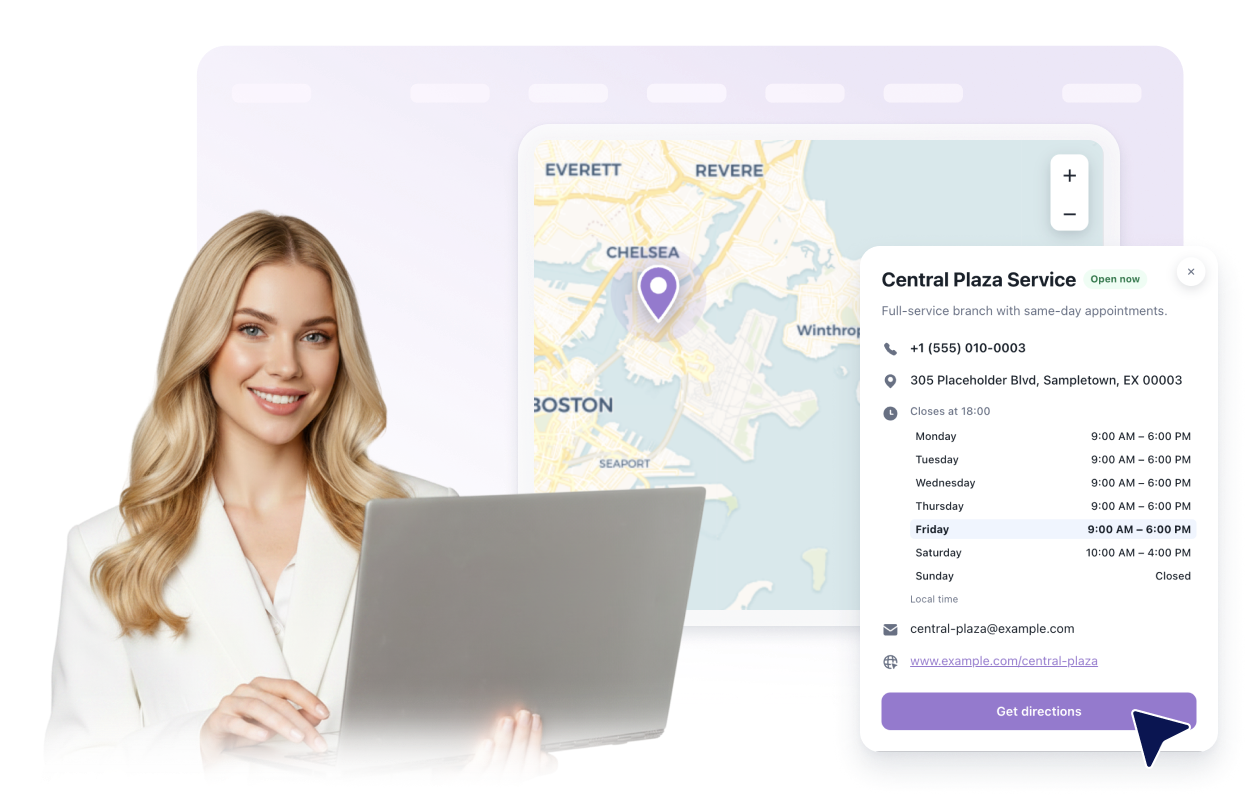
Kullanışlı konum kartları oluşturun
Her konum için adları, adresleri, açıklamaları, çalışma saatlerini, görünür iletişim ayrıntılarını, fotoğrafları, logoları, programa dayalı açık veya kapalı durumunu ve yol tariflerini sunun.
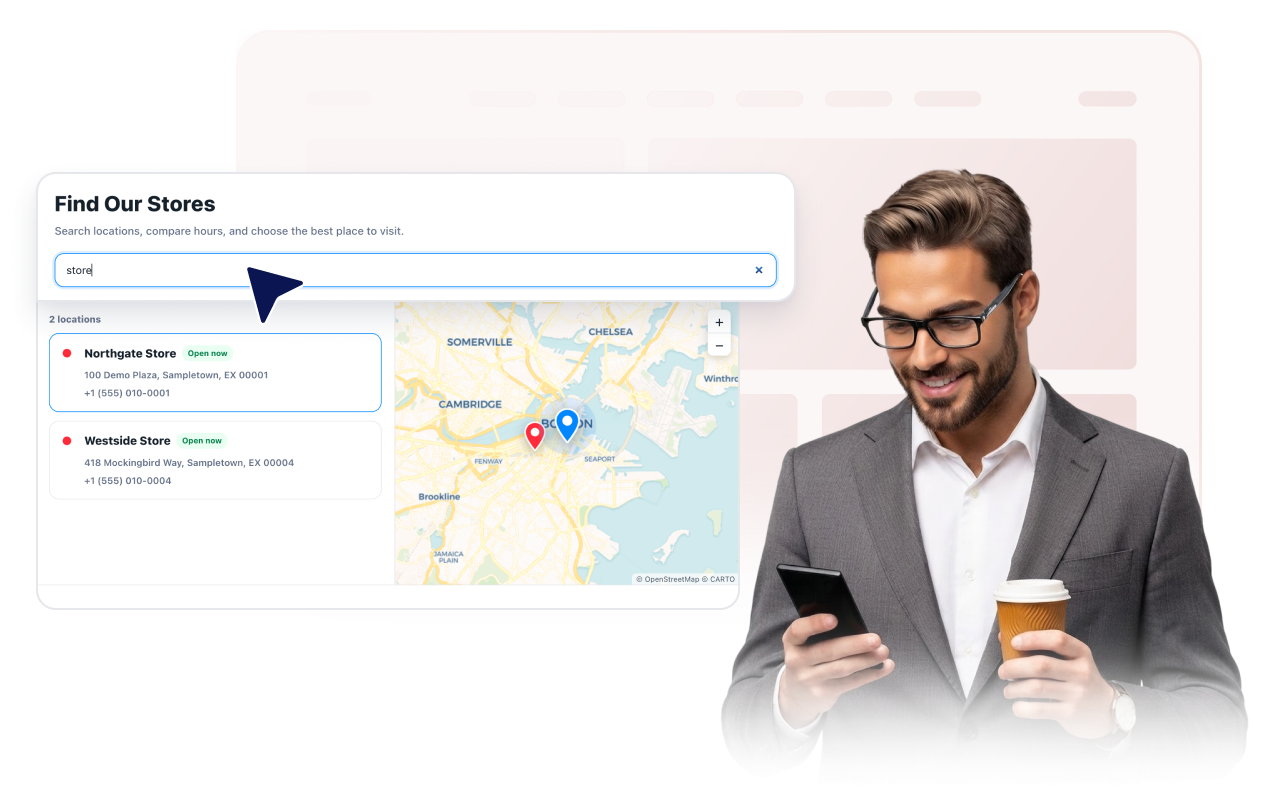
Ziyaretçilerin konum listesinde arama yapmasına yardımcı olun
Konum adları, adresler, açıklamalar ve görüntülenmesini seçtiğiniz telefon, e-posta, web sitesi veya saatlerle eşleşen isteğe bağlı bir arama çubuğu gösterin.
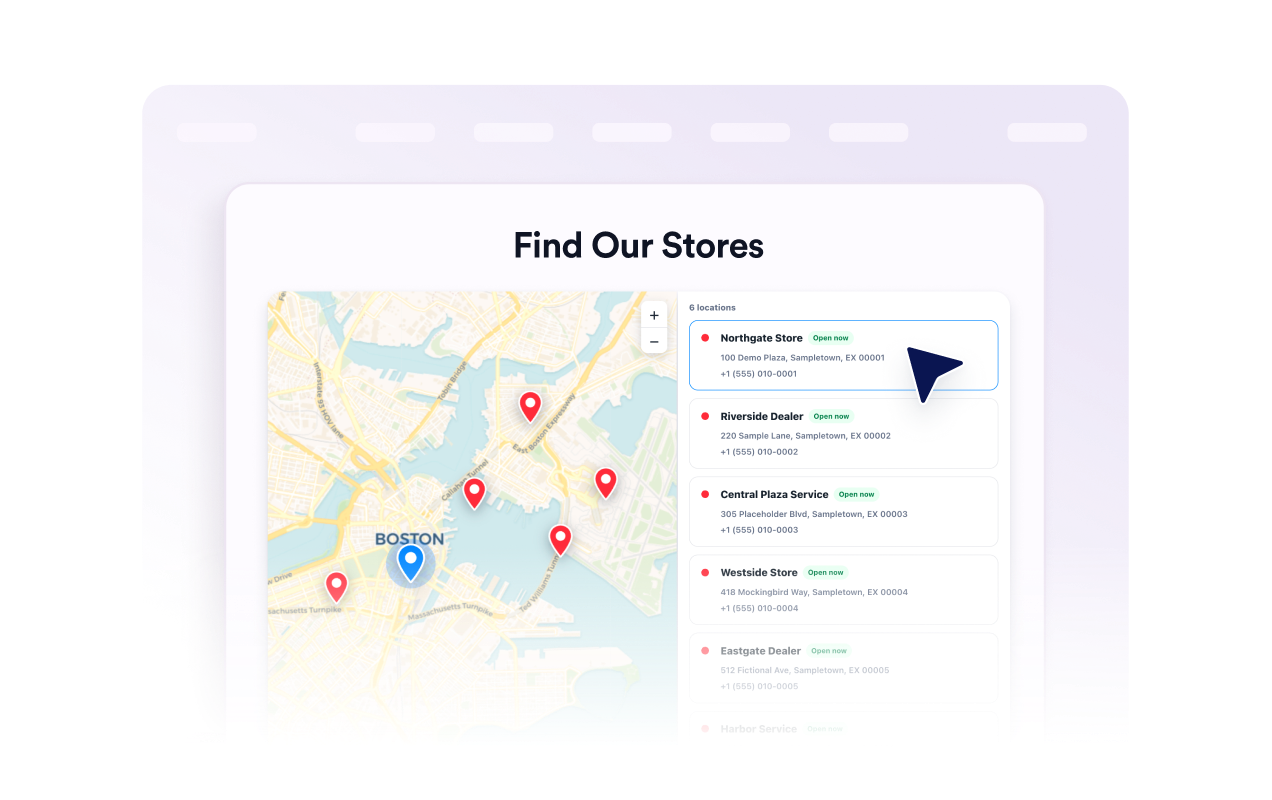
Listeyi etkileşimli bir haritaya bağlayın
Ziyaretçilerin kaydırıp yakınlaştırmasına, bir konum kartı veya iğne seçmesine ve ayrıntılarını açmasına olanak tanıyın. Harita temasını, yakınlaştırma seviyesini, konum iğnesi stilini, etiketleri ve işaretçi renklerini seçin.
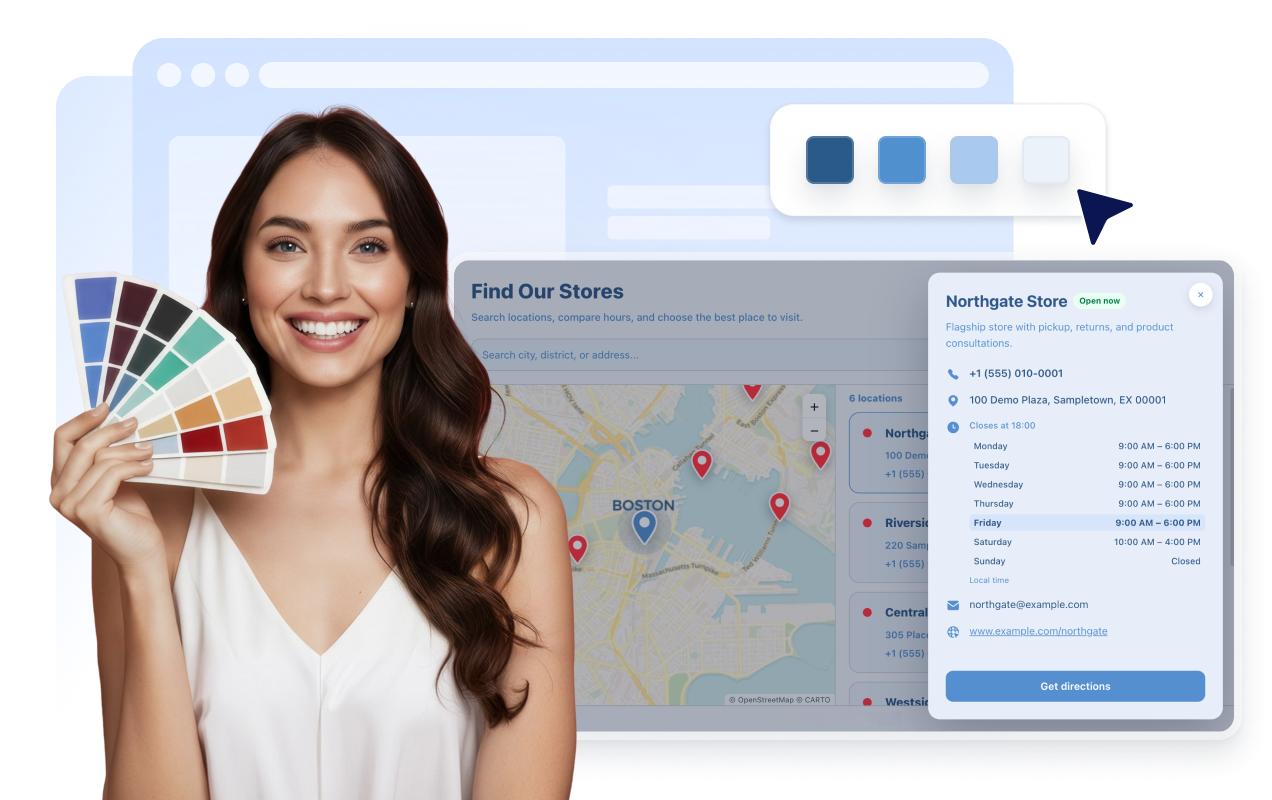
Widget'ı sitenizle eşleştirin
Açık, koyu veya özel stili seçin. Fotoğraflı, ayrıntılı veya kompakt kartlar ile haritanın solda, sağda veya üstte yer aldığı düzenler veya ızgara düzenleri arasından seçim yapın. Renkleri, yarıçapı, boyutlandırmayı, markalamayı ve kapsamlı CSS'yi ince ayarlayın.
Jotform Web Site Widget'ları neden öne çıkıyor
Jotform'un widget'ları web sitenizi daha etkileşimli hale getirir ve dönüşümleri artırır. Yıldızlı değerlendirmelerden ve kullanıcı görüşü kaydırıcılarından sosyal kanıt açılır pencerelerine ve medya yerleştirmelerine kadar birçok araç mevcut. Veri toplamak, kanıt göstermek ve potansiyelmüşteri yakalamak için kod yazmanıza gerek olmadan formlarınıza veya açılış sayfalarınıza widget'lar ekleyin.
Basit bir yerleştirme koduyla Jotform widget'larını web sitenize ekleyin. Bir geliştiriciye ihtiyaç duymadan widget'ı özelleştirin, nasıl göründüğünü önizleyin ve özel HTML ya da yerleştirme bloklarını destekleyen herhangi bir sayfaya yapıştırın.
Potansiyel müşterileri toplamak, müşteri geribildirimlerini göstermek, sosyal kanıt sunmak, medya içeriklerini yerleştirmek veya kullanışlı web sayfası araçları eklemek için Jotform Website Widget'larını kullanın. Her widget, ziyaretçilerin işletmenizle doğrudan web sitenizden etkileşime geçmesine yardımcı olur.
Widget'ınızı kurma, özelleştirme, yerleştirme veya sorun giderme konusunda yardıma ihtiyacınız olursa, Jotform'un müşteri destek ekibi 7/24 hizmetinizdedir. İhtiyacınız olduğunda yardımın hazır olduğunu bilerek güvenle ilerleyebilirsiniz.
Mağaza Bulucu widget'ınızı nerelerde kullanabilirsiniz
Widget'ı, ziyaretçilerin mevcut konumları karşılaştırması, ayrıntıları incelemesi veya sonraki adımda nereye gideceğini seçmesi gereken her yere yerleştirin.
Mağazaları, teslim alma noktalarını, departmanları ve yerel iletişim bilgilerini göstermek için perakende web sitelerinde.
Misafirlerin adresleri, çalışma saatlerini, telefon numaralarını ve konum web sitelerini incelemesini sağlamak için restoran gruplarında.
Şubeleri, randevu ofislerini ve hizmet bölgesi konumlarını listelemek için hizmet işletmelerinde.
Müşterilerin yetkili satıcıları veya destek noktalarını bulmasına yardımcı olmak için bayi bulucu ve iş ortağı sayfalarında.
Girişleri, teslim alma alanlarını, bilet gişelerini veya bölgesel konumları göstermek için etkinlik ve mekan sayfalarında.
Ziyaretçilerin şube adreslerini, çalışma saatlerini ve iletişim seçeneklerini karşılaştırmasına olanak tanımak için destek sayfalarında.
Jotform Form Oluşturucu ile müşteri adaylarını ödeme yapan müşterilere dönüştürün
Jotform ile etkileşimi eyleme dönüştürün. Potansiyel müşterileri yakalayan, ödemeleri alan ve yanıtları otomatikleştiren güçlü formları tek bir yerde oluşturun. Her yanıt, takip edebileceğiniz veya favori uygulamalarınızla bağlantı kurabileceğiniz Jotform Gelen Kutusu'na ulaşır.
Hemen Başla — Ücretsiz!
SSS
Mağaza Bulucu widget'ı nedir?
Mağaza Bulucu widget'ı, mağaza bulucu veya yer bulucu widget'ı olarak da bilinir ve web sitenizde etkileşimli bir harita, işletme ayrıntıları, fotoğraflar ve yol tarifleriyle birlikte aranabilir konum kartları görüntüler.
Birden fazla konum ekleyebilir miyim?
Ziyaretçiler bir konum arayabilir mi?
Hangi konum ayrıntılarının gösterileceğini seçebilir miyim?
Widget bir harita içeriyor mu?
Her konuma fotoğraf ve logo ekleyebilir miyim?
Tasarımı özelleştirebilir miyim?
Mobil ve tablette çalışıyor mu?
Kod yazmam gerekir mi?
Mağaza Bulucu widget'ı ücretsiz mi?