Web siteniz için Twitter Widget'ı
Ziyaretçilerin sayfadan ayrılmadan son gönderilere, duyurulara, lansmanlara ve sosyal güncellemelere göz atabilmesi için web sitenize bir X akışı ekleyin. Profil gönderilerini mobil uyumlu kartlarda görüntülemek, gönderi ayrıntılarını özelleştirmek, açılır pencereler eklemek ve akışı özel kod olmadan tasarlamak için Twitter Widget'ı kullanın.
Hemen oluşturun - Ücretsiz!

Twitter widget'ı nasıl oluşturulur
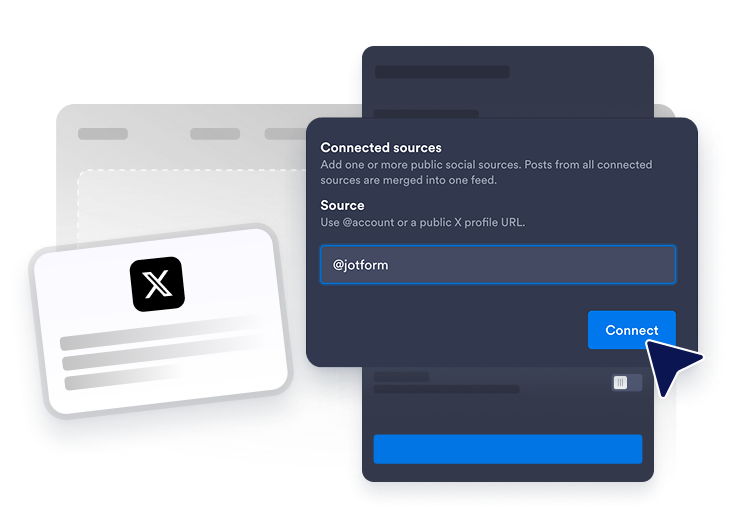
Bir X profili bağlayın
Web sitesi akışınızda görüntülemek istediğiniz herkese açık Twitter/X kaynağını ekleyin.
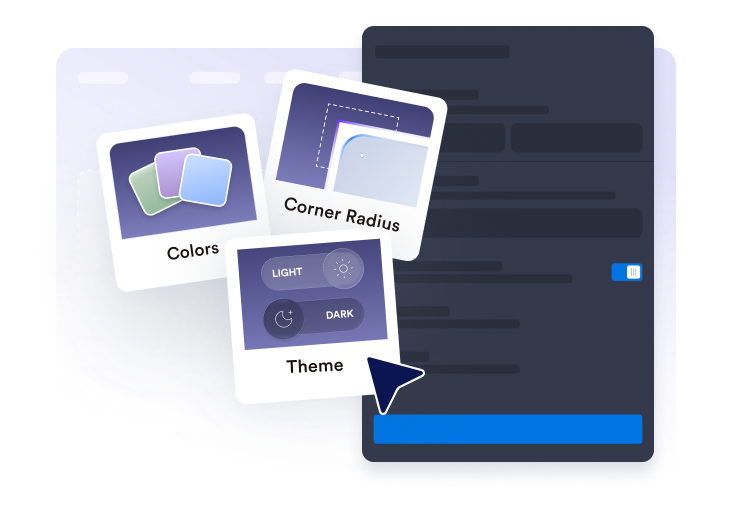
Akışı özelleştirin
Düzeni, gönderi ayrıntılarını, açılır pencere davranışını, renkleri ve Twitter/X tarzı vurgu ayarlarını seçin.

Yerleştirme kodunu alın
Oluşturulan yerleştirme kodunu kopyalayın ve Twitter widget'ını web sitenizde yayınlayın.
Twitter/X gönderilerini web sitenizde görüntüleyin
Twitter/X profil gönderilerini bağlayın
Herkese açık bir X profili ekleyin ve gönderileri yerleştirilmiş bir akışta görüntüleyin. Twitter Widget'ı, ziyaretçilerin son güncellemelere, ürün lansmanlarına, duyurulara, ipuçlarına ve sosyal kanıtlara doğrudan web sitenizden göz atmasına yardımcı olur.

Gönderileri düzeninize uyarlayın
Sayfanıza uyacak şekilde ızgara, tuğla, liste, karusel veya kaydırmalı düzenlerden birini seçin. X akışını kompakt bir sosyal blok, ana sayfa güncelleme alanı, lansman sayfası akışı veya dönen duyuru alanı olarak kullanın.

Görünür gönderi ayrıntılarını seçin
Her Twitter/X gönderisi önizlemesinde ne göstereceğini kontrol edin. Ziyaretçilerin bir gönderiyi açmadan önce doğru bağlama ulaşması için yazar adlarını, tarihleri, açıklamaları, kaynak etiketlerini, işlem sayılarını, bağlantıları ve açılır pencere ayrıntılarını gösterin veya gizleyin.

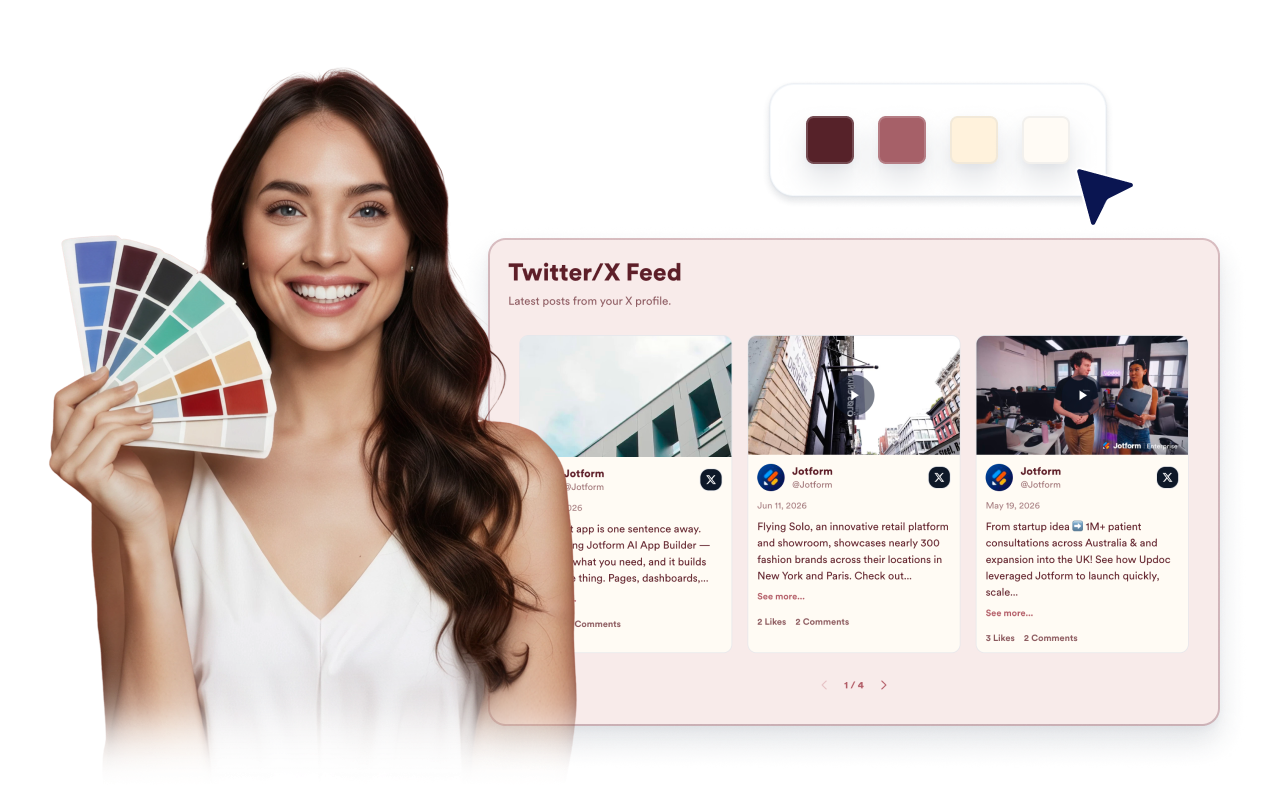
Twitter/X akışınızı tasarlayın
Gönderilerin kolayca okunmasını sağlarken Twitter Widget'ını web sitenize uyarlayın. Daha sade, yerleştirilmiş bir akış için temaları, platform vurgularını, kart renklerini, okları, sayfalandırmayı ve özel CSS'yi özelleştirin.
Jotform Web Site Widget'ları neden öne çıkıyor
Jotform'un widget'ları web sitenizi daha etkileşimli hale getirir ve dönüşümleri artırır. Yıldızlı değerlendirmelerden ve kullanıcı görüşü kaydırıcılarından sosyal kanıt açılır pencerelerine ve medya yerleştirmelerine kadar birçok araç mevcut. Veri toplamak, kanıt göstermek ve potansiyelmüşteri yakalamak için kod yazmanıza gerek olmadan formlarınıza veya açılış sayfalarınıza widget'lar ekleyin.
Basit bir yerleştirme koduyla Jotform widget'larını web sitenize ekleyin. Bir geliştiriciye ihtiyaç duymadan widget'ı özelleştirin, nasıl göründüğünü önizleyin ve özel HTML ya da yerleştirme bloklarını destekleyen herhangi bir sayfaya yapıştırın.
Potansiyel müşterileri toplamak, müşteri geribildirimlerini göstermek, sosyal kanıt sunmak, medya içeriklerini yerleştirmek veya kullanışlı web sayfası araçları eklemek için Jotform Website Widget'larını kullanın. Her widget, ziyaretçilerin işletmenizle doğrudan web sitenizden etkileşime geçmesine yardımcı olur.
Widget'ınızı kurma, özelleştirme, yerleştirme veya sorun giderme konusunda yardıma ihtiyacınız olursa, Jotform'un müşteri destek ekibi 7/24 hizmetinizdedir. İhtiyacınız olduğunda yardımın hazır olduğunu bilerek güvenle ilerleyebilirsiniz.
Jotform Form Oluşturucu ile müşteri adaylarını ödeme yapan müşterilere dönüştürün
Jotform ile etkileşimi eyleme dönüştürün. Potansiyel müşterileri yakalayan, ödemeleri alan ve yanıtları otomatikleştiren güçlü formları tek bir yerde oluşturun. Her yanıt, takip edebileceğiniz veya favori uygulamalarınızla bağlantı kurabileceğiniz Jotform Gelen Kutusu'na ulaşır.
Hemen Başla — Ücretsiz!
SSS
Twitter widget'ı nedir?
Bir Twitter widget'ı web sitenizde bir X profilinden herkese açık gönderileri mobil uyumlu, yerleştirilmiş bir akışta görüntüler. Ziyaretçilerin sayfanızdan hemen ayrılmadan son güncellemelere, duyurulara, lansmanlara ve sosyal gönderilere göz atmasına yardımcı olur.
Twitter feed içeriğini web siteme yerleştirebilir miyim?
Bunu bir Twitter feed creator olarak kullanabilir miyim?
Buradaki bir Twitter feed creator ile bir Twitter feed maker arasındaki fark nedir?
Hangi Twitter/X içeriğini gösterebilirim?
Twitter Widget düzenini özelleştirebilir miyim?
Ziyaretçiler Twitter/X gönderilerini widget'tan açabilir mi?
Twitter widget'ı mobilde çalışır mı?
Twitter feed içeriğini yerleştirmek için kod yazmam gerekiyor mu?
Hangi web sitesi platformları Twitter Widget'ı destekler?
Twitter Widget'ımı kurarken yardım alabilir miyim?