Web Siteniz için Ücretsiz Ziyaretçi Sayacı Widget'ı
Ücretsiz ve özelleştirilebilir Ziyaretçi Sayacı Widget'ı ile web sitenizin sayfa görüntülemelerini ve IP tabanlı tekil ziyaretçi sayılarını gösterin. Görüntülenecek metrikleri ve zaman aralıklarını seçin, isteğe bağlı bir aktivite grafiği ekleyin ve kodlama yapmadan web sitenizin tarzına uyum sağlayın.
Hemen oluşturun - Ücretsiz!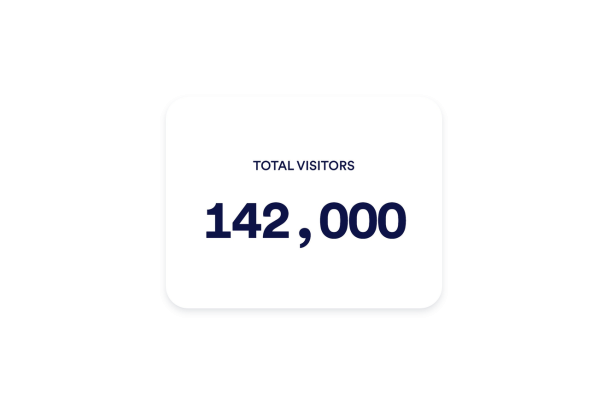

Ziyaretçi Sayacı widget'ı nasıl oluşturulur
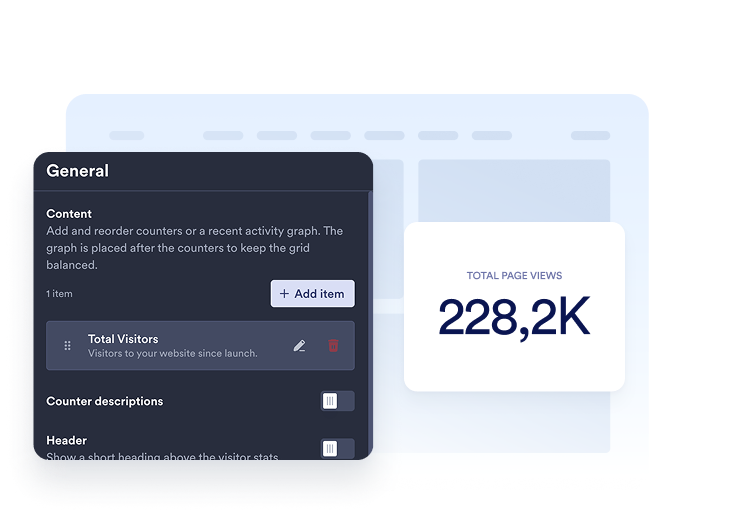
Metriklerinizi seçin
Göstermek istediğiniz sayaçları ekleyin. Her öğe için bir zaman aralığı belirleyip sayfa görüntülemeleri veya tekil ziyaretçiler arasından seçim yapın, ardından başlığını ve açıklamasını özelleştirin.
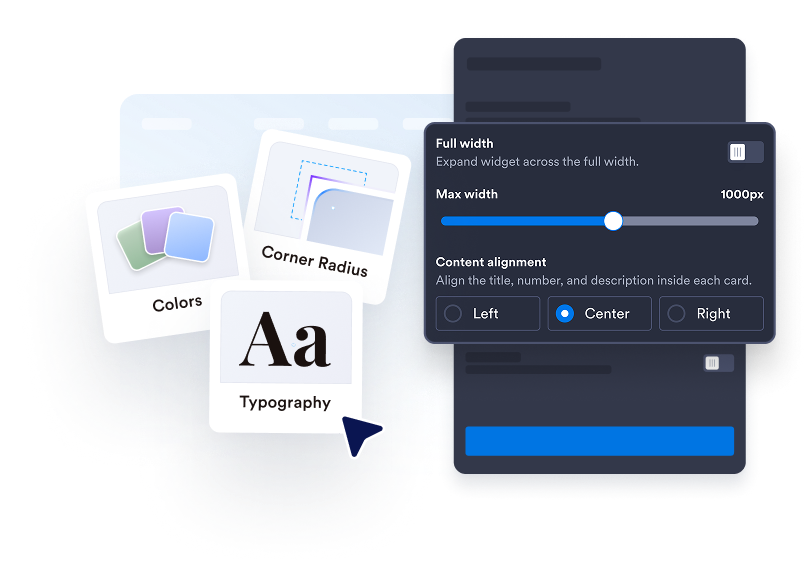
Ziyaretçi sayacınızı özelleştirin
Kartlar, Sayfa İçi, Mini veya Dikey düzenlerinden birini seçin. Renkleri, boşlukları, sayı biçimlendirmesini ve genişliği ayarlayın. Desteklenen düzenlerde çizgi, alan, çubuk veya pasta grafiği ekleyin.

Web sitenize yerleştirin
Yerleştirme kodunu özel HTML veya yerleştirme bloğuna yapıştırın, ardından web sitesi widget'ını görüntülemek için sayfanızı yayınlayın.
Web sitenizdeki aktiviteyi kolayca görünür hale getirin
Önemli olan sayıları seçin
Bugün, dün, bu hafta, bu ay, bu yıl veya tüm zamanlar için sayfa görüntülemelerini ya da IP tabanlı tekil ziyaretçileri gösterin. Birden fazla sayaç ekleyin, bunları yeniden sıralayın ve her biri için net bir başlık ve açıklama yazın.
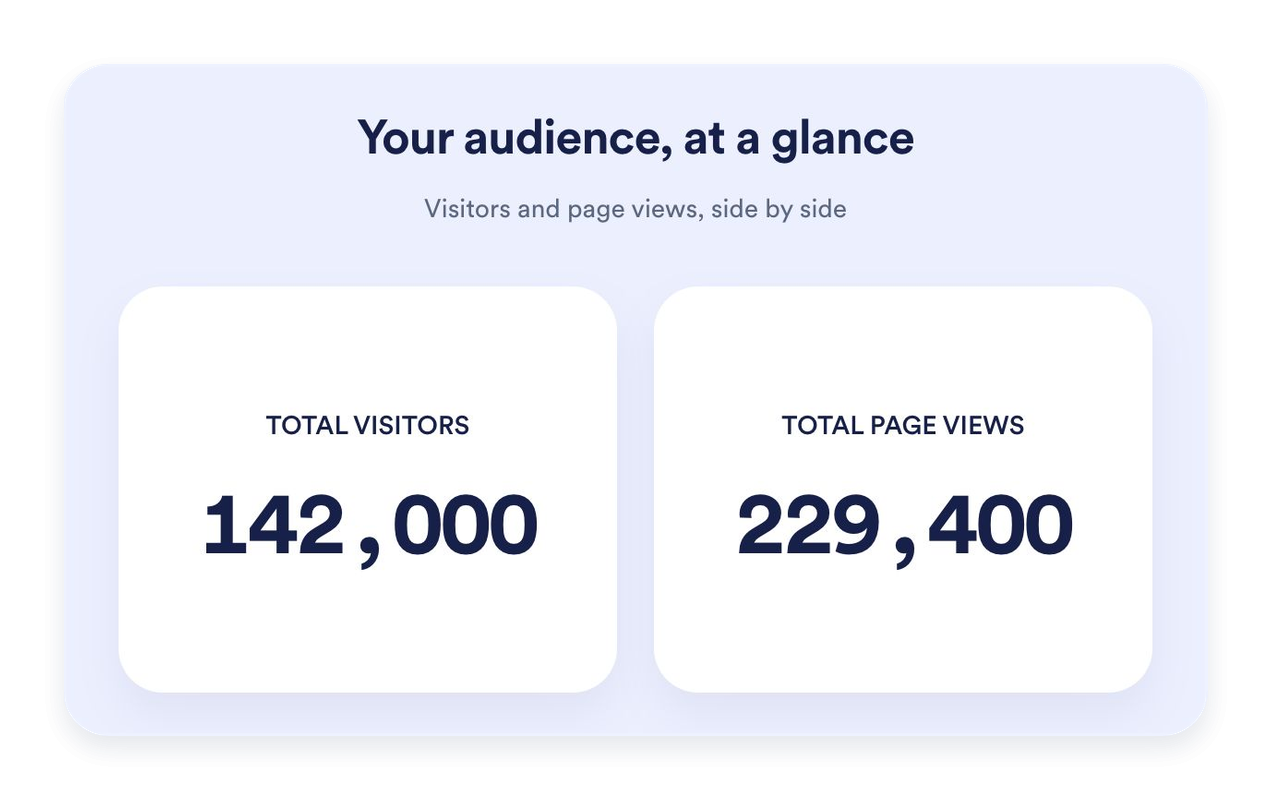
Sayfanız için doğru düzeni bulun
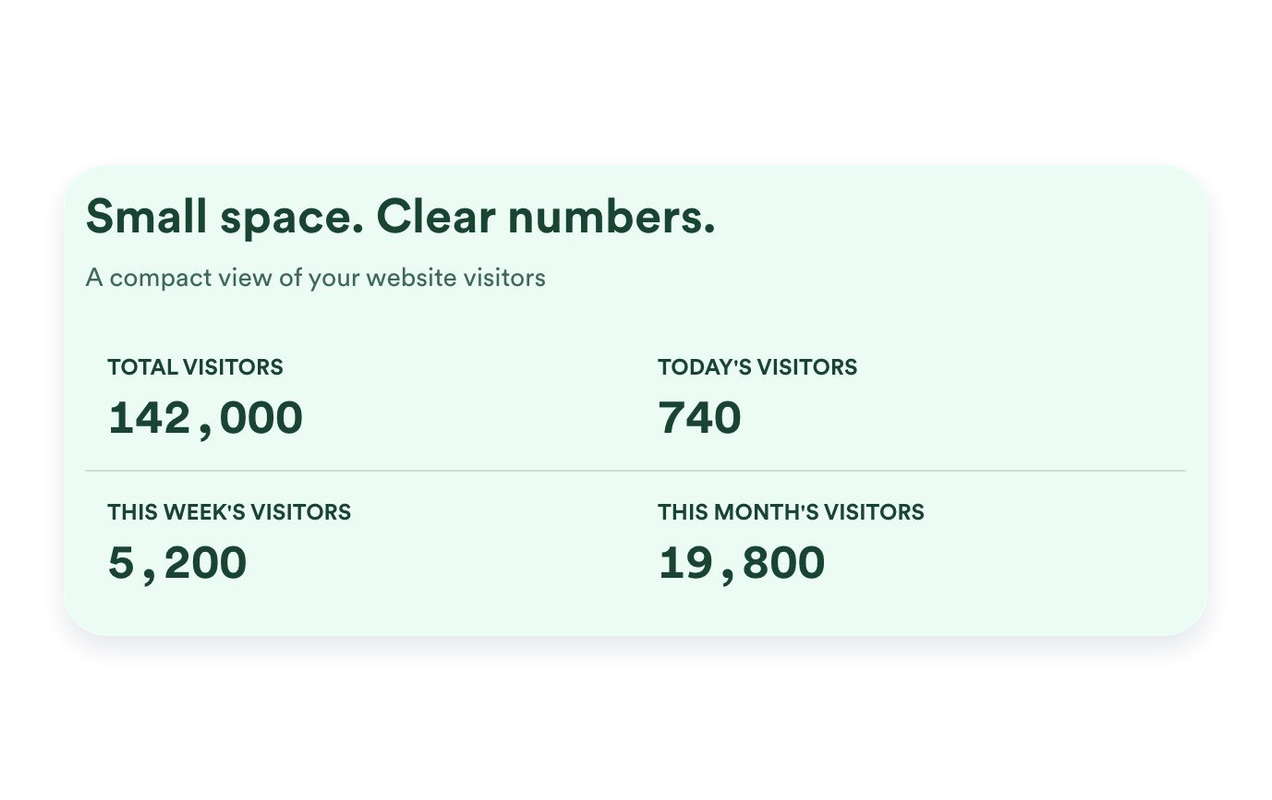
Metrikleri tek tek öne çıkarmak için Kartlar, kompakt bir bölüm için Sayfa içi, yalnızca sayının gösterildiği sade bir görünüm için Mini veya alt alta bir düzen için Dikey düzenini kullanın. Web sitenize uyması için maksimum genişlik belirleyin ve boşlukları ayarlayın.
Son aktiviteleri bağlama oturtun
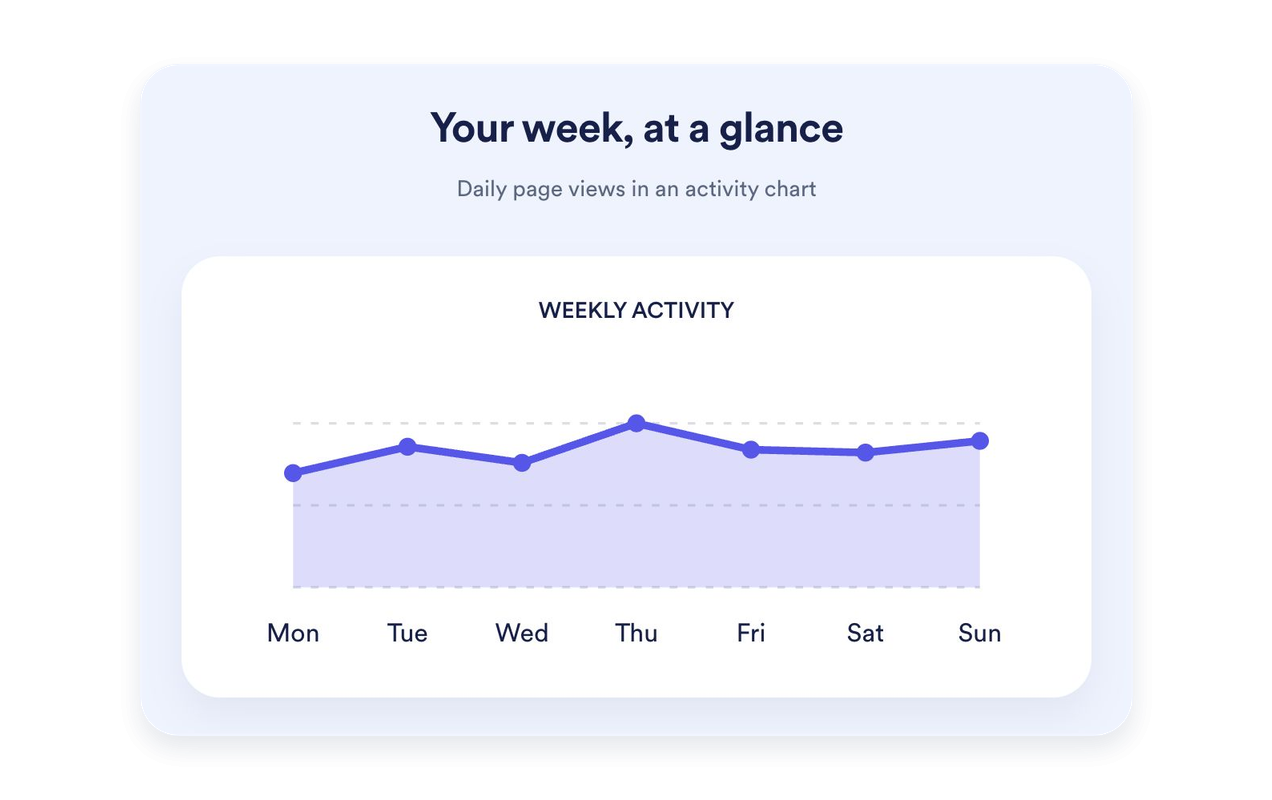
Son yedi günün sayfa görüntülemelerini çizgi, alan, çubuk veya pasta grafiği olarak gösterin. Grafiğe özel bir başlık ve açıklama ekleyin. Grafikler Kartlar, Sayfa içi ve Dikey düzenlerinde kullanılabilir; Mini düzende ise odak sayım değerlerinde kalır.
Ziyaretçi sayacınızı web sitenize uyacak şekilde tasarlayın
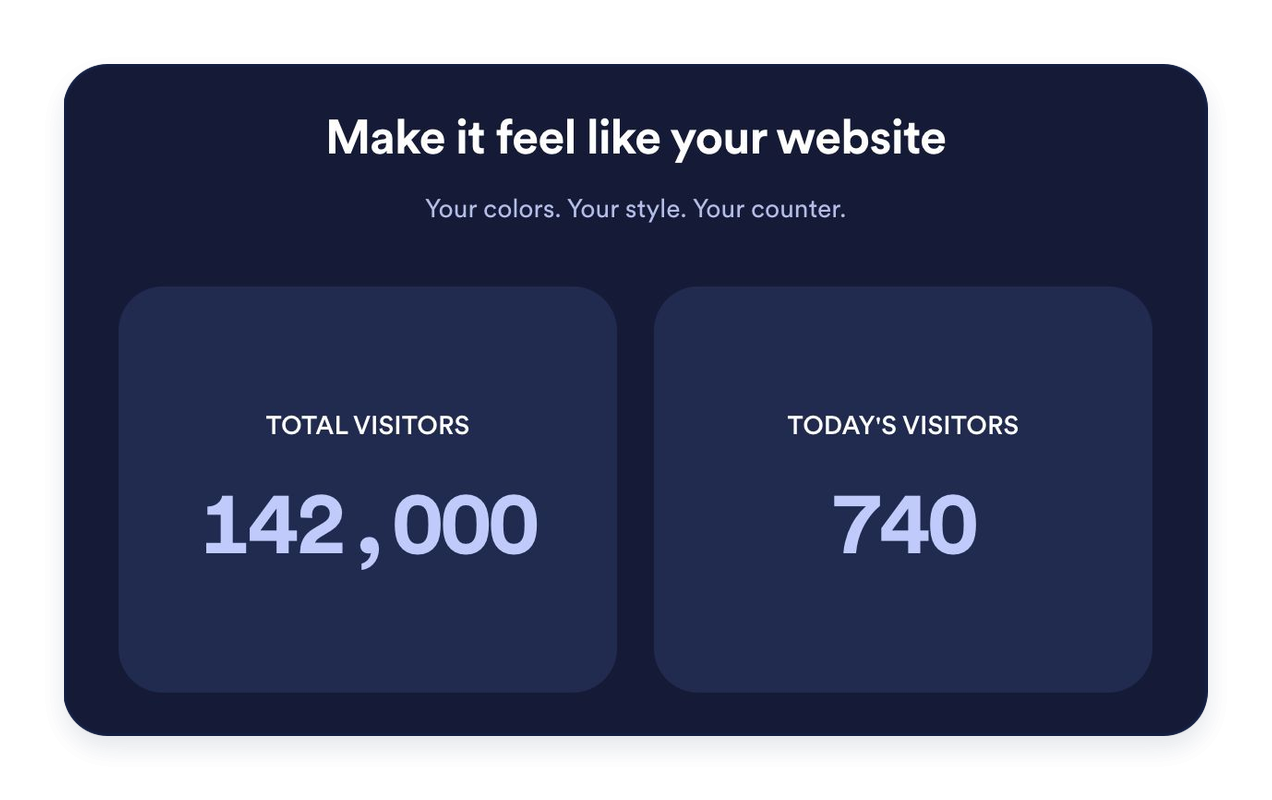
Açık, koyu veya özel renkler seçin. Arka planları, tipografiyi, sayı biçimlendirmesini, kart köşelerini ve hizalamayı özelleştirin. İstatistiklerinizi tanıtmak için isteğe bağlı bir başlık ve mesaj ekleyin.
Jotform Web Site Widget'ları neden öne çıkıyor
Jotform'un widget'ları web sitenizi daha etkileşimli hale getirir ve dönüşümleri artırır. Yıldızlı değerlendirmelerden ve kullanıcı görüşü kaydırıcılarından sosyal kanıt açılır pencerelerine ve medya yerleştirmelerine kadar birçok araç mevcut. Veri toplamak, kanıt göstermek ve potansiyelmüşteri yakalamak için kod yazmanıza gerek olmadan formlarınıza veya açılış sayfalarınıza widget'lar ekleyin.
Basit bir yerleştirme koduyla Jotform widget'larını web sitenize ekleyin. Bir geliştiriciye ihtiyaç duymadan widget'ı özelleştirin, nasıl göründüğünü önizleyin ve özel HTML ya da yerleştirme bloklarını destekleyen herhangi bir sayfaya yapıştırın.
Potansiyel müşterileri toplamak, müşteri geribildirimlerini göstermek, sosyal kanıt sunmak, medya içeriklerini yerleştirmek veya kullanışlı web sayfası araçları eklemek için Jotform Website Widget'larını kullanın. Her widget, ziyaretçilerin işletmenizle doğrudan web sitenizden etkileşime geçmesine yardımcı olur.
Widget'ınızı kurma, özelleştirme, yerleştirme veya sorun giderme konusunda yardıma ihtiyacınız olursa, Jotform'un müşteri destek ekibi 7/24 hizmetinizdedir. İhtiyacınız olduğunda yardımın hazır olduğunu bilerek güvenle ilerleyebilirsiniz.
Ziyaretçi Sayacı widget’ınızı nerelerde kullanabilirsiniz
Ziyaretçi sayacını, web sitesi aktivitesinin kısa bir özetinin faydalı olacağı bir yere yerleştirin. Sayfaya uygun metrikleri ve düzeni seçin.
Ana içeriğinizin yakınında tüm zamanların sayfa görüntülemelerini veya son aktiviteleri öne çıkarmak için web sitesi ana sayfalarında.
Makalelerinizden dikkati dağıtmadan Sayfa içi veya Mini bir sayaç eklemek için blog altbilgilerinde.
Seçilen metrikleri net ve okunaklı bir şekilde sunma amacıyla Kartlar düzenini kullanmak için açılış sayfalarında.
Daha dar sayfa alanlarında sayaçları Dikey düzende alt alta sıralamak için kenar çubuklarında.
Sayfa görüntülemelerini ve IP tabanlı tekil ziyaretçi sayılarını net etiketlerle göstermek için topluluk web sitelerinde.
Bugün veya bu hafta kaydedilen aktiviteyi öne çıkarmak için etkinlik ve lansman sayfalarında.
Jotform Form Oluşturucu ile müşteri adaylarını ödeme yapan müşterilere dönüştürün
Jotform ile etkileşimi eyleme dönüştürün. Potansiyel müşterileri yakalayan, ödemeleri alan ve yanıtları otomatikleştiren güçlü formları tek bir yerde oluşturun. Her yanıt, takip edebileceğiniz veya favori uygulamalarınızla bağlantı kurabileceğiniz Jotform Gelen Kutusu'na ulaşır.
Hemen Başla — Ücretsiz!
SSS
Ziyaretçi Sayacı Widget'ı nedir?
Ziyaretçi Sayacı Widget'ı, web sitenizde kaydedilen sayfa görüntülemelerini ve IP tabanlı tekil ziyaretçi sayılarını gösterir. Hangi sayaçların ve zaman aralıklarının gösterileceğini seçin, görünümlerini özelleştirin ve widget'ı kodlama yapmadan yerleştirin.
Sayfa görüntülemeleri ve tekil ziyaretçiler nasıl sayılıyor?
Hangi sayaçların görüneceğini seçebilir miyim?
Başlangıç değeri belirleyebilir miyim?
Hangi düzenler mevcut?
Grafik ekleyebilir miyim?
Tasarımı özelleştirebilir miyim?
Ziyaretçi sayacını eklemek için kodlama bilmem gerekir mi?
Sayaç mobilde çalışır mı?
Ziyaretçi Sayacı Widget'ı ücretsiz mi?
Hangi web sitesi platformları destekleniyor?