

Banner widget'ı nasıl oluşturulur
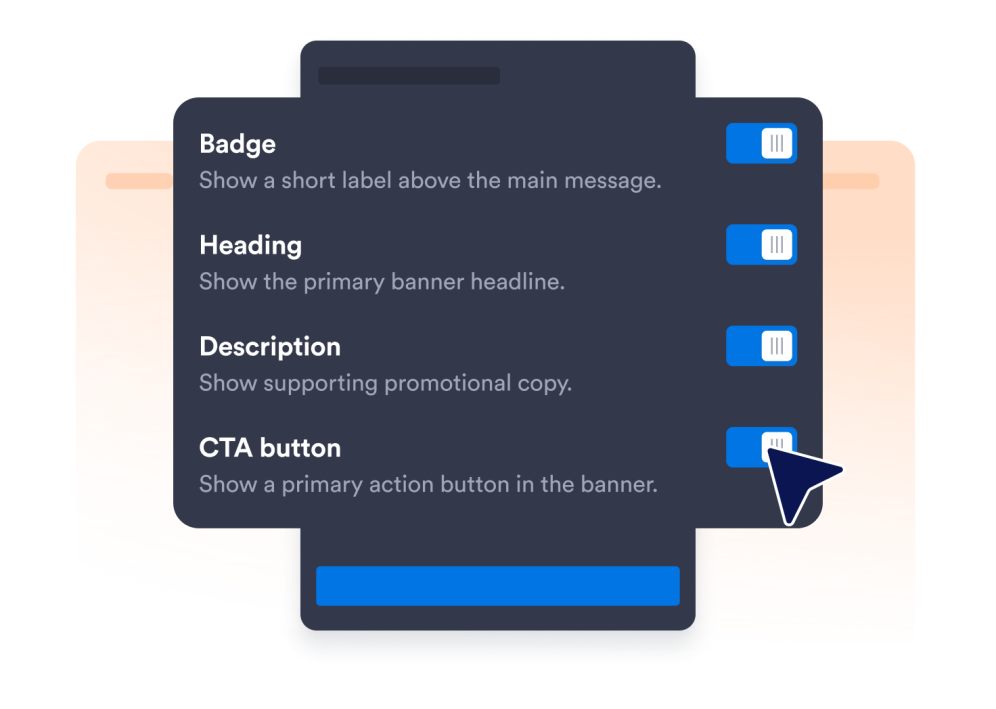
Widget ögelerini seçin
Ziyaretçilerinize göstermek istediğiniz içerikleri ve ögeleri seçerek widget'ı ihtiyaçlarınıza göre özelleştirin.
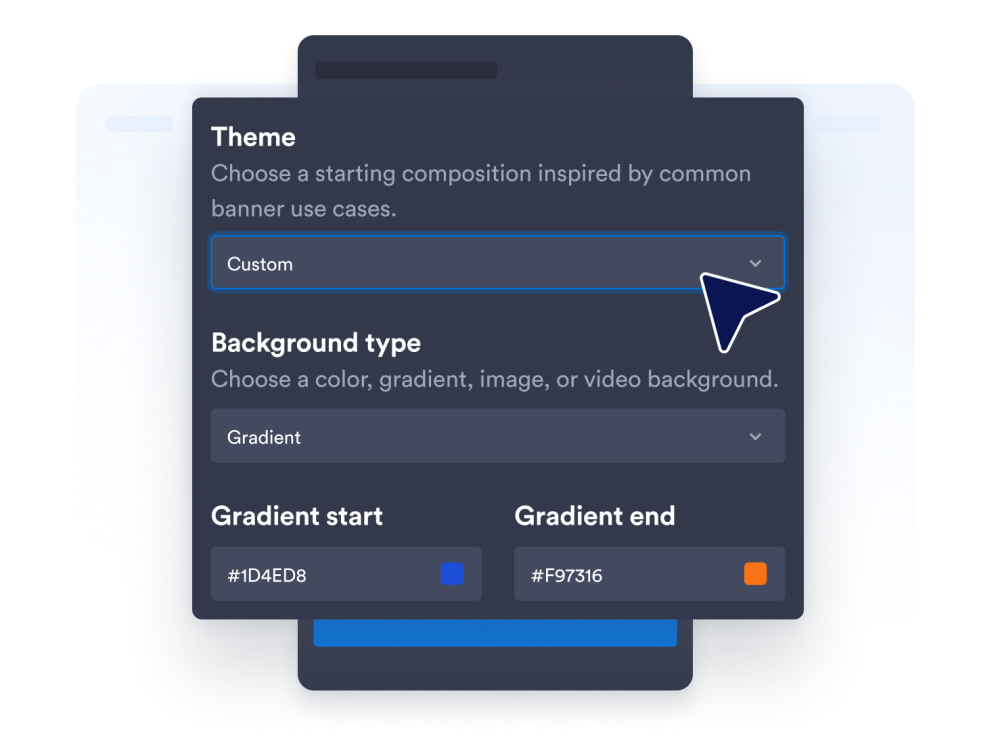
Widgetʼınızı özelleştirin
Renkleri ve diğer tasarım ayarlarını özelleştirerek widget'ınızı web sitenizin görünümüne uyarlayın.
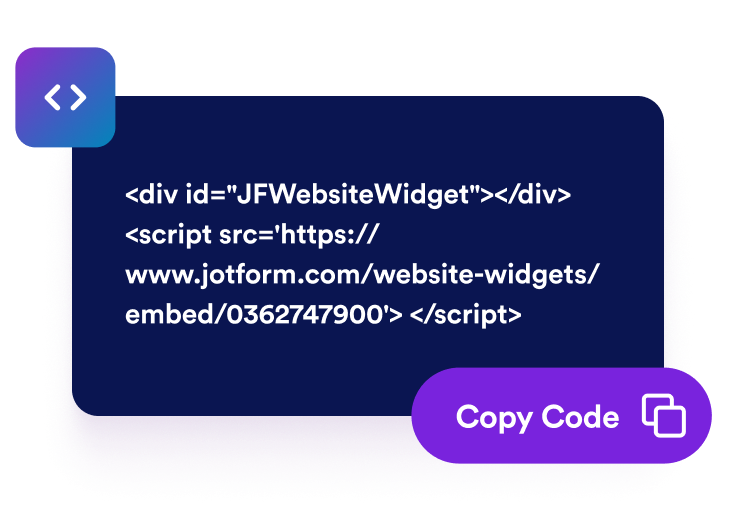
Web sitenize yerleştirin
Yerleştirme kodunu özel HTML veya yerleştirme bloğuna yapıştırın, ardından web sitesi widget'ını görüntülemek için sayfanızı yayınlayın.
Web sitesi banner'larını net kampanya eylemlerine dönüştürün
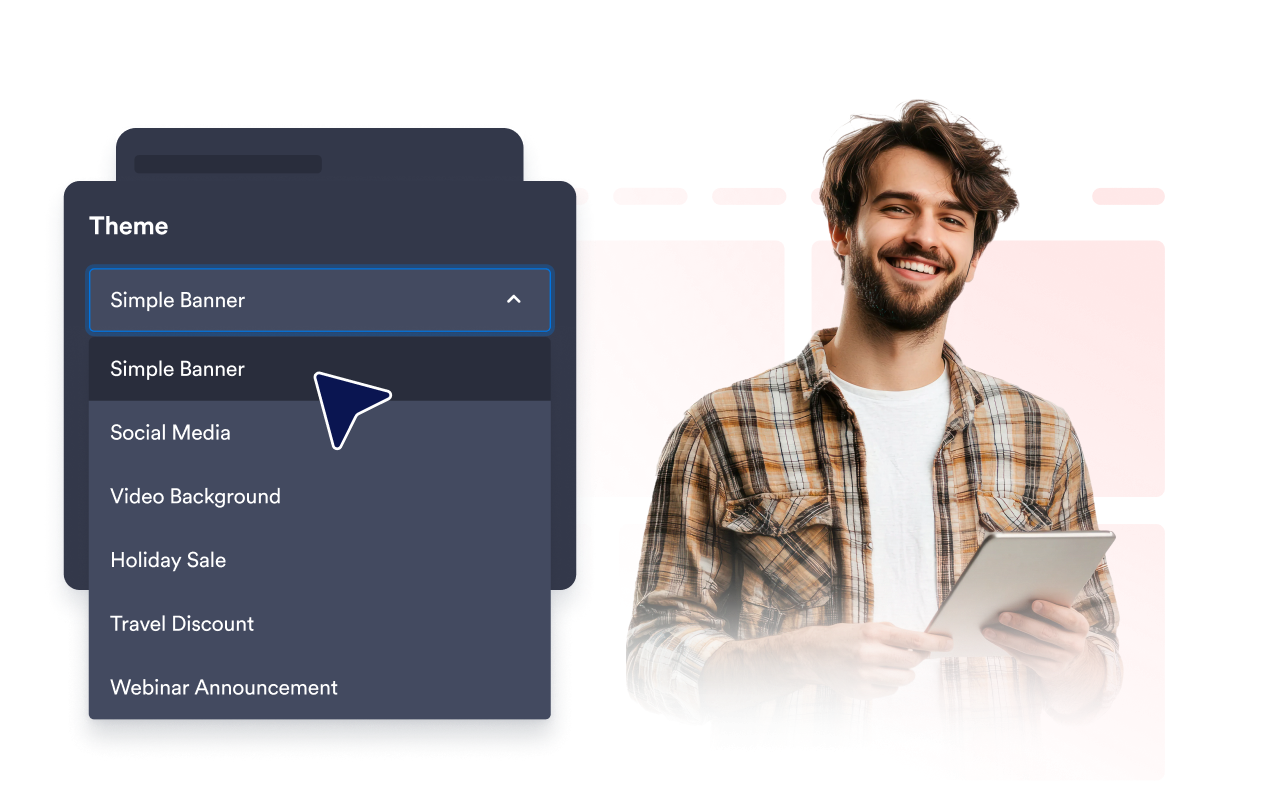
Herhangi bir kampanya için promosyon başlatın
İndirimler, ürün lansmanları, etkinlikler, web seminerleri, restoran promosyonları, seyahat fırsatları ve mevsimsel kampanyalar için banner'lar oluşturun. Hazır banner stilleri, mesajı hedef kitlenize ve hedefinize göre uyarlama alanı bırakırken size faydalı bir başlangıç noktası sunar.
Zengin medyayla dikkat çekin
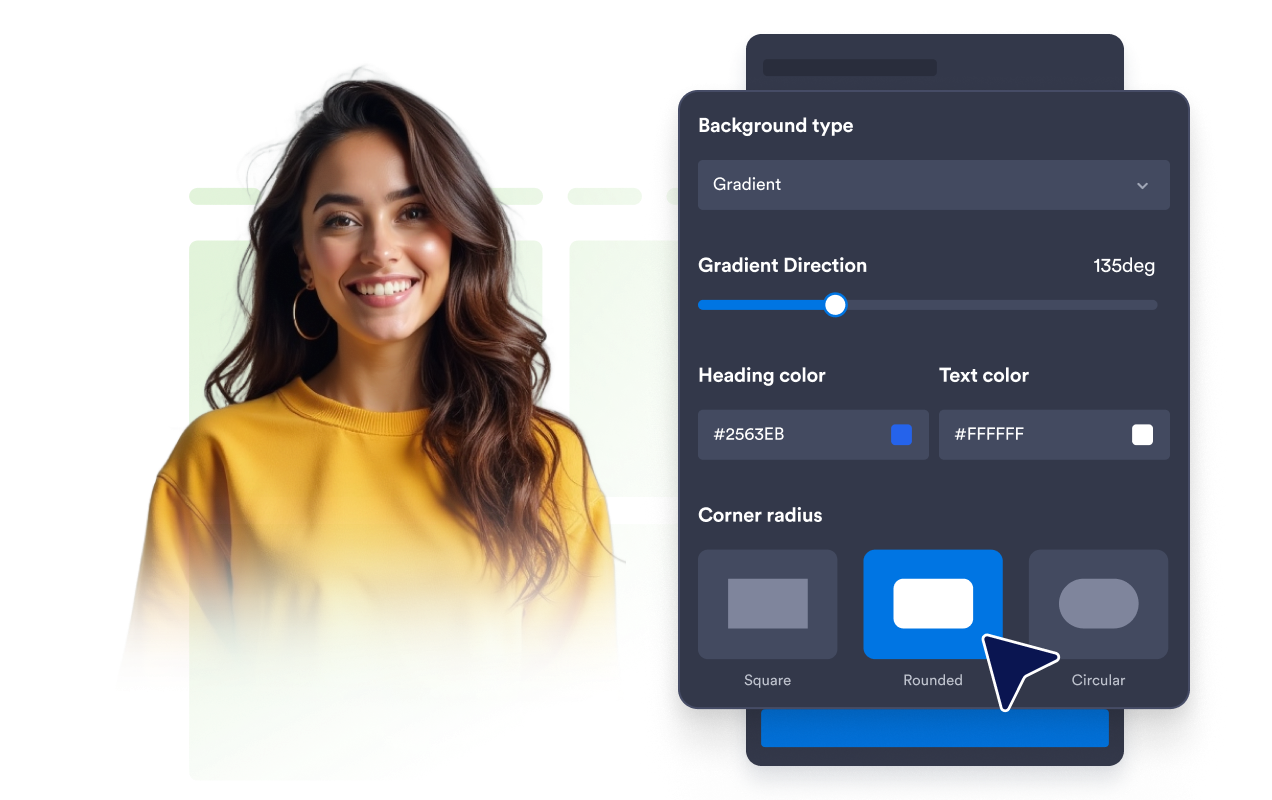
Düz renkler, gradyanlar, görseller veya YouTube ve Vimeo videolarını arka plan olarak kullanarak önemli mesajları öne çıkarın. Parlaklığı, arka planın yerleşimini ve köşe yuvarlaklığını ayarlayarak sayfanızın tasarımıyla uyumlu bir banner oluşturun.
Ziyaretçileri önemli eylemlere yönlendirin
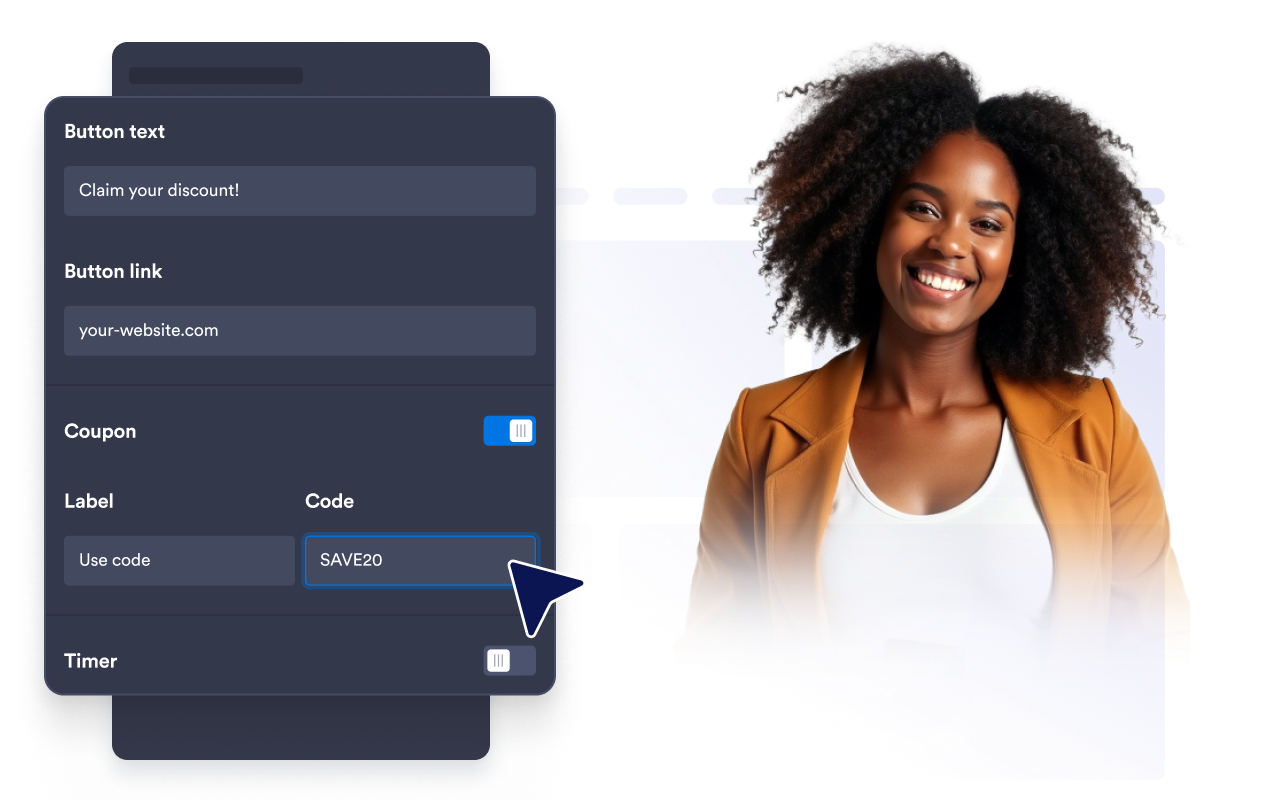
CTA butonları, metin bağlantıları, tıklanabilir banner alanları, kupon kodları, geri sayım sayaçları veya e-posta formları kullanarak ziyaretçileri bir sonraki adıma yönlendirin. Bir fırsatı öne çıkarmak, ziyaretçilerin ilgisini çekmek veya zaman açısından önemli bilgileri paylaşmak için ihtiyacınıza uygun ögeleri birleştirin.
Banner'ları her cihaza uyarlayın
Yatay veya dikey bir düzen seçin, özel ya da tam genişlik belirleyin ve hizalamayı, iç boşlukları ve ögeler arasındaki boşlukları ayarlayın. Görünürlük ayarlarıyla banner'ın tüm cihazlarda mı yoksa yalnızca masaüstü veya mobil cihazlarda mı gösterileceğini belirleyin.

Jotform Web Site Widget'ları neden öne çıkıyor
Jotform'un widget'ları web sitenizi daha etkileşimli hale getirir ve dönüşümleri artırır. Yıldızlı değerlendirmelerden ve kullanıcı görüşü kaydırıcılarından sosyal kanıt açılır pencerelerine ve medya yerleştirmelerine kadar birçok araç mevcut. Veri toplamak, kanıt göstermek ve potansiyelmüşteri yakalamak için kod yazmanıza gerek olmadan formlarınıza veya açılış sayfalarınıza widget'lar ekleyin.
Basit bir yerleştirme koduyla Jotform widget'larını web sitenize ekleyin. Bir geliştiriciye ihtiyaç duymadan widget'ı özelleştirin, nasıl göründüğünü önizleyin ve özel HTML ya da yerleştirme bloklarını destekleyen herhangi bir sayfaya yapıştırın.
Potansiyel müşterileri toplamak, müşteri geribildirimlerini göstermek, sosyal kanıt sunmak, medya içeriklerini yerleştirmek veya kullanışlı web sayfası araçları eklemek için Jotform Website Widget'larını kullanın. Her widget, ziyaretçilerin işletmenizle doğrudan web sitenizden etkileşime geçmesine yardımcı olur.
Widget'ınızı kurma, özelleştirme, yerleştirme veya sorun giderme konusunda yardıma ihtiyacınız olursa, Jotform'un müşteri destek ekibi 7/24 hizmetinizdedir. İhtiyacınız olduğunda yardımın hazır olduğunu bilerek güvenle ilerleyebilirsiniz.
Banner Widget'ınızı nerelerde kullanabilirsiniz
Ziyaretçilerin bir fırsatı fark etmesini, bir duyuru hakkında bilgi edinmesini veya bir sonraki adıma geçmesini istediğiniz yerlerde banner'ları kullanın.
Lansmanları, duyuruları ve sezonluk kampanyaları öne çıkarmak için ana sayfanın öne çıkan bölümlerinde.
İndirimleri, kuponları, paketleri veya kargo fırsatlarını öne çıkarmak için ürün ve fiyatlandırma sayfalarında.
Kayıt butonlarını, formları ve geri sayım sayaçlarını öne çıkarmak için etkinlik ve web semineri sayfalarında.
Menüleri, açılışları, etkinlikleri veya sınırlı süreli fırsatları tanıtmak için restoran web sitelerinde.
Rezervasyon kampanyalarını ve sezonluk paketleri tanıtmak için seyahat ve konaklama sayfalarında.
Okuyucuları bültenlere, ilgili tekliflere veya kampanyalara yönlendirmek için blog ve kaynak sayfalarında.
Jotform Form Oluşturucu ile müşteri adaylarını ödeme yapan müşterilere dönüştürün
Jotform ile etkileşimi eyleme dönüştürün. Potansiyel müşterileri yakalayan, ödemeleri alan ve yanıtları otomatikleştiren güçlü formları tek bir yerde oluşturun. Her yanıt, takip edebileceğiniz veya favori uygulamalarınızla bağlantı kurabileceğiniz Jotform Gelen Kutusu'na ulaşır.
Hemen Başla — Ücretsiz!
SSS
Banner Widget'ı nedir?
Banner Widget'ı, web sitenize yerleştirebileceğiniz özelleştirilebilir bir tanıtım bölümüdür. Duyuruları, indirimleri, etkinlikleri, ürün lansmanlarını, kuponları, medyayı, kayıt fırsatlarını ve diğer eylem çağrılarını sunmak için kullanabilirsiniz.
Web siteme nasıl banner eklerim?
Banner'ın tamamını tıklanabilir yapabilir miyim?
Banner'ımda görsel veya video kullanabilir miyim?
Kupon, geri sayım veya form ekleyebilir miyim?
Banner'ın hangi cihazlarda görüntüleneceğini kontrol edebilir miyim?
Banner düzenini özelleştirebilir miyim?
Özel CSS ekleyebilir miyim?
Kod yazmam gerekir mi?
Hangi web sitesi platformları Banner Widget'ı destekler?
Banner Widget mobil uyumlu mu?
Banner Widget'ımı kurmak için yardım alabilir miyim?