Web siteniz için Fotoğraf Karşılaştırma Widget'ı
Etkileşimli bir karşılaştırma kaydırıcısıyla görsel değişimleri gösterin. Jotform'un Fotoğraf Karşılaştırma widget'ı; görsel çiftleri ekleyebilir, yatay veya dikey karşılaştırma yönünü seçebilir, sürükleme ya da üzerine gelme etkileşimini ayarlayabilir, etiketler ve açıklamalar ekleyebilir, tam ekran görünümünü etkinleştirebilir ve sonucu kod yazmadan web sitenize yerleştirebilirsiniz.
Hemen oluşturun - Ücretsiz!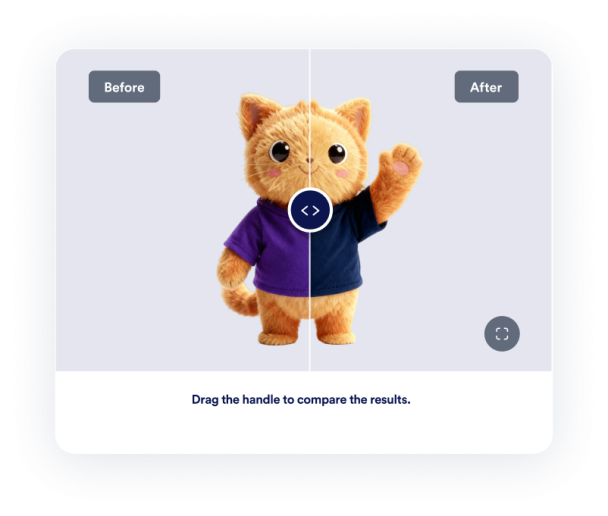

Fotoğraf Karşılaştırma widget'ı nasıl oluşturulur
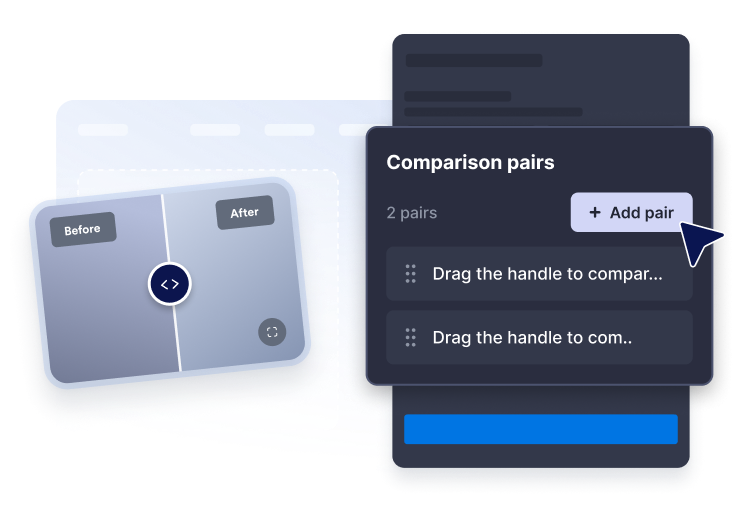
Görsel çiftleri ekleyin
Karşılaştırılacak görsellerin URL'lerini yapıştırın, ardından her karşılaştırma için net etiketler ve açıklamalar yazın.
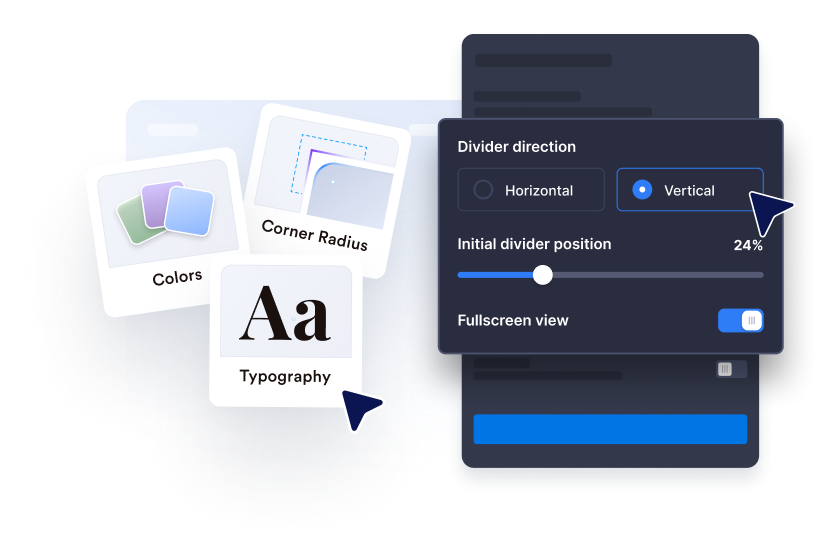
Gösterimi özelleştirin
Yatay veya dikey yönü seçin, başlangıç ayırıcı konumunu ayarlayın ve sürükleme, tıklama veya üzerine gelme etkileşimini kullanın.
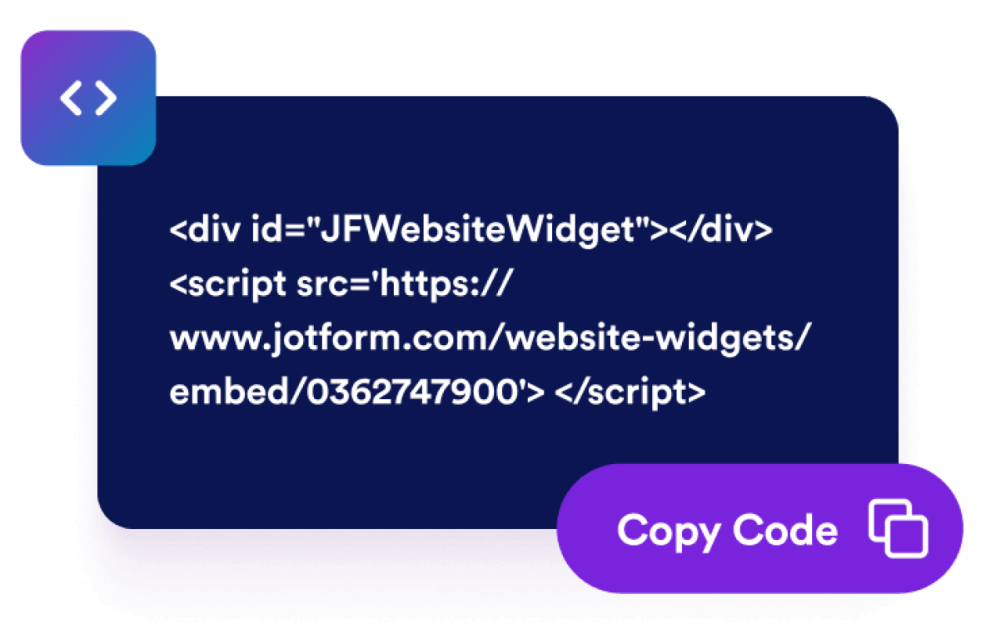
Web sitenize yerleştirin
Widget'ı yayınlamadan önce boyutu, oranı, renkleri, tam ekran davranışını ve görüntüleme kurallarını ayarlayın.
Sayfanıza uyum sağlayan bir karşılaştırma widget'ıyla değişimleri gösterin
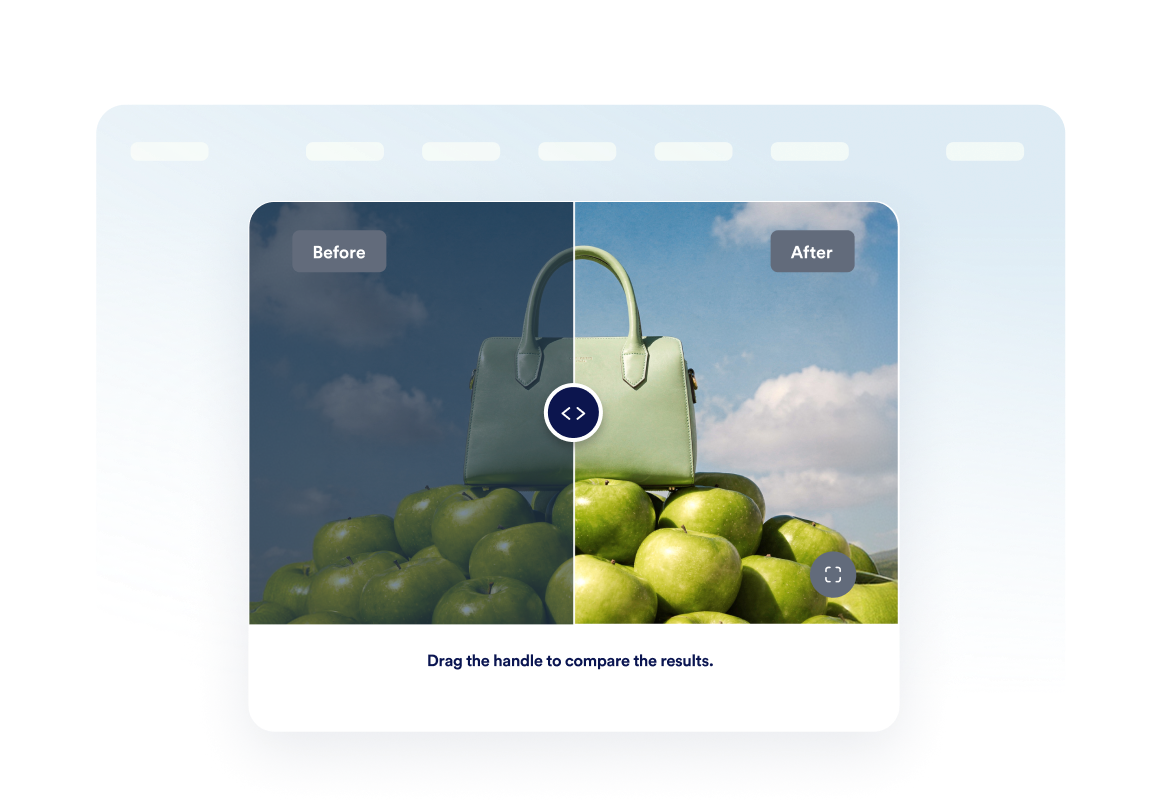
Öncesi ve sonrası görselleri karşılaştırın
İki görseli tek bir alanda karşılaştırarak renovasyon, tasarım, güzellik, onarım veya ürünlerdeki değişiklikleri ziyaretçilerin kolayca fark etmesini sağlayın.
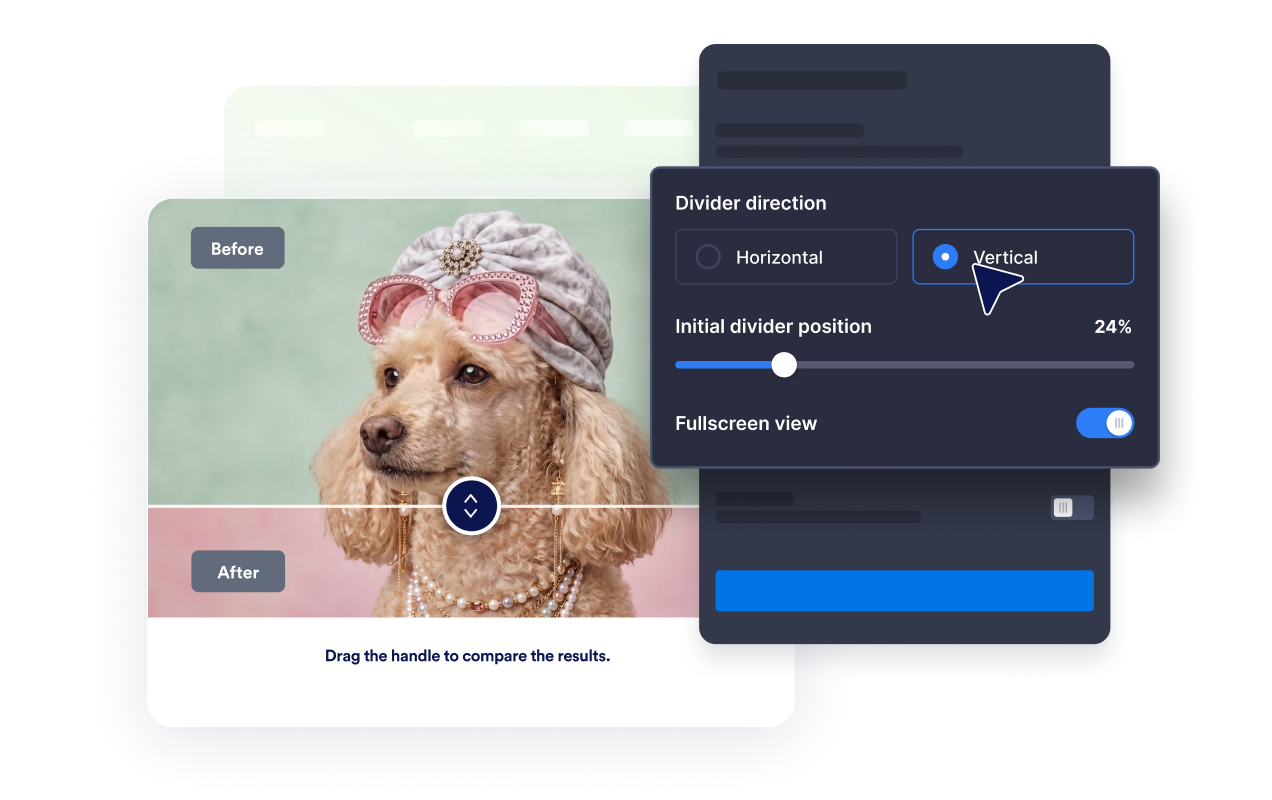
Yatay veya dikey gösterim kullanın
Ayırıcı yönünü karşılaştırdığınız görsellere göre belirleyin ve ziyaretçilerin sürükleyerek, tıklayarak veya fareyle üzerine gelerek değişiklikleri incelemesini sağlayın.
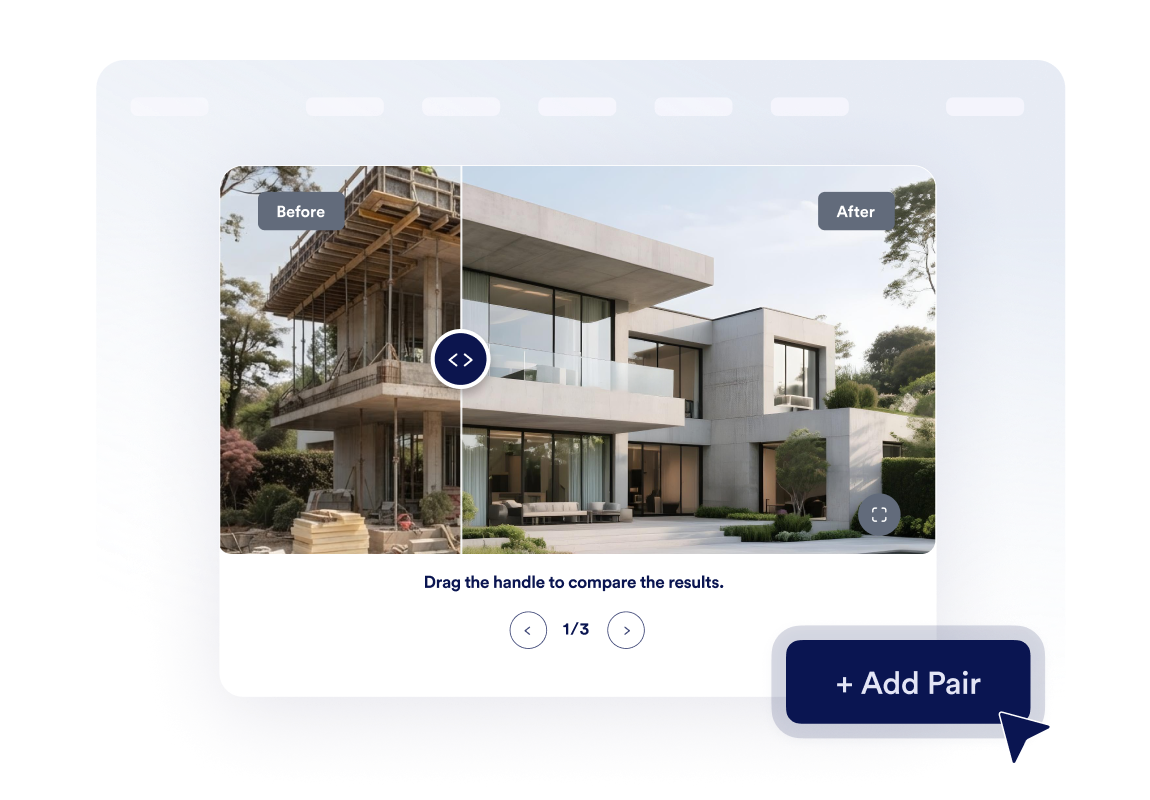
Küçük bir dönüşüm galerisi oluşturun
En fazla üç görsel çifti ekleyin ve karusel gezinmeyi etkinleştirerek ziyaretçilerin birden fazla proje aşamasına veya örnek çalışmaya göz atmasını sağlayın.
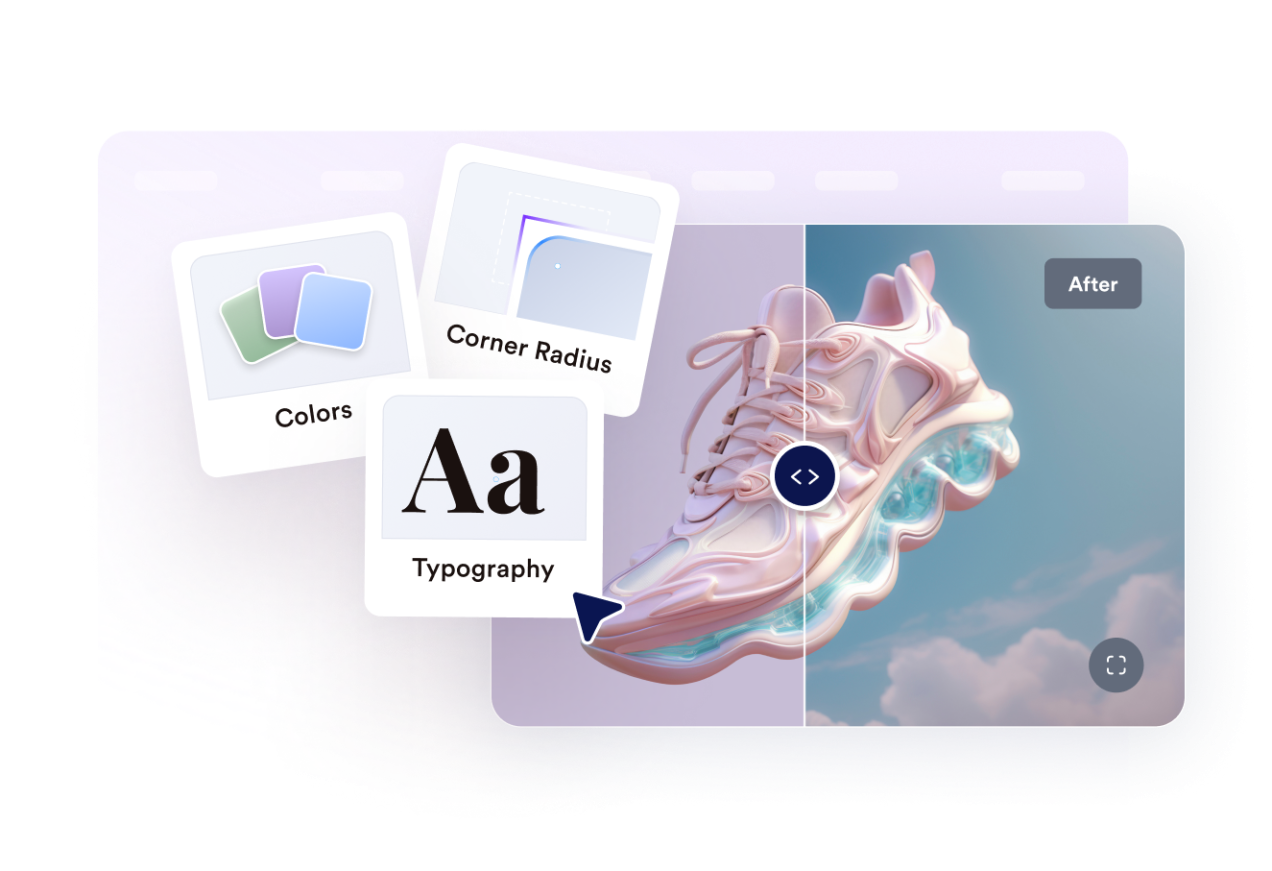
Web sitenizin tarzına uydurun
Genişliği, görsel oranını, köşe yuvarlaklığını, ayırıcı boyutunu, renkleri, etiketleri, açıklamaları, özel CSS'yi, tam ekran modunu ve mobil cihazlardaki görünürlüğü ayarlayın.
Jotform Web Site Widget'ları neden öne çıkıyor
Jotform'un widget'ları web sitenizi daha etkileşimli hale getirir ve dönüşümleri artırır. Yıldızlı değerlendirmelerden ve kullanıcı görüşü kaydırıcılarından sosyal kanıt açılır pencerelerine ve medya yerleştirmelerine kadar birçok araç mevcut. Veri toplamak, kanıt göstermek ve potansiyelmüşteri yakalamak için kod yazmanıza gerek olmadan formlarınıza veya açılış sayfalarınıza widget'lar ekleyin.
Basit bir yerleştirme koduyla Jotform widget'larını web sitenize ekleyin. Bir geliştiriciye ihtiyaç duymadan widget'ı özelleştirin, nasıl göründüğünü önizleyin ve özel HTML ya da yerleştirme bloklarını destekleyen herhangi bir sayfaya yapıştırın.
Potansiyel müşterileri toplamak, müşteri geribildirimlerini göstermek, sosyal kanıt sunmak, medya içeriklerini yerleştirmek veya kullanışlı web sayfası araçları eklemek için Jotform Website Widget'larını kullanın. Her widget, ziyaretçilerin işletmenizle doğrudan web sitenizden etkileşime geçmesine yardımcı olur.
Widget'ınızı kurma, özelleştirme, yerleştirme veya sorun giderme konusunda yardıma ihtiyacınız olursa, Jotform'un müşteri destek ekibi 7/24 hizmetinizdedir. İhtiyacınız olduğunda yardımın hazır olduğunu bilerek güvenle ilerleyebilirsiniz.
Fotoğraf Karşılaştırma widget'ınızı nerelerde kullanabilirsiniz
Görsel bir karşılaştırmanın ziyaretçilerin sonuca güvenmesine, kaliteyi anlamasına veya daha hızlı karar vermesine yardımcı olabileceği her yere widget'ı ekleyin.
Tamamlanan projelerin öncesi ve sonrasındaki değişimi göstermek için renovasyon ve iç tasarım sayfalarında.
Müşterilerin gelişimini veya uygulanan işlemlerin sonuçlarını görsel olarak karşılaştırmak için güzellik, sağlıklı yaşam ve fitness sitelerinde.
Yapılan geliştirmeleri, restorasyonları, düzenlemeleri veya özellik iyileştirmelerini görsel olarak öne çıkarmak için ürün sayfalarında.
Sonuçları görsel olarak daha somut hale getirmek için portföy ve kullanım örneği sayfalarında.
Dekorasyon, onarım, peyzaj veya yenileme çalışmalarının öncesi ve sonrasını karşılaştırmak için emlak ilanlarında.
Rötuşları, mockup'ları, tasarım revizyonlarını veya marka yenilemelerini göstermek için yaratıcı hizmet sayfalarında.
Jotform Form Oluşturucu ile müşteri adaylarını ödeme yapan müşterilere dönüştürün
Jotform ile etkileşimi eyleme dönüştürün. Potansiyel müşterileri yakalayan, ödemeleri alan ve yanıtları otomatikleştiren güçlü formları tek bir yerde oluşturun. Her yanıt, takip edebileceğiniz veya favori uygulamalarınızla bağlantı kurabileceğiniz Jotform Gelen Kutusu'na ulaşır.
Hemen Başla — Ücretsiz!
SSS
Fotoğraf Karşılaştırma widget'ı nedir?
Fotoğraf Karşılaştırma widget'ı, birbiriyle ilişkili iki görseli tek bir etkileşimli çerçevede gösterir. Ziyaretçiler bir ayırıcıyı hareket ettirerek öncesi veya sonrası görselinin daha büyük bir bölümünü görüntüleyebilir ve aradaki değişimi karşılaştırabilir.
Kaydırıcı yönünü seçebilir miyim?
Ziyaretçiler bölücüyü nasıl hareket ettirebilir?
Başlangıç ayırıcı konumunu ayarlayabilir miyim?
Birden fazla karşılaştırma gösterebilir miyim?
Etiket ve açıklama ekleyebilir miyim?
Widget tam ekran görüntülemeyi destekliyor mu?
Mobil cihazlarda çalışır mı?
Kod yazmam gerekir mi?