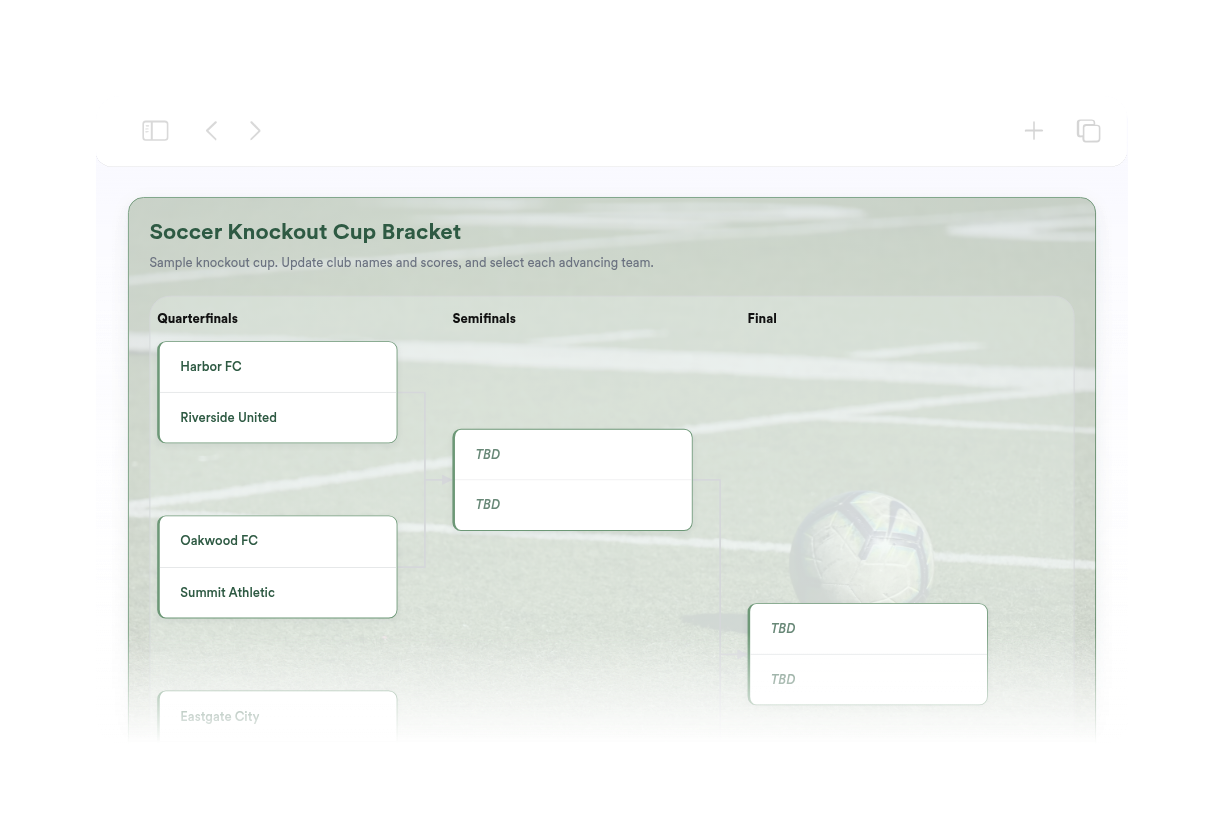
Soccer Bracket Maker
Widget'ınız oluşturulamadı. Lütfen tekrar deneyin.
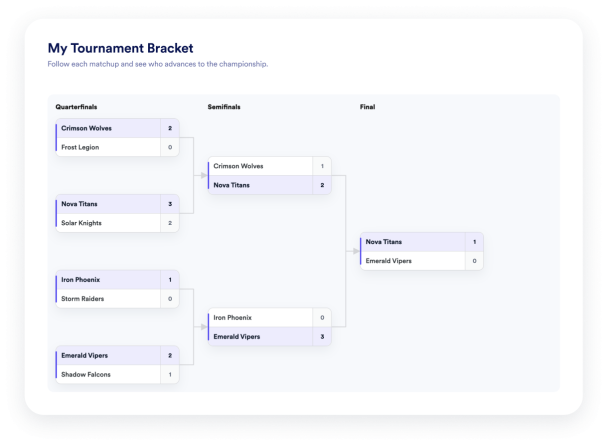

Widget'ınız oluşturulamadı. Lütfen tekrar deneyin.
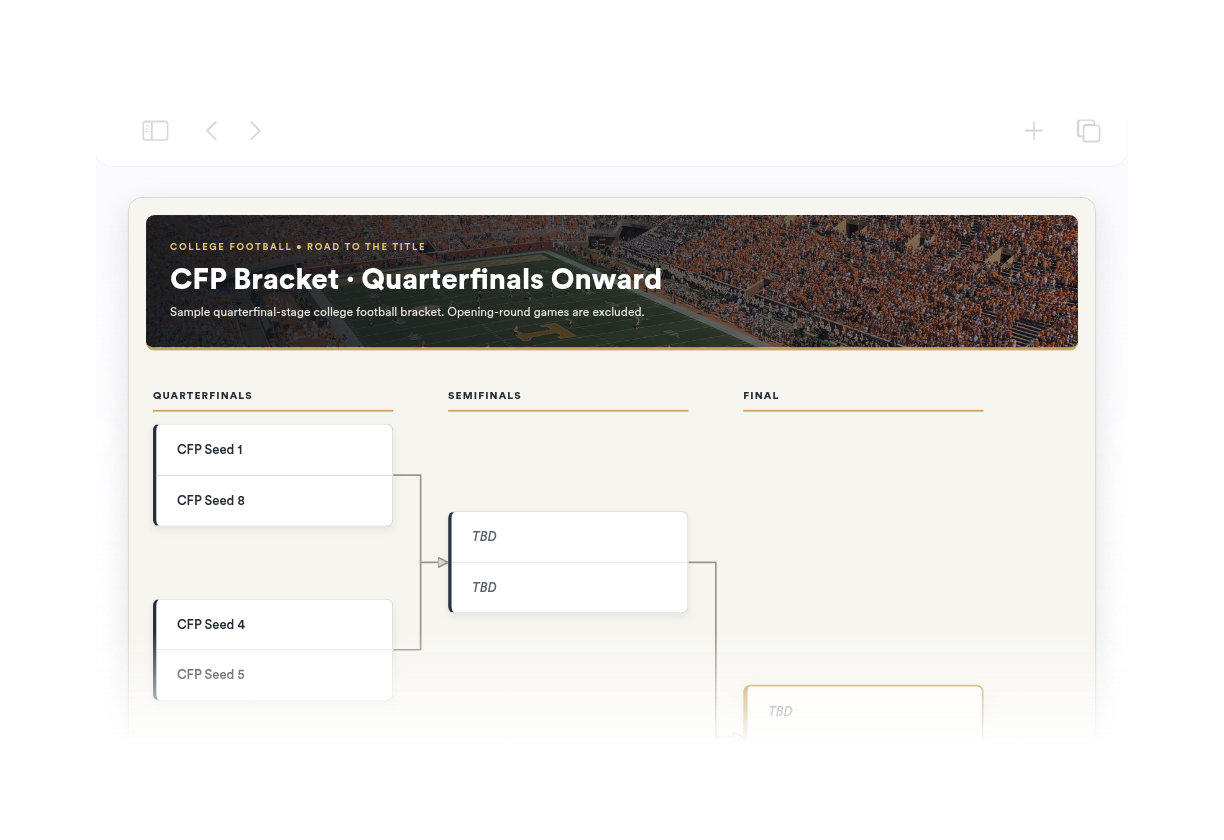
Widget'ınız oluşturulamadı. Lütfen tekrar deneyin.
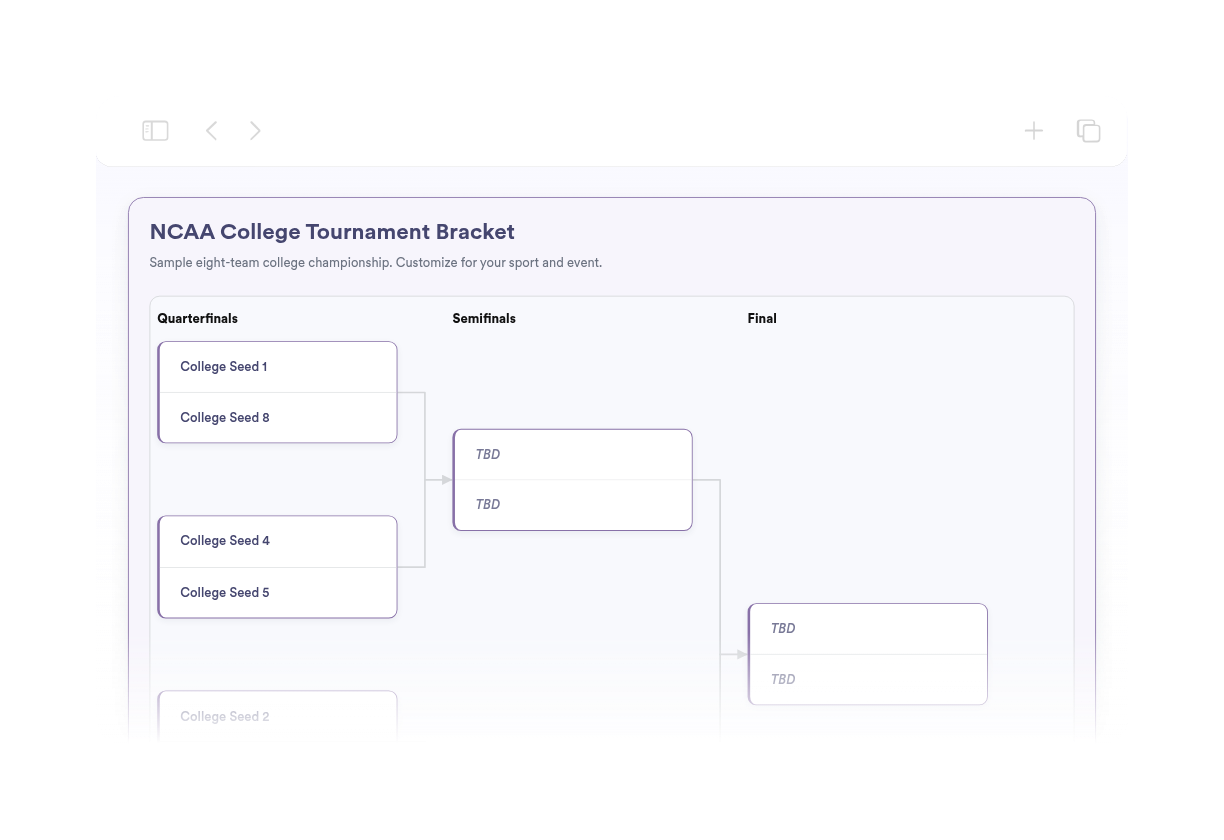
Widget'ınız oluşturulamadı. Lütfen tekrar deneyin.
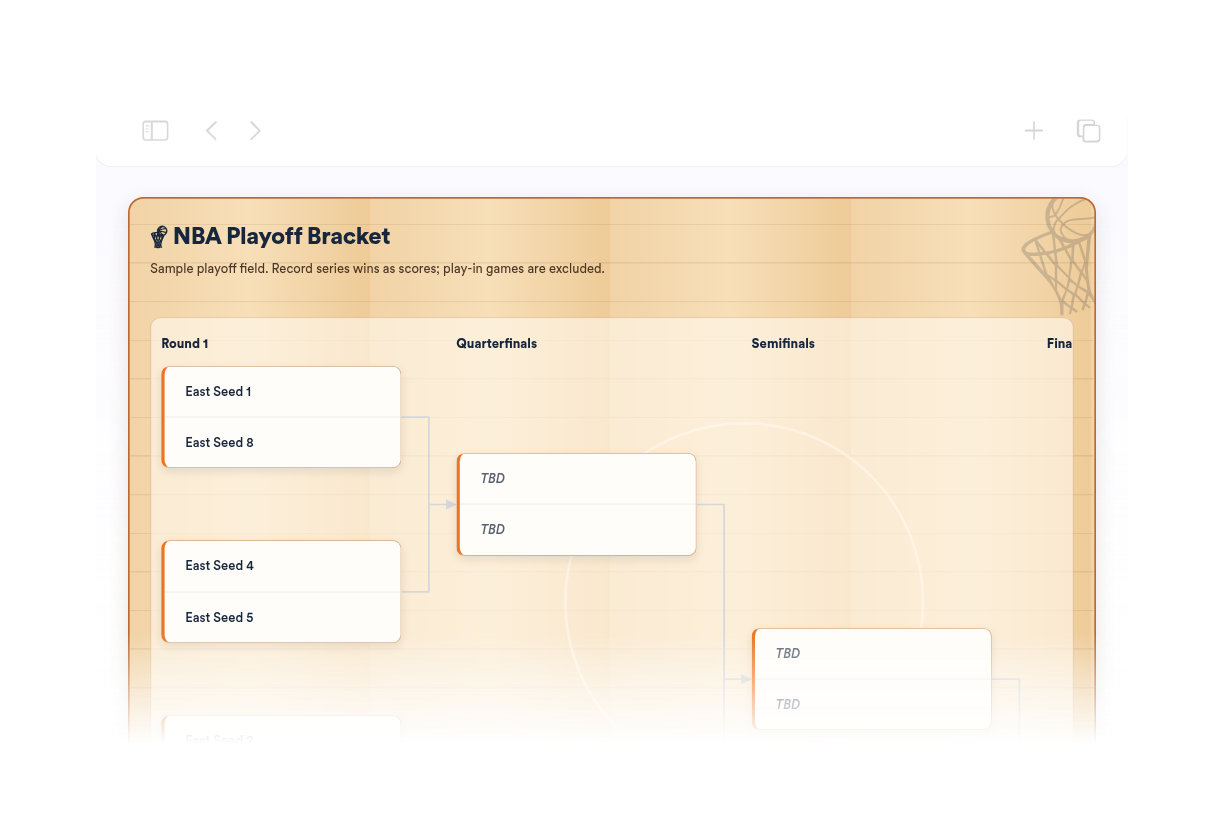
Widget'ınız oluşturulamadı. Lütfen tekrar deneyin.
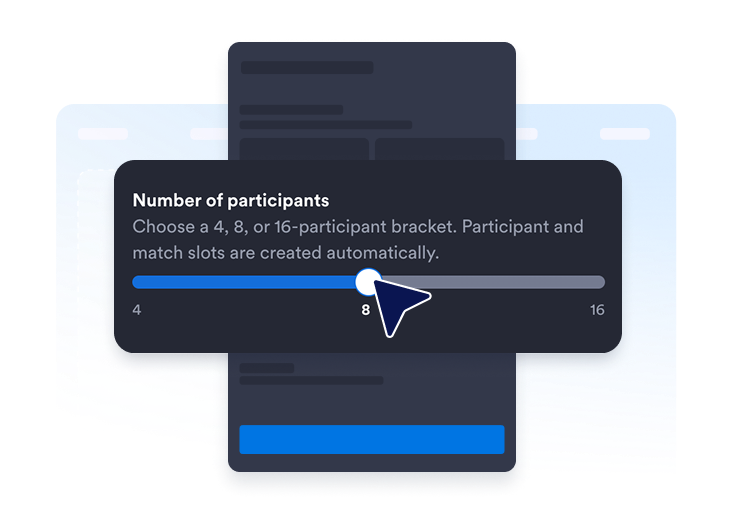
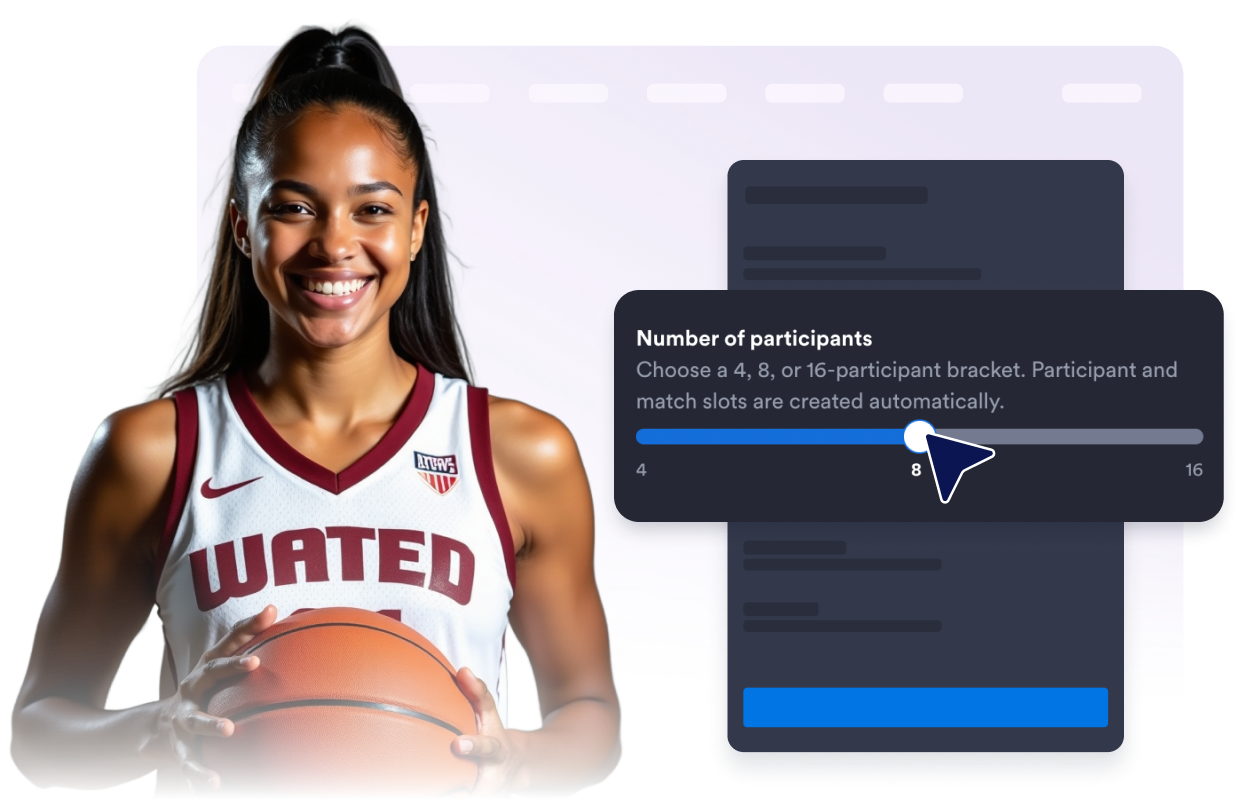
4, 8 veya 16 katılımcı için bir turnuva ağacı seçin. Gerekli katılımcı ve eşleşme yuvaları sizin için oluşturulur.
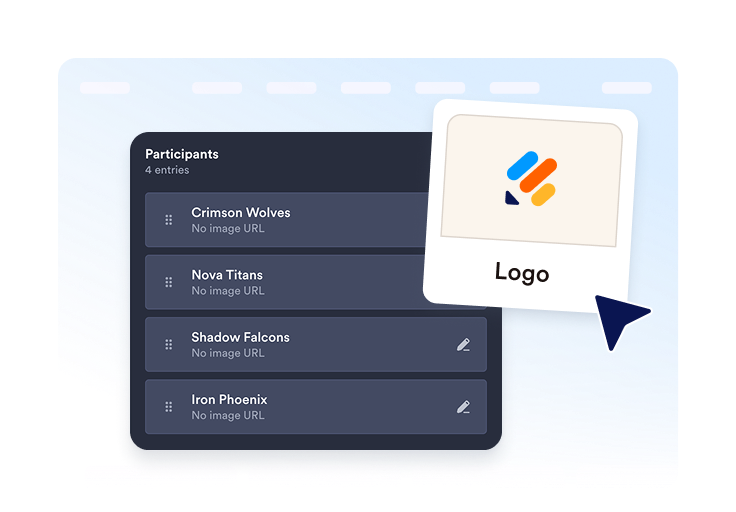
Takımları veya oyuncuları ekleyin, isteğe bağlı logo veya avatarlar ekleyin ve yayınlamadan önce her katılımcının bilgilerini düzenleyin.
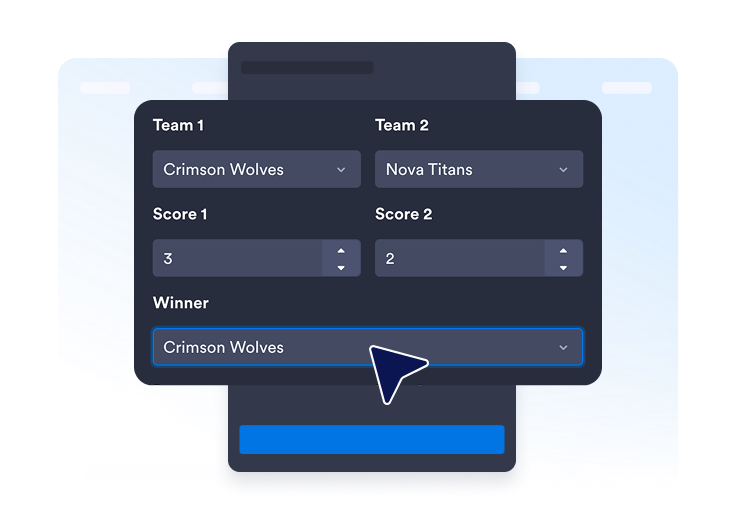
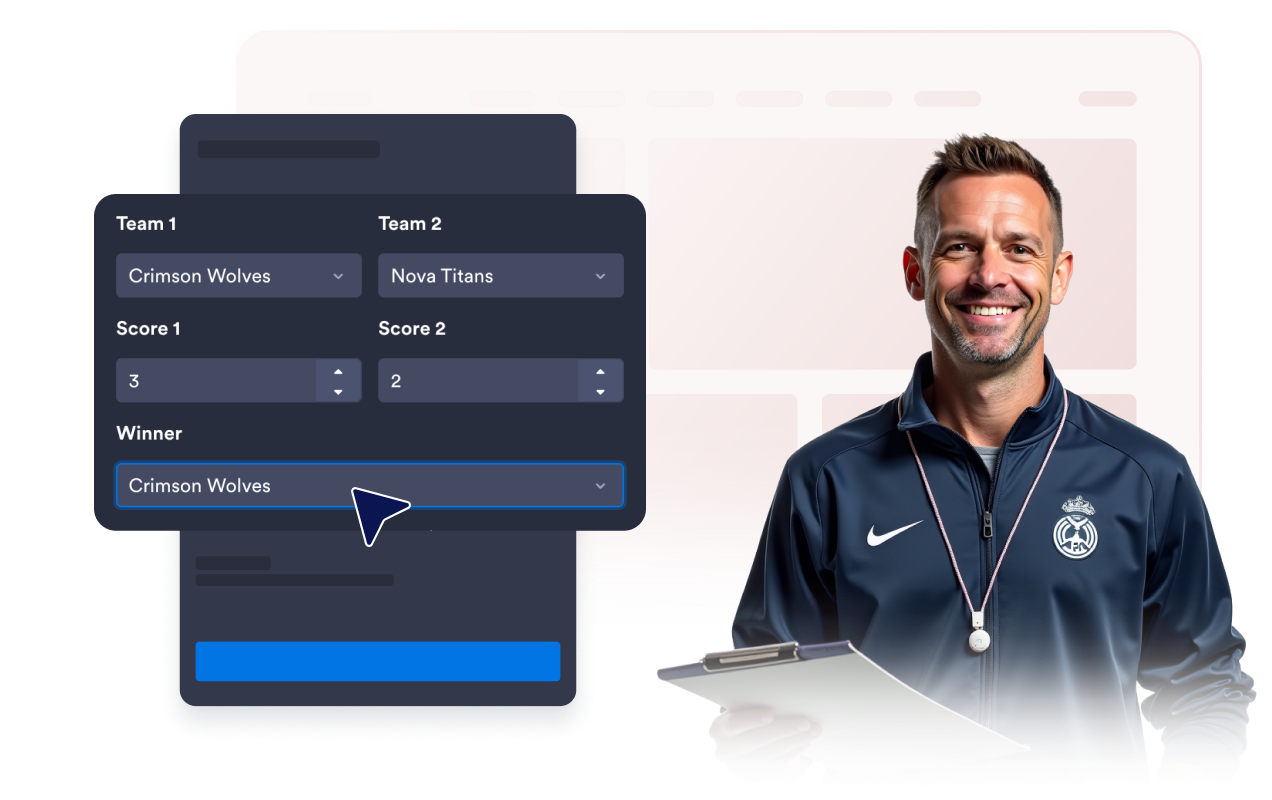
Gerektiğinde skorları, kazananları, tarihleri veya konumları girin. Widget'ı yayınlayın, yerleştirme kodunu kopyalayın ve web sitenize ekleyin.
Etkinliğinize uygun turnuva ağacı boyutunu seçin. Katılımcı ve eşleşme alanları otomatik olarak oluşturulduğu için turnuva ağacını kendiniz hazırlamanız gerekmez.
Katılımcı adlarını düzenleyin, seri başı sıralamalarını belirleyin, isteğe bağlı logo veya avatarlar ekleyin, mevcut katılımcıların kopyalarını oluşturun ve tüm yarışmacıları kolayca yönetin.
Tamamlanan eşleşmeler için skorlar ve kazananları girin. Ziyaretçilerin daha fazla bağlama ihtiyaç duyduğu noktalarda isteğe bağlı tarih veya konumları ekleyin.
Turnuva ağacını sade ve anlaşılır tutmak için başlığı, açıklamayı, tur etiketlerini, skorları, tarihleri ve konumları gösterin veya gizleyin.
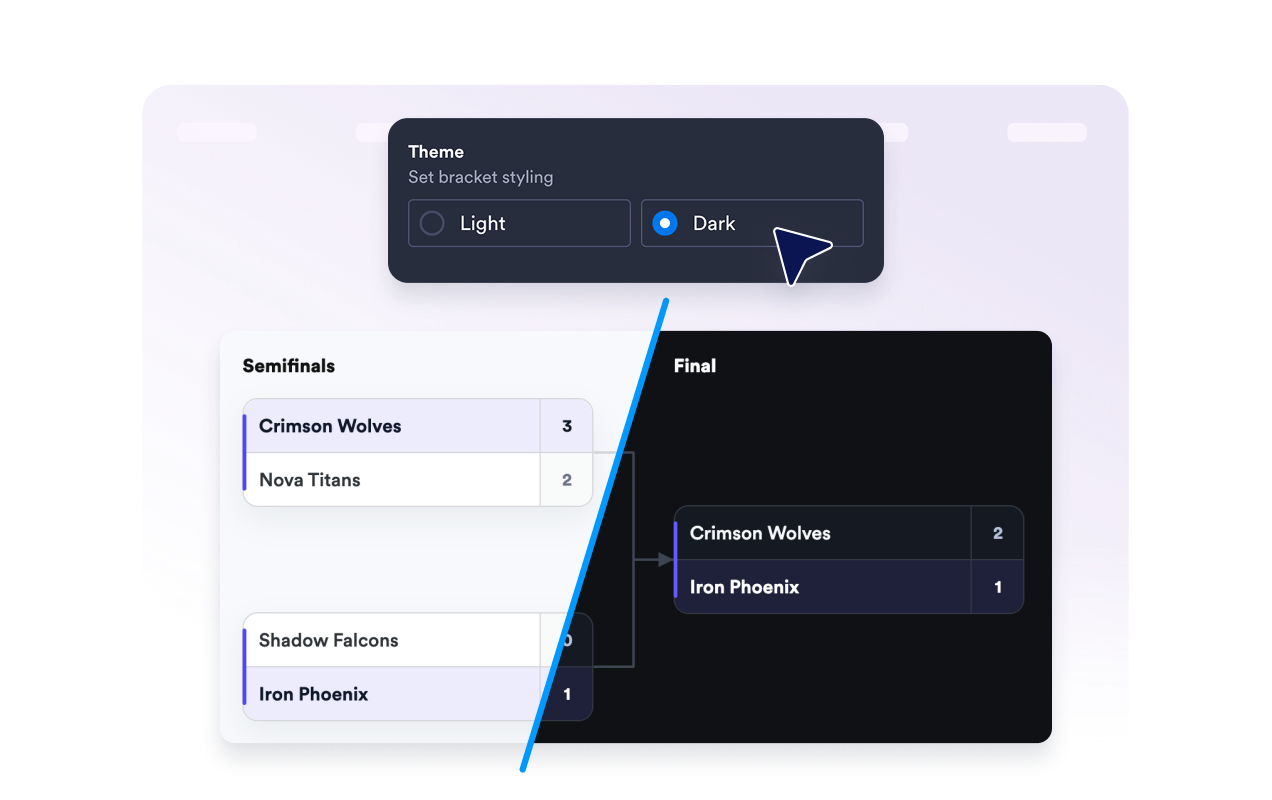
Açık veya koyu tema seçin, maç kartlarının köşe stilini ayarlayın ve Jotform markasını widget'ın altında gösterip göstermeyeceğinizi belirleyin.
Jotform'un widget'ları web sitenizi daha etkileşimli hale getirir ve dönüşümleri artırır. Yıldızlı değerlendirmelerden ve kullanıcı görüşü kaydırıcılarından sosyal kanıt açılır pencerelerine ve medya yerleştirmelerine kadar birçok araç mevcut. Veri toplamak, kanıt göstermek ve potansiyelmüşteri yakalamak için kod yazmanıza gerek olmadan formlarınıza veya açılış sayfalarınıza widget'lar ekleyin.
Basit bir yerleştirme koduyla Jotform widget'larını web sitenize ekleyin. Bir geliştiriciye ihtiyaç duymadan widget'ı özelleştirin, nasıl göründüğünü önizleyin ve özel HTML ya da yerleştirme bloklarını destekleyen herhangi bir sayfaya yapıştırın.
Potansiyel müşterileri toplamak, müşteri geribildirimlerini göstermek, sosyal kanıt sunmak, medya içeriklerini yerleştirmek veya kullanışlı web sayfası araçları eklemek için Jotform Website Widget'larını kullanın. Her widget, ziyaretçilerin işletmenizle doğrudan web sitenizden etkileşime geçmesine yardımcı olur.
Widget'ınızı kurma, özelleştirme, yerleştirme veya sorun giderme konusunda yardıma ihtiyacınız olursa, Jotform'un müşteri destek ekibi 7/24 hizmetinizdedir. İhtiyacınız olduğunda yardımın hazır olduğunu bilerek güvenle ilerleyebilirsiniz.
Ziyaretçilerin turnuva katılımcıları, eşleşmeleri, sonuçları ve ilerlemesi hakkında net bir görünüme ihtiyaç duyduğu her yere bir turnuva ağacı ekleyin.
Okul ligleri, yerel turnuvalar, play-offlar ve şampiyona etkinlikleri için spor ligi web sitelerinde
Online yarışmalar, oyun kulüpleri ve canlı yayın etkinlikleri için oyun ve e-spor sayfalarında
Münazaralar, bilgi yarışması turnuvaları, okuma yarışları ve kulüp etkinlikleri için okul ve sınıf sitelerinde
Ofis yarışmaları, takım oluşturma etkinlikleri ve şirket içi turnuvalar için şirket etkinliği sayfalarında.
Yardım amaçlı etkinlikler, eğlence amaçlı yarışmalar ve mahalle ligleri için topluluk ve sivil toplum kuruluşu web sitelerinde
Teke tek mücadeleler ve turnuva tarzı sonuçlar için yarışma ve eğlence sayfalarında
Jotform ile etkileşimi eyleme dönüştürün. Potansiyel müşterileri yakalayan, ödemeleri alan ve yanıtları otomatikleştiren güçlü formları tek bir yerde oluşturun. Her yanıt, takip edebileceğiniz veya favori uygulamalarınızla bağlantı kurabileceğiniz Jotform Gelen Kutusu'na ulaşır.
Hemen Başla — Ücretsiz!
Turnuva Ağacı Oluşturma widget'ı; web sitenizde katılımcıları, eşleşmeleri, turları, skorları, kazananları ve şampiyonluğa giden yolu gösteren, yerleştirilebilir bir turnuva ekranıdır.

