Web siteniz için Buton Yapma Widget'ı
Ziyaretçileri doğru sonraki adıma yönlendiren, kod gerektirmeyen bir CTA butonu yapın. Tasarlayıp her yere yerleştirebileceğiniz bir butonla bir sayfaya bağlantı verin, arama başlatın, e-posta açın, sohbet başlatın veya sayfanın bir bölümüne kaydırın.
Hemen oluşturun - Ücretsiz!

Buton Yapma widget'ı nasıl oluşturulur
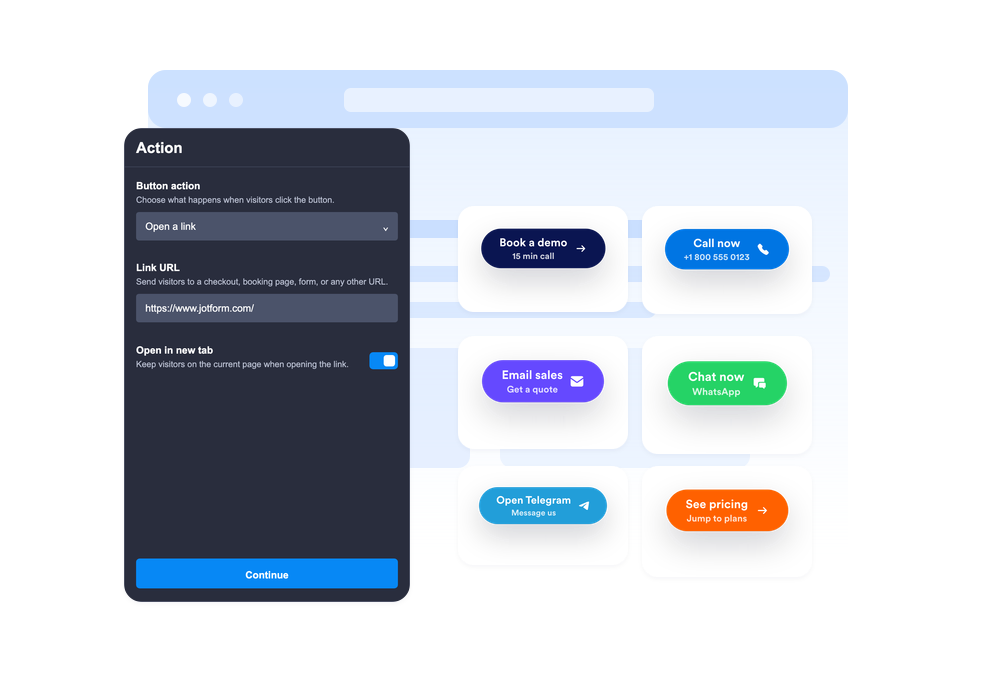
Buton eylemini seçin
Butonun bir bağlantı açmasını, telefon araması başlatmasını, e-posta uygulamasını açmasını, WhatsApp veya Telegram'ı başlatmasını ya da sayfadaki belirli bir bölüme gitmesini seçin.
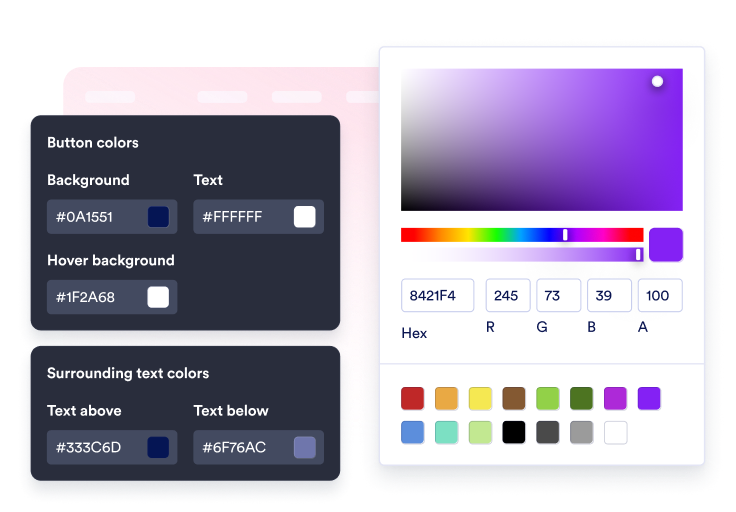
İçeriği ve tarzı özelleştirin
Etiketi, isteğe bağlı ikinci satırı, çevredeki metni, simgeyi, renkleri, boyutu, köşe yumuşaklığını, gölgeyi ve yerleşimi düzenleyin.

Sitenize yerleştirin
CTA'yı bağlam içinde önizleyin, oluşturulan yerleştirme kodunu kopyalayın ve butonu özel kod olmadan web sitenizde yayınlayın.
Ziyaretçileri tek tıklamayla sonraki eyleme yönlendirin
Butonu birden fazla eyleme bağlayın
Satış bağlantıları, kayıt formları, destek e-postaları, telefon aramaları, WhatsApp sohbetleri, Telegram sohbetleri, sosyal profil bağlantıları veya akıcı bölüm geçişleri için tek bir widget kullanın.
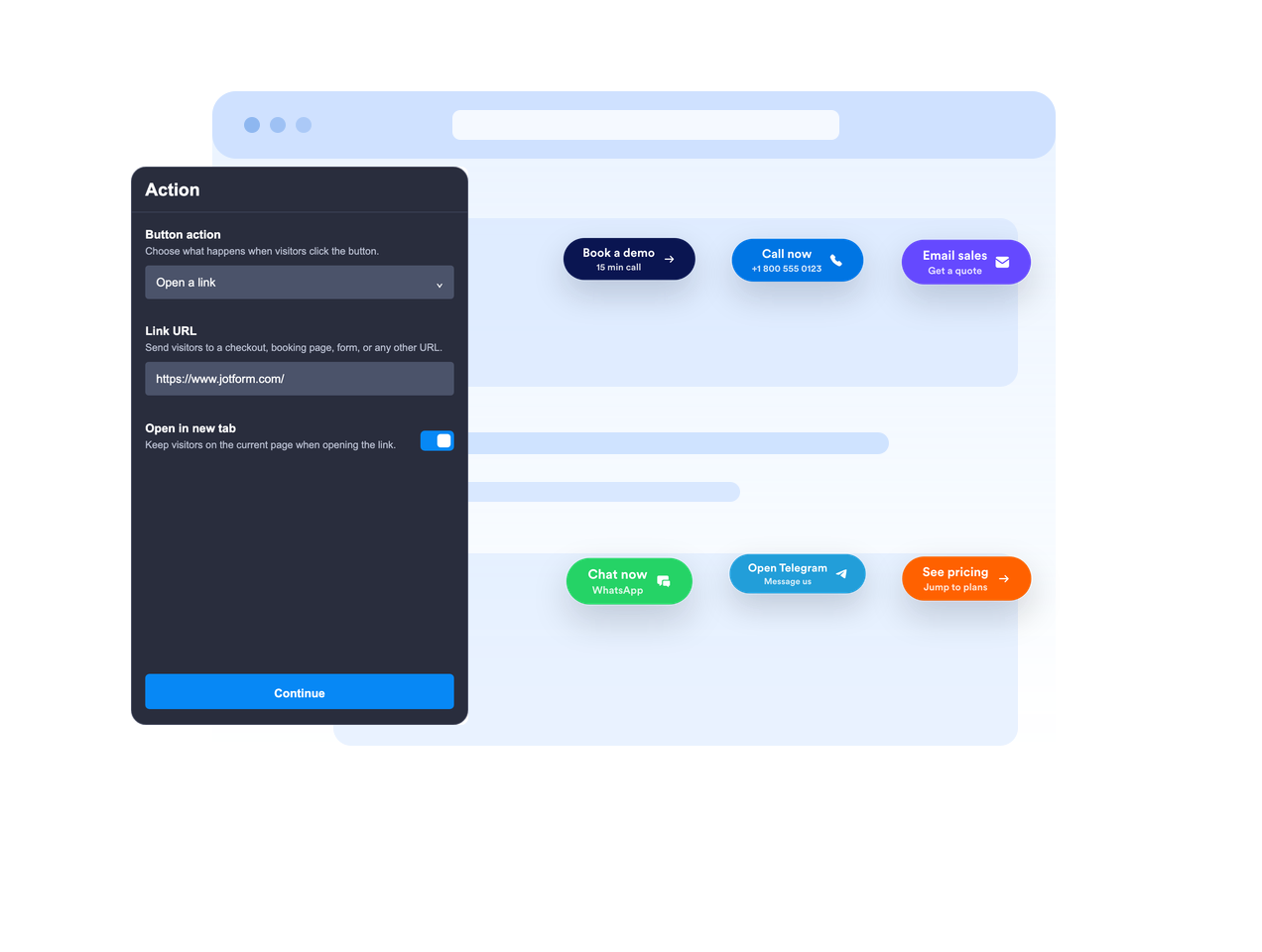
Satır içine yerleştirin veya kayar halde tutun
Butonu sayfa içeriğine yerleştirin veya sabit bir ekran konumunda kayar halde bırakın; böylece ziyaretçiler kaydırırken harekete geçirici mesaj görünür kalır.

CTA mesajını net hale getirin
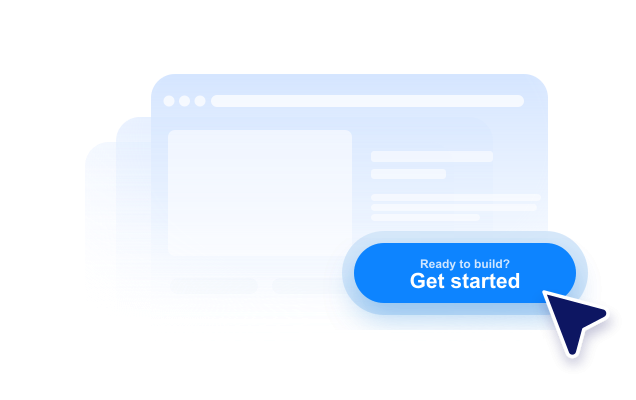
Ziyaretçilere tıklamadan önce yeterli bağlamı vermek için birincil etiket, isteğe bağlı ikinci satır, üstte metin ve altta metin kullanın.
Web sitenizin tarzına uydurun
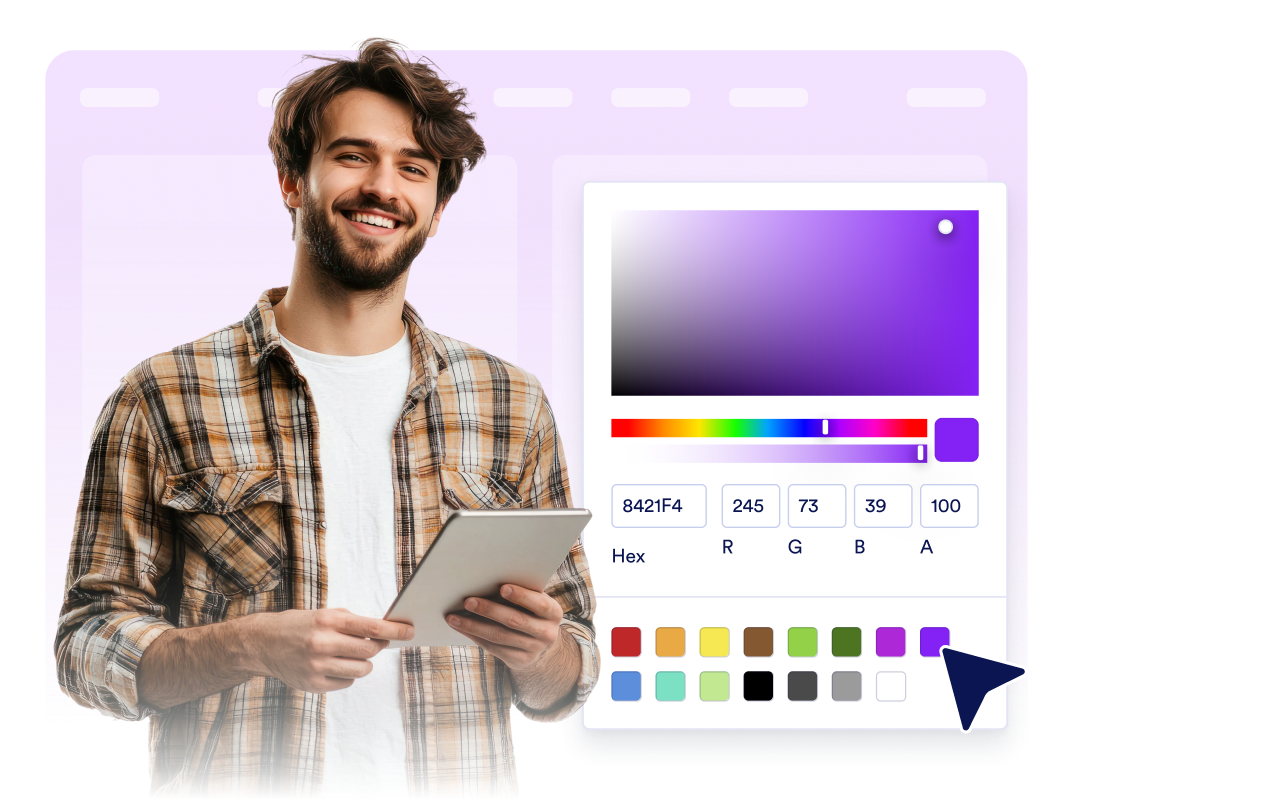
Simge yerleşimini, buton yüksekliğini, dolguyu, yazı tipi boyutunu, renkleri, üzerine gelme rengini, köşe yumuşaklığını, gölgeyi, cihaz görünürlüğünü, markayı ve kapsamlı özel CSS'yi ayarlayın.
Jotform Zaman Çizelgesi Oluşturma Widget'ları neden öne çıkıyor
Jotform'un widget'ları web sitenizi daha etkileşimli hale getirir ve dönüşümleri artırır. Yıldızlı değerlendirmelerden ve kullanıcı görüşü kaydırıcılarından sosyal kanıt açılır pencerelerine ve medya yerleştirmelerine kadar birçok araç mevcut. Veri toplamak, kanıt göstermek ve potansiyelmüşteri yakalamak için kod yazmanıza gerek olmadan formlarınıza veya açılış sayfalarınıza widget'lar ekleyin.
Basit bir yerleştirme koduyla Jotform widget'larını web sitenize ekleyin. Bir geliştiriciye ihtiyaç duymadan widget'ı özelleştirin, nasıl göründüğünü önizleyin ve özel HTML ya da yerleştirme bloklarını destekleyen herhangi bir sayfaya yapıştırın.
Potansiyel müşterileri toplamak, müşteri geribildirimlerini göstermek, sosyal kanıt sunmak, medya içeriklerini yerleştirmek veya kullanışlı web sayfası araçları eklemek için Jotform Website Widget'larını kullanın. Her widget, ziyaretçilerin işletmenizle doğrudan web sitenizden etkileşime geçmesine yardımcı olur.
Widget'ınızı kurma, özelleştirme, yerleştirme veya sorun giderme konusunda yardıma ihtiyacınız olursa, Jotform'un müşteri destek ekibi 7/24 hizmetinizdedir. İhtiyacınız olduğunda yardımın hazır olduğunu bilerek güvenle ilerleyebilirsiniz.
Buton Yapma widget'ınızı nerelerde kullanabilirsiniz
Buton Yapma widget'ını, ziyaretçilerin bir sonraki adımı kolayca görebileceği sayfalarda kullanın. Özellikle en önemli işlemin kolayca bulunması gereken sayfalarda etkili bir çözüm sunar.
Ziyaretçileri kayıt formlarına, fiyatlandırmaya, ödeme sayfasına, rezervasyona veya demo taleplerine yönlendirmek için açılış sayfalarında.
Sepete ekleme, hemen satın alma, satış ekibiyle iletişime geçme veya fiyat teklifi isteme gibi işlemleri öne çıkarmak için ürün sayfalarında.
Tek bir CTA üzerinden e-posta, telefon, WhatsApp veya Telegram konuşmaları başlatmak için destek sayfalarında.
Okuyucuları formlara, indirmelere, tekliflere veya ilgili bölümlere yönlendirmek için blog yazıları ve uzun formatlı kılavuzlarda.
Ziyaretçileri Instagram, Facebook, TikTok, X, Pinterest veya diğer profil bağlantılarına yönlendirmek için sosyal kampanya sayfalarında.
Kompakt bir kayan CTA'nın arama, sohbet veya satın alma işlemlerini hızlandırabileceği yerler olan mobil sayfalarda.
Jotform Form Oluşturucu ile müşteri adaylarını ödeme yapan müşterilere dönüştürün
Jotform ile etkileşimi eyleme dönüştürün. Potansiyel müşterileri yakalayan, ödemeleri alan ve yanıtları otomatikleştiren güçlü formları tek bir yerde oluşturun. Her yanıt, takip edebileceğiniz veya favori uygulamalarınızla bağlantı kurabileceğiniz Jotform Gelen Kutusu'na ulaşır.
Hemen Başla — Ücretsiz!
SSS
Buton Yapma widget'ı nedir?
Buton Yapma widget'ı, web sitenize yerleştirebileceğiniz özelleştirilebilir bir harekete geçirici mesaj butonudur. Buton; bağlantıları, aramaları, e-postaları, sohbetleri ve sayfa bölümlerini açabilir.
Buton hangi eylemleri gerçekleştirebilir?
Buton ekranda kayar konumda durabilir mi?
Buton metnini özelleştirebilir miyim?
Bir simge kullanabilir miyim?
Tasarımı web siteme uyacak şekilde ayarlayabilir miyim?
Buton Yapma widget'ı mobilde çalışır mı?
Kod yazmam gerekir mi?